How to Remove Your Phone Number From TikTok (Privacy Guide)
Your phone number is one of the most sensitive pieces of data an app can hold, and many people don’t realize TikTok still has theirs on file. Removing it limits your exposure if TikTok is ever breached.
This guide walks you through how to remove your phone number from TikTok step by step, why it matters, what to use instead, and how to lock down the rest of your TikTok privacy.
This guide covers managing privacy on your own TikTok account. Always keep a working login method (like email) attached so you don’t lock yourself out when you remove your phone number.
Why Should You Remove Your Phone Number From TikTok?

Leaving your phone number on TikTok carries real privacy costs. Understanding them shows why removal is worth the two minutes it takes.
So removing your phone number from TikTok shrinks your attack surface and your digital footprint at once. The next section shows exactly how to do it.
“Every app holding your phone number is a future breach waiting to expose it. There’s rarely a reason a social app needs your real number long-term — switch to email login and remove the number. It’s the easiest privacy win there is.”
Alex Rivera, CEH, OSCP
How Do You Remove Your Phone Number From TikTok?
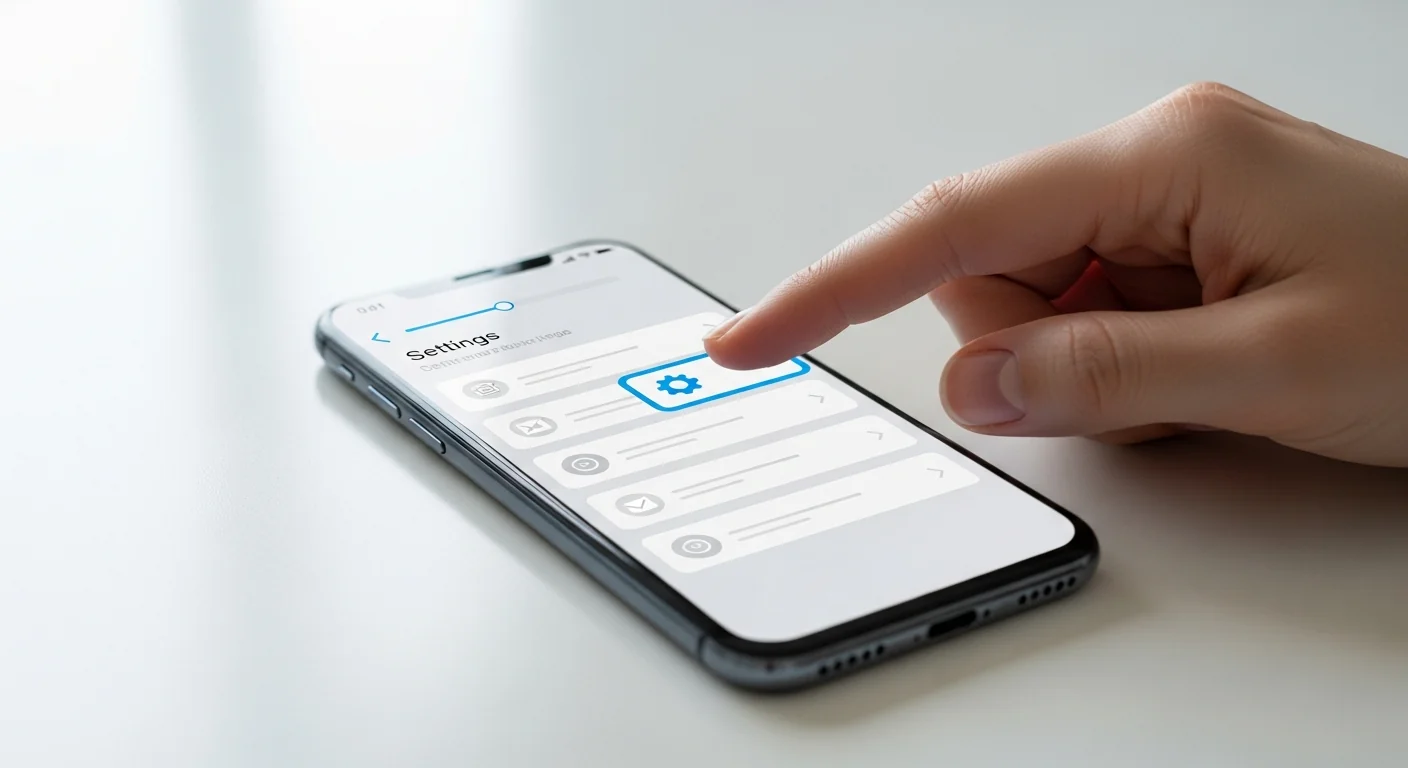
Removing your phone number from TikTok is straightforward, but you must first attach an email so you keep a way to log in. Follow these steps in order.
Once email login and app-based 2FA are set, removing the phone number is safe and reversible. Your account stays fully functional — just less exposed.
Can You Use TikTok Without a Phone Number?
Yes — TikTok works perfectly well with an email address as your login. A phone number is convenient at signup but not required to keep using the app.
Data breaches have exposed billions of phone numbers in recent years — every app you remove your number from is one less place it can leak.
For maximum privacy, an email login (ideally a dedicated one, not your primary address) keeps your real phone number out of TikTok entirely while preserving full access.
What Other TikTok Privacy Settings Should You Change?
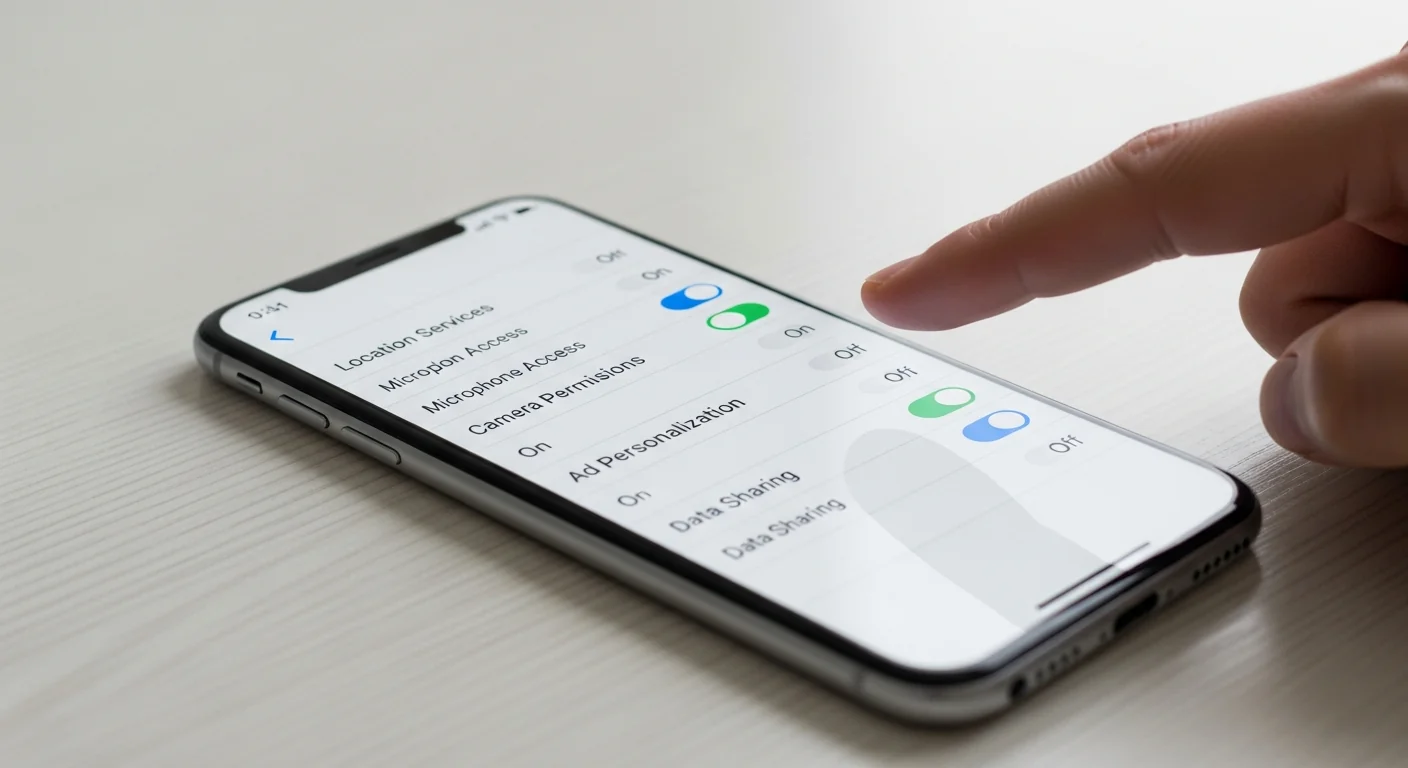
Removing your number is one step; a few more settings dramatically improve your TikTok privacy. Adjust these while you’re in the menus.
| Setting | Recommended Change | Where |
|---|---|---|
| Private account | Turn on for full control of followers | Privacy → Private account |
| Phone number discovery | Disable “find your contacts” | Privacy → Sync contacts |
| Ads personalization | Limit data used for ads | Privacy → Ads |
| Two-factor authentication | Enable via authenticator app | Security → 2-step verification |
| Download your data | Review what TikTok holds | Settings → Account → Download data |
Turn off “Sync contacts and Facebook friends” so TikTok stops uploading your address book — this is a major, often-overlooked privacy leak beyond just your own number.
How Do You Protect Your Number From Apps in General?

TikTok isn’t the only app holding your number. A few habits keep your phone number out of services that don’t truly need it.
“Treat your phone number like a password you can’t easily change — because you can’t. Hand it to as few apps as possible, use email or a virtual number for the rest, and lock the carrier account. That’s modern number hygiene.”
Dr. Sarah Chen, Privacy Researcher
For more on why the number matters, see our guide on what someone can do with your phone number. The FTC’s online privacy guidance covers broader steps.
What If TikTok Won’t Let You Remove Your Number?

Occasionally TikTok won’t remove a number directly — usually because no other login method is attached. A couple of fixes solve this.
If all else fails, you can request account data deletion through TikTok’s privacy tools. But adding an email login almost always unlocks the standard removal option immediately.
Final Thoughts
Removing your phone number from TikTok is a fast, high-value privacy move: add an email login, switch 2FA to an authenticator app, then remove or replace the number. Your account stays fully usable with far less exposure.
Pair it with TikTok’s other privacy settings and good number hygiene across all your apps. Your phone number is hard to change — so the fewer services that hold it, the safer you are.
Frequently Asked Questions
First add and verify an email address under Settings and privacy → Account → Email, so you keep a way to log in. If you use SMS two-factor authentication, switch it to an authenticator app. Then go to Account → Phone number and choose to remove or replace it; TikTok may ask you to verify by email or password. Once an email login is in place, removal is safe and your account stays fully functional. TikTok blocks removal only when the number is your sole login method.
Yes. TikTok works fully with an email address as your login and recovery method, or with a linked Google, Facebook, or Apple sign-in. A phone number is convenient at signup but not required to keep using the app. For the best privacy, attach a verified email — ideally a dedicated one rather than your primary address — and remove the number. You won't lose any features; you'll simply keep your real phone number out of TikTok's records and out of any future breach.
Because every app holding your number is a future breach risk. Leaked phone numbers fuel SIM swapping, spam, and phishing, and a linked number ties TikTok to your real identity and other accounts that use it for recovery. Removing it shrinks your attack surface and makes you harder to track across services. Social apps rarely need your real number long-term — an email login does the same job with far less exposure, so removal is one of the easiest privacy wins available.
If your two-factor authentication relied on SMS codes to that number, you'd lose it — so switch 2FA to an authenticator app before removing the number. In TikTok, go to Security → 2-step verification and enable the authenticator option. This keeps your account protected without depending on the phone number, and it's actually more secure since authenticator codes can't be intercepted by a SIM swap. Once app-based 2FA is active, removing the number leaves your security intact or improved.
This almost always means the number is your only login method. Add and verify an email address (or link a Google/Apple account) first, and the remove option will appear. If removal still isn't offered, replace the number with a secondary or virtual one you control instead. As a last resort, contact TikTok support or use its data-deletion request to clear the number. In practice, attaching an alternate login unlocks the standard removal flow right away.