Can Someone Hack My Cell Phone With Just My Phone Number?

Your phone number feels harmless to share — but “can someone hack my cell phone with just my phone number?” is a fair question with a nuanced answer. A number alone can’t plant malware, yet it’s the key to some very real attacks worth understanding.
This guide explains, for defensive purposes, what someone can and can’t do with your phone number, how attacks like SIM swapping actually work, the warning signs, and how to protect your number. It’s written to keep you safe.
This guide is for protecting your own phone number and accounts. Using these techniques against others is illegal under the Computer Fraud and Abuse Act and state laws.
Can Someone Hack Your Phone With Just Your Number?

The direct answer is no — a phone number by itself can’t compromise your device. But it can be the first step in attacks that target your accounts rather than your phone.
So the device is safe from the number alone, but your accounts aren’t — if the number itself gets hijacked. That’s the risk the next sections address.
“A phone number can’t hack your phone, but it can hack your life. It’s the recovery key to your email, bank, and crypto. Attackers don’t break the phone — they steal the number and reset everything from there.”
Alex Rivera, CEH, OSCP
What Can Someone Actually Do With Your Phone Number?

A phone number in the wrong hands enables several real attacks — all targeting your accounts and identity rather than the device itself. Knowing them shows what to guard.
Every real attack uses the number to reach your accounts, not to crack the phone. Defend the number and your account-recovery settings, and these threats lose their power.
What Is SIM Swapping and How Does It Work?
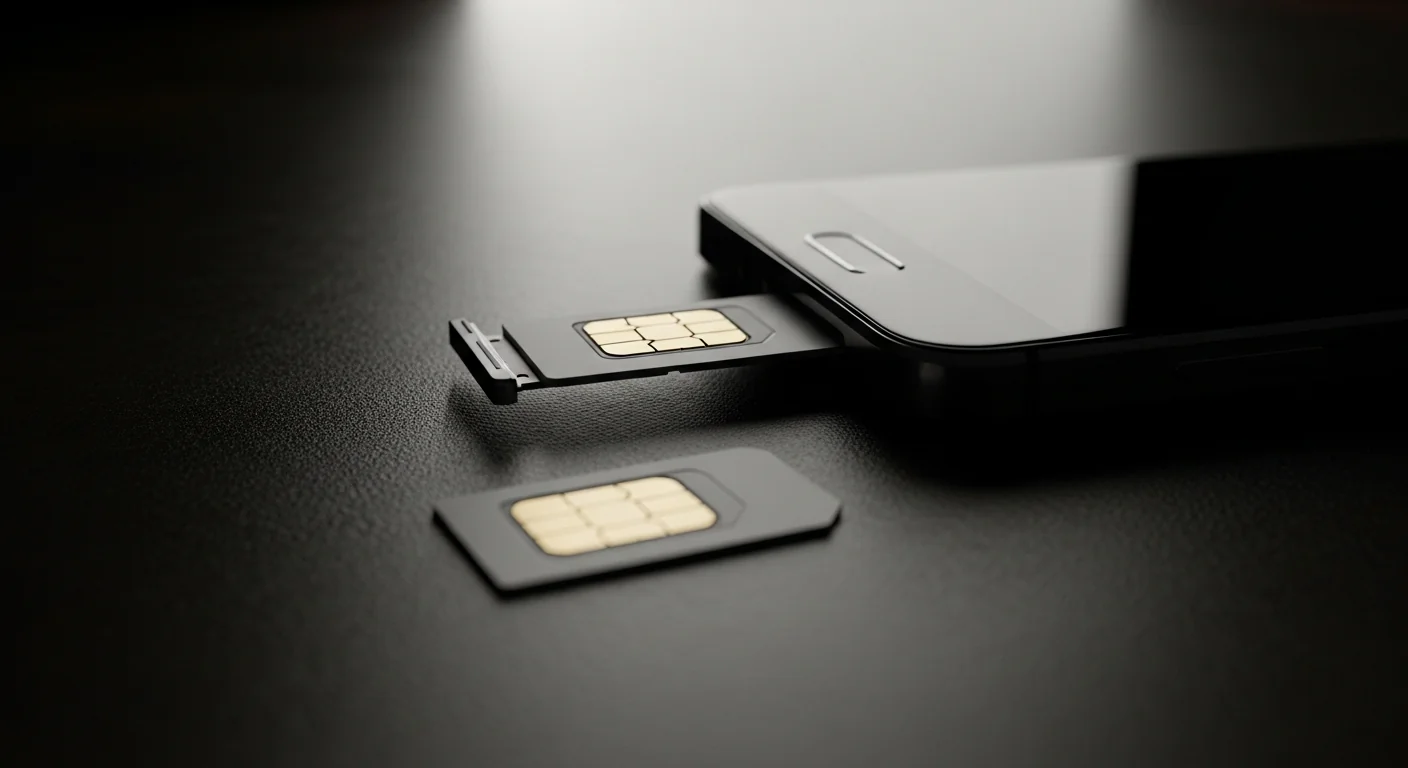
SIM swapping is the most serious phone-number attack, because it hands the attacker your calls, texts, and verification codes. It’s worth understanding in detail.
Sudden, unexplained loss of cell service — no calls, no texts, “SOS only” — can mean a SIM swap in progress. Contact your carrier immediately from another phone if this happens.
What Are the Signs Your Number Has Been Compromised?
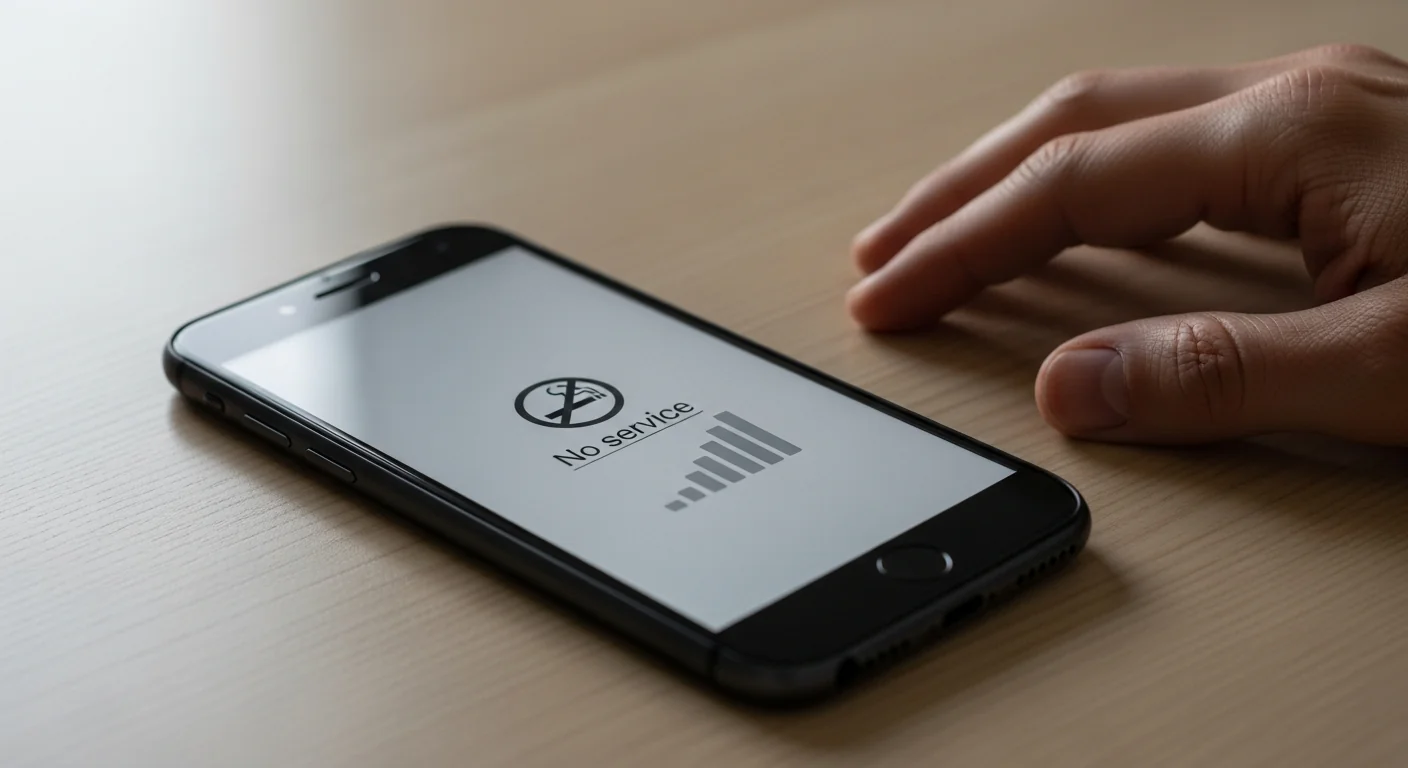
A hijacked phone number leaves clear signals if you know what to watch for. A cluster appearing together demands immediate action.
| Sign | What It Suggests | Action |
|---|---|---|
| Sudden loss of service | Possible SIM swap | Call carrier from another phone |
| Unexpected 2FA / reset codes | Someone targeting your accounts | Secure accounts, don’t share codes |
| Locked out of accounts | Number used to reset passwords | Recover and re-secure accounts |
| “Number transferred” notice | Active port-out attack | Contact carrier urgently |
| Contacts get scams from you | Number used for smishing | Warn contacts, report to carrier |
Set up account alerts with your carrier for any SIM or port-out request. Many carriers can notify or require extra verification before moving your number — turn this on.
How Do You Protect Your Phone Number?
Because the number is a recovery key, protecting it is mostly about hardening your carrier account and your 2FA. A few steps cover the real risks.
“The two moves that matter: a port-out PIN at your carrier, and authenticator-app 2FA instead of SMS. Do both and a stolen number becomes nearly useless to an attacker. Most victims had neither.”
Dr. Sarah Chen, Cybersecurity Researcher
Set these up once and your number stops being a weak link. The FCC’s SIM-swap protection guide details the carrier steps.
What Should You Do If Your Number Is Compromised?

If you suspect your number has been hijacked, fast and ordered action limits the damage. Work through these steps right away.
If accounts were drained or misused, see our guide on recovering after a phone hack. Acting within minutes of a SIM swap is what saves your accounts.
Final Thoughts
No one can hack your phone with just your phone number — but they can hijack the number itself through SIM swapping and use it to reset your accounts. The threat is to your accounts and identity, not the device.
Set a carrier port-out PIN, switch to authenticator-app 2FA, and watch for sudden service loss. Those steps turn your phone number from a weak link into a dead end for attackers.
Frequently Asked Questions
No — a phone number alone can't install malware, read your messages, or access your device remotely. Any site claiming to "hack any phone by number" is a scam. What a number can do is serve as a recovery key: through SIM swapping or phishing, attackers can hijack the number and use it to reset passwords on accounts that verify by SMS. So the device is safe from the number itself, but your accounts aren't if the number gets stolen. Protect it with a carrier PIN and app-based 2FA.
Quite a bit, all targeting your accounts rather than your phone. They can attempt a SIM swap to receive your calls, texts, and 2FA codes; send convincing phishing texts impersonating your bank; trigger SMS password resets on your accounts; and search the number against data brokers to build a profile for targeted scams. None of this hacks the device directly — it exploits the number's role in account recovery. A carrier port-out PIN and authenticator-app 2FA neutralize most of these.
SIM swapping is when an attacker convinces your mobile carrier to transfer your phone number to a SIM card they control. Using personal details often gathered from data breaches, they pose as you and claim a lost or replaced phone. Once the number moves, your phone loses service and theirs receives your calls, texts, and verification codes — letting them reset passwords on email, banking, and crypto accounts. It targets the carrier's support process, not your phone, and a port-out PIN plus app-based 2FA are the main defenses.
The clearest sign is a sudden, unexplained loss of cell service — no calls or texts, often showing "SOS only" or "No Service" when you should have signal. You might also receive a "your number has been transferred" notice, unexpected 2FA codes, or find yourself locked out of accounts. If your service drops without reason, contact your carrier immediately from another phone — a SIM swap is a race against time. The faster you reverse it and lock your account, the more you protect.
Two steps cover most of the risk. First, set a port-out PIN or account passcode with your carrier so no one can transfer your number without it — every major US carrier offers this. Second, switch two-factor authentication from SMS to an authenticator app or hardware key, which removes the value of your number to an attacker. Also opt out of people-search sites to limit exposure, and never share verification codes. Together these turn a stolen number into a dead end.