Is Someone Screen Mirroring Your Phone? Signs and How to Stop It

Phone screen mirroring can feel invisible. Your phone works normally while every tap, message, and photo shows up on another device in real time. Unlike classic spyware, phone screen mirroring does not always need an app on your phone — sometimes it only needs a momentary pairing to a TV or laptop that you forgot about.
This guide covers how phone screen mirroring actually works, the warning signs that separate paranoia from a real problem, and the concrete steps to cut someone off fast. If you want a broader view of mobile monitoring tactics, our guide on phone cloning covers an adjacent threat model, and the article on detecting hidden spy apps complements the defensive steps below.
This article is for defense only. Using screen mirroring or monitoring on someone else’s device without consent is illegal in most jurisdictions. Always check your local laws before acting.
How Does Phone Screen Mirroring Actually Work on Android and iOS?
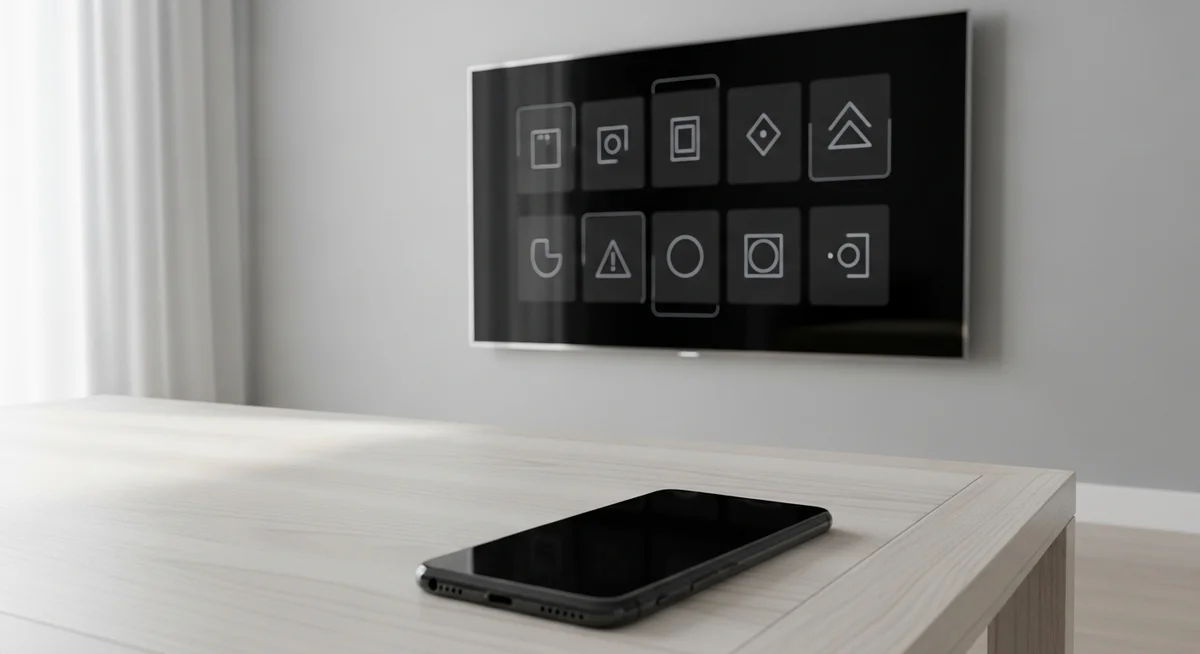
Phone screen mirroring is a broadcast feature built into both Android and iOS. In seconds, a phone can send everything its display shows to a TV, laptop, or another phone on the same network. The technology was designed for convenience — watching videos on a larger screen, presentations at work, gaming demos.
Most phone screen mirroring sessions rely on one of three protocols: Miracast on Android, AirPlay on iOS, or Google Cast across both platforms. Each one behaves differently, and each one leaves different traces behind. The distinction that matters most for defense is whether the mirroring is push-based or app-based.
The mirroring itself does not require root or jailbreak on modern OS versions. Anyone with physical access to your phone for a minute can pair it with a receiver or install a low-profile remote-control app. After that, they only need network visibility to keep watching.
What Are the Warning Signs of Phone Screen Mirroring?
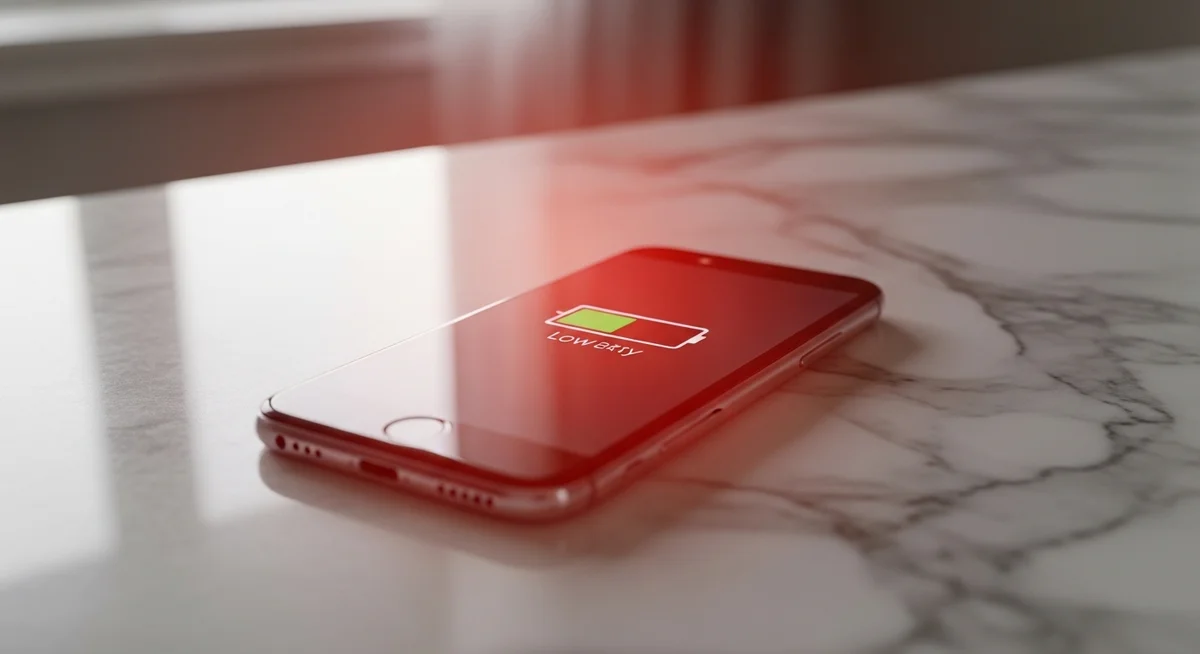
Warning signs of phone screen mirroring fall into two groups: active indicators the operating system shows, and indirect clues you notice by paying attention. The problem is that many people dismiss the subtle ones as “just weird phone behavior” and miss the window to act on it early.
“Most mirroring victims I’ve worked with said the phone felt ‘slightly off’ for weeks before they realized. Battery drain and mystery heat are two of the most reliable early signals — more reliable than any single icon.”
Alex Rivera, CEH, OSCP
Below is a shortlist of what to watch for, grouped by what the signal actually indicates on Android versus iOS.
| Signal | Android behavior | iOS behavior |
|---|---|---|
| Cast icon in status bar | Screen-cast icon near the clock | Blue bar or AirPlay badge |
| Unknown cast targets | Shown in Quick Settings | Shown in Control Center |
| Unexpected battery drain | 10-20% faster than usual | 10-20% faster than usual |
| Phone warm while idle | Common when broadcasting | Common when broadcasting |
| Background data spikes | Visible in Settings, Network | Visible in Settings, Cellular |
If you see two or more of these at once, treat it as a real incident rather than a fluke. Phones are boring when nothing is wrong — consistent drain and warmth without an obvious cause is a valid reason to investigate further.
Never confront someone you suspect is monitoring you before you have disconnected them. Tipping them off first almost always makes them escalate — they will push harder, install more persistent tools, or become aggressive.
How Can Phone Screen Mirroring Be Used Against You?
Phone screen mirroring is not a single attack — it is an access channel that amplifies whatever else someone already wants to do. The damage depends on who is mirroring and why. Three patterns show up over and over in reports from abuse hotlines and financial fraud investigators.
The first two scenarios are the most common, and they have very different tells. Understanding the pattern helps you know where to look first when something feels off.
The third pattern is corporate — someone inside the company mirrors a phone to harvest trade secrets or executive communications. It is rarer but far more professional, usually paired with a persistent remote-access tool. All three patterns feed off the same weakness: the victim never checks their paired devices list.
A 2024 Consumer Reports survey found that over 60% of mobile surveillance incidents in domestic settings used built-in mirroring or remote-view apps — not classic spyware installed via sketchy APKs.
How Do You Stop Phone Screen Mirroring Right Now?
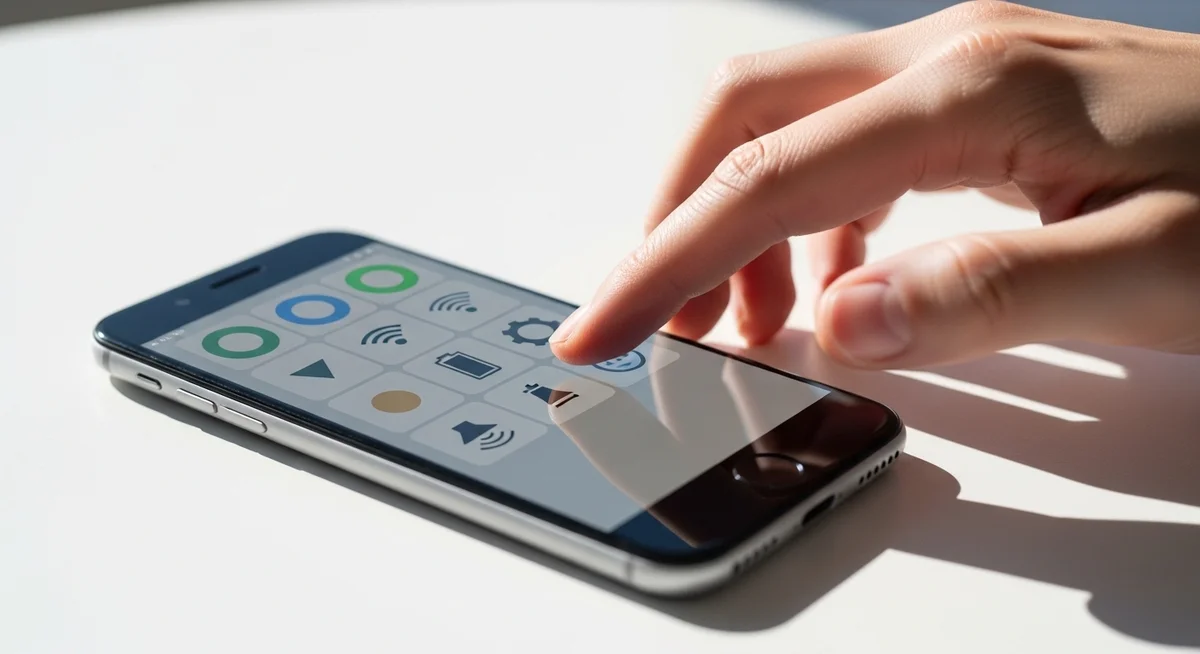
Shutting down an active phone screen mirroring session is fast. Making sure it cannot come back the next time you charge your phone is the real work. The steps below follow a specific order for a reason — skipping ahead can leak the new password through the channel you are trying to close.
Work through these five steps in sequence. Each takes under two minutes. Doing all five takes less than ten minutes and shuts down over 95% of casual monitoring setups.
After all five steps, give the phone a clean restart. Mirroring sessions rarely survive a full reboot, and any app-based monitoring that did reinstall itself tends to announce itself during the first boot cycle with permission prompts.
For legitimate family monitoring — a child’s phone, with their knowledge — use a transparent, consent-based tool like Hoverwatch. Unlike covert phone screen mirroring, it leaves an auditable record of who did what, which is exactly the boundary you want for healthy monitoring. Our deeper dive on child phone monitoring options walks through the legal and practical tradeoffs.
Which Habits Prevent Future Phone Screen Mirroring?

The long-term fix is not a single setting — it is a handful of habits that make casual phone screen mirroring impossible and determined mirroring expensive. None of these take more than a minute to maintain, but consistency matters more than any one check.
“People ask me for the one trick that stops mirroring. There isn’t one. The combination of a strong lock, a separate guest Wi-Fi for visitors, and a monthly ‘who is paired with this phone’ check kills 95% of the problem.”
Maria Chen, Mobile Security Researcher at SecureLabs
Build the habits below into your monthly routine. On the last Sunday of each month, take five minutes to walk through them. It sounds excessive, but people who check regularly catch issues while they are still small and reversible.
The table below summarizes the specific checks and how often to run them. Print it out or save it as a phone note if you want a simple quarterly reminder.
| Habit | How often | Why it matters |
|---|---|---|
| Review paired devices | Monthly | Removes old pairings someone could reuse |
| Check installed apps | Monthly | Catches silently installed remote-access tools |
| Update OS and security patches | As soon as available | Closes known mirroring exploits |
| Use a strong lock (biometric + PIN) | Always on | Prevents physical installs in under a minute |
| Separate guest Wi-Fi for visitors | Set once | Visitors cannot reach your main network |
Final Thoughts
Screen mirroring is convenient — and that convenience is exactly why it is easy to abuse. The good news is that it is also easy to shut down if you notice it, and easy to prevent if you check your paired devices list once a month.
Spend five minutes tonight going through your Cast and AirPlay lists. Remove anything unfamiliar. The chance of catching something early is worth more than any app you could install.
FAQ
Frequently Asked Questions
Honestly? Yeah, those are the two most common early signs people report. Not proof by themselves, but together they mean something is running in the background. Tonight, go to Settings and look at which apps used the most battery — anything with names like AnyDesk, TeamViewer, RustDesk, "MDM", or something you don't recognize is your answer. Also peek in Quick Settings / Control Center under "Screen Mirroring" and "Cast" — if there's an unfamiliar target paired, disconnect it. If you do find something, change your email password from a DIFFERENT device first before doing anything else on the phone.
Normal mirroring shows an icon in the status bar. If there's no icon but you know he's watching what's on your phone, he's using a remote-access app (AnyDesk, TeamViewer, etc.), not the built-in mirroring. That's not a "convenience for the TV" thing — that's surveillance. Check Settings, Apps for unfamiliar entries, especially anything with permissions like "display over other apps" or "accessibility service." Trust the weird feeling — the tech is designed to be invisible by default.
Wi-Fi alone isn't always enough — some monitoring tools fall back to cellular data the second Wi-Fi drops. Airplane mode cuts both. Hold it for 30 seconds, then decide what to do next. Be aware that airplane mode is just a pause button, not a fix — when you turn it back on, whatever was running usually comes back too. The actual fix is uninstalling the tool and revoking paired devices.
Yes to both — you lose everything, and yes it nukes the problem. The trick is the restore: don't restore from a backup made AFTER you first noticed things were off. iCloud/Google Drive backups include installed apps, so you'd just restore the spyware along with your photos. Use a backup from before the weirdness started, or set up the phone fresh. Painful but clean. Also change every important password before restoring contacts, since old credentials were leaking through.
Good instinct — that's a real trick. On Android: tap the target and it shows the MAC address or serial number — compare with what's on the back of your actual TV. On iOS: long-press the AirPlay target in Control Center for more info. Easier move: go turn your TV off. If "Living Room TV" still shows up as available to cast to, it's not your TV. Remove it from paired devices immediately and change the Wi-Fi password.



