How to Protect Your Phone from Being Hacked
Phone hacking is a growing threat. Your phone is the master key to your digital life — email, banking, social media, photos, and passwords all live behind one lock screen.
Protect your phone from hacking and you protect everything connected to it.
This guide covers the most common phone hacking methods, the settings you should change right now, and the security habits that stop hackers before they get in.
This guide is for defensive security only. Using these techniques to access someone else’s device without authorization is a federal crime under the Computer Fraud and Abuse Act.
What Are the Most Common Phone Hacking Methods?

Understanding phone hacking methods helps you defend against them. Most successful phone hacking attempts exploit human behavior — not technical vulnerabilities.
| Attack Method | How It Works | Difficulty | Prevention |
|---|---|---|---|
| Phishing | Fake links via text/email steal credentials | Easy | Never click unexpected links |
| Public Wi-Fi interception | Attacker captures data on shared networks | Medium | Use VPN on public networks |
| SIM swapping | Carrier tricked into transferring your number | Medium | Set carrier PIN |
| Malicious apps | Trojan app installs spyware or steals data | Easy | Only install from official stores |
| Physical access | Someone installs spyware while phone unlocked | Easy | Strong passcode + biometric lock |
| Zero-click exploits | Advanced attacks requiring no user interaction | Expert | Keep OS updated |
According to Verizon’s Data Breach Report, 82% of data breaches involve the human element — phishing, stolen credentials, or social engineering. Technical exploits account for less than 20% of successful attacks.
A single convincing text message can trick you into entering your password on a fake login page. The best defense is simple — never tap links you didn’t expect, even if they appear to come from trusted sources.
How Do You Secure Your Phone’s Lock Screen?
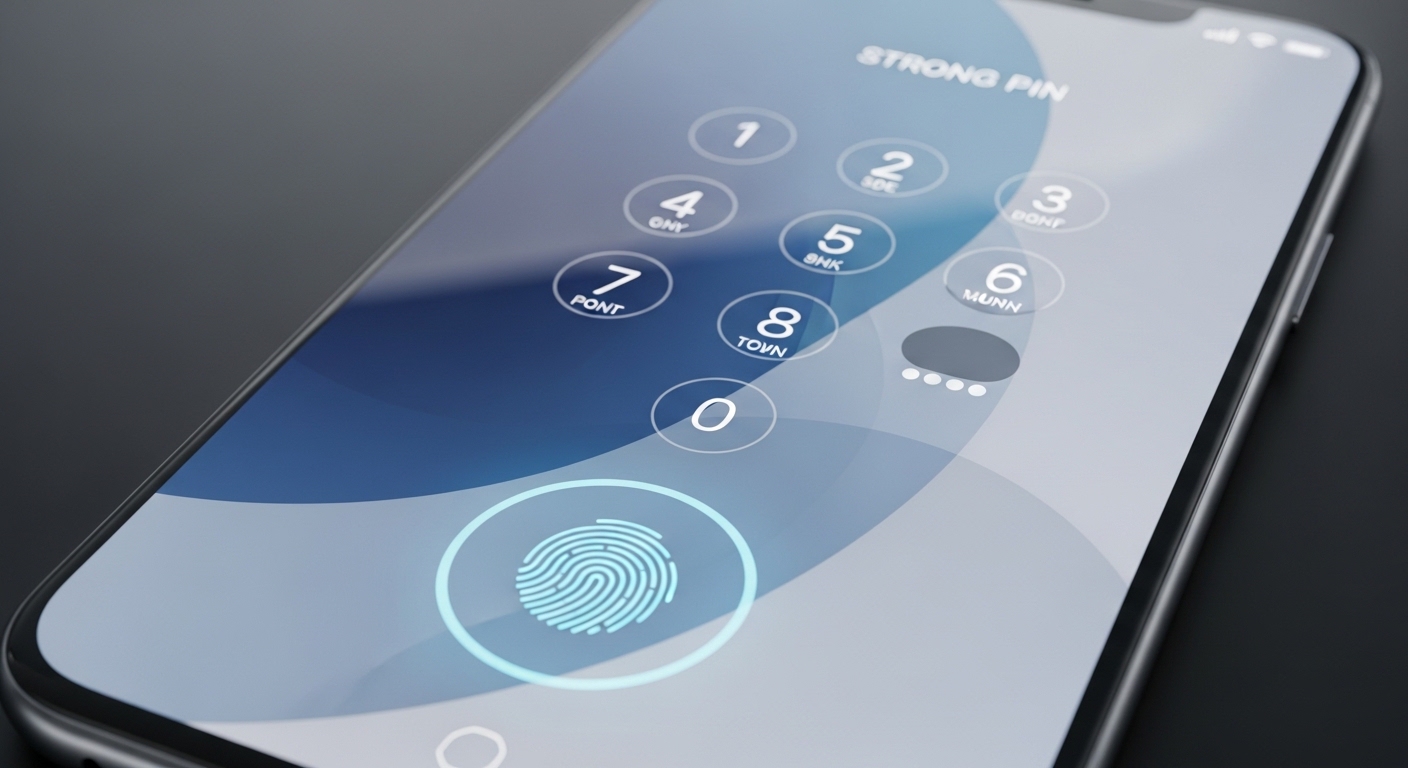
Your lock screen is the first line of defense against phone hacking. If a hacker can get past it, they have access to everything on your phone.
Enable “Erase after 10 failed attempts” on iPhone (Settings → Face ID & Passcode) or set up Factory Reset Protection on Android. This destroys data if someone tries to brute-force your passcode.
“A 6-digit PIN has 1 million possible combinations. A 4-digit PIN has only 10,000. That difference means brute-force cracking takes 100 times longer — often long enough to trigger lockout protections.”
Alex Rivera, CEH, OSCP
Disable lock screen notifications that show message content. A hacker doesn’t need your passcode if they can read your two-factor authentication codes directly from the lock screen.
Why Is Keeping Your Phone Updated So Important?
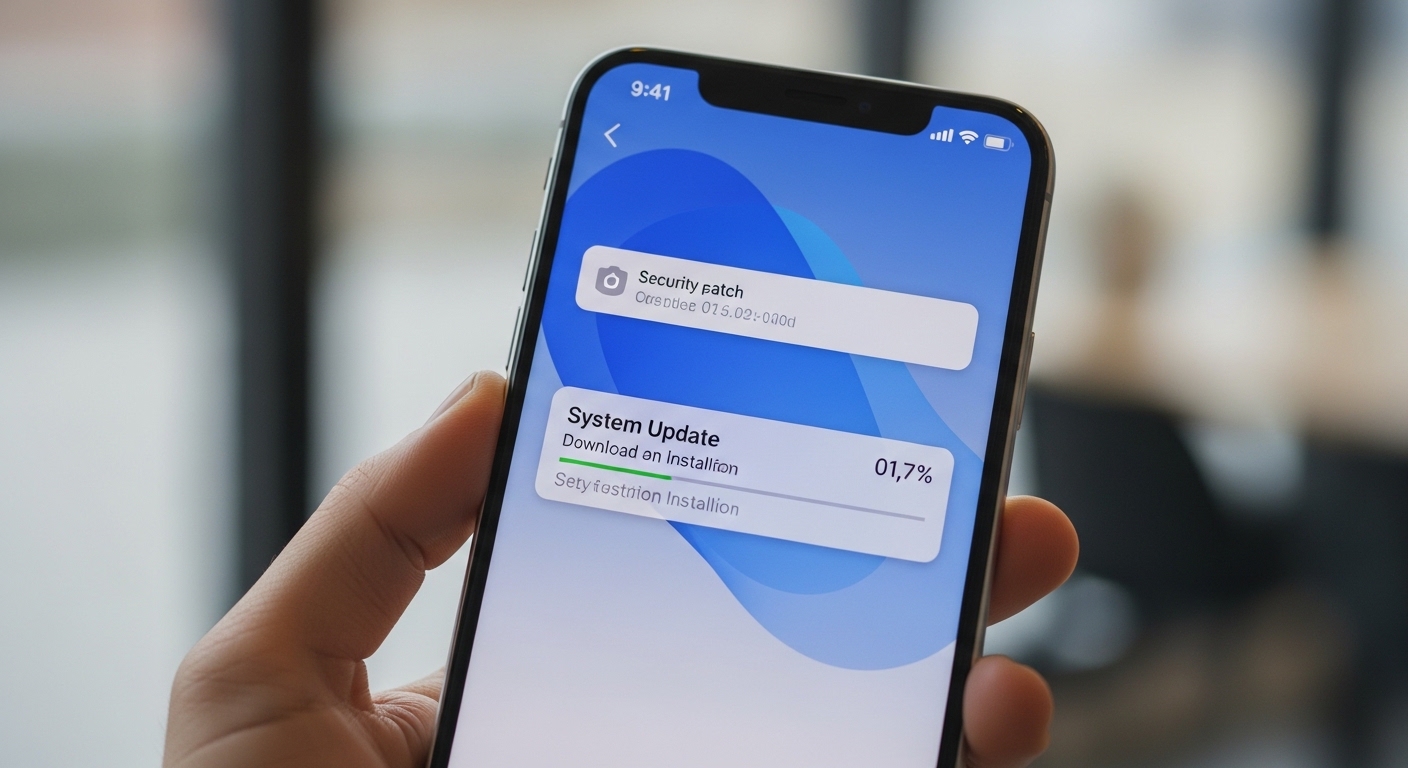
Every OS update patches phone hacking vulnerabilities that attackers actively exploit in the wild. Running outdated software is like leaving your front door unlocked — it’s the easiest way in.
Phones that no longer receive security updates are actively dangerous. If your Android phone hasn’t received an update in 6+ months, seriously consider replacing it — every unpatched vulnerability is an open door.
When buying a new phone, check the manufacturer’s update commitment before purchasing.
How Do You Protect Your Accounts from Hackers?
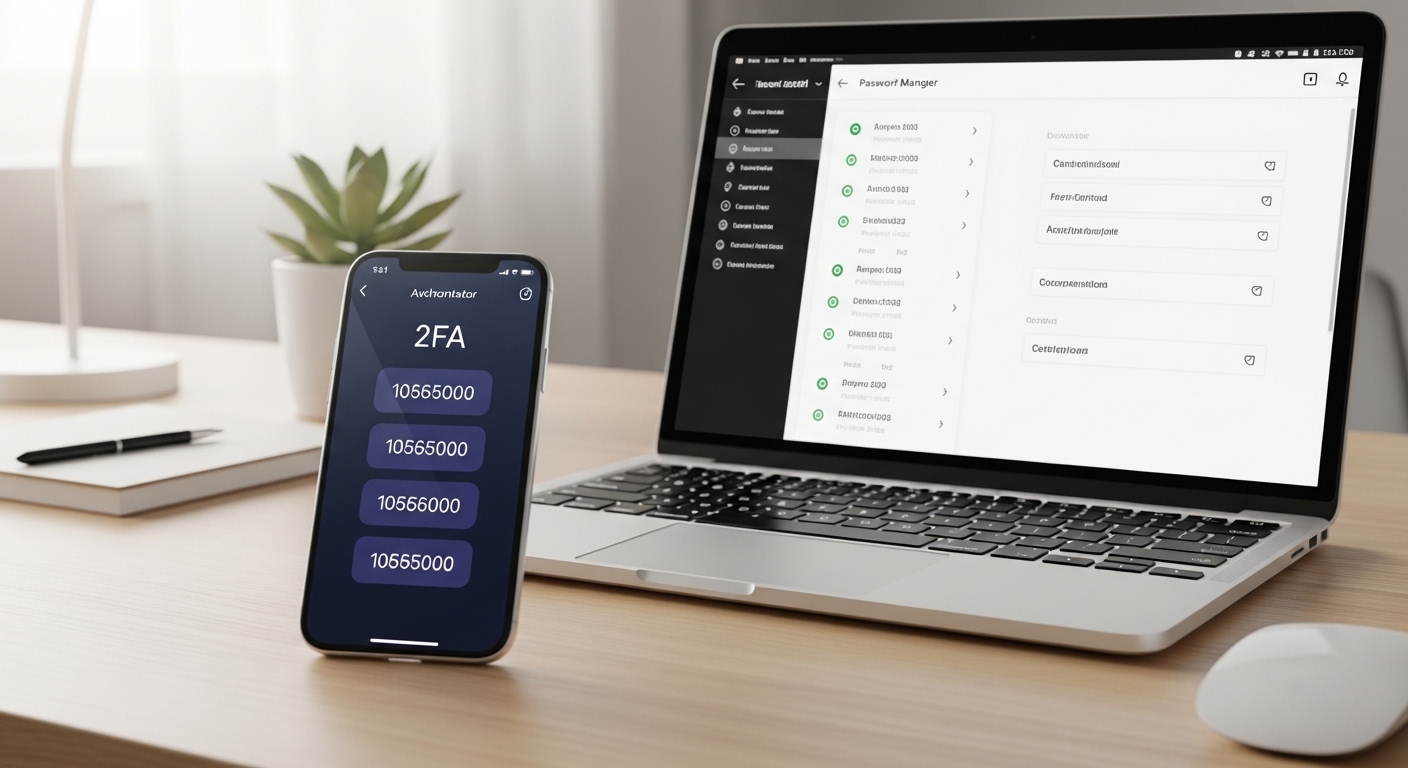
Even a perfectly secured device can’t stop phone hacking if your accounts are compromised through weak passwords or missing two-factor authentication.
| 2FA Method | Security Level | Convenience | Vulnerability |
|---|---|---|---|
| SMS codes | Low | High | SIM swap, interception |
| Authenticator app | High | Medium | Phone theft (if no device lock) |
| Hardware key (YubiKey) | Very high | Low | Physical loss only |
| Biometric (Face ID/fingerprint) | High | Very high | Forced unlock scenario |
Check Have I Been Pwned right now to see if your email appears in any data breaches.
If it does, change the password for that account immediately — and every other account where you used the same password.
How Can You Stay Safe on Public Wi-Fi?
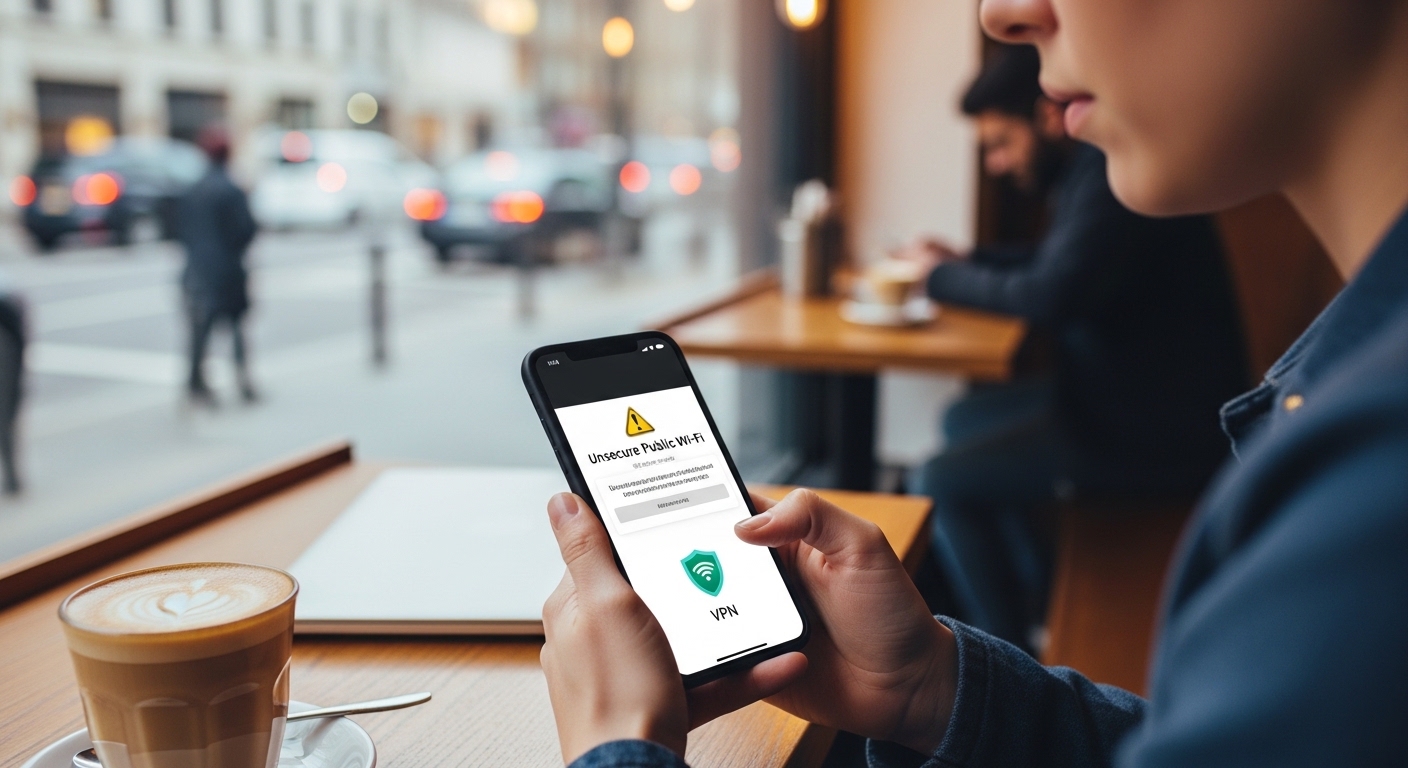
Public Wi-Fi networks at coffee shops, airports, and hotels are hunting grounds for phone hacking attacks. Without protection, everything you send over public Wi-Fi can be intercepted.
A 2024 NordVPN study found that 25% of travelers connect to public Wi-Fi within minutes of arriving at airports. Of those, only 5% use a VPN — leaving 95% vulnerable to interception.
Better yet, use your phone’s mobile hotspot instead — cellular data is encrypted between your phone and the tower.
What Apps and Permissions Should You Check?
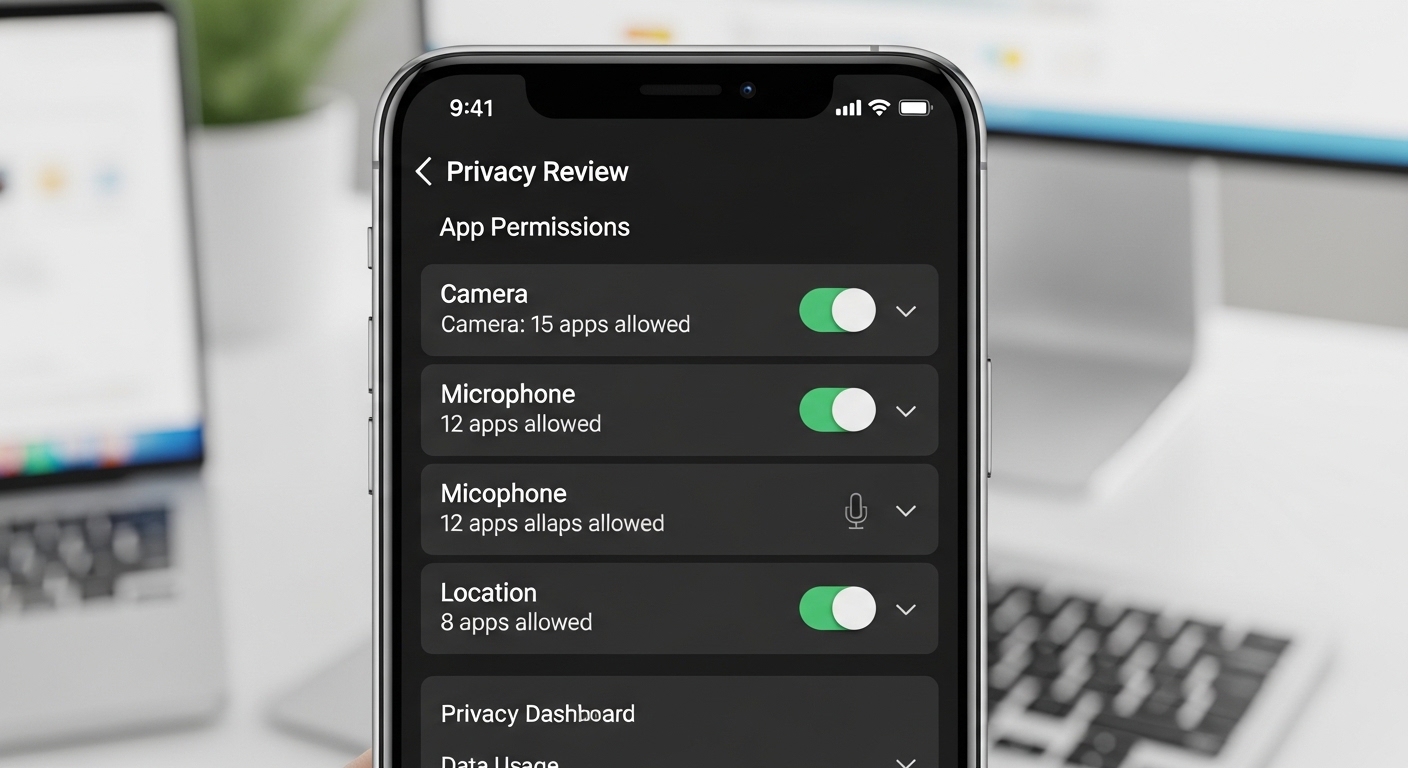
Apps that request unnecessary permissions are a major phone hacking attack surface. A flashlight app doesn’t need access to your contacts, camera, or location — if it asks, it’s likely malicious or invasive.
Be especially cautious with apps that request accessibility permissions on Android. This permission allows apps to read screen content, capture keystrokes, and control your device — it’s the most dangerous permission a spy app can have.
Review your app permissions at least once a month. New updates sometimes add permission requests that weren’t there when you first installed the app.
Learn how to detect hidden spy apps that may already be on your phone.
How Can Monitoring Tools Help Protect Your Family?
While securing your own device against phone hacking is essential, protecting your family’s devices — especially your children’s phones — requires additional tools. Parental control apps add a layer of protection that built-in security features don’t provide.
“The most dangerous hacks targeting families aren’t technical — they’re social. A child who clicks a phishing link or shares personal information with a stranger online creates a security breach that no firewall can prevent.”
Dr. Sarah Chen, Cybersecurity Researcher
Combine technical security (updates, 2FA, VPN) with behavioral awareness (phishing recognition, safe browsing habits) for the strongest protection. No single tool protects against everything — layered security is the only approach that works.
Final Thoughts
Stop phone hacking before it starts — update your phone, enable 2FA with an authenticator app, and use a password manager. These three steps block the vast majority of phone hacking attacks before they start.
For everything else — public Wi-Fi protection, app permission management, and family device monitoring — the defenses are simple but require consistency. The best defense against phone hacking is making security a habit, not a one-time setup.
Frequently Asked Questions
Enable two-factor authentication with an authenticator app on your email and banking accounts. Your email is the master key — it's the recovery method for almost every other account. If a hacker gets into your email, they can reset passwords for everything else. An authenticator app (not SMS) makes this nearly impossible without physical access to your phone.
Yes. On unencrypted public Wi-Fi, hackers can intercept data you send and receive, capture login cookies, and even redirect you to fake websites. Always use a VPN on public Wi-Fi, or use your cellular data instead. Avoid logging into accounts or conducting financial transactions on public networks without VPN protection.
Warning signs include: unexpected battery drain, phone running hot while idle, unusual data usage, apps you didn't install, random reboots, and accounts showing activity you don't recognize. Run a security scan with Malwarebytes, check your installed apps for anything unfamiliar, and review app permissions for unauthorized access. If multiple signs appear together, take action immediately.
Yes — biometric authentication is generally safer than PINs or passwords because biometric data is stored in a hardware-secured enclave on the device, not in the cloud. Face ID and fingerprint unlock are resistant to brute-force attacks and shoulder surfing. The main risk is forced unlock in certain scenarios. For maximum security, combine biometrics with a strong passcode.
At minimum, use a VPN on all public Wi-Fi networks. For maximum privacy, using a VPN all the time prevents your ISP from tracking your browsing and adds encryption to all your internet traffic. The trade-off is slightly slower speeds and potential issues with some apps that detect VPN use. Choose a reputable paid VPN — free VPNs often sell your data, defeating the purpose entirely.



