Ways To Protect Oneself From Wiretapping
Learning how to protect phone from hackers starts with understanding modern surveillance and taking practical steps to secure your device.
Use Hoverwatch to detect if someone is spying on your phone.
This information is for educational purposes only. Unauthorized access to someone else’s device or accounts is illegal. Use these methods only on devices you own or with proper legal authorization.
What About Understanding the Modern Wiretapping Threat?
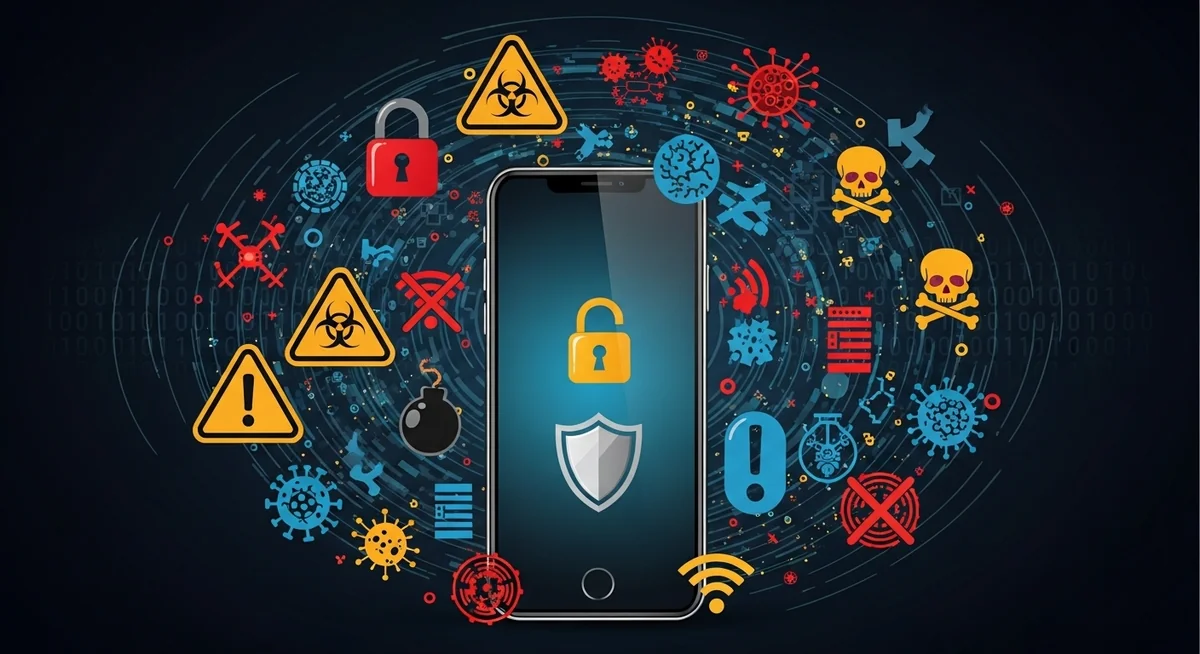
The nature of wiretapping has evolved dramatically. Traditional phone line taps required physical access to telephone infrastructure and sophisticated equipment. Today’s surveillance is far more insidious and accessible.
Current Wiretapping Methods
- Spyware applications: Commercially available monitoring software that can be installed in minutes
- Network-level interception: SS7 vulnerabilities, IMSI catchers, and carrier-level surveillance
- Cloud account compromise: Accessing backed-up data from iCloud, Google accounts, or other cloud services
- Malicious apps: Legitimate-seeming applications with hidden monitoring capabilities
- Physical device compromise: Brief physical access allowing installation of monitoring software
Who Might Wiretap Your Phone?
Understanding potential threats helps tailor your protection strategy:
- Intimate partners: Jealous or controlling spouses and partners represent the most common threat
- Employers: Some employers illegally monitor personal devices or exceed authorized monitoring scope
- Hackers and cybercriminals: Seeking financial information, identity theft opportunities, or blackmail material
- Corporate competitors: Industrial espionage targeting business communications
- Private investigators: Hired by various parties for surveillance
- Law enforcement: Legal monitoring with proper warrants, though illegal surveillance also occurs
- Foreign intelligence: Targeting high-value individuals like executives, politicians, or activists
“The most effective security measures are often the simplest: strong unique passwords, two-factor authentication, and keeping your software updated. Most breaches exploit basic oversights, not sophisticated vulnerabilities.”
Alex Rivera, CEH, OSCP
What About Essential Protection Strategies?
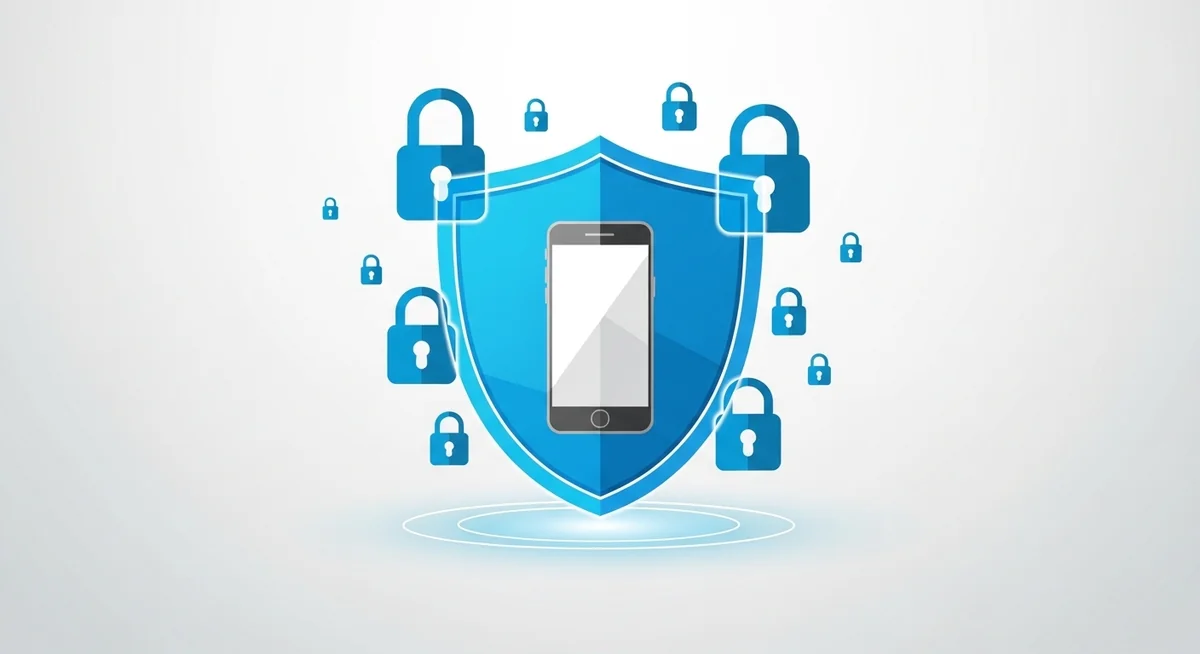
These three pillars protect from wiretapping attempts. Apply all of them for maximum security.
1. Maintain Physical Device Security
Most consumer-grade spyware requires brief physical access for installation. Preventing unauthorized physical access is your first line of defense.
Always keep your device updated and use strong unique passwords with two-factor authentication to minimize security risks.
- Never leave your phone unattended where untrusted individuals can access it, even briefly
- Use strong screen locks: Complex passcodes (6+ digits), patterns, or biometric authentication (fingerprint, face recognition)
- Enable automatic lock: Set timeout to 30 seconds or less
- Disable lock screen notifications: Prevents viewing message content without unlocking
- Don’t share passcodes: Even with trusted individuals who might later become threats
- Be aware of shoulder surfing: Shield your screen when entering passwords in public
- Consider privacy screen protectors: Make screen content visible only from directly in front
Apply these security measures consistently to protect your devices and accounts from unauthorized access.
- During relationship conflicts or divorce proceedings
- When traveling internationally
- In environments with untrusted individuals
- When your phone is being “repaired” by unknown technicians
2. Use Secure Communication Channels
Traditional phone calls and SMS messages are inherently insecure, traveling through carrier networks with various vulnerabilities. Modern encrypted communication apps provide significantly better protection.
Always keep your device updated and use strong unique passwords with two-factor authentication to minimize security risks.
Signal:
- Considered the gold standard for secure messaging
- End-to-end encryption by default for all messages and calls
- Open-source code allowing independent security audits
- Minimal metadata collection
- Disappearing messages feature
- Screen security preventing screenshots
- Registration lock preventing unauthorized transfers
Never install monitoring software on devices you do not own — unauthorized installation violates federal wiretapping laws.
- End-to-end encryption using Signal protocol
- Massive user base (over 2 billion users)
- Owned by Meta, raising some privacy concerns
- Two-factor authentication available
- Disappearing messages option
- Verification codes for contact identity confirmation
Security researchers consistently find that basic protective measures prevent over 80% of common surveillance attempts.
- Secret chats feature offers end-to-end encryption
- Regular chats use client-server encryption (less secure)
- Self-destructing messages
- Large file sharing capabilities
- Multiple device support
Apply these security measures consistently to protect your devices and accounts from unauthorized access.
- End-to-end encryption between iOS devices
- Seamless integration with Apple ecosystem
- No separate app installation needed
- Falls back to unencrypted SMS for non-iOS recipients
Never install monitoring software on devices you do not own — unauthorized installation violates federal wiretapping laws.
- Regular SMS/MMS text messages (unencrypted)
- Standard phone calls through carrier networks
- Social media direct messages on Facebook, Instagram, TikTok, or Twitter/X (limited encryption)
- Discord (not end-to-end encrypted)
3. Monitor for Unusual Phone Behavior
Even with prevention measures, staying vigilant for wiretapping signs is essential.
Warning indicators:
- Battery problems: Rapid drainage, unusual heating when idle
- Data usage spikes: Unexplained increases in cellular or Wi-Fi data consumption
- Performance issues: Sluggishness, freezing, or crashing
- Strange sounds: Clicks, static, or echoes during calls
- Unexpected behavior: Screen activating randomly, apps opening without input
- Shutdown delays: Phone taking excessive time to power off
- Unfamiliar apps: Applications you don’t remember installing
- Permission changes: Apps suddenly having access they shouldn’t
Review our detailed guide on signs your phone is tapped for comprehensive coverage of detection methods.
4. Regularly Audit Installed Applications
Spyware must exist as an application on your device, making regular app audits essential.
iPhone app review:
- Settings → General → iPhone Storage
- Review every app in the list
- Look for unfamiliar names or apps you don’t use
- Delete anything suspicious or unused
- Check Settings → General → VPN & Device Management for unauthorized profiles
- Settings → General → About → Certificate Trust Settings for suspicious certificates
Security researchers consistently find that basic protective measures prevent over 80% of common surveillance attempts.
- Settings → Apps → See all apps
- Enable “Show system apps” to see everything
- Look for unfamiliar or suspicious applications
- Check Settings → Security → Device admin apps for unauthorized administrators
- Review Settings → Accessibility for apps abusing accessibility services
- Check Settings → Apps → Special app access for apps with unusual privileges
Apply these security measures consistently to protect your devices and accounts from unauthorized access.
- Apps with vague names like “System Service,” “Update Service,” or “Device Health”
- Apps with no icon or generic system-looking icons
- Apps that can’t be easily uninstalled
- Apps requesting permissions unrelated to their function
- Apps with misspelled names similar to legitimate apps
5. Manage App Permissions Carefully
Modern spyware requires extensive permissions to monitor effectively. Limiting app permissions reduces surveillance capabilities.
Permission management:
iPhone:
- Settings → Privacy & Security → review each permission category
- Location Services: Set most apps to “While Using” rather than “Always”
- Microphone and Camera: Review which apps have access
- Contacts, Photos, and Files: Limit to only necessary apps
Never install monitoring software on devices you do not own — unauthorized installation violates federal wiretapping laws.
- Settings → Privacy → Permission manager
- Review each permission type individually
- Set location access to “Allow only while using the app” for most apps
- Revoke permissions for unused apps
- Check Settings → Apps → Special app access for elevated privileges
Security researchers consistently find that basic protective measures prevent over 80% of common surveillance attempts.
- Only grant permissions when absolutely necessary
- Review permissions before installing new apps
- Periodically audit permissions (monthly recommended)
- Question why simple apps request extensive permissions
- Revoke permissions from apps you no longer use
Apply these security measures consistently to protect your devices and accounts from unauthorized access.
6. Keep Software Updated
Operating system updates frequently patch security vulnerabilities that spyware exploits.
Update strategy:
- Enable automatic updates for your operating system when possible
- Install updates promptly when notified, especially security patches
- Update all apps regularly through official app stores
- Replace devices that no longer receive security updates (typically after 5-7 years)
Never install monitoring software on devices you do not own — unauthorized installation violates federal wiretapping laws.
- iOS: iOS 17 and iOS 18 receive regular security updates
- Android: Android 12 through Android 15, though update availability varies by manufacturer
Using unsupported operating systems leaves you vulnerable to known exploits that will never be patched.
7. Use Strong Account Security
Cloud account compromise provides access to backed-up data including messages, photos, and location history.
Essential measures:
- Strong, unique passwords: Use password managers (1Password, Bitwarden, LastPass) to generate and store complex passwords
- Two-factor authentication: Enable on all accounts, preferably using authenticator apps rather than SMS
- Security questions: Use fake answers that can’t be guessed from public information
- Recovery information: Keep backup email and phone number current and equally secured
- Login alerts: Enable notifications for new device access
- Regular password changes: Update passwords periodically, especially after relationship changes
Security researchers consistently find that basic protective measures prevent over 80% of common surveillance attempts.
- Apple ID / iCloud (for iPhone users)
- Google Account (for Android users and Gmail)
- Email accounts (these control password resets for everything else)
- Banking and financial accounts
- Social media accounts
8. Review Connected Devices and Active Sessions
Regularly check which devices have access to your accounts.
Where to check:
Apple ID:
- iPhone: Settings → [Your Name] → scroll down to see all devices
- Web: appleid.apple.com → Devices
- Remove any unfamiliar devices
Apply these security measures consistently to protect your devices and accounts from unauthorized access.
- myaccount.google.com → Security → Your devices
- Review all devices with account access
- Remove any you don’t recognize
Never install monitoring software on devices you do not own — unauthorized installation violates federal wiretapping laws.
- Facebook: Settings & Privacy → Settings → Security and Login → Where You’re Logged In
- Instagram: Settings → Security → Login Activity
- Twitter/X: Settings → Security and account access → Apps and sessions
- TikTok: Settings → Security and login → Devices
Perform these checks monthly or after any security concern.
9. Be Cautious with Network Connections
Network-level attacks can intercept communications regardless of device security.
Wi-Fi security:
- Avoid public Wi-Fi for sensitive communications (coffee shops, airports, hotels)
- Use VPN services when you must use public networks (NordVPN, ExpressVPN, ProtonVPN)
- Verify network names before connecting (attackers create fake networks mimicking legitimate ones)
- Disable automatic Wi-Fi connection in device settings
- Forget networks you no longer use regularly
- Turn off Wi-Fi when not needed
Security researchers consistently find that basic protective measures prevent over 80% of common surveillance attempts.
- Disable Bluetooth when not actively using it
- Set device to non-discoverable mode
- Only pair with devices you personally own
- Review paired devices regularly and remove old connections
- Decline unexpected pairing requests
Apply these security measures consistently to protect your devices and accounts from unauthorized access.
- Be aware that cellular calls and SMS are not end-to-end encrypted
- IMSI catchers (stingrays) can intercept cellular communications
- Use encrypted messaging apps for sensitive communications
10. Consider Using CDMA Networks (Where Available)
As mentioned in the original article, different cellular technologies have varying security levels.
Security comparison:
- GSM: Older standard, easier to intercept, more vulnerable to IMSI catchers
- CDMA: Historically more secure than GSM, though less common internationally
- 4G LTE: Improved security over 3G networks
- 5G: Enhanced security features, though implementation varies by carrier
However, in 2026, most carriers have transitioned primarily to 4G LTE and 5G networks. The distinction between GSM and CDMA is largely historical, as both technologies are being phased out in favor of newer standards.
11. Utilize Built-in Security Features
Modern smartphones include security features specifically designed to prevent surveillance.
iPhone security features:
- Lockdown Mode: Extreme protection reducing attack surface (for high-risk users)
- Privacy indicators: Orange dot for microphone use, green dot for camera use
- App privacy reports: Shows how apps use permissions
- Hide My Email: Generate random email addresses for services
- Sign in with Apple: Provides privacy when creating accounts
- Location approximation: Share approximate rather than precise location
Never install monitoring software on devices you do not own — unauthorized installation violates federal wiretapping laws.
- Privacy Dashboard: Shows permission usage over time
- Permission indicators: Visual indicators when camera or microphone are active
- Approximate location: Share general area rather than precise location
- Permission auto-reset: Automatically removes permissions from unused apps
- Google Play Protect: Scans apps for malware
Security researchers consistently find that basic protective measures prevent over 80% of common surveillance attempts.
12. Perform Regular Security Audits
Schedule comprehensive security reviews to catch issues early.
Monthly security checklist:
- Review all installed applications
- Check app permissions
- Review connected devices on all accounts
- Check for operating system updates
- Review login activity on major accounts
- Run antivirus scans
- Check battery and data usage for anomalies
- Review cloud backup settings
Apply these security measures consistently to protect your devices and accounts from unauthorized access.
- Change important passwords
- Review two-factor authentication settings
- Clean up old accounts you no longer use
- Review and update security questions
- Check for forgotten devices with account access
What About Advanced Protection Measures?

For individuals facing elevated threats, consider these additional protections:
Separate Devices
Use different devices for different purposes:
- One device for sensitive communications
- Another for general use and social media
- Work device separate from personal device
Never install monitoring software on devices you do not own — unauthorized installation violates federal wiretapping laws.
Faraday Bags
These bags block all radio signals, preventing:
- Location tracking via GPS or cellular networks
- Remote activation of microphone or camera
- Data transmission by spyware
Useful when you need guaranteed privacy during sensitive meetings or when storing devices.
Regular Factory Resets
For high-security needs, periodically perform complete device resets:
- Back up essential data
- Perform factory reset
- Set up as new device (don’t restore from backup)
- Manually reinstall only essential apps
Security researchers consistently find that basic protective measures prevent over 80% of common surveillance attempts.
Privacy-Focused Phone Services
Consider services designed for privacy:
- GrapheneOS (privacy-focused Android alternative)
- Purism Librem 5 (privacy-focused hardware)
- Silent Circle (encrypted communication services)
What About What to Do If You Discover Wiretapping?
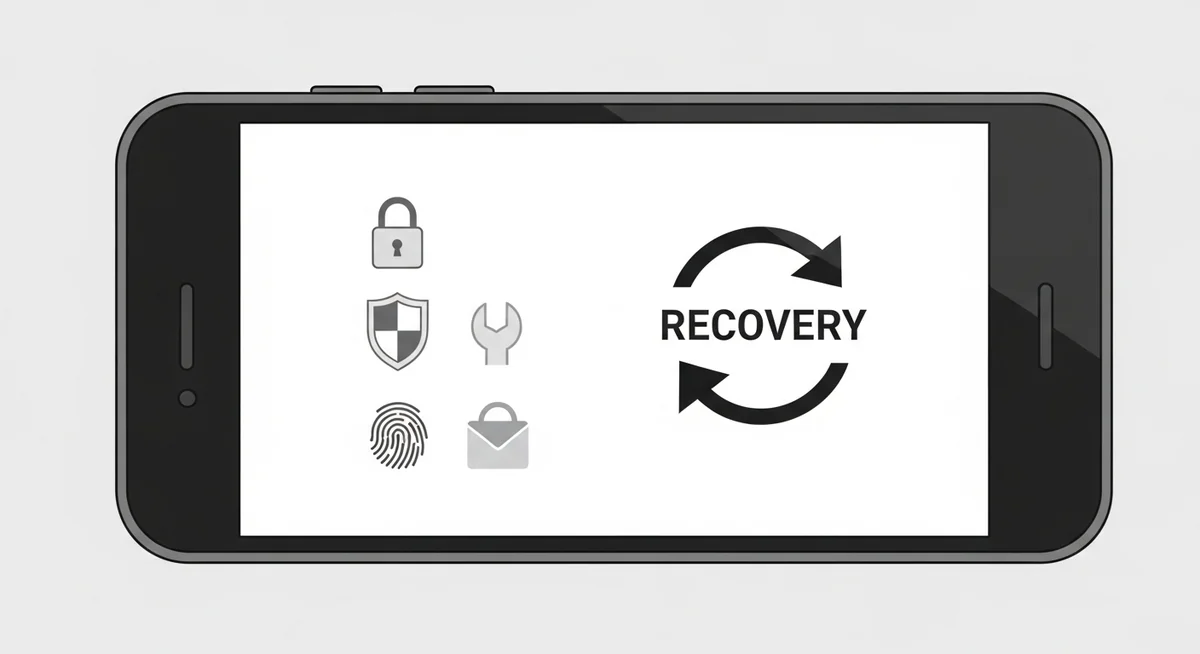
If you find evidence of surveillance:
- Don’t immediately confront the suspected party – this may destroy evidence
- Document everything thoroughly with photos and notes
- Factory reset your device (most effective removal method)
- Change all passwords from a clean device
- Enable two-factor authentication on all accounts
- Contact law enforcement if you have evidence of illegal surveillance
- Consult an attorney, especially in domestic situations
- Consider restraining orders if domestic partner is responsible
Apply these security measures consistently to protect your devices and accounts from unauthorized access.
What About Legal Considerations?
Understanding your rights helps you respond appropriately to surveillance:
Generally illegal surveillance:
- Partners monitoring each other without consent
- Installing spyware on devices you don’t own
- Employers monitoring personal devices
- Anyone monitoring without legal authority
Never install monitoring software on devices you do not own — unauthorized installation violates federal wiretapping laws.
- Parents monitoring minor children’s devices
- Employers monitoring company devices with proper disclosure
- Law enforcement with proper warrants
- Consensual monitoring between adults
Laws vary by jurisdiction. Consult local legal resources for specific guidance.
What About Balancing Security and Usability?
Perfect security often conflicts with convenience. Find a balance appropriate for your threat level:
Low threat level (general users):
- Strong screen lock
- Two-factor authentication on major accounts
- Password manager
- Regular app audits
- Keep software updated
Security researchers consistently find that basic protective measures prevent over 80% of common surveillance attempts.
- All low-level measures
- Encrypted messaging apps for sensitive communications
- Monthly security audits
- VPN for public Wi-Fi
- Restricted physical device access
Apply these security measures consistently to protect your devices and accounts from unauthorized access.
- All medium-level measures
- Hardware security keys
- Separate devices for different purposes
- Privacy-focused operating systems
- Professional security consultation
- Legal counsel on standby
“Digital security is a shared responsibility. Parents monitoring their children, employers securing company devices, and individuals protecting their own accounts all contribute to a safer ecosystem.”
Physical security remains the most overlooked protection measure. Never leave your phone unattended, use biometric locks, and enable auto-lock after 30 seconds.Digital security complements physical measures. Keep your OS updated, review app permissions monthly, and use unique passwords for every account through a password manager.Dr. Sarah Chen, Digital Forensics Expert, SANS Institute
What About Conclusion?
Protecting yourself from wiretapping in 2026 requires layered defenses combining physical security, technical measures, and behavioral practices. While no protection is absolute, implementing the strategies outlined here dramatically reduces your vulnerability to surveillance.
The foundation to protect phone from hackers remains simple: physical control, encrypted channels, and regular security audits.
Combined with strong account security and cautious network use, these practices protect against most surveillance attempts.
Frequently Asked Questions
In most cases, physical access is needed for 5-10 minutes to install monitoring software. Remote-only methods like iCloud monitoring require account credentials. True zero-click exploits exist but cost millions and target high-profile individuals — not average users.
Watch for unusual battery drain (20%+ faster than normal), unexplained data usage spikes, phone running hot during idle, and strange sounds during calls. Multiple signs appearing together warrant immediate investigation with a security scan.
A factory reset removes virtually all consumer-grade spyware. However, set up the device as new afterward — don't restore from backup, which might reinstall the monitoring software. Change all passwords from a different device after the reset.
No. Unauthorized wiretapping is illegal under federal law (18 U.S.C. 2511) regardless of your reasons. Exceptions exist only for law enforcement with warrants, parents monitoring minor children's devices, and employers on company-owned phones with employee notice.
Keep your phone physically secure — never leave it unattended or share your passcode. Enable biometric locks and auto-lock after 30 seconds. Keep your OS updated, only install apps from official stores, and use a VPN on public Wi-Fi.