Is It Possible To Hack My Phone And Read My Messages?
Can someone hack my phone and read my messages? Yes, someone can hack your phone — but your texts are the least of your worries. Attackers are really after your bank accounts, email, and identity.
Unauthorized access to someone’s phone is illegal under the Computer Fraud and Abuse Act and similar laws worldwide. This guide helps you understand threats and protect your own devices.
How Can Someone Actually Hack Your Phone?
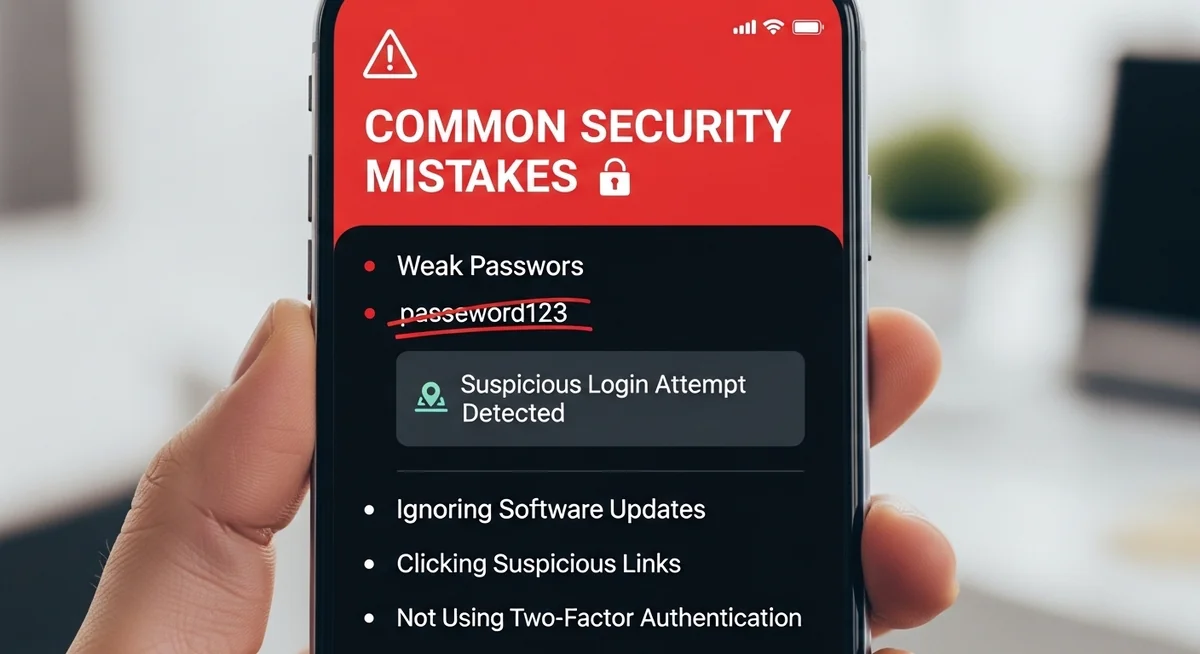
If you wonder can someone hack my phone, know that most phone hacks exploit human mistakes, not software vulnerabilities.
According to Verizon’s Data Breach Report, 85% of mobile breaches involve phishing, weak credentials, or careless behavior.
85% of mobile breaches involve human factors — not sophisticated exploits against the device itself.
Most phone hacks start with something simple you can prevent. Here are the three most common entry points.
One fix that prevents most attacks: use a password manager like Bitwarden or 1Password. One master password protects all your accounts.
Malicious apps also slip through App Store and Google Play screening. They request excessive permissions and can access messages across WhatsApp, Telegram, Signal, and Discord. Third-party stores and sideloaded APKs are even riskier.
What About More Advanced Attacks?
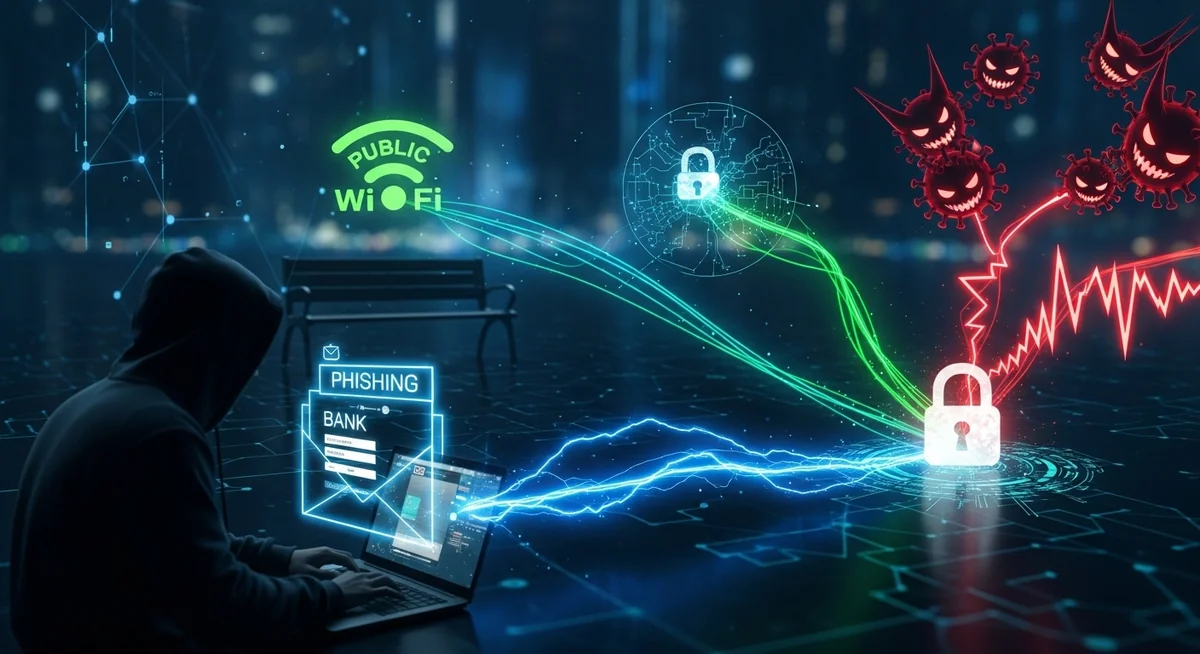
Beyond everyday mistakes, targeted attacks can compromise even careful users. Two methods stand out.
SIM swapping bypasses two-factor authentication. Use app-based 2FA (Google Authenticator, Authy) instead of SMS verification whenever possible.
What Are Hackers Really After on Your Phone?
Your text messages aren’t the primary target. Here’s what attackers actually want, in order of value.
“People worry about their texts being read, but that’s not what keeps security professionals up at night.
It’s your email account. Compromise that, and you can reset every password, intercept every verification code, and take over someone’s entire digital identity in under an hour.”
Alex Rivera, CEH, OSCP
Social Media and Identity
Securing your social media accounts with unique passwords and 2FA is just as important as protecting your bank account — especially if your livelihood depends on your online presence.
Is iPhone Safer Than Android?
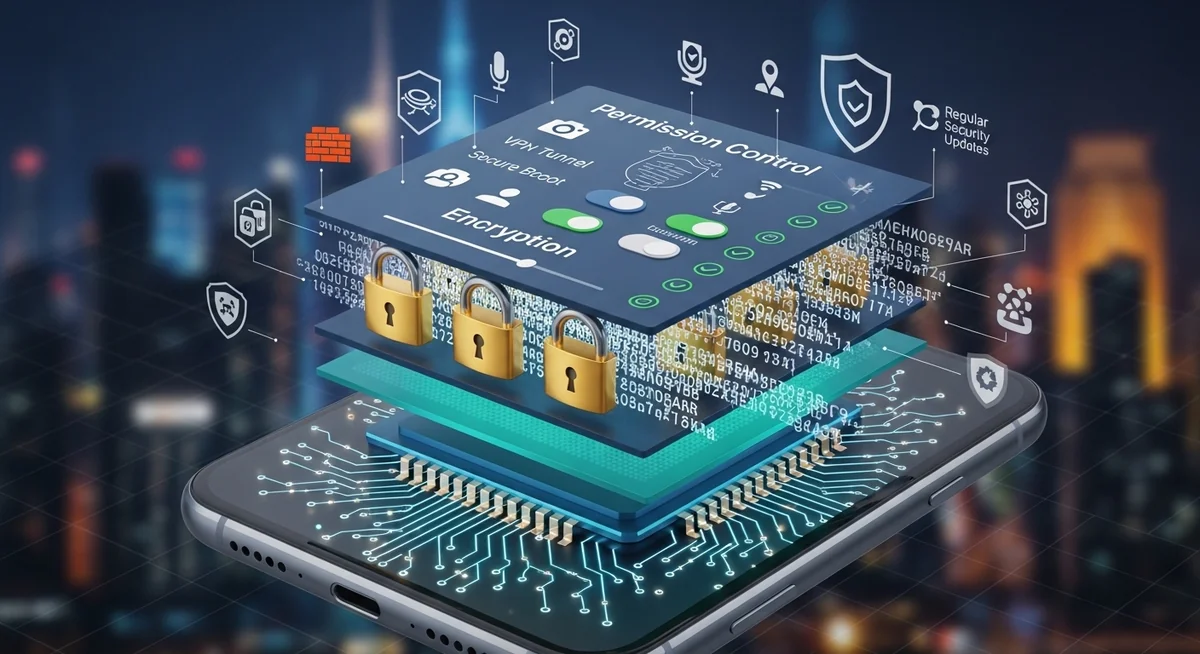
Can someone hack my phone even with good security? Both platforms offer strong protection, but with different trade-offs. Neither is hack-proof.
iOS Security Strengths
- Hardware-level encryption and Secure Enclave
- Strict app review and sandboxing
- Regular, fast security updates across devices
- Face ID and Touch ID biometric authentication
Apply these security measures consistently to minimize your exposure to common threats.
Android Security Trade-offs
- More open ecosystem = more attack vectors
- Sideloading bypasses Google Play Protect
- Security updates vary by manufacturer
- Greater flexibility comes with greater responsibility
| Feature | iOS | Android |
|---|---|---|
| App installation | App Store only (strict review) | Play Store + sideloading (more risk) |
| Security updates | Same-day for all devices | Varies by manufacturer (weeks to months) |
| Encryption | Hardware Secure Enclave | Titan M chip (Pixel) or software-based |
| Malware prevalence | Very low (sandboxed apps) | Higher (open ecosystem) |
| User control | Limited customization | Full control (higher responsibility) |
| Spyware vulnerability | Requires jailbreak (rare) | Sideloaded APKs (common vector) |
Both platforms remain vulnerable to phishing and social engineering. The weakest link is always user behavior, not the operating system.
How Do You Protect Your Phone From Being Hacked?
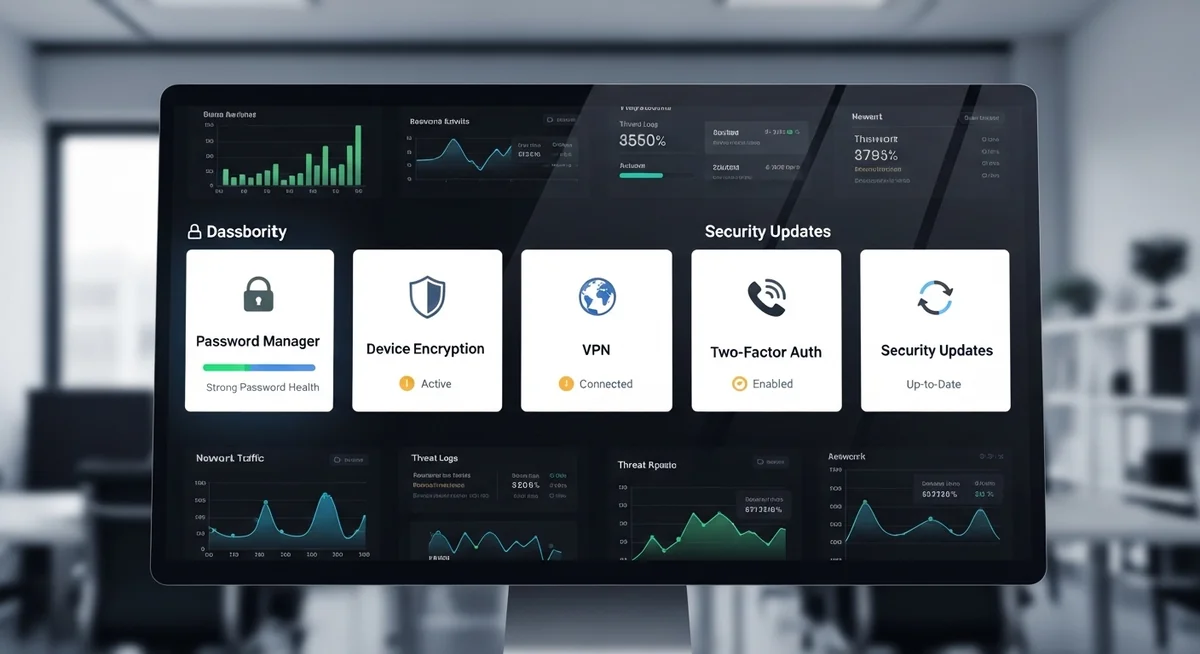
Can someone hack my phone despite precautions? No single measure is enough — layered security is the only effective approach. Start with these two areas.
“I tell every client the same thing: your phone security is only as strong as your weakest password. One reused password from a data breach, and everything connected to that email falls like dominoes.”
Dr. Maria Santos, Cybersecurity Researcher, MIT CSAIL
For secure messaging on WhatsApp, Telegram, Signal, and Discord: enable disappearing messages, verify security codes, and disable message previews on your lock screen.
The single most impactful step: enable app-based two-factor authentication on your email account. Secure email = attackers can’t reset your other passwords.
What About Legitimate Phone Monitoring?
Not all phone monitoring is malicious. Parents often need to keep tabs on their kids’ messages and online activity for safety reasons, answering the question can someone hack my phone with a responsible solution.
Apps like Hoverwatch are designed for exactly this — letting parents monitor text messages, GPS location, call logs, and app activity on their child’s phone.
It runs in stealth mode, so it doesn’t disrupt the child’s experience while giving parents peace of mind.
The key difference between legitimate monitoring and hacking: consent and intent. Check if phone tracking is legal in your situation.
A parent installing Hoverwatch on their minor child’s phone is legal and responsible. Someone secretly accessing a stranger’s device is a crime.
How Can You Tell If Your Phone Has Been Hacked?
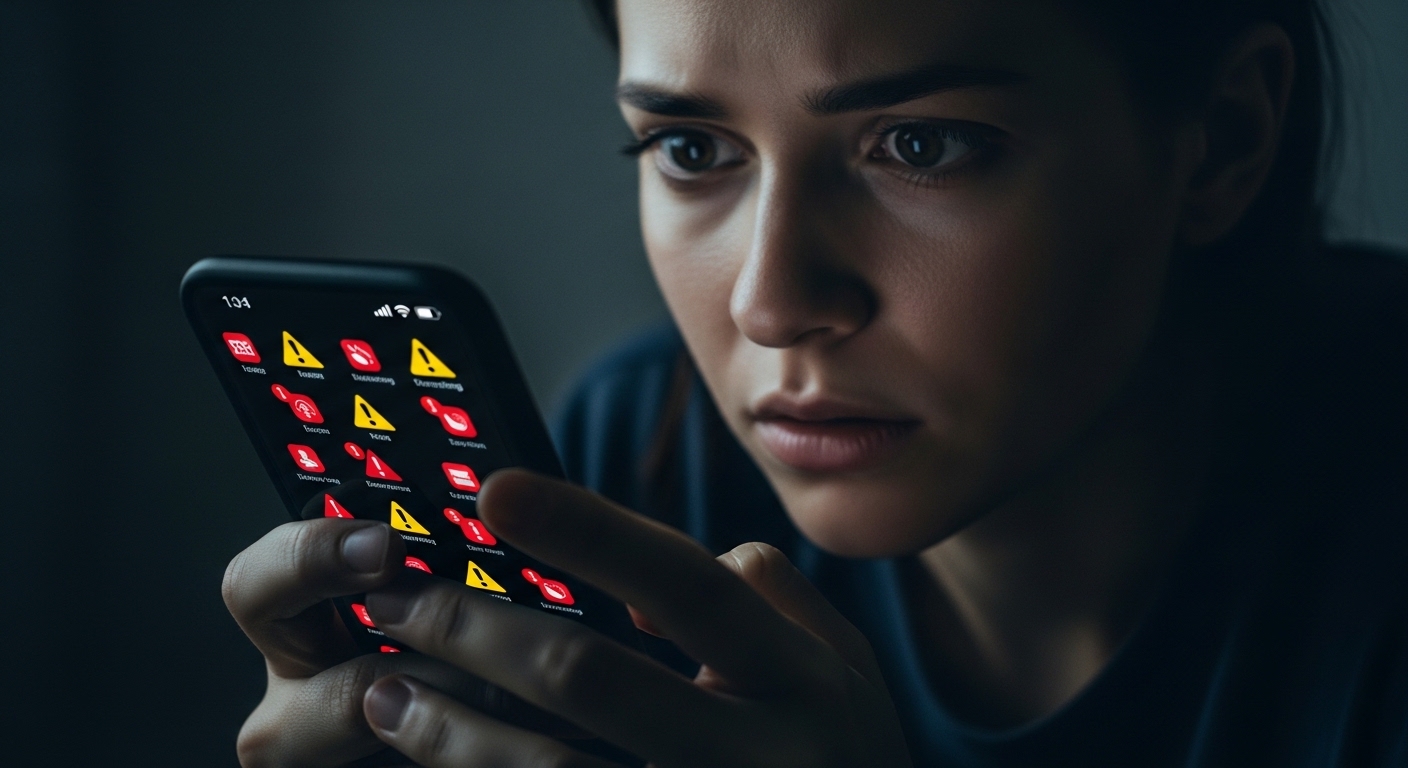
Can someone hack my phone without me knowing? Watch for these warning signs — especially if multiple appear at the same time.
If you notice three or more of these signs simultaneously, take action immediately rather than waiting to see if the problems resolve on their own.
What Should You Do If Your Phone Gets Hacked?
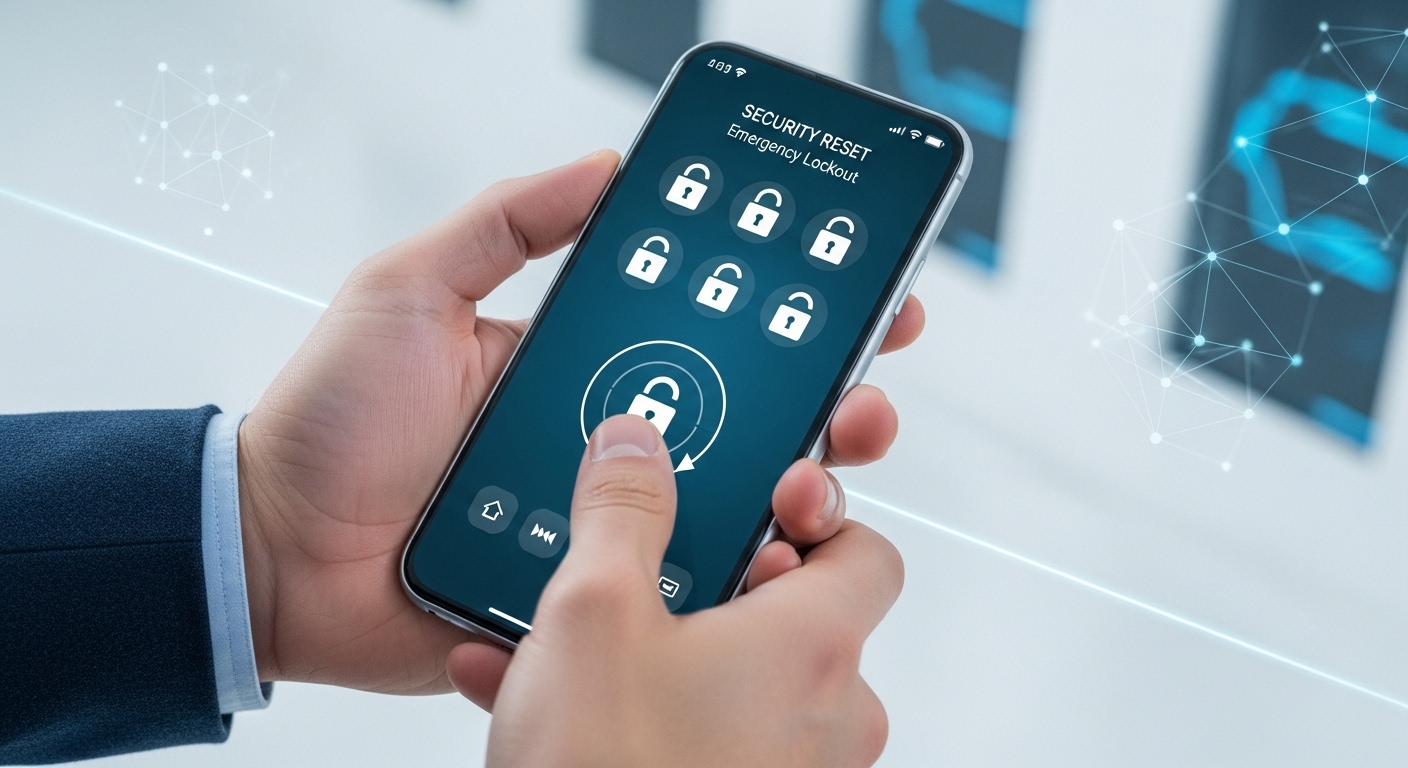
Can someone hack my phone while I sleep? Act fast — the first hours are critical — the longer an attacker has access, the more damage they can do.
Don’t restore from backup after factory reset — it may reinstall the malware. Manually reinstall only apps you need from official stores.
After securing your device, monitor your accounts for at least 30 days. Set up login alerts on all critical accounts so you’re notified immediately if someone tries to access them again.
Final Thoughts
Can someone hack your phone and read your messages? Yes — but it’s far more likely through a weak password.
So can someone hack my phone? Yes or phishing link than a sophisticated exploit. Protect your email and financial accounts first, use app-based 2FA everywhere, and stay skeptical of unexpected messages.
Your phone’s built-in security is strong. Learn how to detect wiretapping programs for deeper protection. Just make sure you’re not the weak link by keeping your OS updated and thinking twice before clicking unfamiliar links.
Frequently Asked Questions
It's possible but rare. Zero-click exploits exist (like the Pegasus spyware), but those cost millions and target journalists and politicians, not regular people. The real risk is clicking a malicious link in a text — that's how most phone hacks happen. If you get a weird text with a link from someone you know, call them first to verify. Their phone might be sending it, not them.
Most likely it happened through something you installed yourself without realizing the risk. A free VPN, a modded game APK, a "PDF reader" from outside the Play Store. Public WiFi is another common vector — someone on the same network can intercept your traffic. Also check if any of your passwords were in a data breach at haveibeenpwned.com — that's often the entry point.
New phone alone usually works for most hacks, since the malware lives on the device. But if the attacker has your Google/iCloud password, they'll get right back in on the new phone when you restore your backup. Change ALL passwords from a clean computer first, enable 2FA everywhere, then set up the new phone as new — don't restore from backup. You generally don't need a new number unless you're getting targeted phishing texts.
That's tough without forensic tools. Start by screenshotting everything suspicious: unknown apps, weird data usage, login notifications from new devices. Check your Google/Apple account's recent device activity and security events. For legal evidence, you'd need a professional forensic analysis — companies like Cellebrite or local digital forensics firms can image your phone and document the malware. It's not cheap ($500-2000) but it holds up in court.
iPhones are genuinely harder to hack for average attackers because Apple controls the entire ecosystem — hardware, software, and app store. Android's openness is both its strength and weakness. But "harder" doesn't mean "impossible." Pegasus hacked iPhones just fine. The biggest security factor isn't your phone brand — it's your behavior. Don't click sketchy links, use strong unique passwords, and keep your OS updated.