How To Find Out If Your Phone Is Being Tracked Or Wiretapped
If you want to know how to know if someone is tracking your phone, start by watching for unusual battery drain, data spikes, and apps you never installed — these are the clearest warning signs.
The good news: most tracking software leaves traces you can find in minutes.
Below is a complete checklist covering Android, iPhone, and remote tracking methods — plus exact steps to shut it all down.
Using tracking software on someone’s device without their consent violates federal wiretapping laws (18 U.S.C. § 2511) and state-level statutes. Always check local regulations before monitoring any device.
What Are the Most Common Signs Your Phone Is Being Tracked?
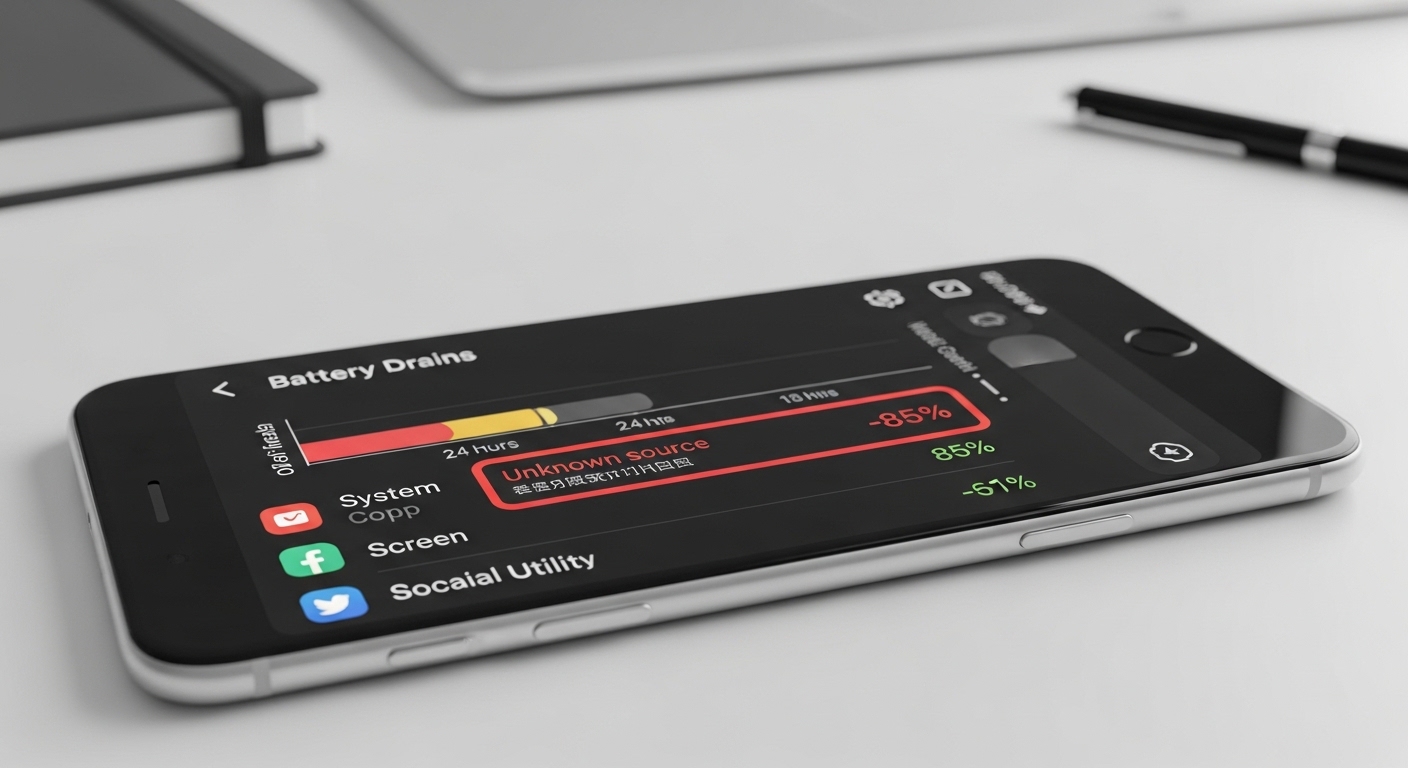
These point to tracking software running silently behind the scenes.
Spyware constantly sends location data or records calls, which can drain a full battery by midday even with light use.
Data usage jumps without new apps or streaming habits are another telltale sign.
Tracking tools upload screenshots, texts, and GPS logs over mobile data without your knowledge.
Go to your network settings and review per-app data consumption — flag anything suspicious that uses data while you’re inactive.
Background surveillance processes tax the processor constantly, pairing overheating with slower performance and random restarts.
During calls, faint clicks, echoes, or static that wasn’t there before may point to wiretapping.
Unusual texts with random codes or missed calls from unknown numbers also raise red flags.
“The most effective security measures are often the simplest: strong unique passwords, two-factor authentication, and keeping your software updated. Most breaches exploit basic oversights, not sophisticated vulnerabilities.”
Alex Rivera, CEH, OSCP
How Do You Check for Tracking Software on Android?
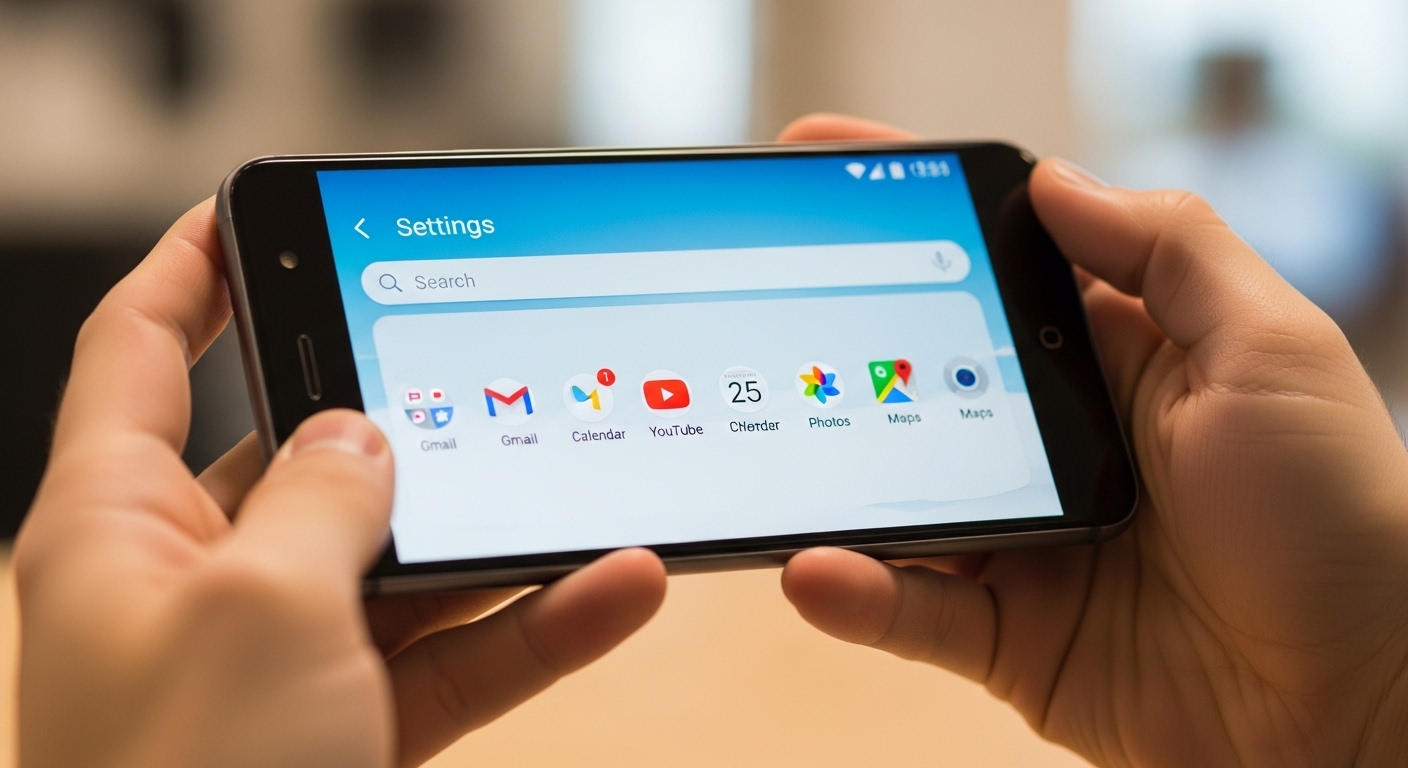
Android tracking software often disguises itself as system apps or hides behind permissions.
A systematic review of apps and settings confirms if someone is tracking your phone. These steps take minutes and reveal most common threats.
Review Installed Apps and System Apps
Open Settings, tap Apps, then See all apps.
Sort by recent or size and look for unfamiliar names like “System Service” or apps you never installed.
Legitimate system apps have clear developer names like Google or Samsung. Any app without a recognizable publisher that requests broad permissions deserves immediate investigation.
Check Accessibility and Device Admin Permissions
Go to Settings > Accessibility and review active services. Spyware loves accessibility access to read screens and log keystrokes. Disable any service from unknown developers.
Next, head to Settings > Security > Device admin apps.
Revoke admin rights from anything unexpected — tracking apps often request these to survive restarts and factory resets.
Monitor Data Usage by App
Navigate to Settings > Network & internet > Data usage > App data usage.
Sort by highest consumers and flag apps using data when you aren’t active.
An app you rarely open showing gigabytes of background activity is a strong indicator of spyware uploading your data.
Use Anti-Spyware Tools
Download Malwarebytes, Certo AntiSpy, or Lookout from the Play Store.
Run full scans — Malwarebytes excels at broad malware detection, while Certo specializes in spyware and stalkerware.
These tools flag hidden trackers that manual checks miss. Combine them for thorough coverage and remove anything they quarantine.
How Do You Check for Tracking on iPhone?
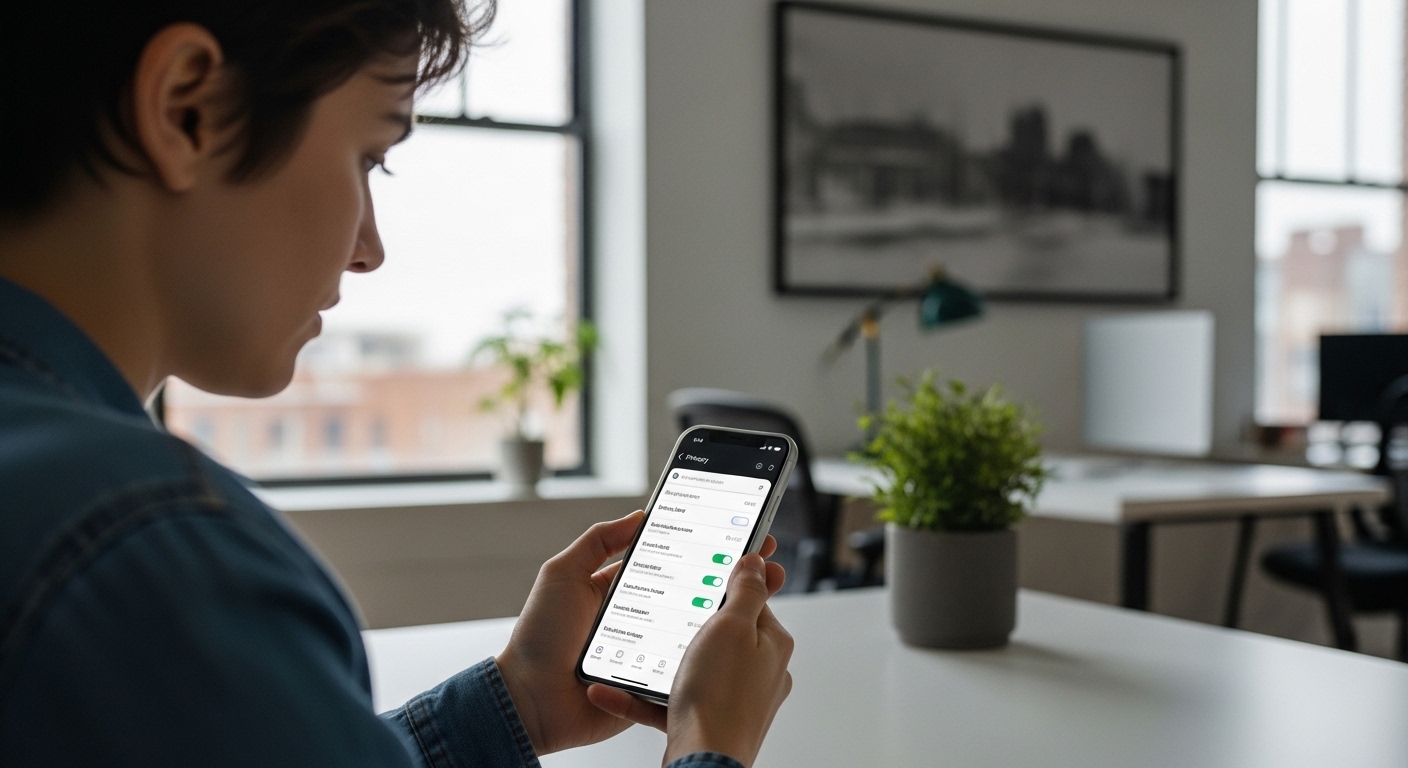
iPhones resist most tracking without configuration profiles or account access.
Focusing on profiles and location permissions is the fastest way to learn how to know if someone is tracking your phone on iOS.
Check Configuration Profiles
Open Settings > General > VPN & Device Management.
Any unknown profile here could enable tracking. Tap and remove anything not from Apple or a trusted organization.
Deleting suspicious profiles stops associated spyware instantly. Restart your phone afterward to clear any cached activity.
Review Location Services
Go to Settings > Privacy & Security > Location Services.
Scroll through apps and System Services. Look for constant “Always” access from apps you don’t use for navigation.
Tap each entry to see precise location history. Frequent background location pings suggest tracking. Change permissions to “While Using” or “Never” for anything suspicious.
Look for Jailbreak Signs
Search your home screen and App Library for Cydia, Sileo, or uncategorized apps. Jailbreaks allow deeper spyware installation that standard iOS security can’t detect.
A jailbroken phone shows these telltale signs clearly. Restore to factory settings if found to remove the vulnerability entirely.
Can Someone Track Your Phone Without Installing Anything?
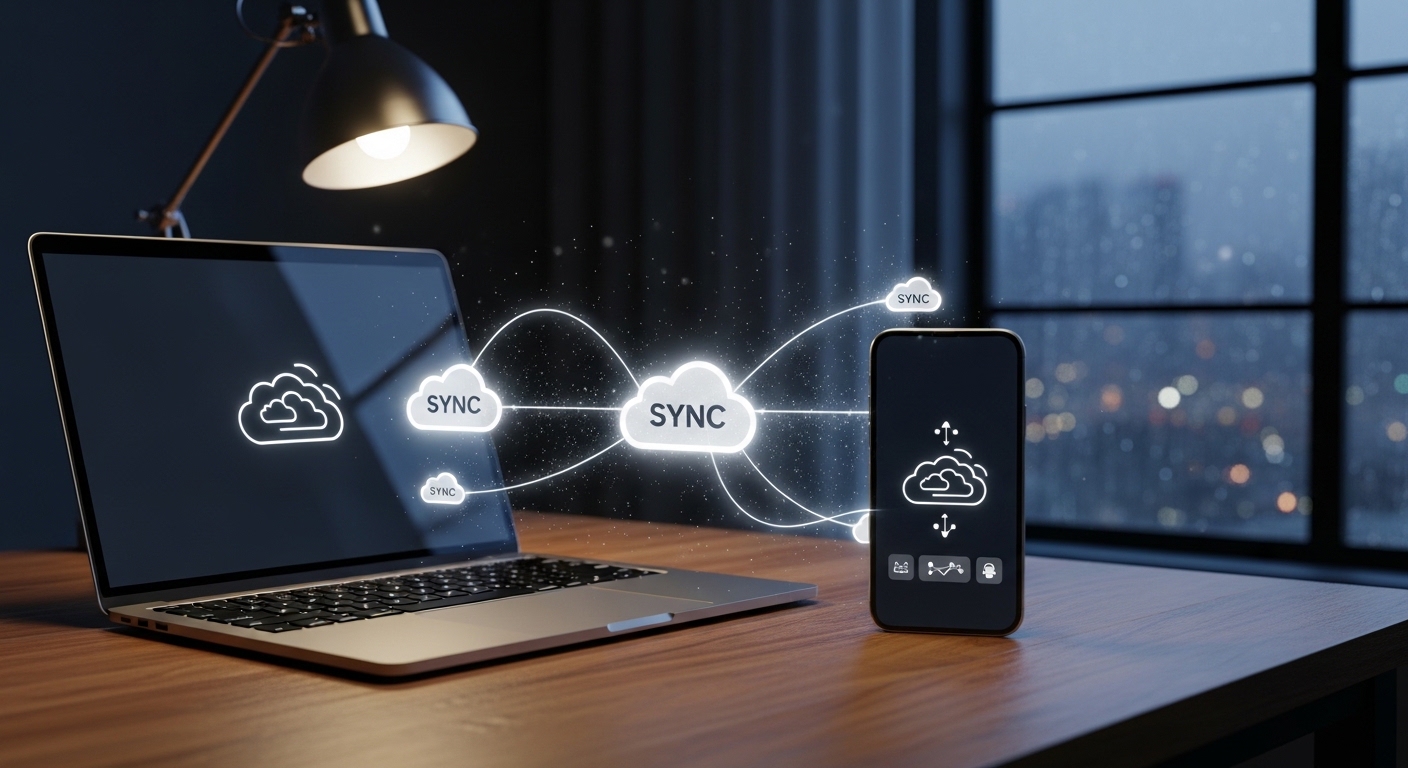
Yes — through carrier-level exploits like SS7 vulnerabilities or by accessing your iCloud or Google account.
These methods don’t need physical access or apps but require technical know-how or insider access.
SS7 flaws let advanced actors query your location via cell towers. Surveillance firms still exploit them despite patches, though everyday hackers rarely succeed.
They then use Find My iPhone or Find My Device to track you remotely without touching your phone.
Enable two-factor authentication and review linked devices in your account settings immediately to lock this down.
What About What Legitimate Tracking Apps Look Like?
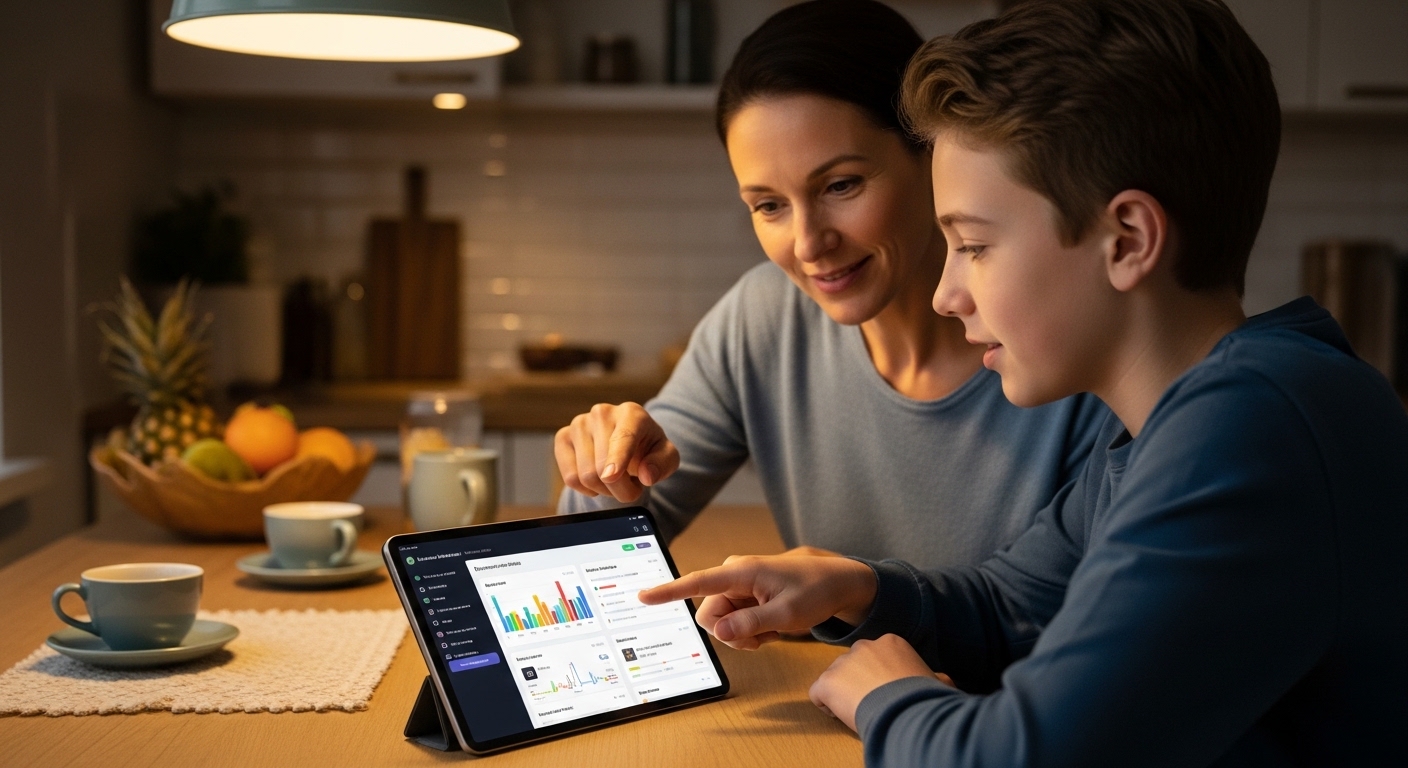
Legitimate tracking apps such as Hoverwatch, mSpy, and FlexiSPY install with physical access and run in stealth mode.
They appear designed for parents or employers but can be misused. Knowing their signatures helps you spot unauthorized copies on your device.
These apps request broad permissions like accessibility and location. Hoverwatch hides completely with no icon or notifications, sending data to a private online dashboard.
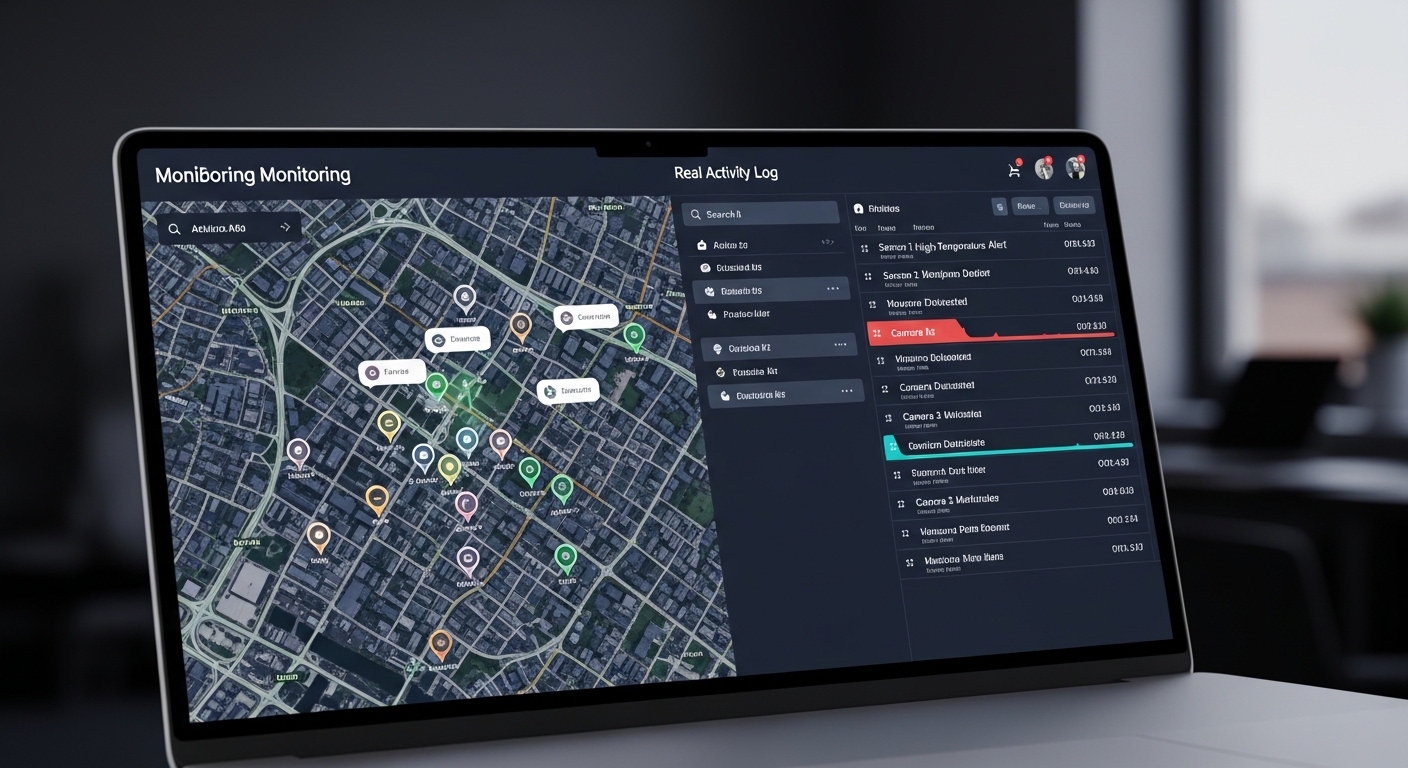
Hoverwatch records calls, SMS, GPS, and social media activity invisibly. Its affordable plans start at $24.95/month with reliable stealth and an easy-to-use dashboard.
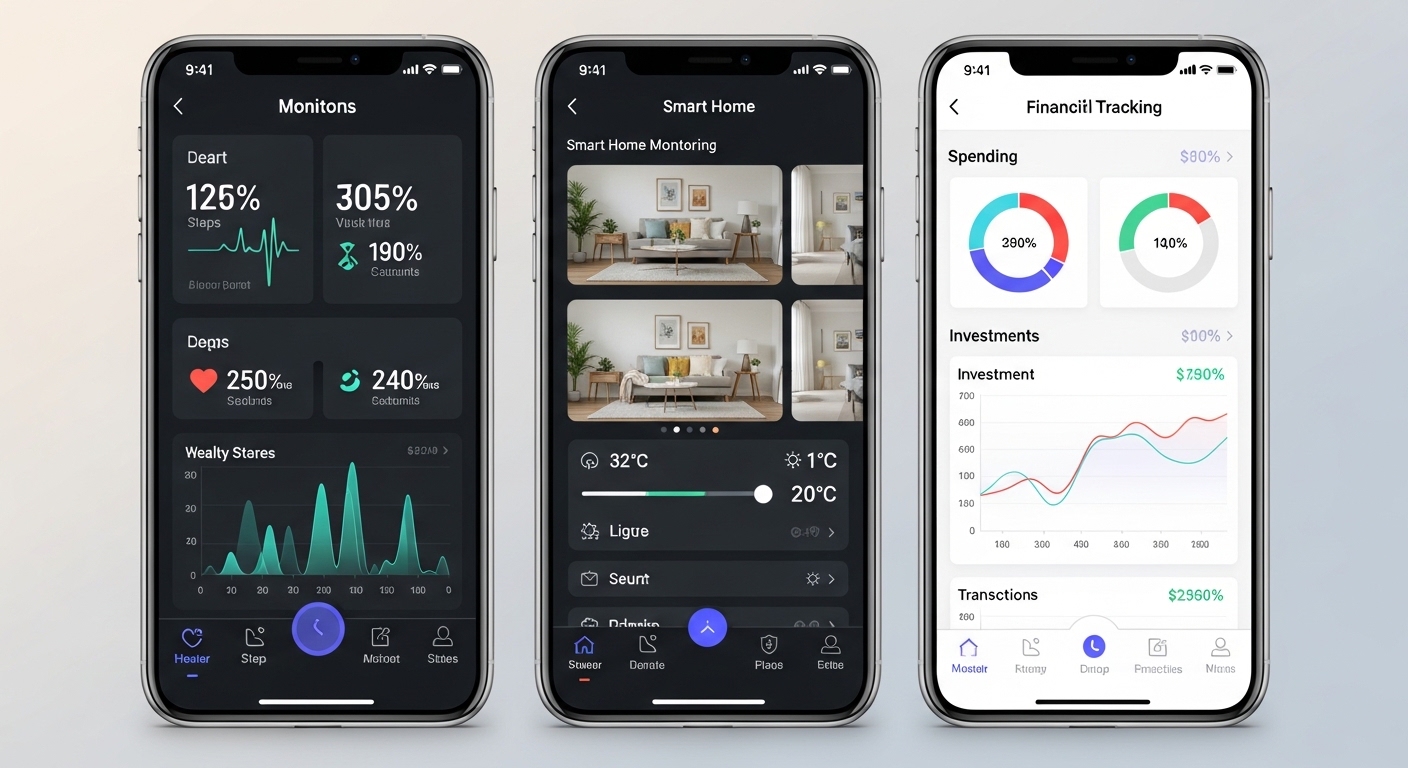
mSpy adds keylogger and geofencing at around $30/month. FlexiSPY offers live call interception at $49.95/month for advanced users needing deeper access.
If you’re seeking legitimate monitoring for family safety or workplace oversight, Hoverwatch stands out as a recommended solution.
Its reliable invisibility and straightforward setup make it practical for non-technical users.
How Do You Stop Someone From Tracking Your Phone?
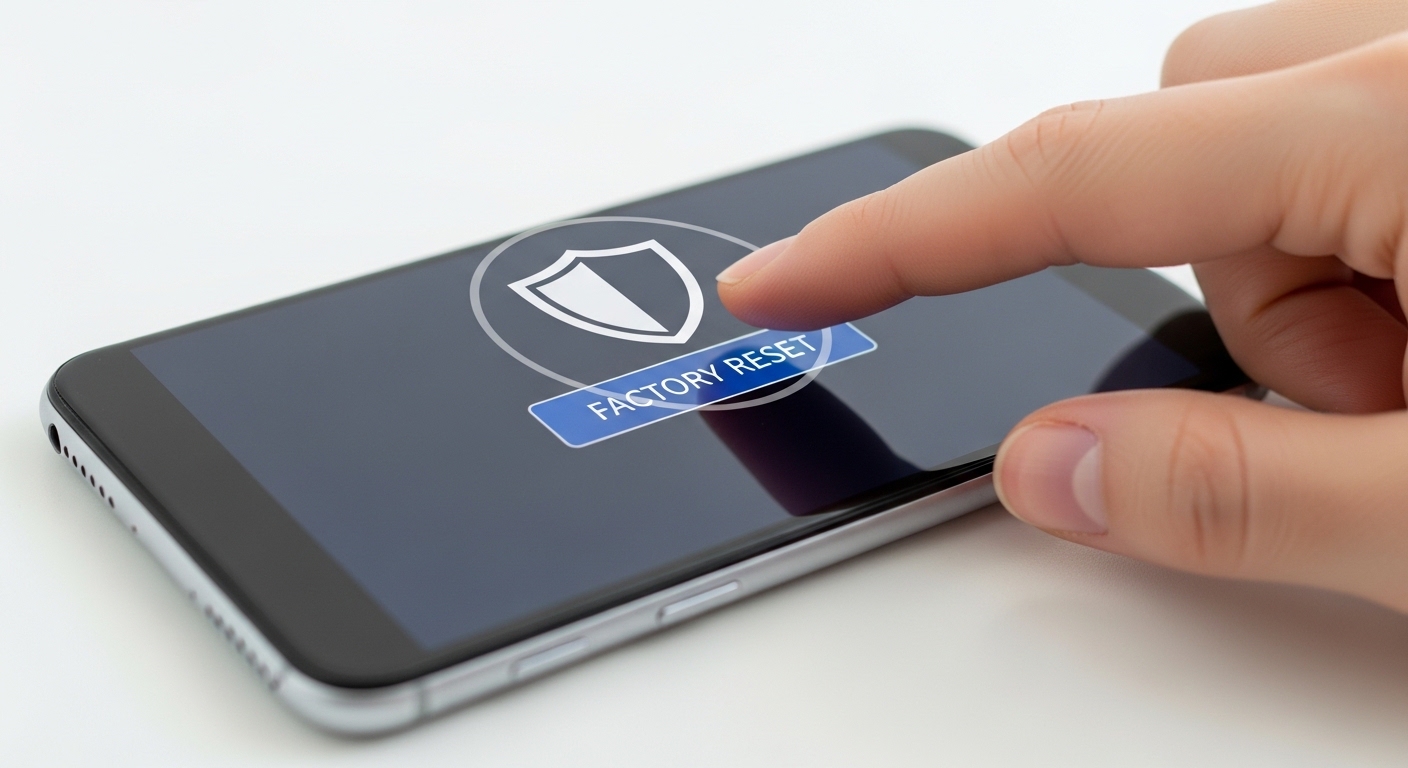
Once you learn how to know if someone is tracking your phone, act fast. Remove suspicious apps and revoke excessive permissions right away.
Factory reset as a final clean slate after backing up important data. These actions cut off most tracking software quickly.
Change all passwords — email, Apple ID, Google account — and enable two-factor authentication everywhere. Review linked devices and remove unknowns.
Update your operating system and apps immediately.
New patches close the holes spyware exploits. After resetting, avoid restoring from a backup that might contain the tracker — set up as new instead.
Never restore from a backup after removing spyware. The backup may contain the tracker, re-infecting your clean device instantly.
“Digital security is a shared responsibility. Parents monitoring their children, employers securing company devices, and individuals protecting their own accounts all contribute to a safer ecosystem.”
Dr. Sarah Chen, Digital Forensics Expert, SANS Institute
Final Thoughts
Learning how to know if someone is tracking your phone empowers you to act fast.
Regular checks of battery stats, data usage, app permissions, and account access keep most threats at bay.
Hoverwatch proves that monitoring tools have legitimate uses for families and employers, but unauthorized trackers have no place on your device.
Stay consistent with these checks and keep your accounts locked down.
Frequently Asked Questions
Not necessarily. Old batteries, rogue background apps, and software bugs cause similar drain. But it's worth investigating — open your battery stats and look for any unknown process hogging power. If something weird shows up, run Malwarebytes or Certo to be sure. Rule out the simple stuff first before panicking.
Yes, with proper warrants they can access carrier data or use specialized surveillance tools. But regular people can't do this — it requires law enforcement credentials and legal authorization. SS7 exploits exist but need advanced telecom access most hackers don't have. Focus on locking down your own accounts instead of worrying about this.
Most likely they still have access to your iCloud or Google account through saved passwords or a shared family plan. Check your Find My settings and remove any shared devices immediately. They might also have installed a hidden app when they had physical access to your phone — run the Android or iPhone checks from this guide to scan and clean your device.
A standard reset removes most spyware, but deeply rooted or jailbroken trackers sometimes survive if they modified system files. For complete removal, reflash the stock firmware directly from the manufacturer. Always set up as a new device afterward — restoring from a backup could bring the spyware right back.
No reliable universal code works on modern smartphones. Codes like *#21# only check call forwarding status, which misses virtually all actual tracking methods. Don't trust TikTok videos claiming otherwise. Stick to the app reviews, permission checks, and anti-spyware scans in this guide for real results.