Top Signs that Your Phone Is Tapped
The top signs your phone is tapped include unexplained battery drain and overheating, unusual data usage spikes, slow performance, strange sounds during calls, and unfamiliar apps you never installed.
If you notice several of these at once, it’s time to investigate.
Unauthorized phone surveillance is illegal in most jurisdictions. If you suspect monitoring without consent, document evidence and consult law enforcement.
What Are the Most Common Signs Your Phone Is Tapped?
Recognizing the signs your phone is tapped starts with knowing that phone tapping leaves traces.
No spyware is perfectly invisible — it needs battery, data, and processing power to run. The signs fall into four main categories.
“In my experience analyzing compromised devices, the number one indicator is always battery behavior.
Spyware that records audio and tracks GPS continuously can drain a fully charged phone in 6–8 hours.
If your phone used to last all day and now dies by lunch, that’s not aging — that’s software doing something you didn’t authorize.”
Alex Rivera, CEH, OSCP
Battery and Performance Issues
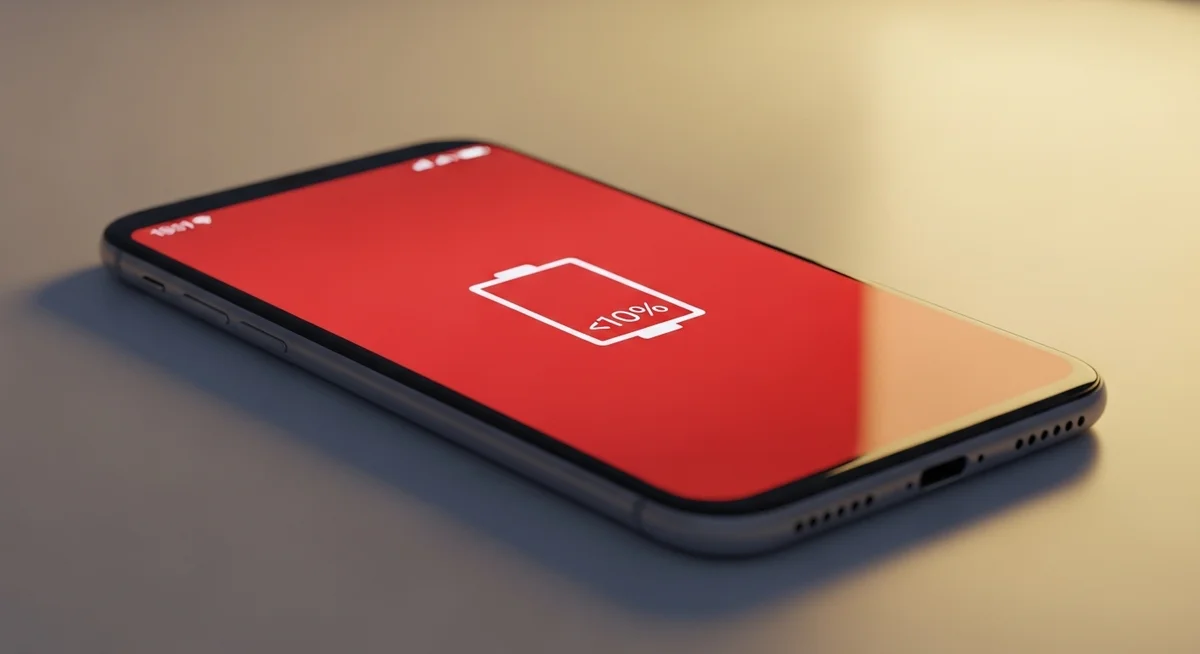
Spyware runs constantly in the background — recording, tracking, transmitting. This drains battery and generates heat. Infected devices can lose 20-30% more battery overnight compared to clean ones.
A healthy phone losing 5–8% battery overnight is normal. If yours drops 15–25% with no apps running, something is working in the background.
Check your battery usage breakdown: on iPhone, go to Settings → Battery for the per-app chart.
On Android, Settings → Battery → Battery Usage. Any unknown process consuming more than 5% is worth investigating.
Data and Network Anomalies
Spyware must upload collected data — screenshots, audio recordings, location logs — to remote servers. This creates measurable data spikes you can spot in your carrier app.
Quick check: compare your last 3 months of data usage. A sudden spike of 2-5 GB without changed habits is a strong indicator worth investigating.
On Android, go to Settings → Network → Data Usage. Look for system apps or unfamiliar applications consuming large amounts of data.
Also watch your phone bill. Unexpected international texts or premium SMS charges can indicate spyware communicating with command servers.
For Android users, the free app GlassWire provides real-time data monitoring and alerts when unfamiliar apps start using your connection.
On iPhone, the built-in Screen Time report also reveals which apps are active when you think your phone is idle.
According to Kaspersky, the average stalkerware app transmits 150–300 MB of data monthly — roughly equivalent to streaming 2 hours of music. This usage often.
Call Quality and Strange Sounds
Clicking, static, echoes, or one-second delays during calls can indicate network interception. A single instance isn’t concerning — but consistent patterns across multiple calls with different contacts warrant investigation.
Unfamiliar Apps and Suspicious Behavior
Spyware must exist as an app on your device, though it often disguises itself with generic names like “System Service” or “Device Health.” Any app you don’t remember installing is a red flag.
Other behavioral red flags: screen lighting up without a notification, camera or microphone indicators appearing unexpectedly, emails marked as read that you never opened, or login notifications from unfamiliar locations.
On Android, pay special attention to apps with device administrator privileges — spyware grants itself these permissions to prevent easy uninstallation.
Go to Settings → Security → Device admin apps and revoke access for anything you don’t recognize.
On iPhone, check Settings → General → VPN & Device Management for unknown configuration profiles that could route your traffic through monitoring servers.
Stalkerware cases have increased 35% year-over-year. Commercial spyware is available from $30/month and can be installed in minutes.
How Serious Are These Warning Signs?
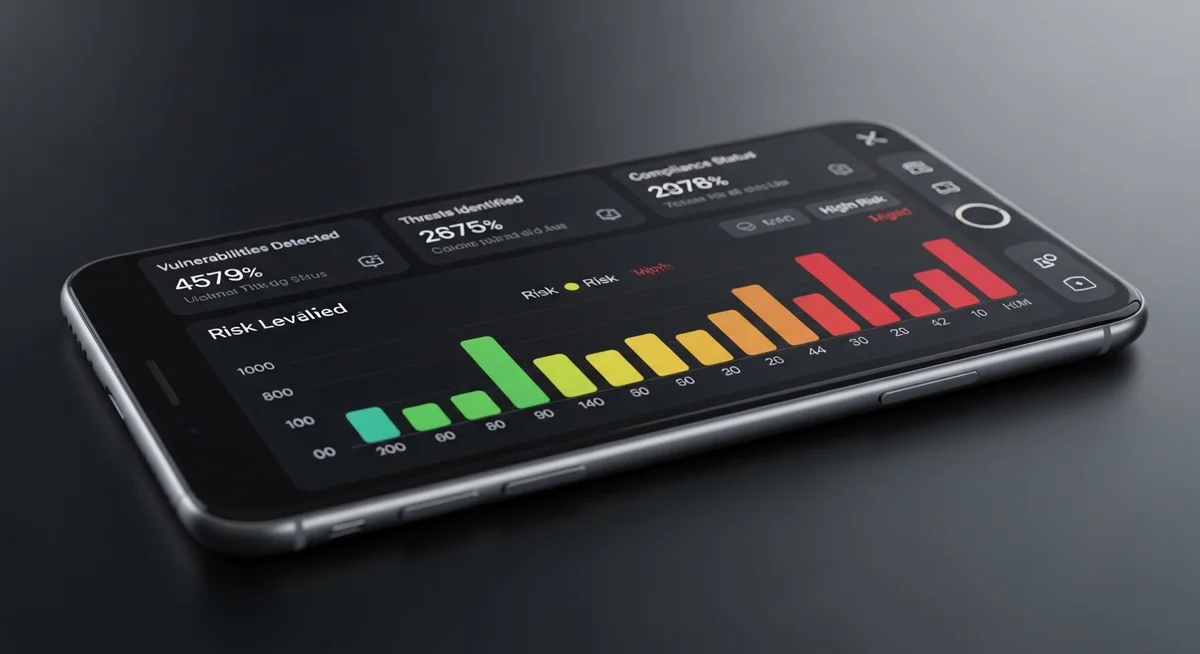
Not every symptom means you see signs your phone is tapped.
Many of these signs have innocent explanations — old batteries drain faster, network congestion causes call static, and OS updates can temporarily slow performance.
The key is looking for patterns: multiple symptoms appearing around the same time, especially if they started suddenly without any changes on your part.
Use this table to assess the severity of each sign and decide what action to take first.
| Sign | What It Looks Like | Severity | What To Do |
|---|---|---|---|
| Battery drain | 20–30% faster overnight, warm during idle | Medium | Check battery health first, then scan for spyware |
| Data spikes | 2–5 GB unexplained monthly increase | High | Compare last 3 months in Settings, check per-app usage |
| Call quality | Static, clicking, echoes on multiple calls | Medium | Test with different contacts and networks |
| Slow shutdown | 10+ seconds to power off | Low–Medium | May indicate data transmission before shutdown |
| Unknown apps | “System Service,” “Device Health” names | High | Screenshot, check permissions, uninstall |
| Strange messages | Random characters, auto-deleting texts | High | Don’t interact — document and scan device |
| Bill charges | International SMS, premium text fees | High | Contact carrier immediately |
| Camera/mic indicators | Green dot appearing when not using camera | Very High | Check which app has camera/mic access in Settings |
Two or more “High” severity signs appearing within the same week should trigger a full security scan and password change from a separate device.
Don’t wait for certainty — the cost of a false alarm (running a 5-minute scan) is negligible, while the cost of ignoring real spyware (compromised banking, stolen identity, violated privacy) can follow you for years.
If you see a “Very High” indicator like unexpected camera or microphone activation, treat it as an emergency.
Immediately cover the camera, disable Wi-Fi and mobile data, and perform your investigation from a separate device.
How Do You Check for Spyware on iPhone vs Android?
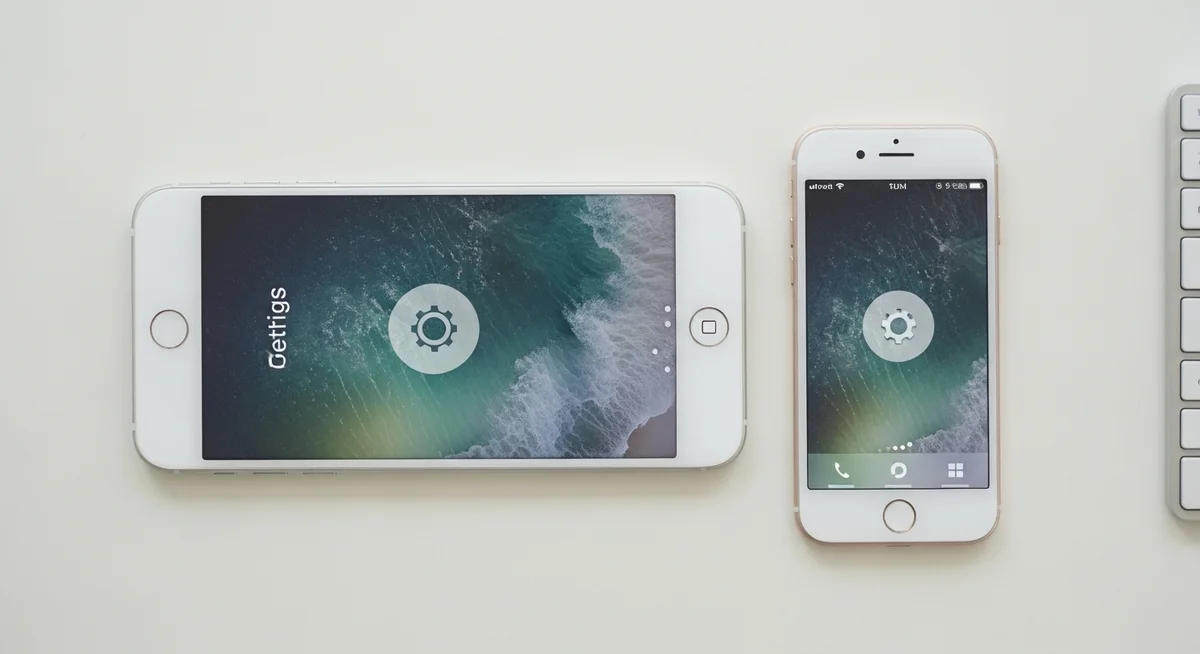
Each platform has unique vulnerabilities. iPhones usually need to be jailbroken for spyware to work, while Android’s open architecture makes it more vulnerable to sideloaded apps.
iOS Security Checks
- Check for jailbreak: look for Cydia, Sileo apps
- Settings → General → VPN & Device Management for unknown profiles
- Settings → General → About → Certificate Trust Settings
- If security features suddenly stop working, device may be jailbroken
Apply these security measures consistently to minimize your exposure to common threats.
Android Vulnerabilities
- Check for root: look for SuperSU, Magisk apps
- Settings → Security → Device admin apps for unknown administrators
- Settings → Accessibility — spyware abuses accessibility features
- Android’s open architecture makes it more vulnerable to sideloaded spyware
Which Apps Are Most Commonly Used for Phone Tapping?
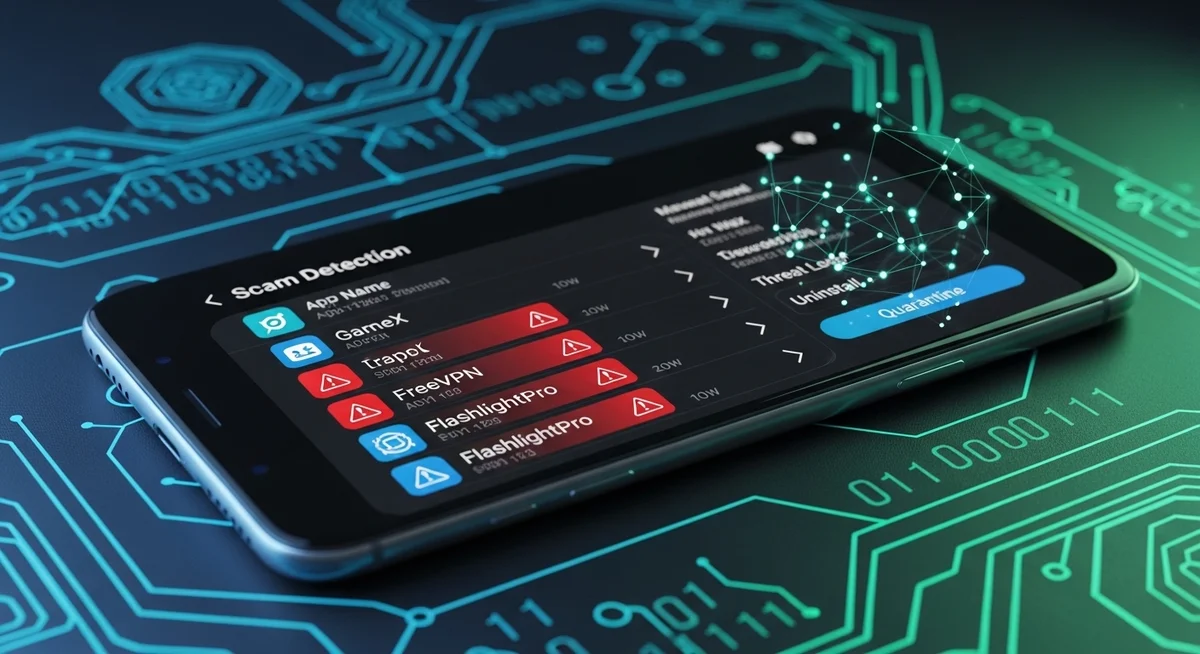
Commercial spyware is disturbingly accessible. These apps are marketed for “parental monitoring” or “employee oversight” but are frequently misused for unauthorized surveillance.
| App | Price | Capabilities | Detection Difficulty |
|---|---|---|---|
| Pegasus (NSO Group) | Government-only | Zero-click, full device access | Extremely hard |
| FlexiSPY | $68/mo | Call interception, ambient recording | Hard (requires root/jailbreak) |
| mSpy | $30/mo | Messages, location, social media | Medium |
| Hoverwatch | $25/mo | SMS, calls, GPS, screenshots | Medium (stealth mode) |
| Cocospy | $40/mo | Location, messages, call logs | Easy–Medium |
The key difference: government tools attack the device remotely, while commercial spyware almost always needs someone to physically install it on your phone.
That’s why physical security is your best defense.
Regardless of which tool is used, the response is the same: document, scan, and secure your accounts from a separate device before removing anything from the compromised phone.
What Should You Do If Your Phone Is Tapped?

If you notice multiple signs your phone is tapped, act carefully and methodically.
Your first instinct may be to confront the suspected party or immediately delete suspicious apps — resist both urges.
Confrontation may escalate the situation, and premature removal destroys evidence you might need later.
Follow these steps in order once you’re ready to act.
- Document everything — screenshot suspicious apps, battery stats, and strange messages before they disappear
- Switch devices for sensitive communications — the monitored phone sees everything
- Run a security scan — install Malwarebytes, Lookout, or Norton Mobile Security
- Revoke suspicious permissions and uninstall unfamiliar apps
- Change all passwords from a trusted device with 2FA enabled
Before taking any action, use a different device to communicate.
The compromised phone sees everything — including your search history for “how to remove spyware.” If the situation involves a domestic partner, contact the National Domestic Violence Hotline (1-800-799-7233) before removing anything.
Removing spyware may alert the person who installed it. In domestic abuse situations, this can escalate danger. Get professional guidance first.
Factory Reset — The Nuclear Option
The most reliable removal method. Back up important data first, then erase everything. See our phone reset guide for details.
iPhone: Settings → General → Transfer or Reset → Erase All.
Android: Settings → System → Reset → Factory data reset.
After the reset, change every password you’ve ever used on that phone — email, banking, social media, cloud storage. Do this from a trusted computer, not the reset phone.
Enable app-based two-factor authentication (Google Authenticator or Authy) on your most important accounts. Finally, monitor your accounts for suspicious activity over the following two weeks.
After factory reset, set up as NEW device — don’t restore from backup, which might reinstall the spyware. Manually reinstall only apps you need from official stores.
How Can You Prevent Your Phone From Being Tapped?
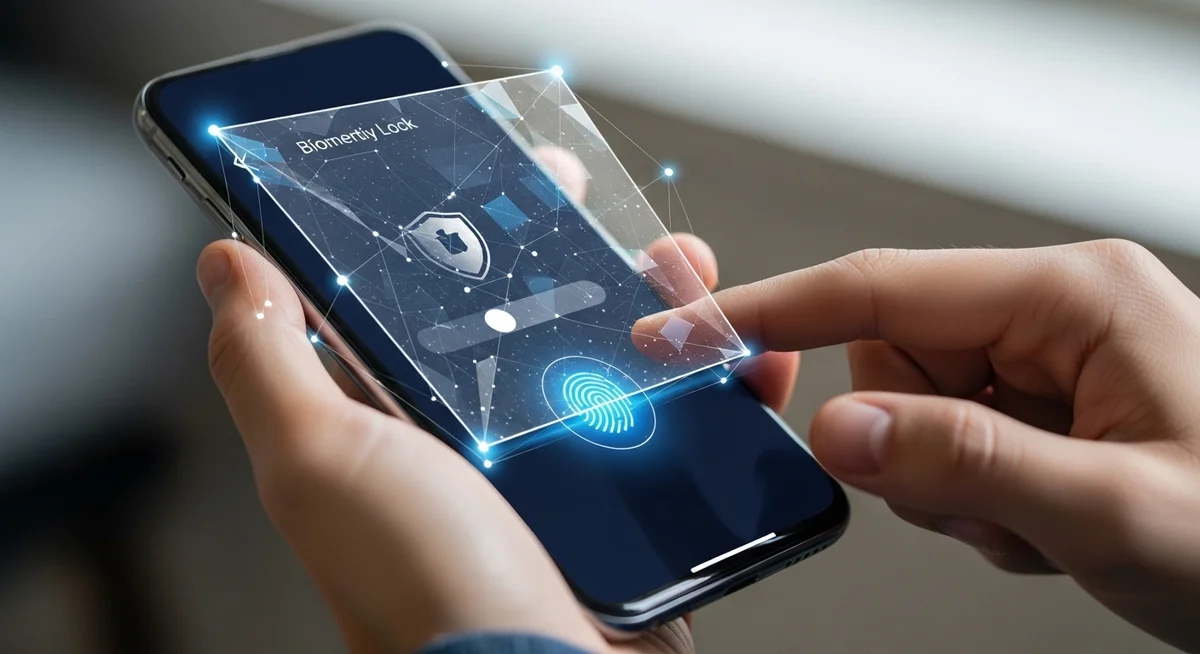
Understanding the signs your phone is tapped helps you act fast.
Over 80% of commercial spyware requires physical access to the target device for 5–10 minutes.
Keeping your phone physically secure is the single most effective prevention measure — more important than any antivirus app.
Think of your phone like your house keys. You wouldn’t hand them to a stranger or leave them on a park bench.
The same logic applies: never leave your phone unlocked and unattended.
Set auto-lock to 30 seconds, use a 6-digit PIN minimum (or better yet, alphanumeric), and enable biometric authentication as your primary unlock method, especially around people you don’t fully trust.
This includes workplaces, social gatherings, and even family events.
“I always tell people: if you wouldn’t leave your wallet on a restaurant table while you use the restroom, don’t leave your phone there either.
Five minutes of physical access is all it takes to install commercial spyware. A strong passcode and auto-lock are your first line of defense.”
Dr. Sarah Chen, Digital Forensics Expert, SANS Institute
Enable two-factor authentication on all accounts and regularly audit your installed apps.
Legitimate monitoring apps like Hoverwatch — used by parents to keep track of their children’s online activity — are transparent about their presence.
If you find a monitoring tool on your device that you didn’t authorize, that’s a different story entirely.
Dial *#21# and *#62# on your phone. These USSD codes show if your calls or data are being forwarded somewhere unexpected.
Final Thoughts
These are the clearest signs your phone is tapped: battery drain, data spikes, slow performance, and unfamiliar apps are the strongest indicators of phone surveillance.
While each symptom can have an innocent explanation, two or more appearing within the same week should prompt immediate investigation.
Start with a security scan using Malwarebytes or Bitdefender — it takes five minutes and catches most commercial spyware.
If you suspect your phone is tapped, document the evidence, run a security scan, and consider a factory reset as the most reliable fix.
Your phone holds your entire digital life — banking, email, photos, conversations, location history.
Protecting it isn’t paranoia, it’s the same common sense as locking your front door.
The five-minute investment of running a security scan could save you months of dealing with compromised accounts and stolen data.
Frequently Asked Questions
Could be, but don't panic yet. Old batteries die fast too, and call interference happens near electronics. The real red flags are multiple signs together: unexplained data spikes AND weird call sounds AND phone staying warm when idle. Check your data usage in settings — if something's uploading gigabytes you can't account for, that's when you should worry.
The short answer is yes, but it's way harder than movies make it seem. Government agencies can do it through carrier cooperation. For everyone else, the most realistic remote attack is through a phishing link — you tap a link, it installs something silently. That's why you should never click random links in texts, even from people you know. Their phone might be compromised too.
That's one of the biggest red flags. Go to Settings → Apps and sort by recently installed. Spyware often disguises itself as "System Update," "Battery Optimizer," or other boring-sounding utilities. If you find something you definitely didn't install, screenshot it, note the name, then uninstall it. Also change all your passwords from a different device just in case.
In most places, yes — if it's a company-owned device and they told you about it (even buried in that IT policy you didn't read). On your personal phone? That's a different story and usually illegal without your explicit consent. Check your employment agreement. If your company uses MDM (Mobile Device Management), they can see your location, app list, and browsing history on company devices.
Stick to reputable security apps: Malwarebytes, Bitdefender, or Norton Mobile Security. They're free to scan and catch most consumer spyware. Avoid any app that promises to "detect all government surveillance" — those are usually scams or spyware themselves. For a manual check, dial *#21# and *#62# on your phone — these USSD codes show if your calls or data are being forwarded somewhere.