How to Tell if Your iPhone is Hacked: Signs and Fixes

If your iPhone suddenly drains its battery, overheats while idle, or shows apps you never installed, you may have a hacked iPhone. iPhones are harder to hack than most phones, but none are immune — and the signs are subtle.
This guide shows how to spot a hacked iPhone, the exact settings to check, and the steps to lock an intruder out fast. It is written for defense only — to protect your own device.
This article is for checking and securing your own iPhone. Accessing or monitoring someone else’s device without consent is illegal under federal and state law.
How Do iPhones Get Hacked in the First Place?
Understanding the realistic ways an iPhone gets compromised tells you where to look. Forget the movie-style “remote hack from a phone number” — a hacked iPhone almost always traces back to one of a few specific entry points.
Other routes include phishing links that steal credentials, malicious public Wi-Fi, and — rarely — zero-click exploits against high-profile targets. For most users, securing the Apple ID and checking for profiles covers the vast majority of real risk.
“Nine times out of ten, what people call an iPhone hack is just an Apple ID someone else still has the password to. The phone is fine — the account is the open door. Lock the account and most ‘hacks’ disappear overnight.”
Alex Rivera, CEH, OSCP
What Are the Warning Signs of a Hacked iPhone?
No single symptom proves a hacked iPhone — old batteries and buggy apps cause the same issues. What matters is a sudden cluster of signs together, especially after you lost the phone, lent it out, or clicked a suspicious link.
Treat these as a checklist, not a verdict. One symptom is usually nothing; three or four at once, starting around the same time, is your cue to run the checks in the next section.
How Do You Check for Spyware Apps and Configuration Profiles?
The fastest way to confirm a hacked iPhone running device-based monitoring is to look in the two places stalkerware hides: configuration profiles and device management. Legitimate consumer iPhones almost never have these unless a workplace or school added them.
Never remove a profile on a phone your employer owns without asking IT first — it can lock the device. On your personal iPhone, though, an unknown profile should be deleted immediately.
Which Hidden Settings Reveal Unauthorized Access?
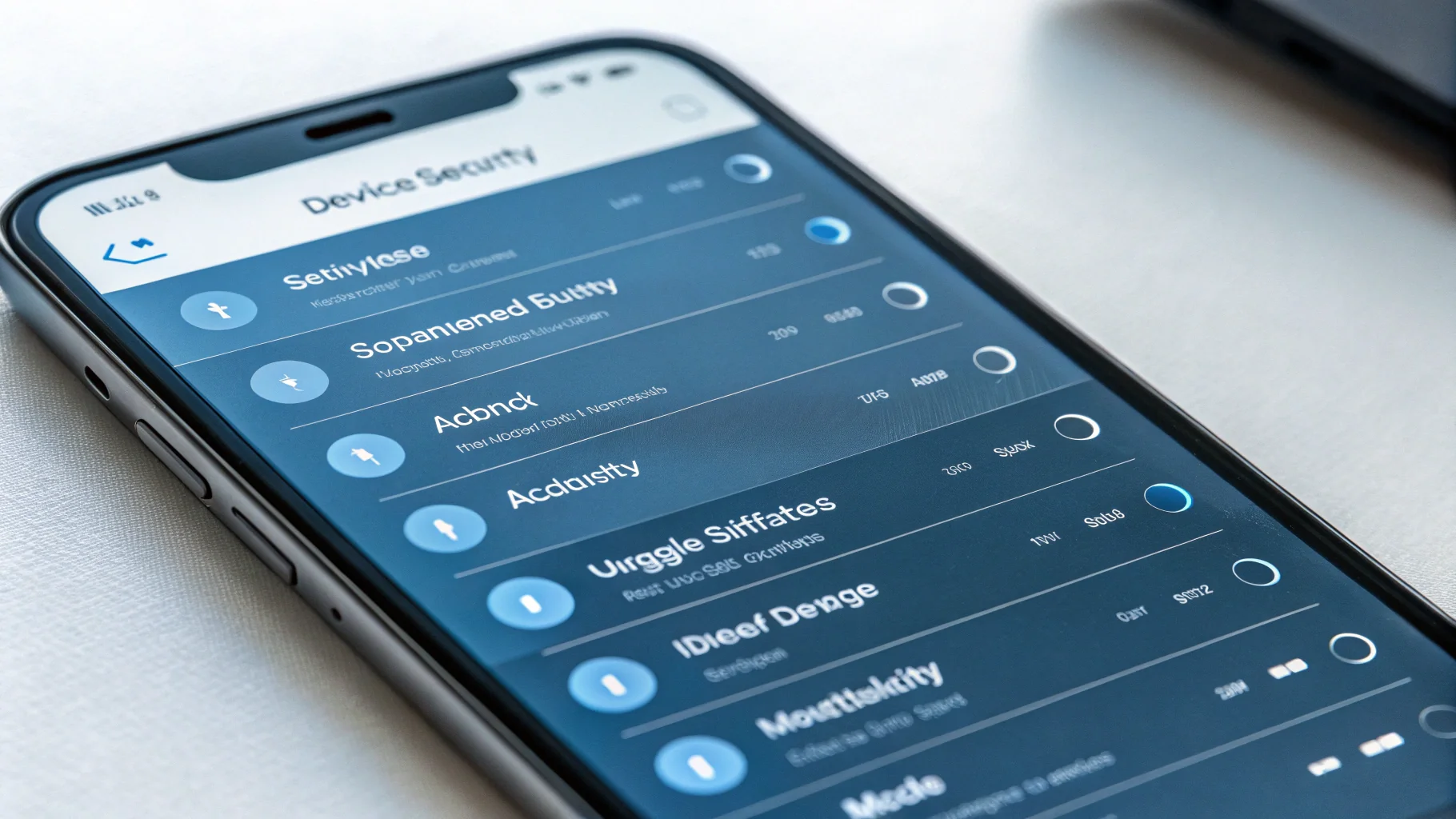
Beyond profiles, several built-in iOS settings quietly show whether someone else has a foothold in your accounts or is receiving copies of your activity. Walk through each one — it takes about five minutes.
| Where to Look | What to Check | Red Flag |
|---|---|---|
| Settings → [your name] | Devices signed into your Apple ID | A device you don’t own or recognize |
| Settings → [your name] → Sign-In & Security | Trusted phone numbers for 2FA | A number that isn’t yours |
| Messages → Settings | Text Message Forwarding / linked devices | An unknown Mac or iPad receiving your texts |
| Settings → Privacy & Security → Location Services | Apps with “Always” location access | Share My Location enabled to an unknown contact |
| Settings → Face ID & Passcode | Alternate appearance / extra fingerprints | A face or print you didn’t register |
A 2023 study found stalkerware installs jumped sharply year over year, and the majority required only brief physical access plus a known passcode — not advanced hacking.
How Do You Fix a Hacked iPhone and Remove the Intruder?
Fixing a hacked iPhone works best in a specific order: secure the account first, then clean the device. Doing it the other way lets someone with your Apple ID simply walk back in.
After a full restore, do not restore from the most recent backup if you suspect it contains the spyware. Set up as a new iPhone and re-add apps manually from the App Store.
Once the account is locked and the device is clean, the surveillance has nowhere left to run.
“People want to wipe the phone first because it feels decisive. But if you reset the device and the attacker still has your iCloud login, they restore everything and you’re back to square one. Account first, always — then the hardware.”
Dr. Sarah Chen, Mobile Security Researcher
How Can You Keep Your iPhone From Being Hacked Again?
Preventing a hacked iPhone comes down to protecting the account and controlling physical access. A few durable habits make your device a far harder target without changing how you use it day to day.
For parents overseeing a child’s device, use transparent, consent-based tools rather than hidden spyware — our Hoverwatch review and parental control comparison cover the legal options. For a related threat, see our phone cloning guide.
Final Thoughts
Most hacked iPhone cases are really account compromises or consent-skipping spyware, and both leave traces — profiles, signed-in devices, battery and data spikes. Run the five-minute check whenever something feels off, and act in order: account first, device second.
If you confirm a compromise, don’t wait. Change your password, remove unknown profiles, update iOS, and restore as new if needed. A few minutes of checking today is far cheaper than months of someone reading your messages.
Frequently Asked Questions
Almost never. A phone number alone can't install software on a modern iPhone. What a number does enable is targeting — phishing texts, SIM-swap attempts, and fake "Apple Support" messages designed to steal your Apple ID password. The real risk isn't the number; it's tricking you into handing over credentials. Treat unexpected codes or login links sent to your number as attacks, and never share a 2FA code with anyone who contacts you.
A full Erase All Content and Settings removes device-based spyware and jailbreaks from a hacked iPhone, but it does not fix a compromised Apple ID. If someone still knows your iCloud password, they can sign back in or restore a tainted backup. Always change your Apple ID password and enable two-factor authentication first, then reset. After erasing, set up as a new iPhone rather than restoring the most recent backup if you suspect it carries the spyware.
Sometimes. Apple sends email and on-device alerts when your Apple ID is used to sign in on a new device, and iOS shows indicator dots when the camera or microphone is active. Apple has also begun notifying users it believes are targeted by mercenary spyware. But ordinary stalkerware installed with your passcode won't trigger an Apple warning — that's why manually checking profiles and signed-in devices matters.
Often, yes — aging batteries, heavy apps, poor signal, and hot weather all cause heat and drain gradually. The concern is a sudden change: drain and heat that appear overnight while idle, paired with data spikes or unfamiliar apps. Check Settings → Battery and Settings → Cellular for an app you don't recognize using disproportionate power or data. Gradual decline over a year is normal; an abrupt shift is worth investigating.
Everything you need to spot a hacked iPhone is built in. Open Settings → General → VPN & Device Management to look for unknown configuration profiles, check Settings → [your name] for unfamiliar signed-in devices, and review Settings → Battery and Cellular for rogue apps. Also confirm your iPhone isn't jailbroken (no Cydia or Sileo). These free checks catch the overwhelming majority of consumer spyware without any paid "detector" app — most of which are scams themselves.



