How to Hack a Skype Account (The Real Truth)

Skype runs on a Microsoft account, which makes “how to hack a Skype account” a misunderstood question. Real Skype access doesn’t come from a magic app — it comes through the Microsoft account behind it.
This guide explains, for defensive purposes, whether you can hack a Skype account, how accounts genuinely get compromised, why “Skype hack” tools are scams, and how to keep yours secure. It’s written to inform and protect.
Accessing someone’s Skype or Microsoft account without consent is illegal under the Computer Fraud and Abuse Act and state laws. This guide is for protecting your own account only.
Can You Really Hack Someone’s Skype Account?

For the average person, hacking someone’s Skype account isn’t realistic. The genuine threats exist, but they target the Microsoft account behind Skype, not Skype itself through some app.
So when a tool promises effortless Skype access, it’s a scam aimed at you. The real risk is the Microsoft account, which the next sections break down.
“Skype security is really Microsoft account security. People try to ‘hack Skype’ when the account lives in Microsoft’s login. Secure that account with a strong password and two-factor, and Skype is protected automatically.”
Alex Rivera, CEH, OSCP
How Do Skype Accounts Actually Get Compromised?

Real Skype compromises run through the Microsoft account and follow a few predictable paths. Knowing them is a defensive map for your own login.
Every real method targets the Microsoft account credentials or your sessions — not a Skype flaw. Defend those and you close the doors that actually get used.
Are “Skype Hack” Apps and Sites Real?

The “hack any Skype” category is dense with scams. Their business model shows why none can deliver what they advertise.
Never enter your Microsoft or Skype password into a third-party “hacking” site. That’s exactly how these scams hijack your account and everything tied to it.
How Do You Tell If Your Skype Was Hacked?
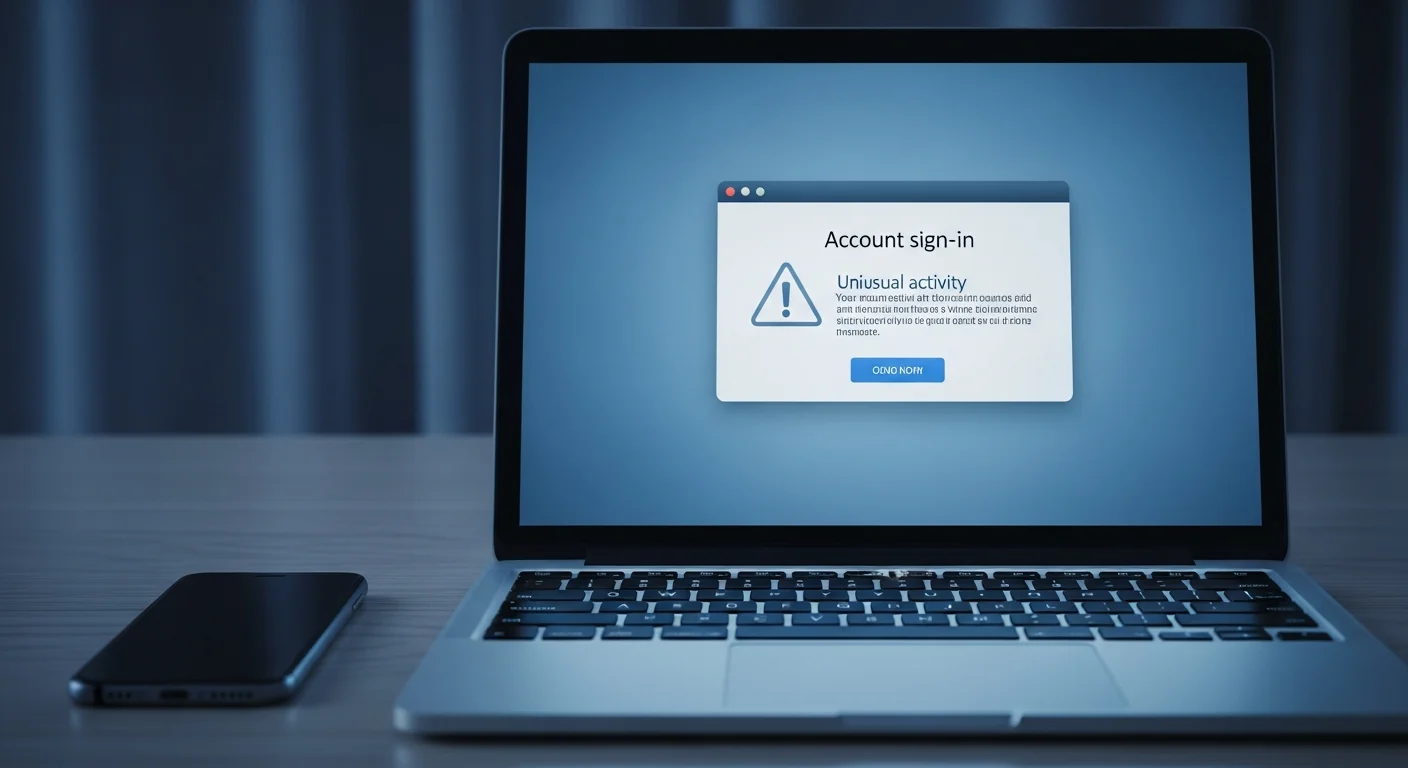
If your own Skype is compromised, the signs show up in Skype and your Microsoft account. A cluster appearing together is the warning.
| Sign | What It Suggests | Check |
|---|---|---|
| Messages or calls you didn’t make | Someone else is using the account | Chat & call history |
| Contacts get spam from you | Account hijacked for scams | Sent messages |
| Microsoft sign-in alerts | Unauthorized access | Microsoft account security page |
| Can’t log in | Password was changed | Try a Microsoft password reset |
| Profile or settings changed | Account takeover | Skype & Microsoft settings |
Your Microsoft account security page shows recent sign-in activity with locations and devices. Reviewing it is the fastest way to spot an unauthorized Skype login.
How Do You Protect Your Skype Account?

Because Skype security is Microsoft account security, protecting it is straightforward once you focus on the right account.
“Turn on two-factor authentication for the Microsoft account and you’ve solved Skype security. Everything flows through that login. People overlook it because they think of Skype as separate — it isn’t.”
Dr. Sarah Chen, Cybersecurity Researcher
Set these up once and your Skype is safe from the methods that genuinely work. Microsoft’s own account security guidance covers each setting.
What About Monitoring a Child’s Skype?

Concern about a child’s calls and chats drives some “hack Skype” searches — but covert hacking isn’t the answer. Lawful oversight relies on consent and transparent tools.
For lawful oversight, Microsoft Family Safety plus an honest talk beats any covert tool. For broader device monitoring, see our parental control comparison.
Final Thoughts
You can’t hack someone’s Skype from a username — that promise is pure scam bait. Real compromises run through the Microsoft account via phishing, reused passwords, and hijacked sessions, all defeated by two-factor authentication and a unique password.
Skip the miracle tools, secure the Microsoft account behind Skype, and review your sign-in activity. Those habits beat every attack that actually works.
Frequently Asked Questions
No. Skype data isn't publicly accessible, so no app or site can read someone's chats or call history from just a Skype name. Any tool claiming otherwise is a scam to harvest your data, run surveys, take payment, or install malware. Skype runs on a Microsoft account, so genuine compromise means that account's password, phishing, or a hijacked session — never a username-only "hack." If a tool promises effortless access, it's targeting you, not the account.
Essentially, yes. Modern Skype logs in through a Microsoft account, so whoever controls that account controls Skype, Outlook, OneDrive, and more. That's why protecting the Microsoft account is the whole game — a strong unique password and two-factor authentication there secure Skype automatically. It also means a Skype compromise can expose your other Microsoft services, so if you suspect any unauthorized Skype access, secure the entire Microsoft account immediately, not just Skype.
Through the Microsoft account, via a few realistic routes. Phishing is the biggest — a fake login page captures your password. Password reuse lets attackers try a leaked password. Session hijacking exploits an old login on a shared or public computer. And physical access to an unlocked device simply opens the app. Two-factor authentication on the Microsoft account, a unique password, signing out of unused devices, and a strong device lock defeat all of them.
Look for messages or calls you didn't make, contacts reporting spam from you, Microsoft sign-in alerts from unfamiliar locations, being unable to log in, or changed profile settings. Your Microsoft account security page shows recent sign-in activity — unfamiliar devices or locations are the clearest sign. If you spot several, reset your Microsoft password immediately, enable two-factor authentication, and sign out of all other sessions. Securing the Microsoft account secures Skype along with it.
Yes. In all 50 US states, parents can legally monitor a minor child's accounts and devices, especially ones they own or pay for. Microsoft Family Safety is the best route — it links to your child's account to manage activity, contacts, and screen time. Experts recommend using it transparently rather than secretly, since openness preserves trust and encourages safer behavior. Accessing another adult's Skype without consent, however, is illegal regardless of your relationship or suspicions.