How To Wiretap Someone’s Conversation Via Bluetooth
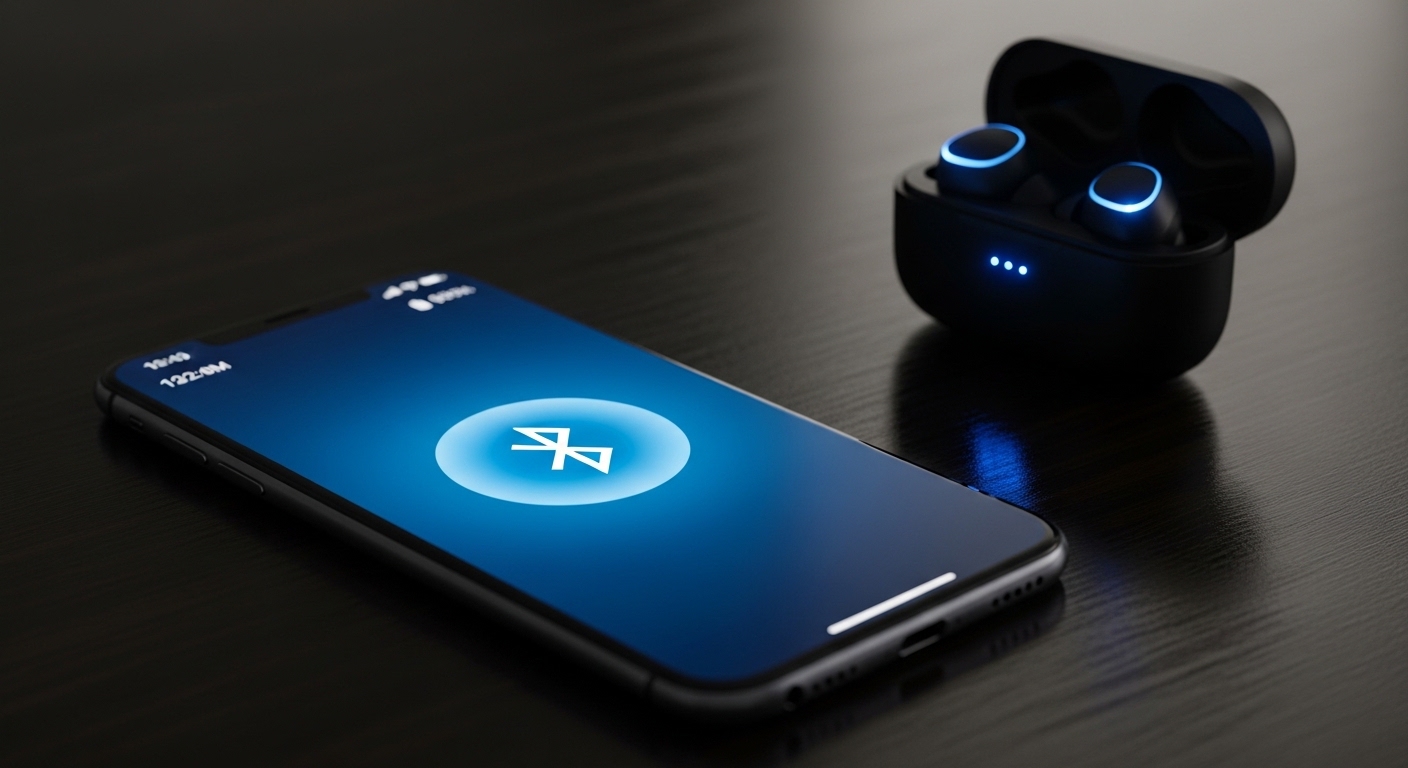
Bluetooth connects your earbuds, car stereo, and smartwatch seamlessly. It also opens a hidden door for anyone within range to listen in on your private conversations.
Wireless eavesdropping through bluetooth security flaws is not science fiction. Researchers have demonstrated real attacks that turn paired headsets into remote listening devices without the owner noticing anything unusual.
Intercepting wireless communications without consent violates the Electronic Communications Privacy Act (ECPA) and the Computer Fraud and Abuse Act (CFAA). The techniques in this article are for educational awareness only.
Can Someone Really Hack Your Phone Through Bluetooth?
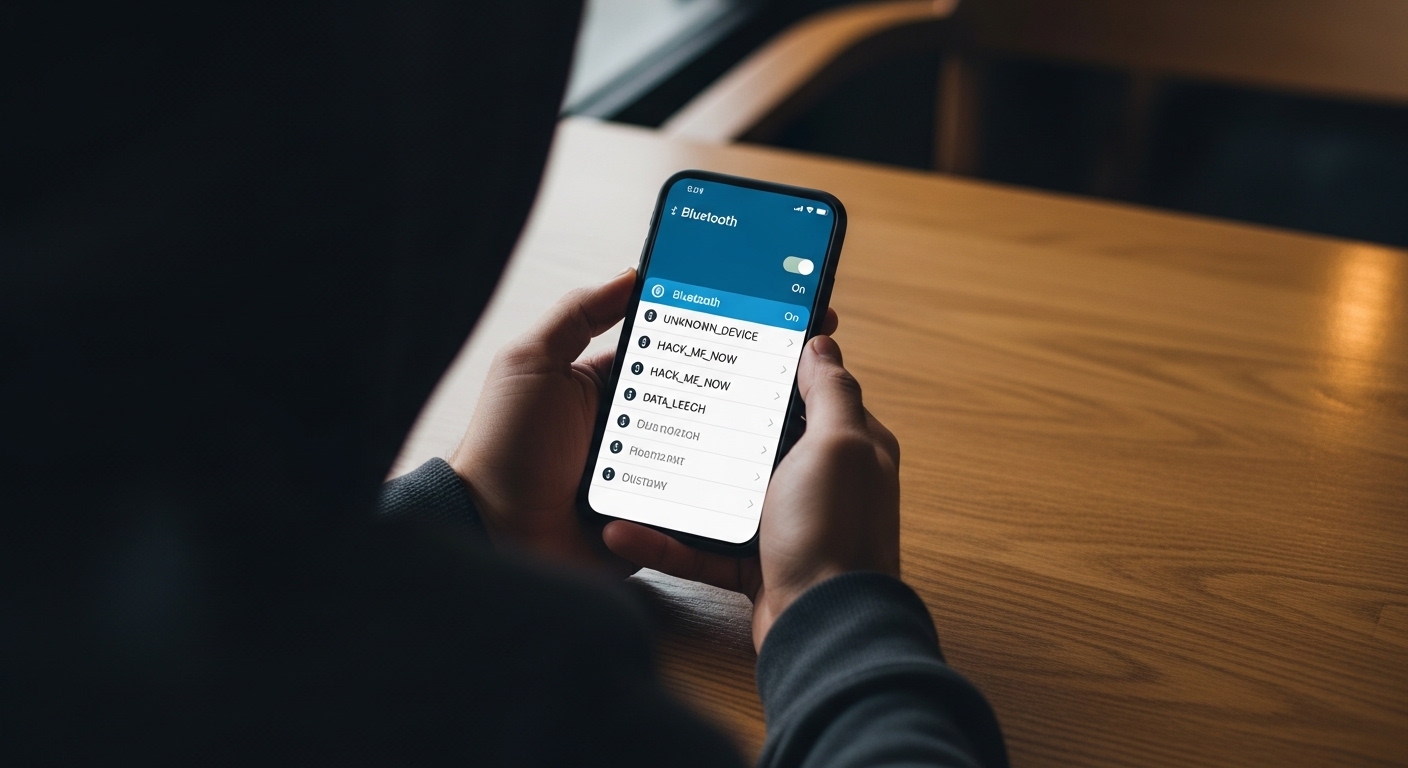
BlueBorne vulnerabilities affected over 5 billion devices across Android, iOS, Windows, and Linux — all exploitable without pairing or user interaction.
Bluetooth operates on radio frequencies that anyone nearby can tune into when the software stack has flaws. Security researchers continue finding new ways these protocols can be abused.
“The most effective security measures are often the simplest: strong unique passwords, two-factor authentication, and keeping your software updated. Most breaches exploit basic oversights, not sophisticated vulnerabilities.”
Alex Rivera, CEH, OSCP
How Does Bluetooth Hacking Actually Work?

Wireless exploitation targets flaws in the protocol, device firmware, or pairing process. Attackers gain unauthorized access without your knowledge through several well-documented methods.
They do not always need advanced skills. Physical proximity and the right conditions are often enough. These techniques target how devices discover, connect, and exchange data.
Most modern phones filter bluejacking attempts automatically. Keeping your device updated blocks basic bluetooth hacking entirely.
Bluebugging can activate your microphone without any screen activity. Conversations in the room become audible to the attacker with zero indication on your phone.
Can Someone Listen to Your Conversations via Bluetooth?
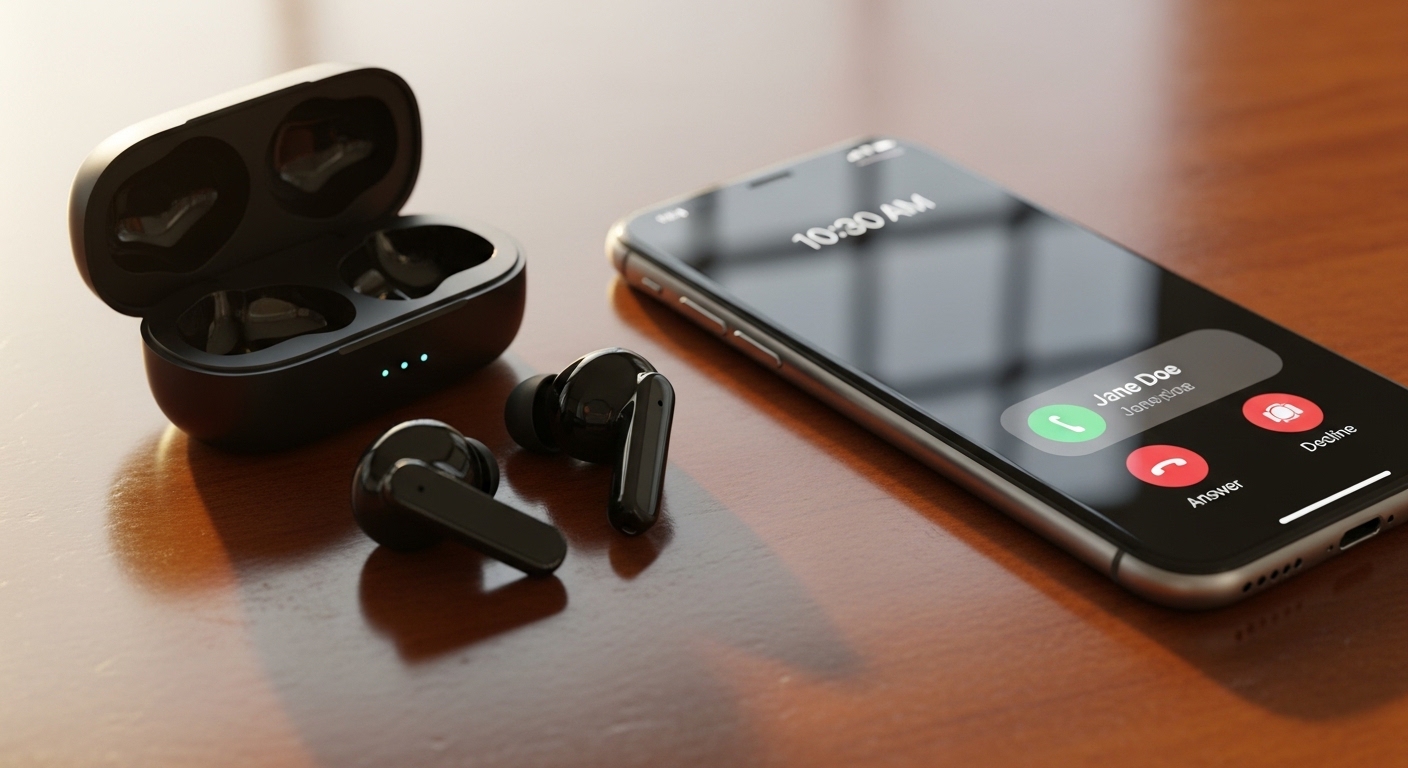
Technically yes, through bluebugging or man-in-the-middle attacks on paired headsets and earbuds.
Once control is established, the attacker routes audio from the microphone or forces the headset to forward live conversation.
Practical limitations keep this rare for most people. The attacker must stay close, the device must be vulnerable, and Bluetooth must remain active long enough for the exploit to succeed.
Bluetooth Low Energy encryption and random MAC address rotation have made audio intercepts harder since version 4.2, but legacy devices remain exposed.
If you suspect your phone has already been compromised through any method, learn how to detect phone tracking on your device.
What About Tools Used for Bluetooth Security Testing?

Security researchers rely on specialized tools to identify and demonstrate bluetooth vulnerability issues in controlled environments.
 Kali Linux includes built-in utilities that ethical testers use to scan for weaknesses. The hcitool command detects nearby devices and reports their addresses and names.
 Wireshark with Bluetooth support captures and analyzes wireless traffic between paired devices. Btscanner gathers deeper details about services and capabilities exposed by each gadget.
This visibility lets experts spot insecure implementations during testing. Manufacturers use these findings to improve protections before problems reach consumers.
These tools are for legitimate security research and personal device audits only. Using them on devices you do not own is illegal under the CFAA.
How Do You Protect Yourself From Bluetooth Attacks?
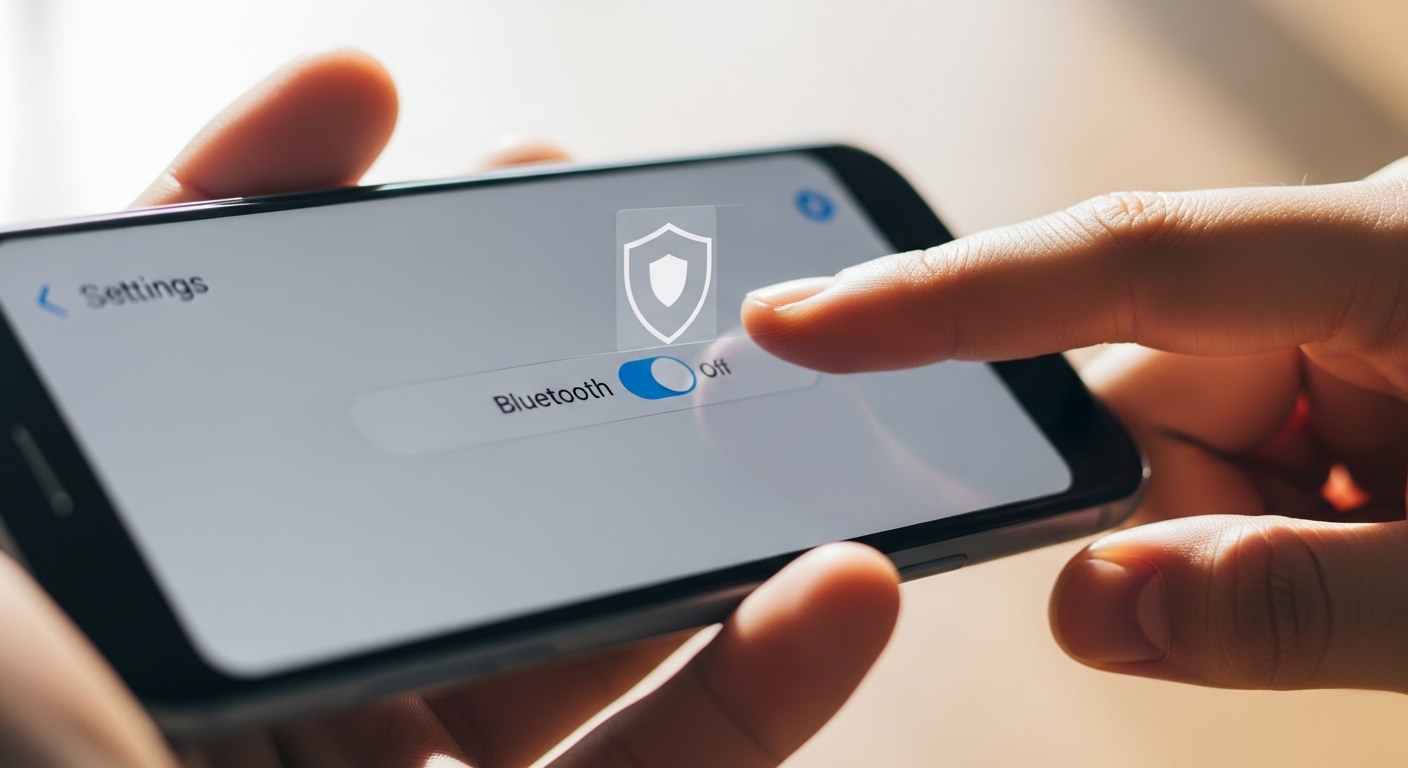
Practical habits dramatically reduce your exposure to wireless exploitation. None of these steps require technical expertise.
Keep Bluetooth Off When Not Using It
The simplest defense is disabling Bluetooth whenever you are not actively pairing or streaming. This shrinks the attack window to almost zero.
Toggle Bluetooth off from your quick settings panel daily. This single habit eliminates the majority of opportunistic bluetooth hacking attempts.
Set Your Device to Non-Discoverable
Switch your phone to non-discoverable mode after pairing with trusted devices. In this hidden state, your device stops broadcasting its presence to random scanners.
Only already-paired gadgets can connect. Non-discoverable mode is the default on many newer devices for good reason.
Keep Your Phone Updated
Install every security update as soon as it appears. Manufacturers regularly patch known bluetooth security weaknesses like those used in BlueBorne.
Enable automatic updates if possible. A few minutes of installation prevents hours of potential trouble.
Remove Unknown Paired Devices
Regularly review and delete any pairings you do not recognize. An unfamiliar device in your list could indicate past unauthorized access.
Audit your Bluetooth paired devices list monthly. This quick check keeps your trusted connections clean.
Avoid Pairing in Public Places
Never pair new devices in crowded areas like airports, trains, or cafes. Public spaces increase the chance of bluetooth hacking at the exact moment you make your device visible.
If you must pair on the go, do it quickly and switch back to non-discoverable immediately.
What About Legitimate Phone Monitoring vs Bluetooth Hacking?

Bluetooth hacking is unauthorized and illegal. It violates privacy laws in most jurisdictions and carries serious criminal penalties.
Legitimate monitoring solutions exist for parents or employers who own the device or have explicit consent. These apps provide proper oversight without resorting to bluetooth hacking or exploiting wireless flaws.
Hoverwatch is a respected example of legal monitoring software. It allows tracking of calls, messages, and location on devices you are authorized to monitor through standard app installation.
Read the full Hoverwatch review for details on features and setup.
| Aspect | Bluetooth Hacking | Legitimate Monitoring (Hoverwatch) |
|---|---|---|
| Legality | Illegal without consent | Legal with ownership or consent |
| Access required | Physical proximity only | Initial app installation on device |
| User awareness | Invisible to victim | Can be disclosed or transparent |
| Capabilities | Limited nearby eavesdropping | Full remote access to calls, texts, location |
| Purpose | Malicious or criminal | Parental control or employee oversight |
| Method | Exploits protocol flaws | Installed software with permissions |
Choosing legal tools keeps everyone on the right side of the law while achieving monitoring goals. Bluetooth hacking offers none of these safeguards.
What About What to Do If You Suspect Bluetooth Compromise?

Unusual battery drain, random disconnections, or unknown devices in your paired list are common warning signs. Strange background noise during calls can also indicate unauthorized control.
Immediately turn Bluetooth off and remove all paired devices. Then install the latest system updates to patch any known bluetooth vulnerability on your phone.
Report serious incidents to law enforcement if you suspect identity theft or illegal surveillance. Quick action limits damage from any successful bluetooth security breach.
“Digital security is a shared responsibility. Parents monitoring their children, employers securing company devices, and individuals protecting their own accounts all contribute to a safer ecosystem.”
Dr. Sarah Chen, Digital Forensics Expert, SANS Institute
Final Thoughts
Bluetooth remains incredibly convenient for everyday life. But convenience should never outweigh basic security awareness.
Treat bluetooth hacking risks seriously by applying the same caution you use with public Wi-Fi.
Stay informed, keep devices updated, and build simple habits that shut down most bluetooth hacking opportunities. Your conversations and data deserve that small extra layer of protection.
Frequently Asked Questions
Technically yes, if your phone is discoverable and running unpatched firmware. Scanning tools can detect it even without an active connection. That said, modern phones with random address rotation make successful attacks much harder. Just toggle discoverability off and keep updates current — that kills most of the risk.
Delete it immediately and do not second-guess yourself. An unknown pairing could mean someone accessed your phone previously, or it could be a forgotten gadget. Either way, remove it, update your software, and watch for other weird behavior like battery drain or random disconnections over the next few days.
Modern headphones using Bluetooth 4.2 or later with secure pairing are reasonably safe. The real risk is with older headsets or pairing in public where someone could run a man-in-the-middle attack. Use the highest security mode your headset supports and avoid pairing in crowded spots — that covers most scenarios.
Standard Bluetooth works within about 10 meters reliably. With specialized antennas someone could stretch that to 50 meters in perfect conditions, but those setups are bulky and obvious. For everyday situations the proximity requirement is your biggest natural defense — nobody is hacking your phone from across the street.
It eliminates nearly all Bluetooth-specific risk while the radio is disabled. No signal means no scanning or connection attempts can succeed. The only catch is if malware was already installed through another method — turning off Bluetooth would not fix that. Combine the habit with regular updates and clearing your paired device list for the best protection.