How to Protect Your Smartphone From Hackers (6 Ways)
Your smartphone holds your messages, bank apps, photos, and the keys to your entire digital life — which makes it the single most valuable target you carry. The good news: a handful of habits protect your smartphone from the vast majority of real attacks.
This guide covers the practical, proven ways to protect your smartphone and your app data from hackers — account security, app hygiene, network safety, phishing defense, and loss protection. It’s written so anyone can apply it today.
These steps protect your own smartphone and accounts. For monitoring a minor child’s device, use transparent, consent-based tools — see our parental control comparison.
Why You Need to Protect Your Smartphone From Hackers

Your phone is the hub of your identity, finances, and communication — so a compromise cascades into everything. If you suspect something is already wrong, check the warning signs of a hacked phone first. Understanding the stakes makes the habits below worth the few minutes they take.
Because so much converges on the phone, protecting it protects your whole digital life. For a deeper walkthrough, see our full guide on how to protect your phone from being hacked. The following steps, layered together, cover the realistic threats.
“Almost every phone compromise I investigate traces back to a basic gap — a reused password, a skipped update, a tapped link. The exotic hacks make headlines, but the boring fundamentals are what actually keep you safe.”
Alex Rivera, CEH, OSCP
How Do You Lock Down Your Accounts and Passwords?
Account security is the foundation — most attacks aim for your logins, not the phone’s hardware. Get this layer right and you’ve blocked the common routes.
These four account habits stop the methods that actually work. Layered together, they make stealing your accounts far more trouble than it’s worth.
How Do You Keep Your Apps and OS Secure?
Outdated software and risky apps are how malware gets a foothold. Keeping both clean closes the technical doors attackers rely on.
Audit app permissions monthly: revoke microphone, camera, and location access from apps that don’t clearly need them. Most spyware survives on permissions users granted without thinking.
How Do You Protect Your Data on Public Networks?
Public Wi-Fi and charging stations are convenient and risky. A few precautions keep your data safe when you’re out in the world.
| Risk | Protection |
|---|---|
| Public Wi-Fi snooping | Avoid sensitive logins, or use a reputable VPN |
| Fake “free Wi-Fi” hotspots | Verify the network name; prefer mobile data |
| Juice-jacking at USB ports | Use a wall outlet or a charge-only cable |
| Auto-connect to open networks | Turn off Wi-Fi auto-join |
| Bluetooth exposure | Turn off Bluetooth when not in use |
Avoid logging into banking or email on public Wi-Fi without a VPN. Open networks let others on the same hotspot potentially intercept unencrypted traffic.
How Do You Guard Against Phishing and Scams?

The most common way phones get compromised isn’t a technical exploit — it’s tricking you into helping. Recognizing the patterns is your strongest defense.
“The strongest security tool is a habit: assume any message creating panic is a scam. Slow down, verify through official channels, and never act on the link in the moment. That instinct defeats more attacks than any app.”
Dr. Sarah Chen, Mobile Security Researcher
Phishing only works when you act fast and trust the message. Build a habit of pausing and verifying, and the scams that target your phone simply stop landing. The FTC’s phishing guidance covers the latest tactics.
How Do You Protect Your Phone if It’s Lost or Stolen?
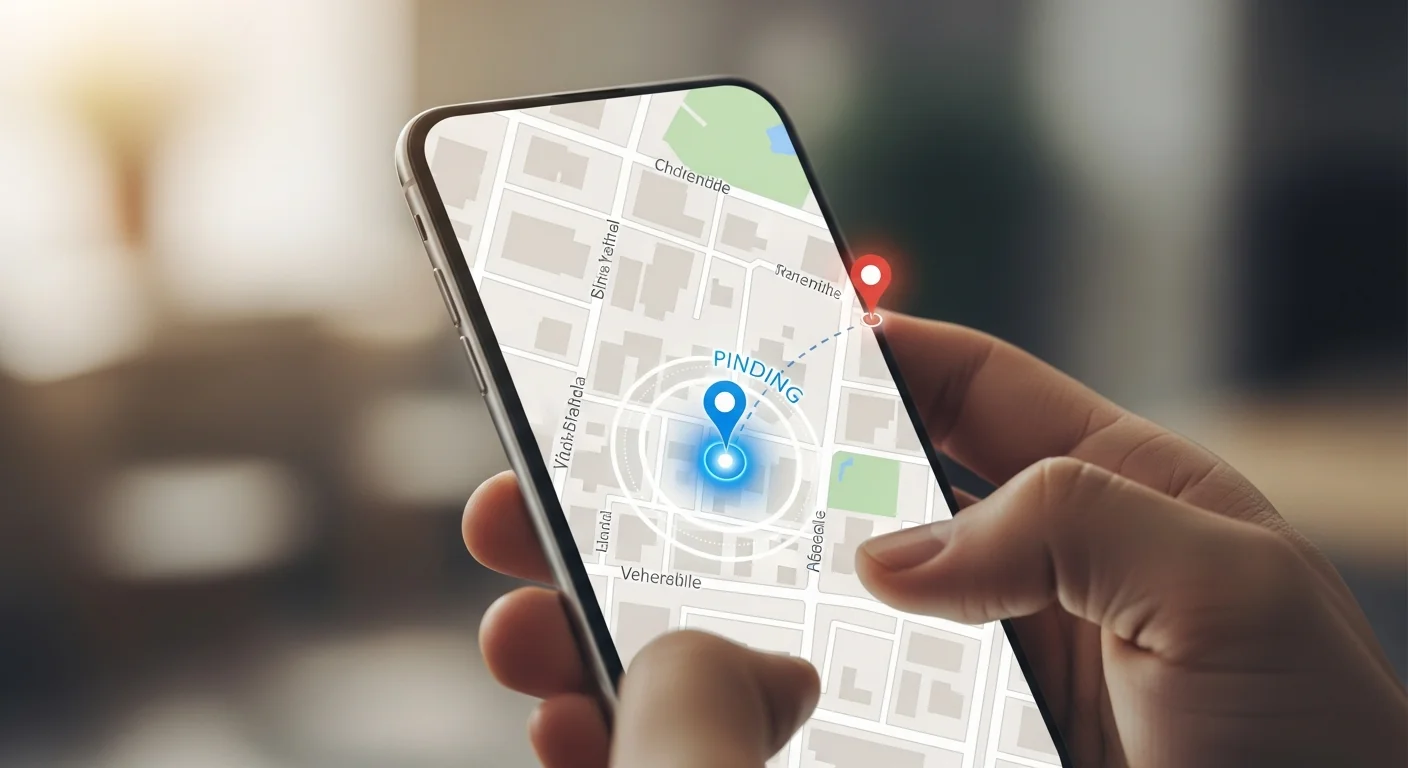
Even with perfect habits, phones get lost or stolen. Setting up loss protection in advance turns a disaster into a manageable inconvenience.
With Find My, encryption, and remote wipe ready in advance, a lost phone is a hardware loss, not a data breach. And if you ever wonder whether someone can hack your phone and read your messages, the same fundamentals are your best defense. Set these up today, before you ever need them.
Final Thoughts
Protecting your smartphone comes down to layered habits: unique passwords with two-factor authentication, prompt updates, cautious app permissions, network care, phishing awareness, and loss protection. None is complicated, and together they stop nearly every real attack.
You don’t need to be a security expert — you need the fundamentals, applied consistently. Spend ten minutes on these settings today, and your phone becomes a hard target attackers move past.
Frequently Asked Questions
Enable two-factor authentication on your important accounts, ideally with an authenticator app rather than SMS. It's the highest-value setting because even if a password leaks — through a breach, phishing, or reuse — 2FA blocks the login. Pair it with a unique password per account (a password manager makes this easy) and a strong screen lock. These account-level protections stop the most common attacks, which target your logins rather than the phone's hardware. Everything else builds on this foundation.
Not always, but it helps on untrusted networks. On public Wi-Fi, a reputable VPN encrypts your traffic so others on the same hotspot can't intercept it. The simpler alternative is to avoid sensitive logins on public Wi-Fi entirely and use your mobile data instead, which is encrypted by default. A VPN isn't essential on your home network or cellular connection. Think of it as targeted protection for risky networks, not a must-have for everyday browsing on trusted connections.
As soon as updates are available — ideally automatically. OS and app updates patch the security vulnerabilities that exploits and malware rely on, so a delay leaves you running known-vulnerable software. Turn on automatic updates for both your operating system and apps so you're protected without thinking about it. This single habit closes most technical attack routes, including the rare zero-click exploits, which depend on unpatched flaws. Running the latest version is one of the easiest and most effective security steps available.
Set up protection in advance: enable Find My iPhone or Find My Device, confirm device encryption is on (it's default on modern phones), and use a strong passcode rather than a simple PIN. If the phone is stolen, use Find My to remotely lock or erase it, then change passwords for key accounts and notify your carrier. Encryption ensures your data stays unreadable without the passcode, so a thief gets hardware, not your information. The key is configuring these features before you ever lose the device.
Generally no, especially on iPhone, where the sandbox makes traditional viruses rare. On Android, Google Play Protect provides built-in scanning. Most "free antivirus" apps offer little real protection and sometimes bundle ads or excessive permissions. Your security comes far more from the fundamentals: updates, unique passwords with 2FA, cautious app installs from official stores, and phishing awareness. Rather than relying on an antivirus app, invest your effort in those habits — they protect your smartphone and data more effectively than any scanner.



