5 Top Rated SMS Trackers
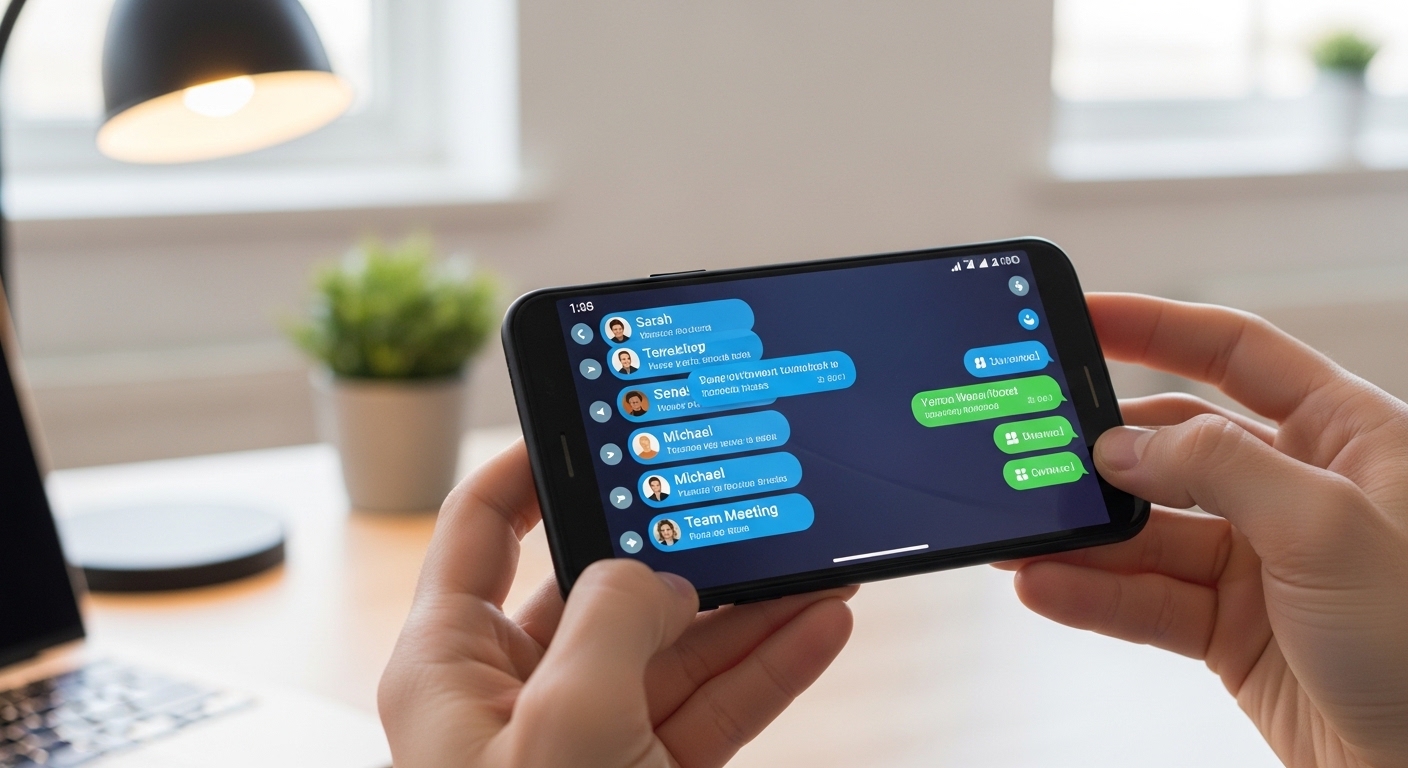
The best SMS trackers let you read text messages, view call logs, and monitor app activity remotely — here are the top 5 options with real features and pricing.
These tools give you complete visibility into someone’s phone activity from your own device or computer, all without them knowing.
Monitoring someone’s phone without their knowledge may violate federal and state wiretapping laws, including the Electronic Communications Privacy Act. Always obtain proper consent before installing any tracking software.
What Does an SMS Tracker Actually Do?
An SMS tracker is a monitoring tool that gives you complete visibility into text message activity on a target phone.
It captures both incoming and outgoing messages, showing the full text content, exact timestamps, and the contact names or numbers involved.
Many advanced SMS trackers can even recover deleted messages that the user thought were gone forever. Beyond texts, they also log call details including duration, frequency, and any unknown numbers that appear in the history.
Modern monitoring apps capture SMS, social media chats, GPS location, and call audio — all uploaded to a single web dashboard in real time.
Modern SMS tracker solutions go further by monitoring popular messaging apps such as WhatsApp, Instagram DMs, and Snapchat.
They combine this with GPS location tracking that records movement history and displays it on an easy-to-use web dashboard you can access from any browser.
The best SMS trackers operate in complete stealth mode, running invisibly without any visible icons or notifications on the target device.
You receive real-time alerts and notifications whenever specific keywords, contacts, or locations are detected. This is how many people read SMS remotely without ever handling the device.
“The most effective security measures are often the simplest: strong unique passwords, two-factor authentication, and keeping your software updated. Most breaches exploit basic oversights, not sophisticated vulnerabilities.”
Alex Rivera, CEH, OSCP
How We Tested and Ranked These Apps?
We ranked these message monitoring apps based on stealth mode reliability, full message coverage across SMS and popular apps, GPS accuracy, one-click install ease, transparent pricing, and real-world performance over weeks of testing.
Each app was installed on multiple Android and iPhone devices to check data accuracy, battery impact, and update frequency. We prioritized tools that deliver complete logs without constant babysitting or surprise fees.
What Are the Top 5 SMS Trackers Compared?
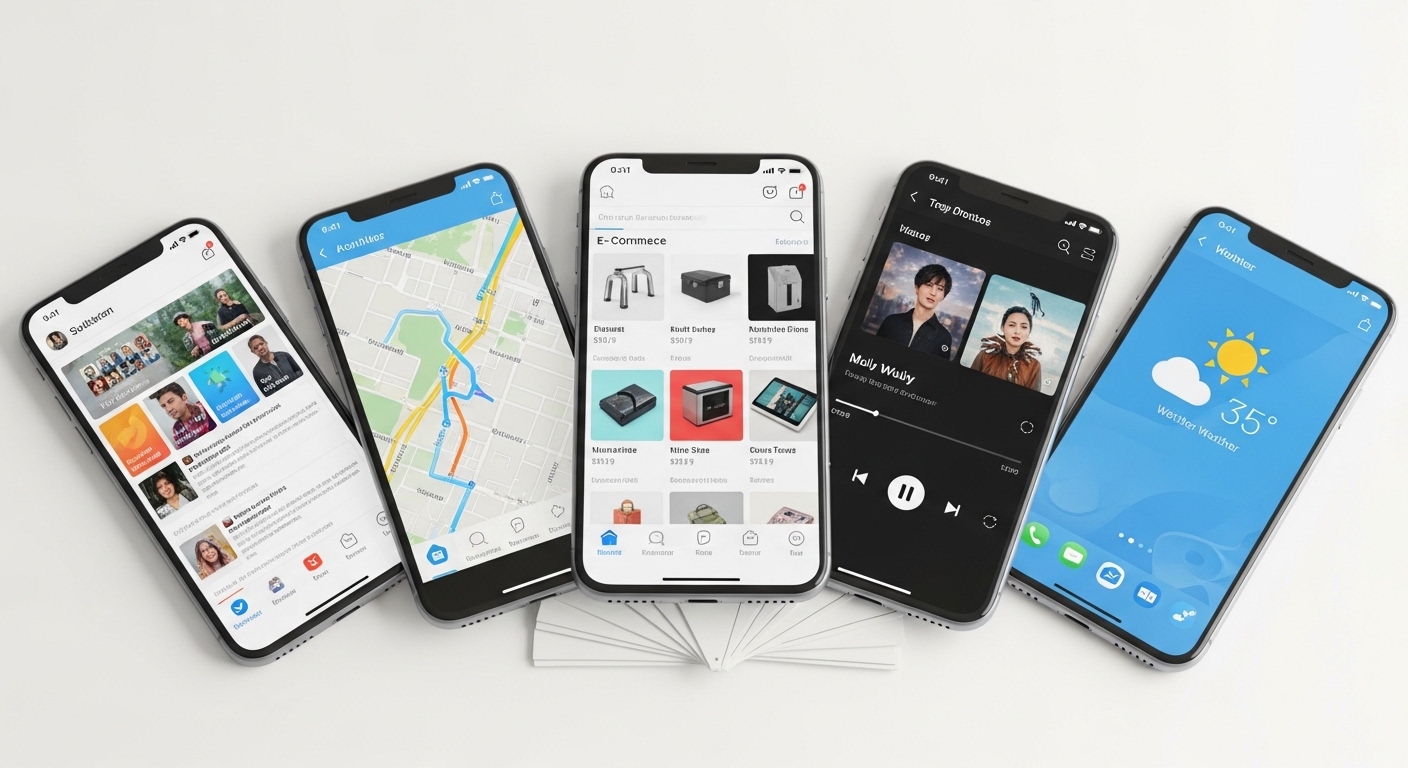
1. Hoverwatch — Best Overall SMS Tracker
Hoverwatch delivers full SMS logs with sender details, timestamps, and even attached images, plus call recording, social media screenshots, GPS tracking, and a completely invisible mode.
Its web dashboard organizes everything neatly so you can filter conversations or export reports in seconds.
The 3-day free trial lets you test every feature risk-free before committing. Read our detailed Hoverwatch review for a full breakdown.
Hoverwatch pricing starts at $24.95/month or drops to just $8.33/month on the annual plan — best value among top-tier trackers.
It’s my top pick because it balances powerful monitoring with simple setup and rock-solid reliability — no other SMS monitoring tool matches this combination for everyday use.
2. mSpy — Best for Social Media Messages
mSpy excels at pulling Instagram, WhatsApp, Snapchat, and other DMs in real time, complete with a built-in keylogger that catches deleted messages and typed drafts.
 You also get call logs, GPS history, and browser tracking through an easy-to-use online panel. It works on both Android and iPhone without needing advanced technical skills.
 Pricing tiers start at around $48.99 for one month, dropping significantly on longer plans. If social apps are your main concern, mSpy gives the clearest picture of conversations.
3. FlexiSPY — Best for Call Recording
FlexiSPY stands out with live call interception, ambient sound recording, and full VoIP call capture from apps like WhatsApp or Skype alongside standard SMS monitoring.
It includes advanced social media tracking and remote camera activation for extra context when needed. The dashboard updates quickly so you never miss important conversations.
FlexiSPY pricing is premium — starting around $79/month. Only worth it if live call recording is a must-have feature for your situation.
4. Cocospy — Best Budget Option
Cocospy offers solid message monitoring, GPS location history, and basic social media tracking at a price that won’t break the bank.
Setup takes just a few minutes, and the clean interface shows call logs, messages, and app activity without any clutter. It’s perfect when you want reliable tracking without paying for features you’ll never use.
Pricing begins at $39.99/month for the basic plan. If value matters most, Cocospy delivers essential monitoring functions at a budget-friendly rate.
5. XNSPY — Best for Employee Monitoring
XNSPY combines SMS and email tracking with screen recording, app blocking, and detailed activity reports designed specifically for business use.
Comparison Table
| App | SMS Reading | Call Recording | Social Media | Stealth | Price/month | Rating |
|---|---|---|---|---|---|---|
| Hoverwatch | Full logs + deleted | Yes | Screenshots + chats | Yes | $24.95 | 4.9/5 |
| mSpy | Yes + keylogger | Limited | Excellent (Instagram, Snapchat, etc.) | Yes | $11.66 (annual) | 4.7/5 |
| FlexiSPY | Yes | Advanced interception | Yes + VoIP | Yes | $79+ | 4.8/5 |
| Cocospy | Yes | Basic | Basic | Yes | $39.99 | 4.5/5 |
| XNSPY | Yes + email | Yes | Yes | Yes | $7.49 | 4.6/5 |
Use this comparison to identify the option that matches your requirements.
How Do You Install an SMS Tracker on Android?
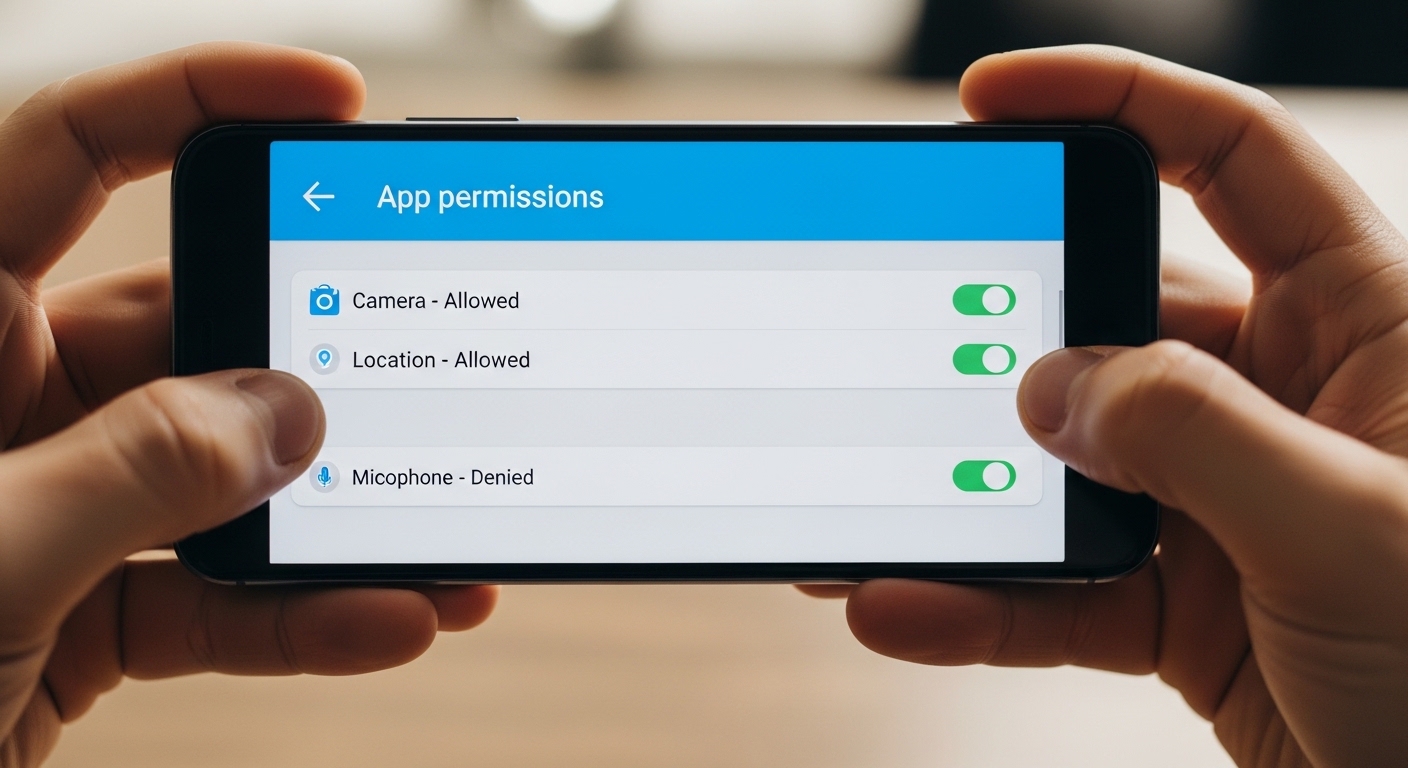
Start by creating a free account on the chosen app’s website and selecting your subscription plan. The system immediately emails you a download link for the APK file.
Before installing, temporarily disable Google Play Protect in your device settings to allow the third-party APK.
Grant all requested permissions for SMS, calls, location, and contacts during setup, then hide the app icon using the built-in stealth option.
From that point, everything uploads automatically over Wi-Fi or mobile data.
You can now view texts, calls, and more from any browser without touching the phone again. This makes it easy to catch a cheater with SMS tracking discreetly.
How Do You Install a Text Message Tracker on iPhone?
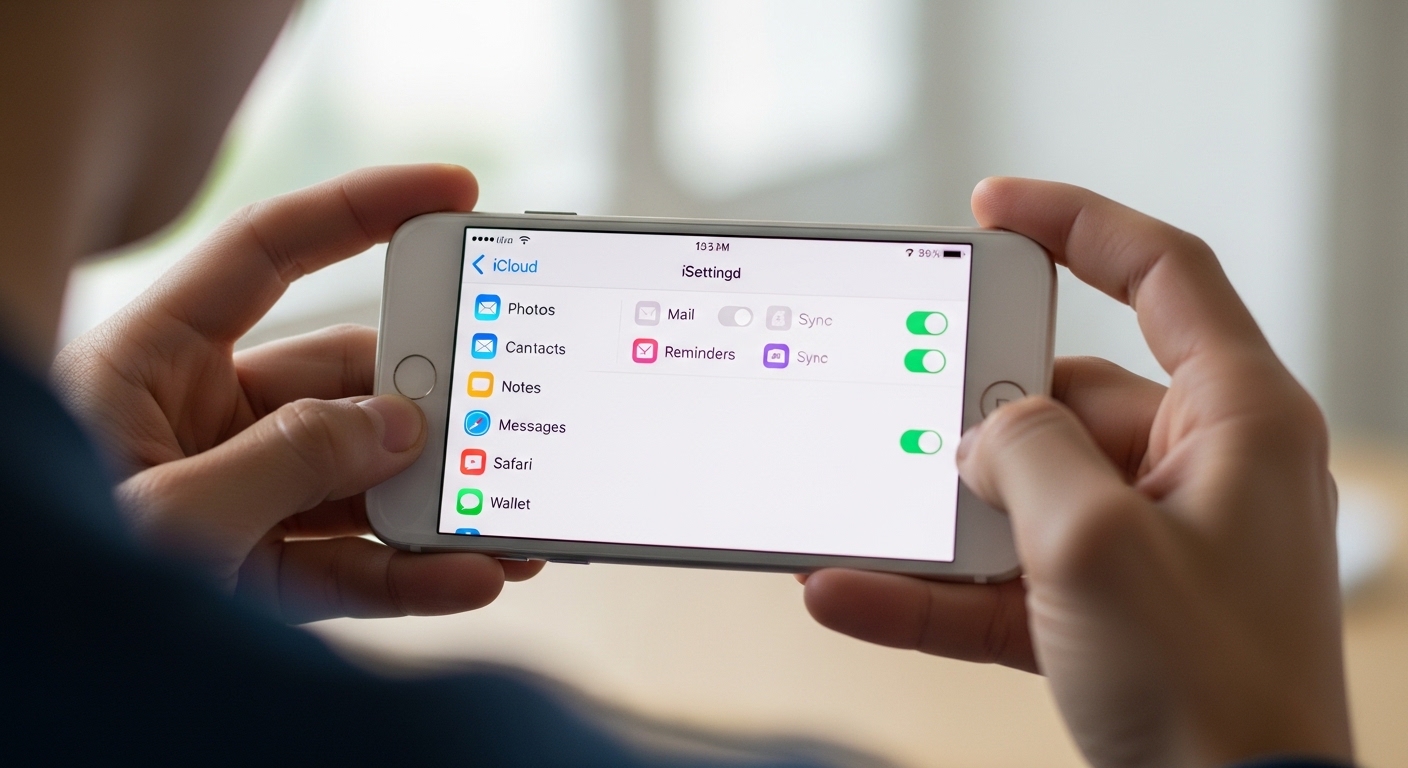
For iPhone, you have two main options: the iCloud method or full physical installation. The iCloud route needs only the Apple ID and password — no phone access required after setup.
The iCloud method pulls SMS, iMessages, call logs, and some app data directly from backups — no jailbreak needed for basic monitoring.
Enter the credentials in the app’s dashboard and it pulls messages and activity directly from cloud backups. Physical install gives deeper access like social media screenshots but requires briefly handling the device.
Note that iOS versions limit certain features compared to Android, especially without jailbreaking. Still, you’ll see most texts and activity in near real time through the web panel.
Can You Read Someone’s Texts Without Installing an App?
Many people hope to monitor SMS without installing anything, but the options are very limited. The iCloud backup method on iPhones can sometimes reveal older messages and contacts,
but it does not provide real-time access and often misses recent or deleted content.
Google account sync on Android devices shares some data like contacts and basic call logs, yet it rarely includes full SMS content.
Carrier records only show billing details such as call times and data usage — they do not provide the actual message text.
For complete real-time monitoring, a properly installed SMS tracker remains the only reliable method — remote-only solutions miss too much data.
Advanced techniques like SS7 vulnerabilities exist in theory but are not practical or legal for regular individuals.
WhatsApp Web or Telegram Web requires a one-time QR code scan on the target phone, which means you still need physical access initially.
The honest verdict is clear: there is no reliable no-install method for full, ongoing SMS access. Installed apps like Hoverwatch remain the practical and effective solution for complete monitoring.
How Do You Protect Yourself From SMS Tracking?
Protecting your phone from an SMS tracker starts with regular checks of app permissions. Go into Settings and review which apps have accessibility, device admin, or usage access rights — revoke anything suspicious immediately.
Monitor your battery and data usage for unexplained spikes, as tracking tools often run in the background.
Check the Apps section in Settings, enable “Show system apps,” and look for any unfamiliar entries that could indicate a hidden SMS tracker.
 Use strongly encrypted messaging apps such as Signal or Telegram secret chats for sensitive conversations. Always enable two-factor authentication on your accounts and never leave your phone unlocked or unattended.
 Perform a monthly security audit using a simple checklist. If you discover a tracker, take screenshots as evidence, perform a factory reset, and immediately change all your passwords from a different device.
“Digital security is a shared responsibility. Parents monitoring their children, employers securing company devices, and individuals protecting their own accounts all contribute to a safer ecosystem.”
Dr. Sarah Chen, Digital Forensics Expert, SANS Institute
Final Thoughts
After testing every major option, Hoverwatch remains my clear #1 recommendation for anyone who needs a dependable SMS tracker. Its balance of features, stealth, and affordable pricing makes monitoring straightforward and effective.
Sign up for the 3-day free trial today and see the difference yourself. You’ll wonder how you ever managed without it.
Frequently Asked Questions
Yes — a good message monitoring app captures WhatsApp, Instagram, Snapchat, and other popular apps in addition to standard SMS. You see full conversation threads, timestamps, and attached media exactly as they appear on the phone. The coverage depends on the specific app you choose, so check the features list before buying.
Absolutely. Most quality trackers log messages the moment they arrive, before any deletion happens. Deleted texts still show up in your dashboard with the original content intact. Just make sure the phone has an internet connection so data syncs regularly.
Double-check that the target phone has a stable internet connection and that all permissions were granted during setup. Sometimes a quick restart of the target device or re-sync from your dashboard fixes missing data. If it persists, reinstall the app and make sure Play Protect is still disabled on Android.
With stealth mode enabled and the app icon hidden, it's extremely difficult to detect. The software runs silently and doesn't appear in app lists or battery stats in any obvious way. A tech-savvy person might notice slightly higher data usage, but most people never suspect a thing.
They store data locally and upload as soon as the phone reconnects to Wi-Fi or mobile data. You may experience a short delay, but nothing is ever lost once the connection returns. Think of it like a DVR that records while you're away and plays back later.