How to Read Other People’s SMS Without Extra Applications

Parents who need to read someone text messages can use iCloud sync, Google backups, or dedicated monitoring apps — each with different trade-offs.
This guide covers every method from free built-in features to paid monitoring — with honest pros and cons.
Reading someone’s messages without consent is illegal in most jurisdictions. Legal use: monitoring your minor child’s device or devices you own with proper disclosure.
What Is Read Sms and How Does It Work?
Modern smartphones include free tools that let parents view texts without extra software. These options work best when devices share accounts or are paired directly. They keep setup simple and avoid monthly fees.
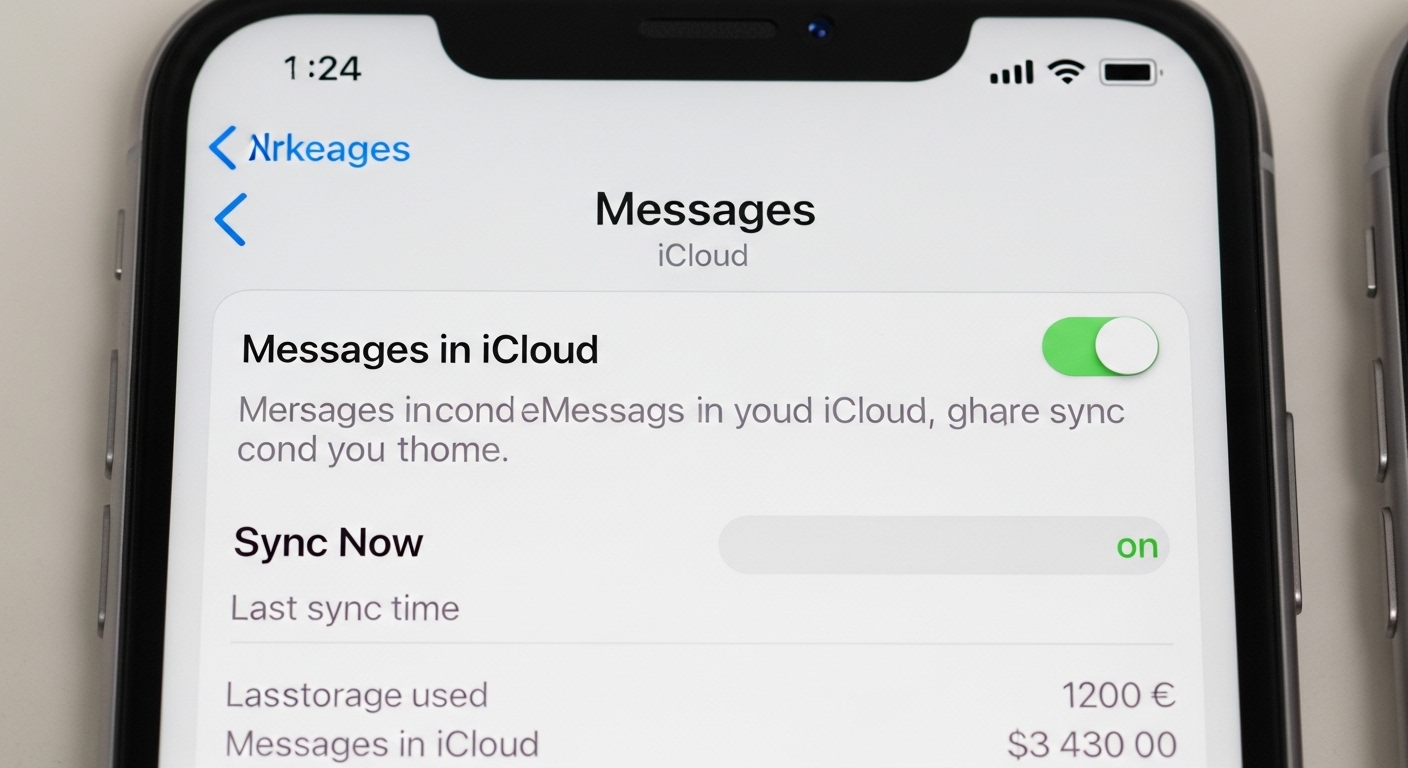
Apple users can sync messages through iCloud. Enable Messages in iCloud on the child’s iPhone by going to Settings, tapping the Apple ID at the top, selecting iCloud, and turning on Messages.
On the parent’s device, sign in with the same Apple ID. All iMessages and, with Text Message Forwarding enabled, SMS messages appear across signed-in devices. You see full conversations, photos, and attachments in the Messages app.
This method requires a shared Apple ID, which means the child can also see your messages. Family Sharing does not grant access to another person’s texts.
It works seamlessly on iPhones, iPads, and Macs but offers no remote dashboard or alerts. Setup takes under five minutes if both devices are nearby.
Android users with Google Messages gain access via the web interface at messages.google.com. Open the Messages app on the child’s phone, tap the three-dot menu, and select Device pairing.
Scan the QR code shown on the computer screen. Once paired, the full message history loads in any browser. You can read, reply, and view media without touching the phone again.
Pairing stays active until you remove it from the phone.
It supports SMS, MMS, and RCS chats but only works when the phone is powered on and connected to the internet. No extra apps are needed, and it is completely free.
Samsung phones offer another built-in path through Smart Switch. Connect the child’s Galaxy device to a parent’s computer or another Galaxy via USB or wirelessly.
Choose to transfer messages during the backup process. The app copies the entire text history, including timestamps and attachments, to the target device for review.
Smart Switch is designed for device upgrades but works well for occasional full backups. It does not provide live monitoring or alerts.
You must repeat the process to capture new messages. It excels for one-time deep dives into conversation history on Samsung hardware.
Google Messages web pairing is the best free option — it stays active until disconnected and shows messages in real time. Bookmark messages.google.com for instant access.
“People underestimate how much personal data flows through their text messages — bank codes, password resets, private conversations. Intercepting SMS is often the first step in a larger identity theft operation.”
Alex Rivera, CEH, OSCP
These built-in tools suit families comfortable with basic visibility. They require some trust and cooperation. For hands-off monitoring or cross-platform needs, consider carrier plans or dedicated apps next.
What Do Carrier Family Plans Offer for Message Monitoring?
Major carriers bundle family safety tools with their plans. These focus on usage patterns rather than message content. They provide an easy starting point for parents already paying for service.
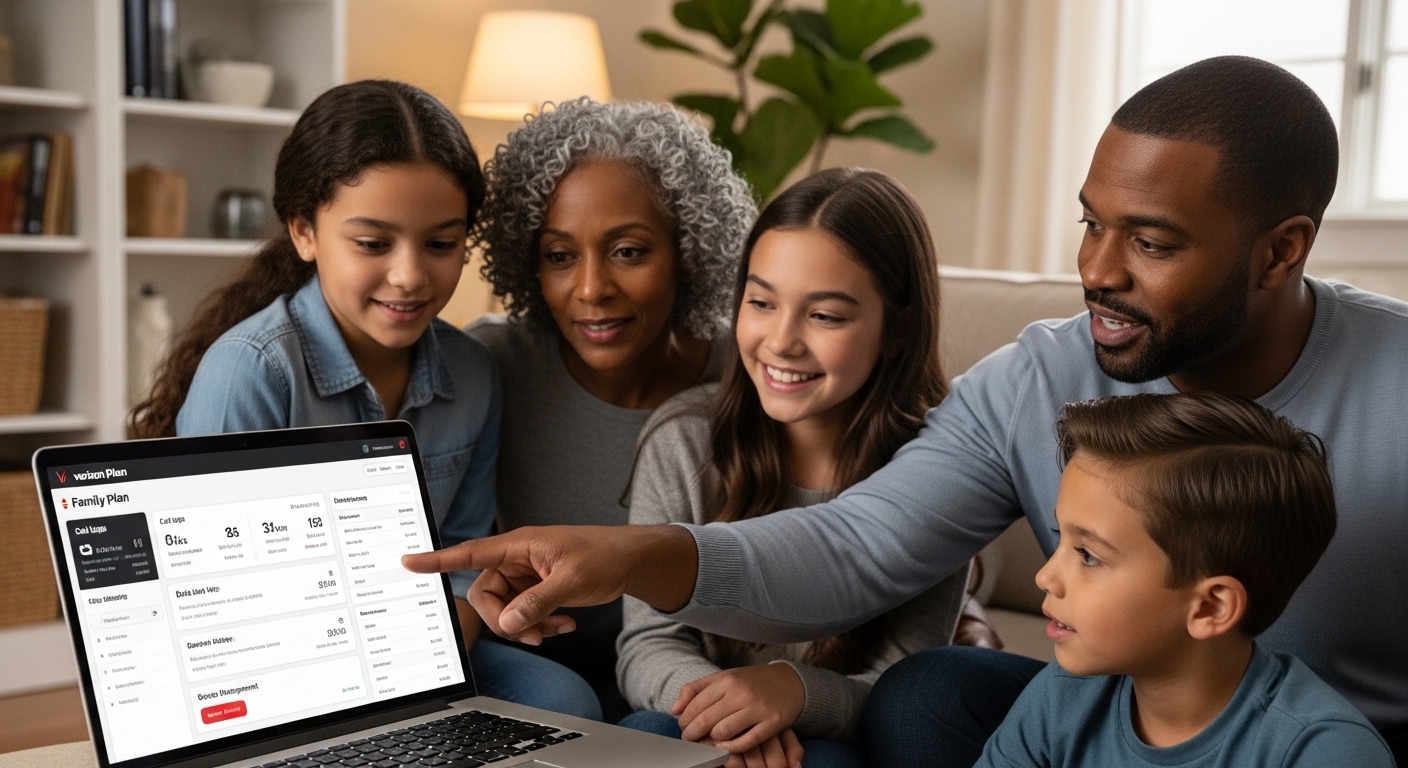
Verizon Family, available on most postpaid plans, includes basic location sharing and call or text logs at no extra cost. The Plus tier costs $14.99 per month and adds multiple alerts, driving insights, and expanded controls.
You see phone numbers, timestamps, and frequency of texts sent over the Verizon network. Actual message content stays private. Activate by downloading the app and linking family lines in your Verizon account.
AT&T Secure Family delivers location tracking, screen-time limits, and content filters for $7.99 per month after a 30-day free trial. It supports up to 10 family members across devices.
Parents view call logs, data usage, and app activity but not the text of messages. Setup involves installing the parent app and a companion app on the child’s phone. It works regardless of the child’s carrier.
T-Mobile FamilyWhere provides real-time location on an interactive map. The service is free for basic use on eligible plans, with premium features at $10 per month.
“The best defense against message interception isn’t any single tool — it’s switching to end-to-end encrypted messaging for anything sensitive. SMS was never designed with security in mind.”
Dr. Sarah Chen, Digital Forensics Expert, SANS Institute
You receive alerts when devices enter or leave set zones. Call and text logs show numbers and times but never message content. Access it through the T-Mobile app or website after signing in as the primary account holder.
Carrier tools excel at high-level oversight. They track who is contacted and when but stop short of reading conversations.
This limitation protects privacy while still revealing patterns that may need discussion. Activation is straightforward through your online account and takes just a few clicks.
US carriers cannot legally store SMS content after delivery — that’s why family plans show call/text logs but never actual message text.
Which Third-Party Apps Offer Complete Message Monitoring?
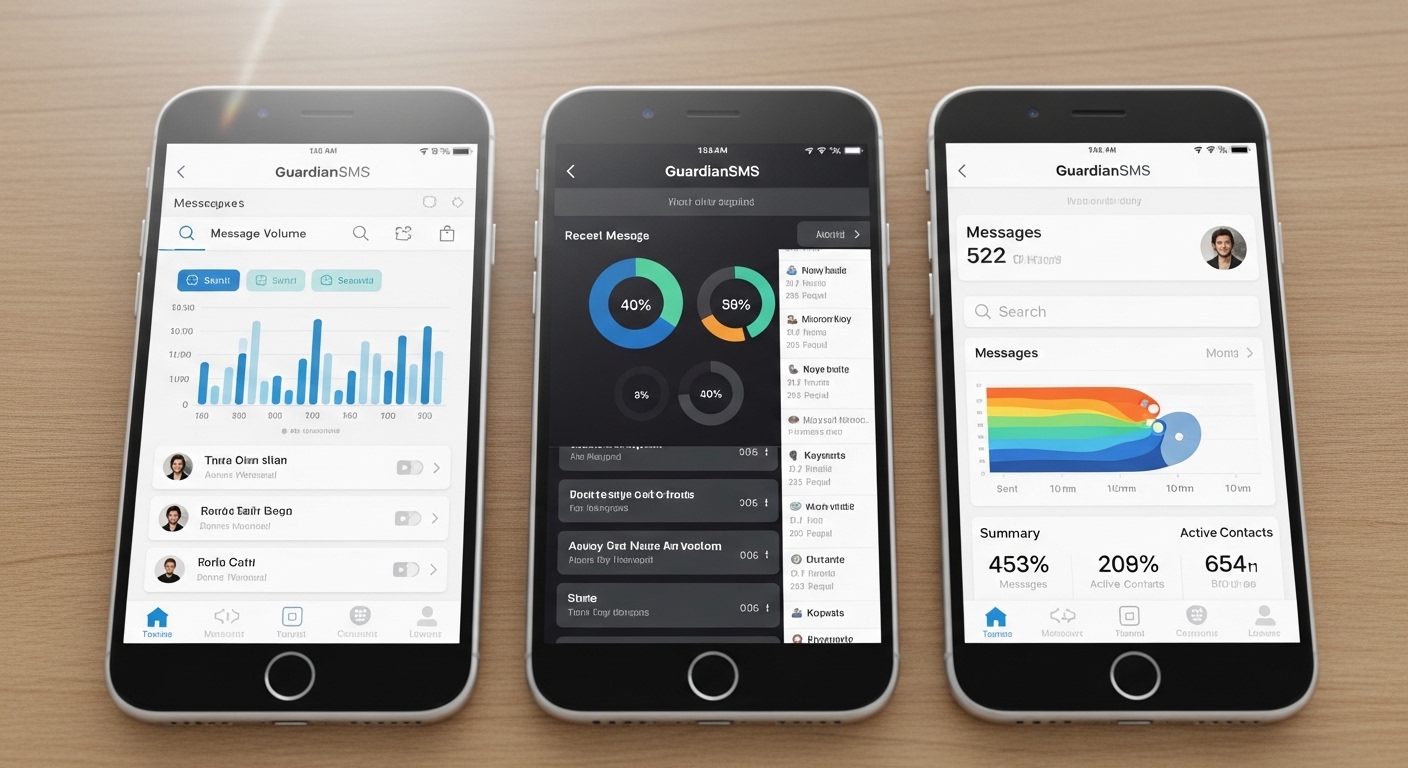
When built-in and carrier options fall short, third-party apps deliver detailed access to texts, apps, and activity.
These tools install directly on the child’s device and provide web dashboards for remote viewing. They suit parents needing comprehensive oversight but require careful setup and ongoing costs.
Verify legal requirements before installing monitoring software. You can monitor devices you own or your minor children’s phones. Installing on another adult’s device without consent is a criminal offense.
Hoverwatch captures deleted messages and runs in stealth mode. Read our full review for setup details.
Choose based on whether you need every message or just red-flag alerts. All three require initial physical access to the child’s device.
| App | SMS | Messengers | Location | Price (starting) |
|---|---|---|---|---|
| Hoverwatch | Full access + deleted | Yes (WhatsApp, Telegram, Instagram, more) | Real-time GPS | $24.95/month |
| mSpy | Full access | Yes (broad social apps) | History + tracking | $29.99/month |
| Bark | Scanned for alerts | Yes (alerts only) | Yes | $14/month |
Choose based on whether you need every message or just red-flag alerts. All three require initial physical access to the child’s device and may need ongoing updates to stay compatible.
How Do You Choose the Right Solution for Your Family?
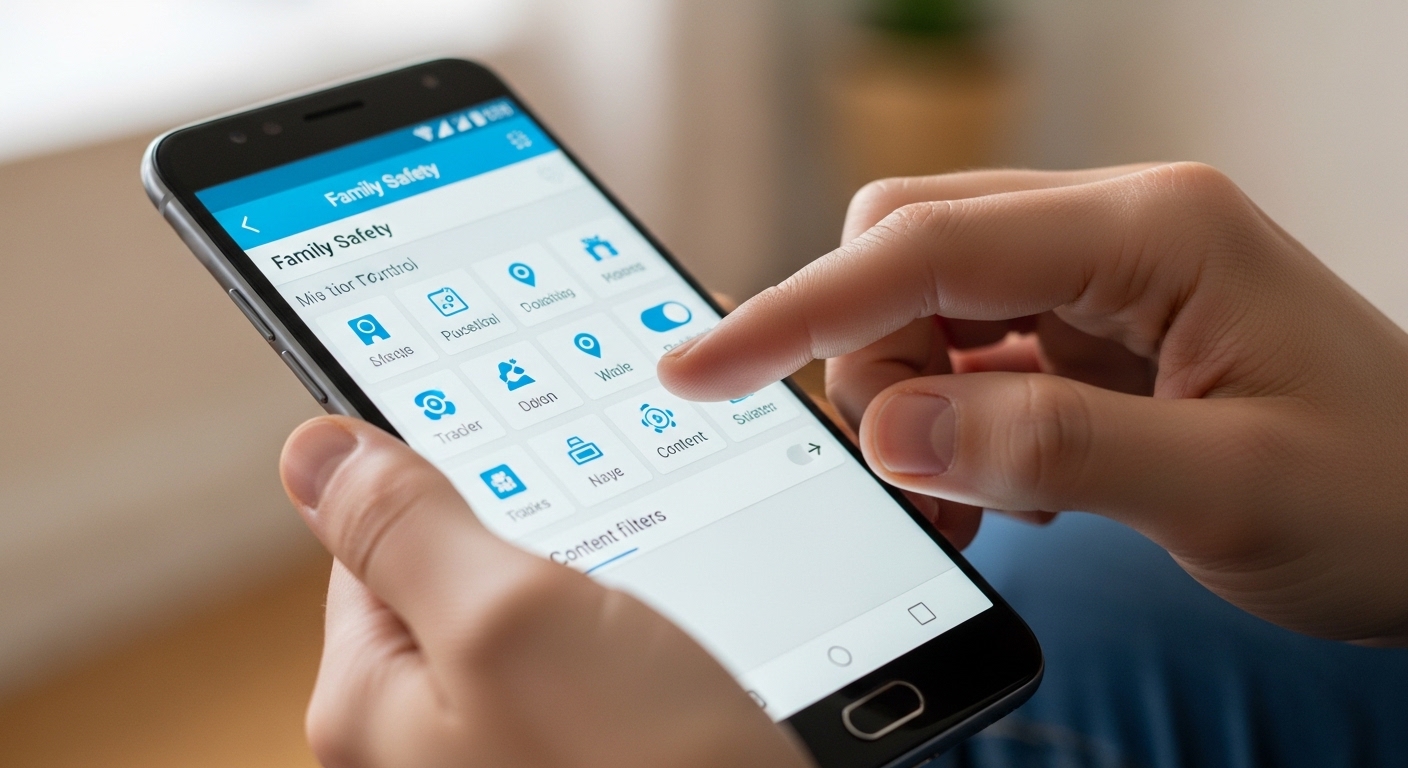
Start with the age of your child and decide exactly what you need to see.
Full message access adds value when conversations involve unknown contacts or sensitive topics. Budget plays a key role—free options cover most everyday needs, while paid apps justify their price with detailed dashboards and alerts.
Device type matters too. Apple households often manage well with iCloud sync or Bark’s iOS-friendly alerts. Android families gain more complete access through Hoverwatch or mSpy. Test carrier tools first since they are already included in your bill.
Free tools prove enough for trust-building conversations and occasional check-ins.
Paid solutions add value when patterns suggest risk or when you travel frequently and need remote peace of mind. Revisit your choice every six months as children mature and technology evolves.
Discuss the chosen method openly with your child. Transparency builds respect while still providing the safety net parents need.
How Do You Keep Your Own Messages Private and Secure?
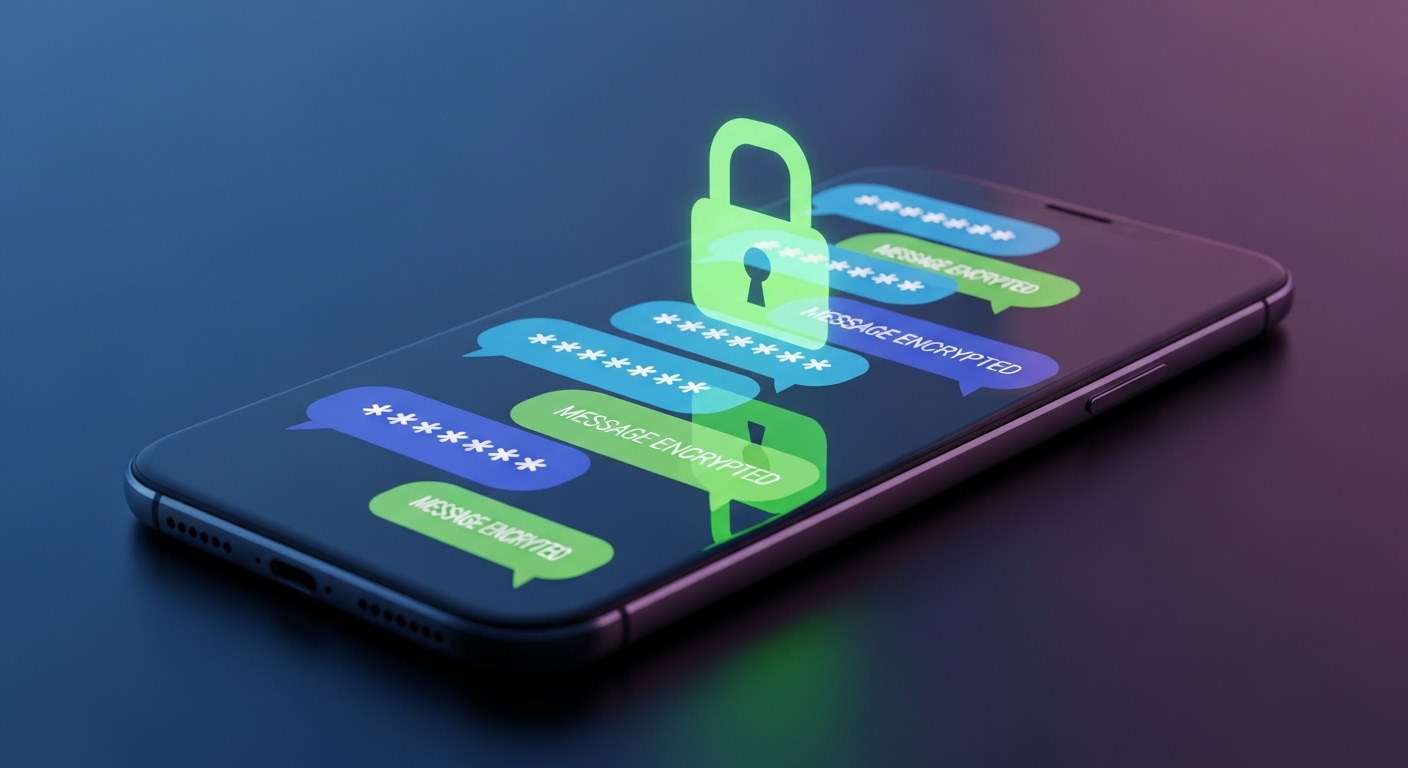
Monitoring tools work both ways. Protect your own privacy by choosing end-to-end encrypted apps such as Signal or WhatsApp for sensitive conversations.
Never share passwords with family members or children. Use a strong screen lock with biometrics or a complex PIN on every phone. Avoid saving passwords in browsers or notes apps.
Regularly check app permissions and revoke access for unused services. Update your phone’s operating system promptly to close security gaps. When using shared Apple IDs for monitoring, create a separate family account for non-sensitive data.
These habits keep your personal messages safe while you safely monitor your family’s communications. Balance remains key—visibility for safety, privacy for trust.
Final Thoughts
Start with free options: iCloud sync for Apple devices, Google Messages web for Android, carrier family plans for call logs. These cover basic needs without any extra software.
When you need full message monitoring — including messengers, deleted texts, and stealth mode — Hoverwatch delivers everything from a single dashboard starting at $24.95/month.
Frequently Asked Questions
Only through cloud sync. If you have their Apple ID, iCloud Messages shows everything on your device. Google Messages web (messages.google.com) works if they enabled it. Carrier family plans show call logs but usually not message content. Any website claiming to read texts with just a phone number is a scam.
Cloud backups may contain deleted messages if backup ran before deletion. For real-time monitoring including deleted messages, you need a dedicated app like Hoverwatch — it logs messages as they arrive, before they can be deleted. It also covers WhatsApp, Telegram, and Instagram, not just SMS.
iCloud sync mirrors messages to another Apple device — both sides see the same inbox. It's free but only works within Apple ecosystem and the other person can see the shared device. Hoverwatch runs invisibly on the target phone, captures all messages (SMS + messengers), and sends them to your private dashboard.
No. Carriers like Verizon and AT&T provide call logs (who called whom, when, duration) and data usage, but they don't store or display SMS content. For actual message text, you need either cloud sync or a monitoring app.
Use end-to-end encrypted messengers — Signal is the gold standard, WhatsApp works too. Enable 2FA on iCloud and Google accounts. Check connected devices and remove any you don't recognize. Never share your Apple ID or Google password. Use biometric screen lock, not just a 4-digit PIN.