Ways to Track the Mobile Phone: Android & iPhone
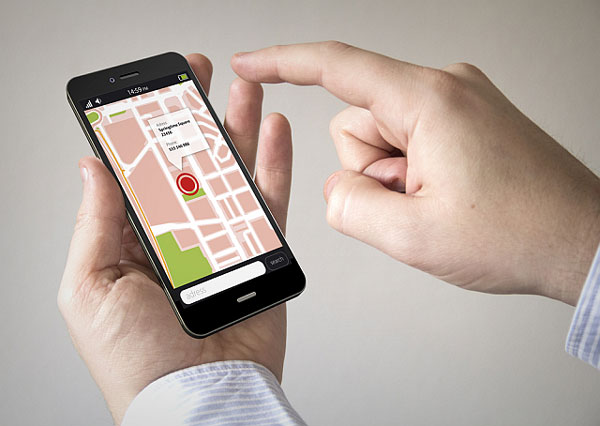
You can track phone location on any iPhone or Android using built-in tools like Find My and Find My Device for free.
Dedicated apps like Hoverwatch add stealth mode with messages and call monitoring beyond basic location.
Every modern smartphone has GPS tracking built in. Setting it up takes under a minute. Third-party apps extend this with geofencing, message monitoring, and invisible operation — useful for parents and businesses managing devices.
Tracking someone’s phone without their consent is illegal in most jurisdictions. Legal use cases include your own devices, your minor children’s phones, and company-owned devices with employee disclosure.
How Does Phone Location Tracking Actually Work?
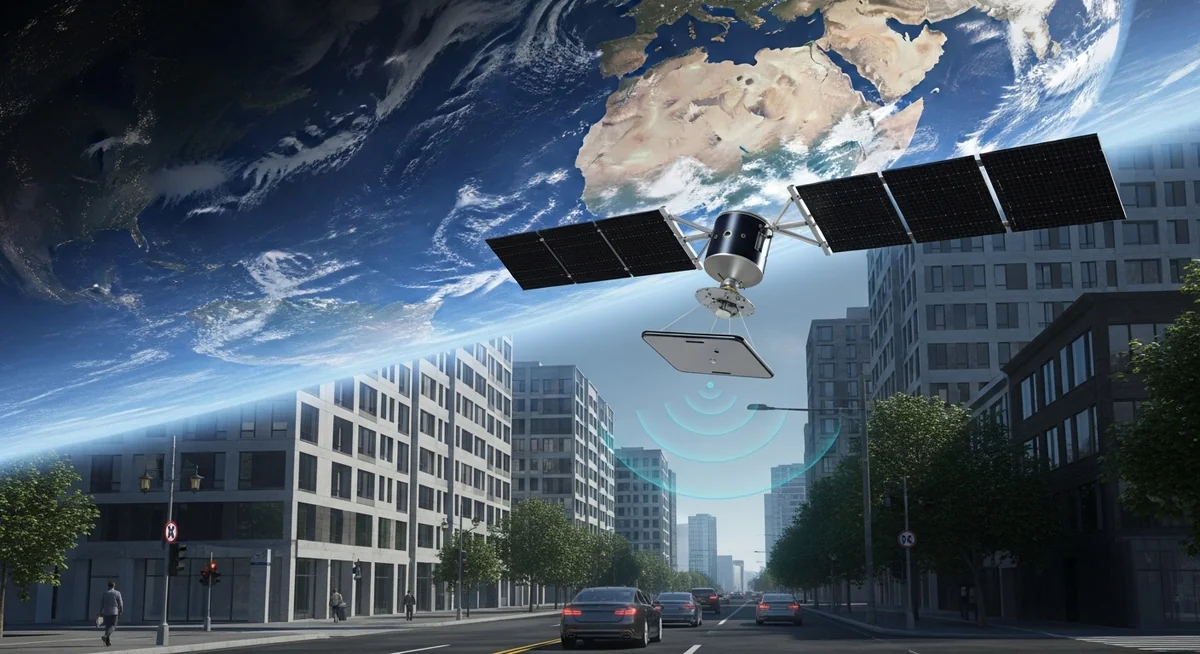
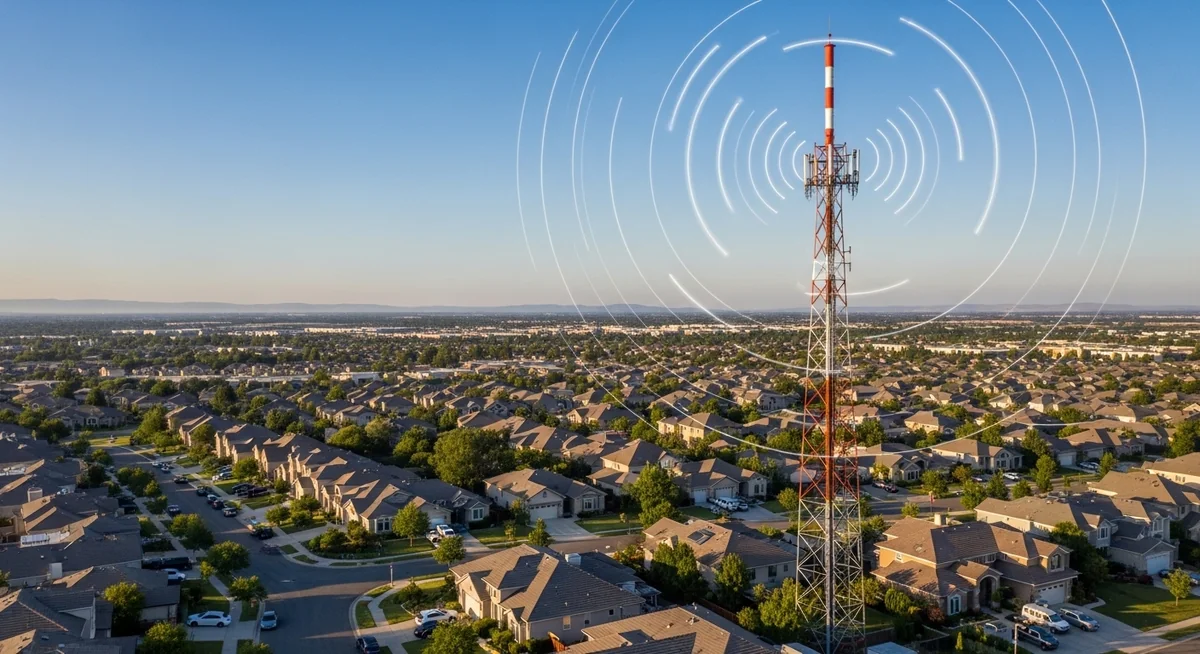
Your phone uses three positioning systems simultaneously — GPS satellites, Wi-Fi networks, and cell towers. Together they deliver location accuracy from 3 meters outdoors to about 100 meters indoors.
- GPS satellites — 3-5 meter accuracy outdoors, weak indoors
- Wi-Fi positioning — 10-50 meters, best for indoor tracking
- Cell tower triangulation — 100-300 meters, works everywhere with signal
- Bluetooth beacons — sub-meter in malls, airports, stores
- 5G beamforming — sub-meter where 5G infrastructure is dense
- Crowd-sourced networks — Apple/Google relay via nearby devices
Modern smartphones use four satellite constellations simultaneously — GPS (US), GLONASS (Russia), Galileo (EU), and BeiDou (China) — providing global coverage with sub-5-meter accuracy outdoors.
“People assume third-party tracking apps have some secret sauce for better accuracy. They don’t. Every app reads the same GPS chip, the same Wi-Fi data, the same cell signals. What differs is features — geofencing, stealth mode, message logging — not location precision.”
Alex Rivera, CEH, OSCP
The key takeaway: GPS works best outside, Wi-Fi handles indoors, and cell towers provide a rough backup everywhere. All tracking apps use the same phone sensors — no app is “more accurate” than another.
How Can You Track an iPhone for Free?
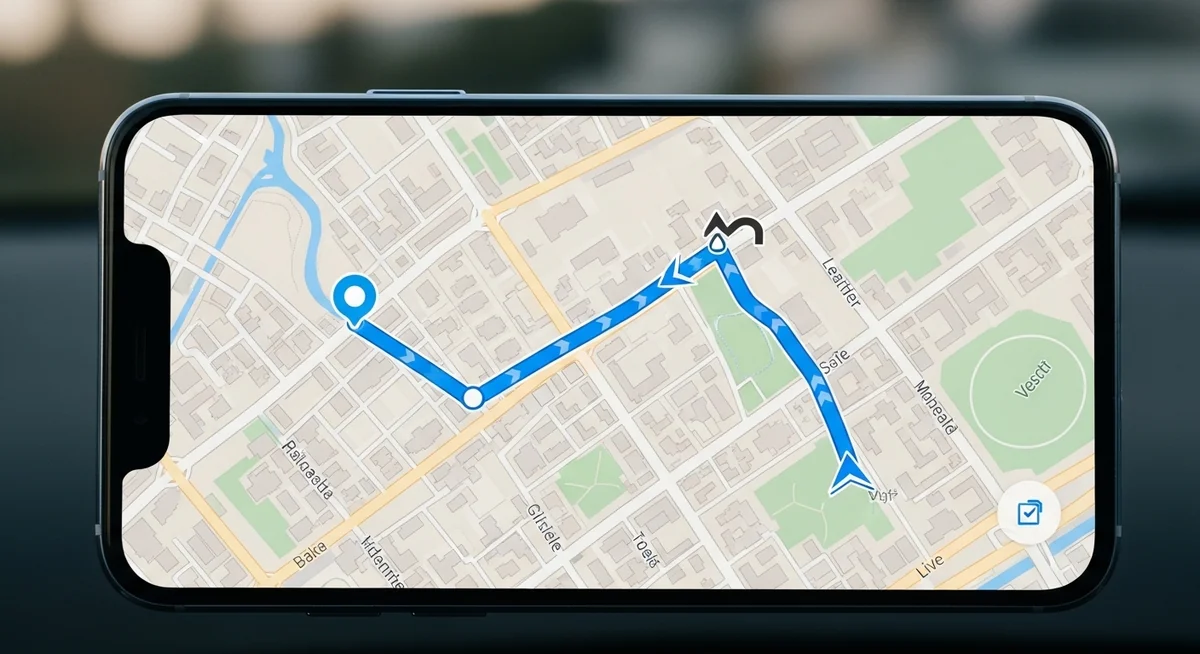
Apple’s Find My is the best way to track phone location on iPhone for free.
It shows real-time location, works when the phone is off, and takes 30 seconds. Go to Settings → your name → Find My → enable all three toggles.
What Can Find My iPhone Do?

- Real-time location — see device position on a map
- Lost Mode — lock remotely with contact message
- Play Sound — loud alarm even when silenced
- Remote erase — wipe all data if recovery is unlikely

- Offline finding — locate powered-off devices via nearby iPhones
- Precision Finding — ultra-wideband shows exact distance and direction
- Notify When Found — alert when missing device comes online
- Family Sharing — see family members’ locations with consent
Enable “Send Last Location” in Find My settings — it transmits your phone’s position when battery hits critical level, giving you one last location fix before it dies.
Access your phone’s location from any browser at iCloud.com/find, through the Find My app on another Apple device, or by asking Siri “Where is my iPhone?”
How Does Family Sharing Work for Location?
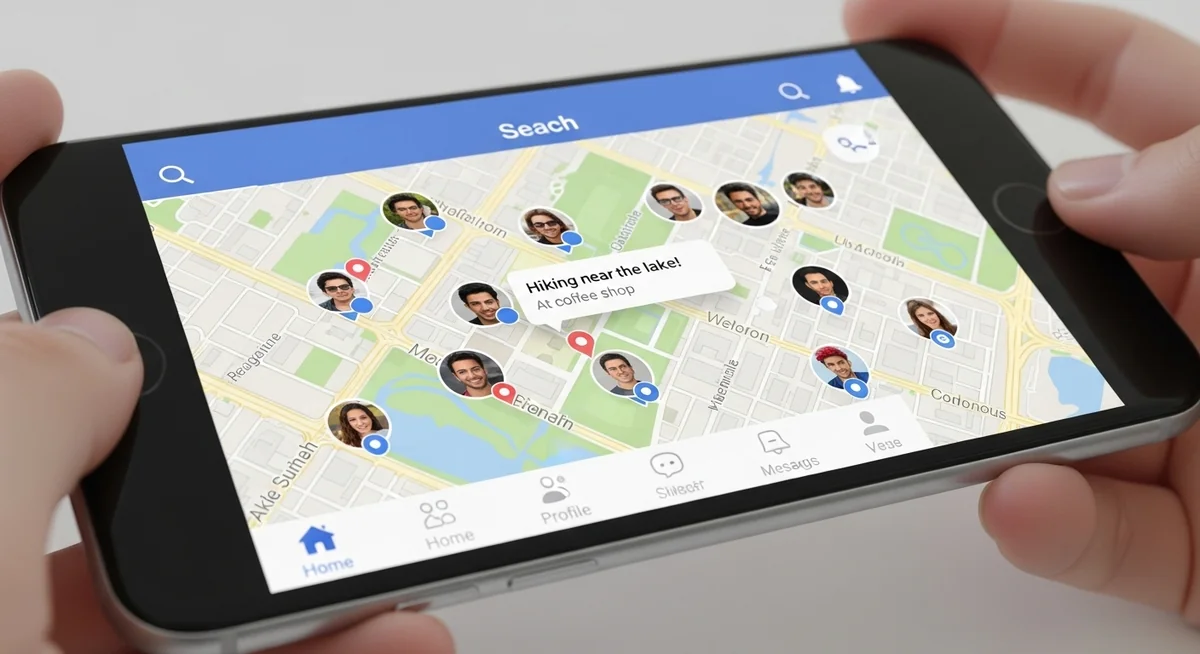
Family Sharing lets up to 6 members see each other’s locations in the Find My app. Set it up through Settings → your name → Family Sharing → Location Sharing. Each member controls whether they share — it’s mutual, not one-sided.
You get continuous location updates, arrival and departure alerts for saved places like school or work, and quick location sharing through Messages.
How Can You Track an Android Phone for Free?
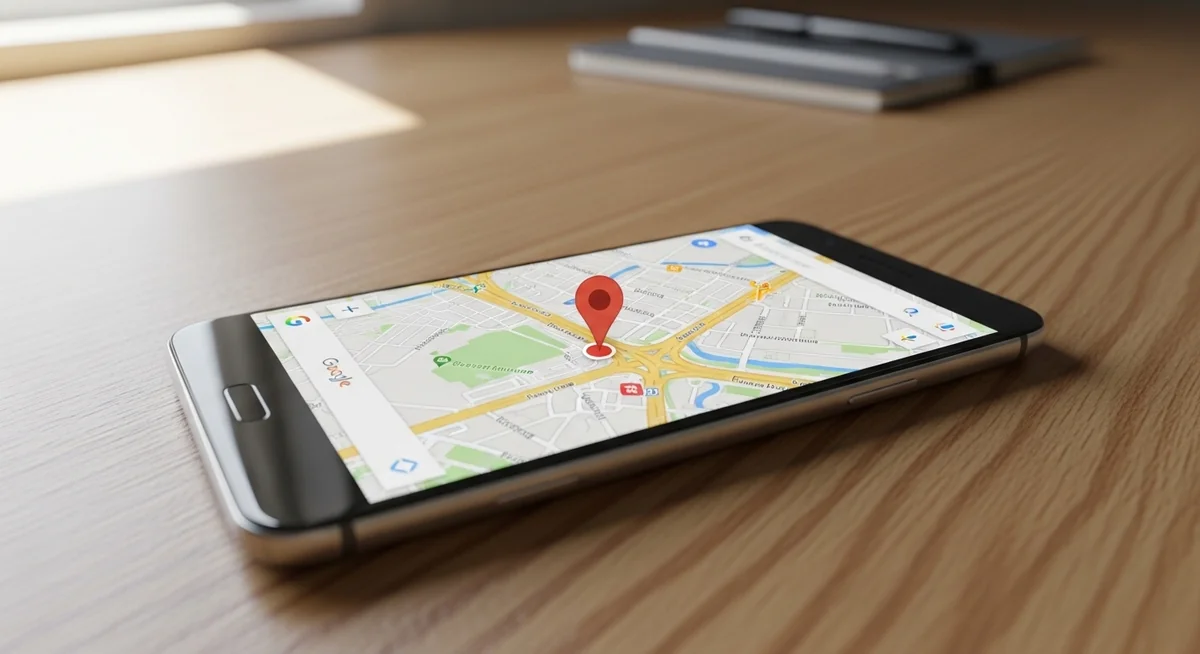
Google Find My Device comes pre-installed on every Android. It works through any browser at android.com/find, through the app, or by saying “Find my phone” to Google Assistant. Setup: Settings → Security → Find My Device → toggle on.
What Can Find My Device Do?
- Real-time tracking — see device on Google Maps
- Play Sound — ring at max volume for 5 minutes
- Secure Device — lock with custom message
- Erase Device — remotely wipe all data
- Indoor maps — floor plans for supported venues
- Offline finding — Bluetooth relay via nearby Android devices
Samsung devices get bonus features through Samsung account: remote unlock, Galaxy Buds/watch tracking, and extended battery mode. Xiaomi and OnePlus offer similar extras through their own accounts.
Google Maps location sharing works cross-platform (Android + iPhone) and shows real-time position, battery level, and estimated arrival time — the most practical free option for mixed-device families.
Which Tracking Apps Are Worth the Money?
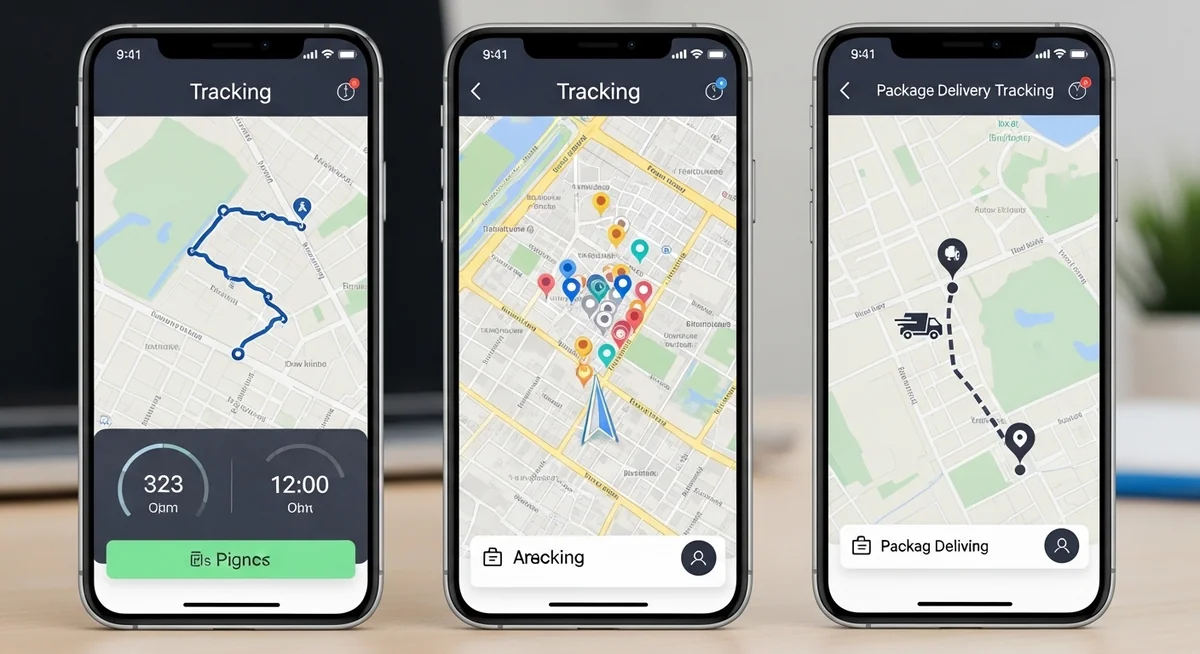
Built-in tools handle basic location. But if you need message monitoring, call logs, app activity, or stealth operation — you need a dedicated tracking app. Here’s how the main options compare.
| App | GPS Tracking | Messages | Calls | Stealth Mode | Price/mo | Platforms |
|---|---|---|---|---|---|---|
| Hoverwatch | Yes | SMS + messengers | Logs + recording | Yes | From $24.95 | Android, iOS, PC |
| mSpy | Yes | SMS + messengers | Logs | Yes | From $29.99 | Android, iOS |
| FlexiSPY | Yes | SMS + messengers | Logs + intercept | Yes | From $29.95 | Android, iOS |
| Life360 | Yes | No | No | No | Free / $8 | Android, iOS |
| Find My / FMD | Yes | No | No | No | Free | iOS / Android |
Why Parents Choose Hoverwatch
Hoverwatch goes beyond location tracking. It monitors WhatsApp, Instagram, Telegram, Snapchat, and other messengers — showing who your child is talking to and what they’re sharing. Screenshots capture app activity that message logs miss.
Key features:
- Real-time GPS with location history
- Geofencing alerts (school, home zones)
- Call logs with duration and contacts
- SMS and messenger monitoring
What sets it apart:
- Stealth mode — completely invisible on device
- Screenshot capture of app activity
- Web-based control panel from any browser
- Works on Android, iOS, and Windows PC
Installation takes about 5 minutes with physical access to the target device. After setup, all data syncs to your online dashboard — accessible from any device with a browser.
“For parents, the question isn’t whether to monitor — it’s how transparently to do it. With younger children, stealth mode gives peace of mind without constant arguments. With teenagers, I recommend shared tracking apps where both sides can see the data.”
Dr. Sarah Chen, Digital Forensics Expert, SANS Institute
What About Free Tracking Apps?
Life360 offers the best free family tracking: real-time circles, driving safety alerts, crash detection, and place notifications. Google Maps location sharing works cross-platform with no app needed on the recipient side.
GeoZilla provides family location with geofencing. Glympse lets you share temporary location links without recipients installing anything. All free options require everyone to opt in — no stealth mode available.
Do Carrier Services Work for Tracking?
Verizon Family Locator, AT&T Secure Family, and T-Mobile FamilyWhere offer network-level tracking without installing apps. They work through cell tower triangulation — meaning 100-300 meter accuracy, significantly less precise than GPS apps.
They cost $5-10/month and require account holder authorization. Useful as a backup when phones have no data connection, but GPS-based apps are better for daily use.
How Do You Set Up Phone Tracking Step by Step?
The fastest way to start tracking depends on your goal. Here are the three most common scenarios with exact steps.
Dial *#06# on your phone right now and save the IMEI number somewhere safe. Your carrier can blacklist a stolen phone using this number.
For full monitoring with messages and app activity, Hoverwatch takes about 5 minutes to set up on any Android device.
Final Thoughts
Every smartphone lets you track phone location for free — just enable Find My (iPhone) or Find My Device (Android) before you need it.
Parents who need message monitoring and stealth mode should look at dedicated apps like Hoverwatch.
Pick the tool that matches your actual need. Don’t overcomplicate it — the built-in options are powerful and free. If you need more, the comparison table above helps you choose.
Frequently Asked Questions
If you set up Find My (iPhone) or Find My Device (Android) beforehand, go to icloud.com/find or google.com/android/find from any browser. You'll see the phone's last known location on a map. You can also remotely lock it, display a message, or erase all data. If you didn't set this up before it was stolen, contact your carrier immediately — they can sometimes help locate it via IMEI, and they'll definitely block the SIM.
iPhones with iOS 15+ can be found even when powered off — they enter a low-power mode that keeps the Find My network active using the U1 chip. Android phones can't be tracked once fully off, but Google shows the last known location before it died. Samsung phones with SmartThings Find also have offline finding via Bluetooth. Bottom line: if it's an older Android that's completely dead, you're limited to the last location before shutdown.
Despite what a hundred sketchy websites claim — no, not really. Phone number lookup services give you the carrier and approximate registration area, not real-time GPS location. Real-time tracking by phone number requires carrier cooperation (law enforcement only) or exploiting SS7 vulnerabilities (requires specialized equipment and criminal intent). If someone's selling you "track any phone by number" for $9.99, it's a scam.
Yes, through several methods. Your phone constantly connects to cell towers — triangulating those gives a rough location (100-300m accuracy). WiFi positioning is even more accurate — your phone scans nearby networks and Google/Apple have mapped most of them. Even Bluetooth beacons can triangulate you in malls and airports. The only way to be truly invisible is airplane mode with WiFi and Bluetooth off. Turning off just GPS stops apps, not infrastructure-level tracking.
GPS gives you 3-5 meter accuracy outdoors when it has clear sky view. Indoors, it degrades fast. For the best accuracy, use the built-in Find My or Find My Device — they combine GPS, WiFi positioning, and cell tower data. Apple's Find My network is especially accurate because it uses nearby iPhones as Bluetooth beacons. For Android, Google's Find My Device network offers similar crowd-sourced accuracy. Third-party apps aren't more accurate — they use the same phone sensors.


I need help. Doing a set up. What is the price??