How to Detect the Wiretapping Program on Your Phone

Learning how to detect spyware on Android phone starts with knowing the signs.
To detect a wiretapping program on your phone, check for unusual battery drain, unexpected data usage spikes, and unfamiliar apps in your settings — then run a scan with a trusted mobile security app like Malwarebytes or Bitdefender.
Unauthorized phone surveillance is illegal in most jurisdictions. This guide is for educational purposes — to help you detect and remove unauthorized monitoring from your own devices.
How Do Wiretapping Programs Get on Your Phone?
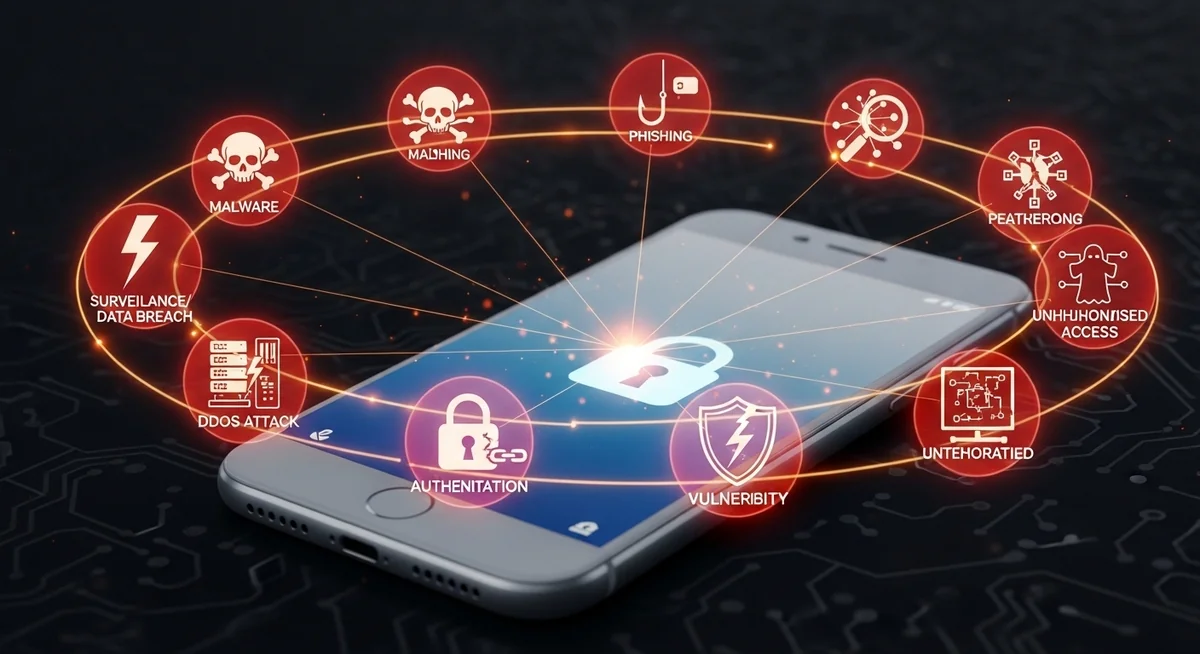
According to a Kaspersky report, mobile spyware infections increased by 42% year-over-year, with social engineering accounting for 67% of all installations.
Be wary of online services claiming to offer “professional phone tapping” for a small fee. These are invariably scams designed to steal your money or personal information.
What Are the Warning Signs of Spyware on Your Phone?
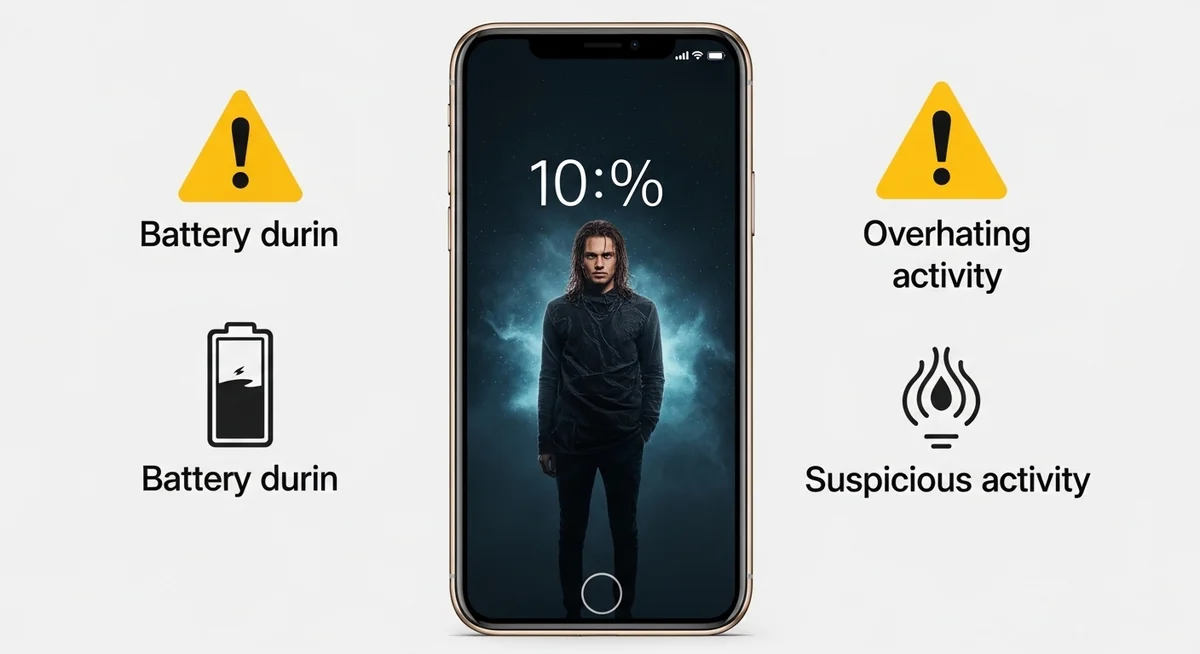
If you want to know how to detect spyware on Android phone, the most reliable signs fall into four categories: battery and performance issues, unusual data activity, strange sounds and behavior, and suspicious apps or reboots.
Any single sign could have an innocent explanation — but two or more together warrant investigation.
“Most people expect spyware to announce itself with pop-ups or crashes. In reality, the best-designed stalkerware runs silently for months. The only giveaway is subtle: battery draining 20% faster, or 300 MB of unexplained data each month.”
Alex Rivera, CEH, OSCP
Battery and Performance
Data and Network Activity
Unexpected data usage and strange network behavior are the second most common indicators of spyware activity on your device.
Android’s open ecosystem makes it more vulnerable than iOS, which is exactly why knowing how to detect spyware on Android phone matters.
Check Settings, then Apps, then toggle “Show system apps” and look for anything unfamiliar. Then verify that Google Play Protect is active and run a full scan.
Android security advantages
- Google Play Protect scans apps automatically
- Permission manager gives granular control
- Running services visible in developer options
- Third-party security apps have deep system access
Security researchers consistently find that basic protective measures prevent over 80% of common attacks.
Android security weaknesses
- Sideloading APKs bypasses store security
- Rooting removes all built-in protections
- Fragmented updates leave older devices vulnerable
- Some manufacturers pre-install bloatware that mimics spyware behavior
Which Detection Tools Actually Work?
Mobile security apps are your most reliable first step when learning how to detect spyware on Android phone. No single app catches everything, so running scans from two different tools significantly increases detection rates.
| Tool | Platform | Spyware Detection | Real-Time Protection | Price | Best For |
|---|---|---|---|---|---|
| Malwarebytes | Android, iOS | Excellent | Yes | Free / $40/yr | Dedicated spyware removal |
| Bitdefender | Android, iOS | Excellent | Yes | $15/yr | Lightweight cloud-based scanning |
| Certo AntiSpy | Android, iOS | Very Good | No (scan-only) | $50 one-time | Stalkerware-specific detection |
| Lookout | Android, iOS | Good | Yes | Free / $30/yr | Identity theft + spyware combo |
| Norton Mobile | Android, iOS | Good | Yes | $30/yr | Comprehensive security suite |
| Kaspersky Mobile | Android | Very Good | Yes | Free / $20/yr | Low performance impact |
For the best results, pair Malwarebytes with your primary security app. Run both scans, then check your battery and data usage stats for anything the scanners might have missed.
When to Contact Your Carrier

Your mobile carrier can check for network-level threats that no app will catch. Contact them if you suspect call forwarding was enabled without your knowledge, SIM cloning, or unauthorized account access.
For serious concerns in business or legal contexts, a mobile forensics professional can perform deep analysis and provide documentation for legal proceedings. Costs range from $200 to $2,000+.
Can USSD Codes Reveal If Your Calls Are Being Forwarded?
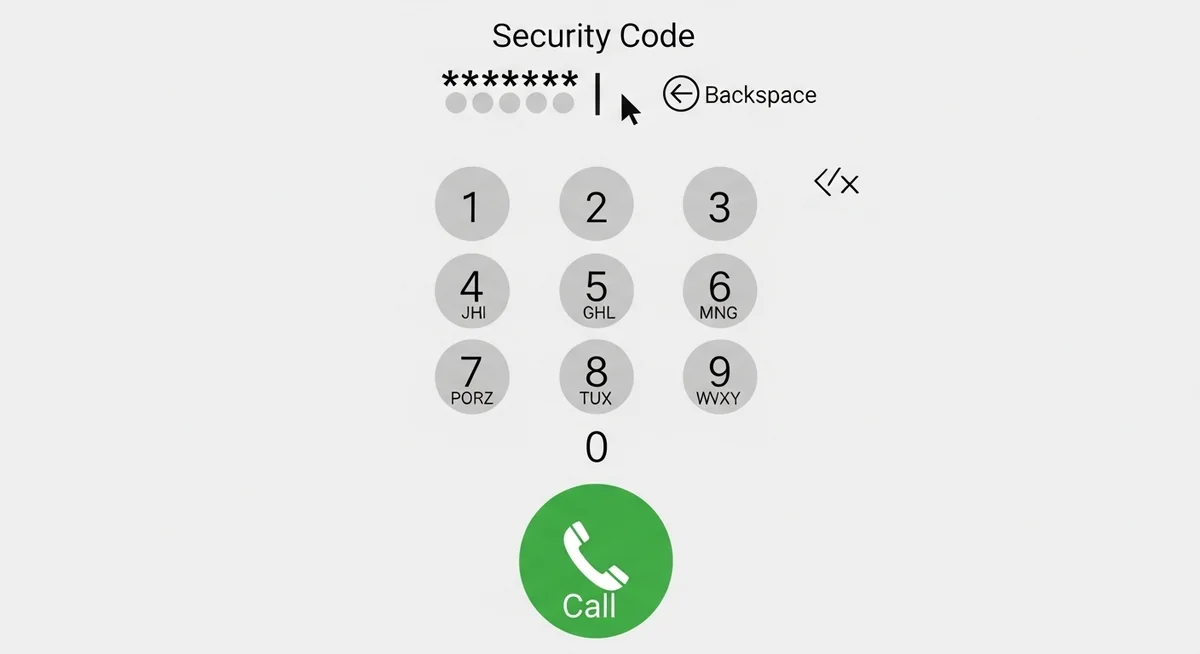
Yes — another way to detect spyware on Android phone is through USSD codes. Dialing specific codes from your phone app reveals whether calls or texts are being redirected to another number. These codes detect carrier-level forwarding, not app-based spyware.
A study by the Electronic Frontier Foundation found that 12% of stalkerware victims had call forwarding silently enabled — a method that requires no app.
What Should You Do If You Find Spyware?
If you confirm your phone is compromised, act fast. See our guide on top signs your phone is tapped for more warning signs: change all passwords from a different device, enable two-factor authentication, and document everything before removing the spyware.
If you suspect domestic stalking, contact the National Domestic Violence Hotline (1-800-799-7233) before removing spyware. Removing it may alert your abuser and escalate the situation.
How Can You Prevent Spyware in the First Place?

Prevention is simpler than learning how to detect spyware on Android phone after the fact.
The single most effective measure: keep your phone physically secure and never share your unlock code. Over 80% of commercial spyware requires physical access for 5-10 minutes.
According to Google’s Android Security Report, 96% of sideloaded spyware comes from third-party app stores and direct APK downloads. Devices with Play Protect enabled are.
“The single biggest vulnerability isn’t your phone’s software — it’s physical access. I’ve investigated over 200 stalkerware cases, and in 90% of them, someone the victim trusted had the phone for under 10 minutes.”
Dr. Sarah Chen, Digital Forensics Expert, SANS Institute
Essential prevention checklist
- Audit installed apps regularly and remove unused ones
- Enable Google Play Protect (Android) or Lockdown Mode (iOS)
- Use encrypted messaging apps like Signal for sensitive conversations
- Enable two-factor authentication on all important accounts
Apply these security measures consistently to minimize your exposure to common threats.
Common mistakes that expose your device
- Sharing your unlock code or pattern with others
- Ignoring OS and app update notifications for weeks
- Installing apps from third-party stores or unknown APKs
- Connecting to public Wi-Fi without a VPN for banking or email
What About Legitimate Monitoring Apps?
Not all monitoring software is malicious.
Parents use apps like Hoverwatch to keep track of their children’s location, calls, and messages — with the child’s knowledge or on devices they own. Hoverwatch runs in stealth mode and tracks GPS, call logs, texts, and app activity.
The key difference: legitimate monitoring is installed on devices you own with proper consent. Learn more about legal phone tracking options. Unauthorized installation on someone else’s phone is illegal regardless of the app used.
How Do Different Detection Methods Compare?
Each detection method has its strengths and limitations. The table below ranks them by effectiveness, difficulty, and cost so you can choose the right approach for your situation.
| Method | Effectiveness | Difficulty | Cost | Best For |
|---|---|---|---|---|
| USSD Codes (*#21#, *#62#) | Medium | Easy | Free | Call forwarding detection |
| Manual App & Permission Review | Medium-High | Easy | Free | Identifying suspicious apps |
| Battery & Data Monitoring | Medium | Easy | Free | Spotting unusual activity |
| Mobile Security Apps | High | Easy | Free-$50/yr | General spyware detection |
| Carrier Support | Medium | Easy | Free | Network-level issues |
| Professional Forensics | Very High | N/A | $200-2,000+ | Sophisticated spyware |
| Factory Reset | High | Medium | Free | Removing most spyware |
Now that you know how to detect spyware on Android phone, start with the free methods — USSD codes and manual app reviews catch most common threats.
If those raise red flags, move to dedicated security apps. Reserve professional forensics for serious legal situations.
Final Thoughts
Knowing how to detect spyware on Android phone comes down to paying attention: monitor your battery, check your data usage, review installed apps, and run security scans regularly. Most consumer-grade spyware leaves obvious traces if you know where to look.
If a quick check raises concerns, run Malwarebytes and Bitdefender scans. If those come back clean but suspicious behavior continues, contact your carrier or consult a mobile forensics professional. You can also check if your phone is being tracked.
Frequently Asked Questions
Look for the classic signs first: battery draining way faster than usual, phone running hot when you're not using it, and data usage spikes you can't explain. Download Malwarebytes or Sophos from the Play Store and run a full scan. Also check Settings → Apps and look for anything you don't recognize — spyware often hides under generic names like "System Service" or "Phone Manager."
Technically yes, but it's extremely rare for regular people. There's an exploit called SS7 that works through carrier networks, but it requires specialized equipment and knowledge. The far more common scenario? Someone who had physical access to your phone for 5 minutes — an ex, a coworker, a "friend." That's how 90% of phone spying actually happens.
A factory reset removes virtually all consumer-grade spyware. But here's the catch — if your phone was rooted or jailbroken first, some advanced spyware can embed itself in the system partition and survive a reset. If you're truly paranoid, flash the stock firmware from the manufacturer's website. That nukes absolutely everything.
Watch for these red flags: your phone lights up or makes sounds when idle, you hear clicking or static during calls, apps crash more than usual, or your phone takes forever to shut down. Check your battery usage stats — if an app you don't recognize is eating 15%+ battery, that's suspicious. On Android, also check if "Install from unknown sources" got enabled without you doing it.
Absolutely. You don't need to root anything. Start with legitimate antivirus apps from the Play Store (Malwarebytes, Bitdefender, Norton). Then manually check: go to Settings → Apps → show system apps, and Google any app name you don't recognize. Check your phone's data usage breakdown for unusual activity. On iPhone, look for unexpected configuration profiles in Settings → General → VPN & Device Management.