How to Detect Hidden Spy Apps on Your Phone
Want to detect hidden spy apps? They run invisibly on your phone, capturing messages, calls, photos, and GPS location without any visible sign. Detecting them requires knowing exactly where to look — and most people never check.
This guide shows you how to detect hidden spy apps on both Android and iPhone, the specific settings to check, and how to remove spyware completely if you find it.
If you suspect domestic abuse or stalking, contact the National Domestic Violence Hotline (1-800-799-7233) before removing spyware. The abuser may escalate if they suddenly lose access to your activity.
What Are Hidden Spy Apps and How Do They Get Installed?
Hidden spy apps are monitoring software designed to run without the phone owner’s knowledge. They operate in the background with no app icon, no notifications, and minimal battery impact — making them nearly invisible to casual inspection.
| Installation Method | Access Required | Difficulty | Platforms |
|---|---|---|---|
| Physical install during unattended moment | Unlocked phone for 5-10 minutes | Easy | Android, jailbroken iPhone |
| Phishing link via text or email | Victim clicks the link | Medium | Android mainly |
| iCloud credential theft | Apple ID and password only | Easy | iPhone (no install needed) |
| Zero-click exploit (Pegasus-style) | None — phone number only | Expert | Both (government-level) |
| Bundled with other apps (sideloaded) | User installs from outside app store | Easy | Android |
The most common scenario is someone with physical access — a partner, family member, or coworker — installing spyware during a brief unattended moment.
Commercial spy apps like mSpy and FlexiSPY can be installed in under 5 minutes.
A Norton LifeLock survey found that 1 in 10 Americans admit to using stalkerware on a current or former partner’s phone. The actual number is likely higher since many won’t admit to illegal behavior.
How Can You Detect Hidden Spy Apps by Their Warning Signs?
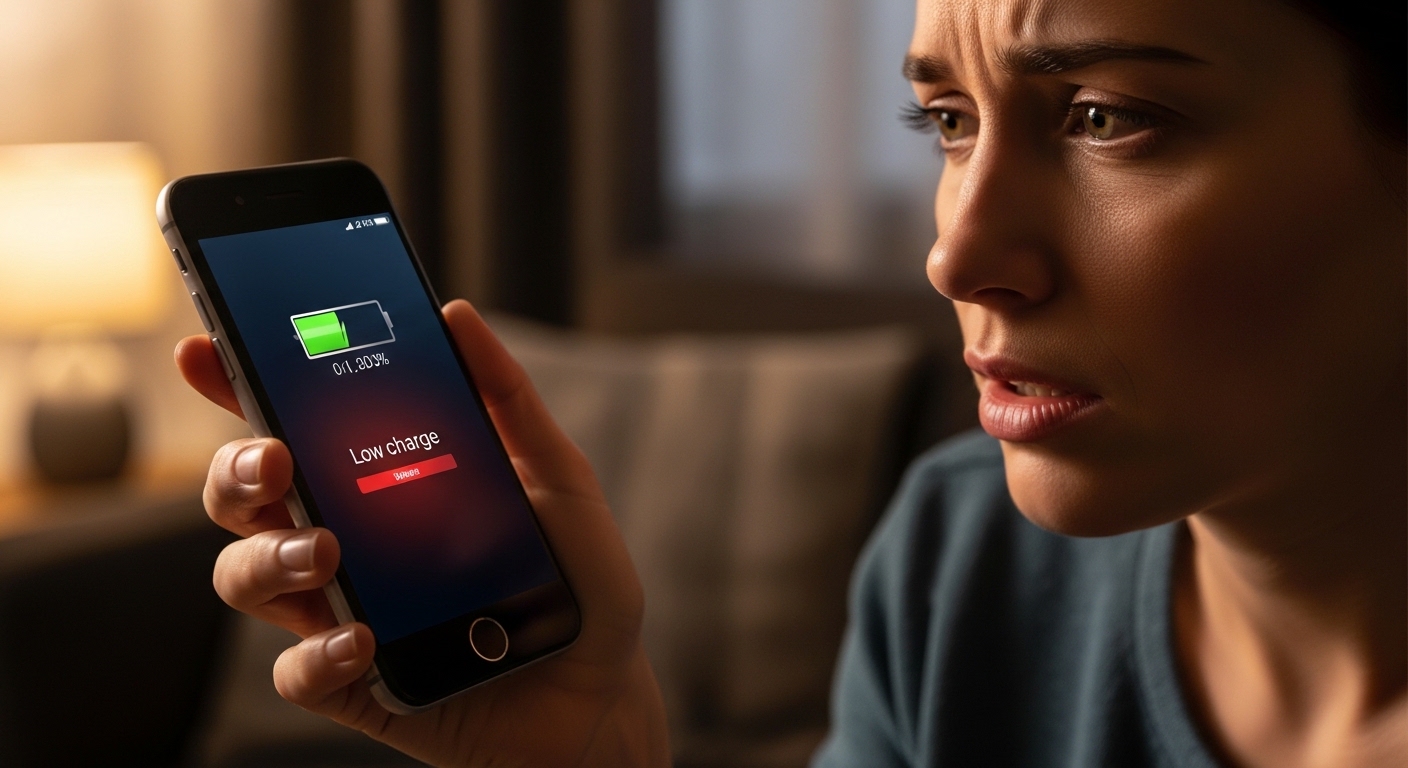
To detect hidden spy apps, watch for telltale symptoms. Spy apps try to remain hidden, but they can’t completely mask their resource usage. These symptoms don’t guarantee spyware, but multiple signs together warrant investigation.
| Warning Sign | Why It Happens | How to Check |
|---|---|---|
| Rapid battery drain | Continuous background recording | Settings → Battery → usage by app |
| Phone overheats at idle | Spyware processing and uploading data | Feel the phone after 30 min of no use |
| High data usage | Uploading captured messages and screenshots | Settings → Data usage → per-app stats |
| Strange notification sounds | Spy app receiving remote commands | Check notification history |
| Phone lights up randomly | Spyware activating camera or screen capture | Observe phone when not in use |
| Slow shutdown | Spyware finishing data upload before power off | Time your shutdown vs normal |
“The biggest red flag isn’t any single symptom — it’s a sudden change in behavior. If your phone worked fine last week and now the battery dies by noon and it runs hot, something changed.
Check what was installed recently.”
Alex Rivera, CEH, OSCP
Pay attention to timing. If symptoms started around the same time someone had access to your phone, that correlation is significant. Check your phone’s app installation history for apps added on that date.
How Do You Find Hidden Spy Apps on Android?
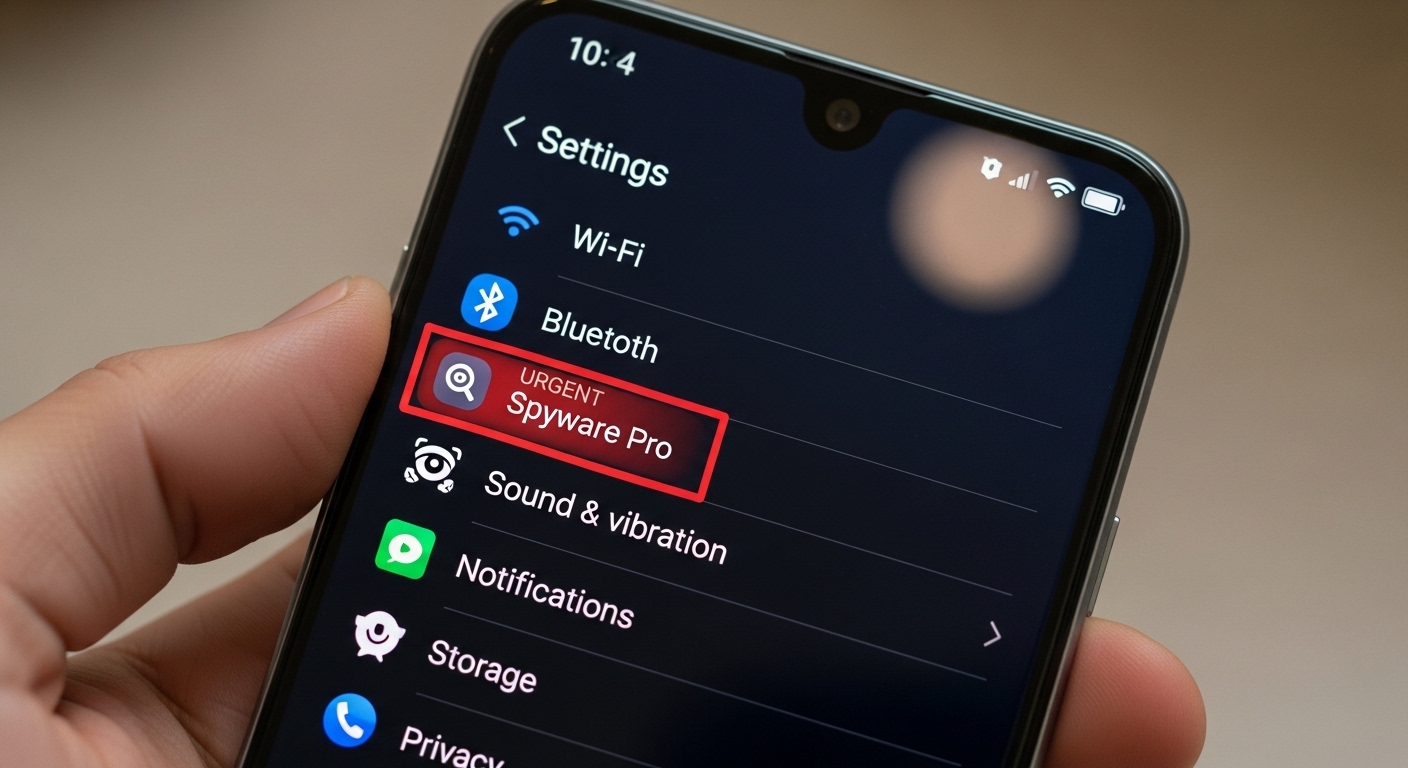
Android is more vulnerable to spy apps than iPhone because it allows app installation from outside the Google Play Store. Here’s how to systematically check every hiding spot.
Take a screenshot of your current app list and permissions before making changes. This preserves evidence for law enforcement if needed.
If you find a suspicious app, don’t delete it immediately. Document it first — screenshot the app info, permissions, and install date.
Then remove device admin access if it has it (Settings → Security → Device admin apps → deactivate), and uninstall.
How Do You Find Hidden Spy Apps on iPhone?
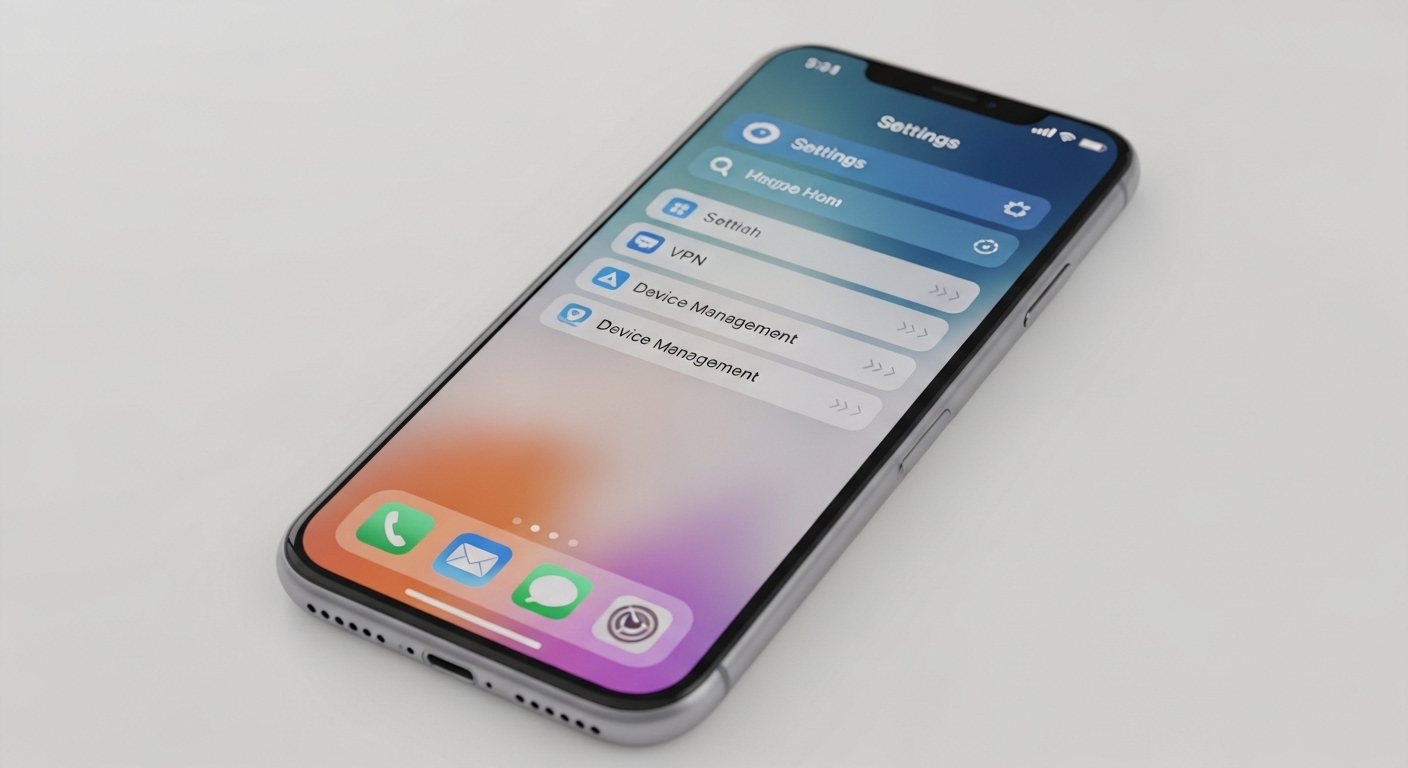
iPhones are harder to infect with spy apps because Apple’s security architecture prevents app installation outside the App Store. However, two attack vectors exist: jailbreaking and iCloud-based monitoring.
If your iPhone is jailbroken and you didn’t do it yourself, someone installed spyware. Update to the latest iOS version immediately — this removes the jailbreak and all unauthorized software.
If you see a profile you didn’t install, remove it immediately.
Also review Settings → Privacy → Tracking to see which apps have requested tracking permission, and Settings → Privacy → Location Services to check which apps access your GPS.
Spy apps need location access to track your movements.
How Do You Remove Spy Apps Completely?
Removing spy apps requires more than just deleting the app. Some spyware installs system-level components that survive normal uninstallation. Here’s the complete removal process for both platforms.
After removal, monitor your phone for 48 hours. If symptoms return — battery drain, data spikes, overheating — the spyware may not have been fully removed.
In that case, a factory reset is the safest option.
After removing spyware, set a new complex passcode and enable biometric lock. Never share your passcode with anyone — this is the primary way spy apps get installed.
How Can You Prevent Spy Apps from Being Installed?
Prevention is easier than detection. These habits make it significantly harder for anyone to install spy apps on your phone — whether through physical access or remote attacks.
| Protection | What It Prevents | Setup Time |
|---|---|---|
| Strong passcode + biometric | Physical install during unattended moments | 2 minutes |
| OS updates enabled | Zero-click exploits, jailbreak vulnerabilities | 1 minute |
| Unknown sources disabled | Sideloaded spy apps (Android) | 30 seconds |
| 2FA on iCloud/Google | Cloud-based monitoring via stolen credentials | 5 minutes |
| Regular security scans | Undetected spyware already installed | 5 minutes weekly |
“The number one way spyware gets on phones is through someone who had the passcode. It’s not sophisticated hacking — it’s someone you trusted spending 5 minutes with your unlocked phone.”
Dr. Sarah Chen, Digital Forensics Expert
Run a security scan at least once a month. Checking for hidden apps should be part of your regular digital hygiene, just like changing passwords and reviewing account activity.
Final Thoughts
Ready to detect hidden spy apps? Check your phone right now — open Settings, look at your installed apps, review permissions, and run a security scan.
If you find something suspicious, document it before removing it, then change all your passwords from a different device.
Prevention beats detection every time. A strong passcode, current OS, and regular scans keep spy apps off your phone in the first place.
Frequently Asked Questions
Almost, but not quite. Modern spy apps hide their icons, run as system processes, and minimize battery usage, but they can't eliminate all traces. They still consume some battery, use data, and appear in system app lists. Security scanners like Malwarebytes can detect most commercial spyware. The key is knowing where to look — system apps, accessibility permissions, and device admin settings.
Yes, a factory reset removes all apps and data including spyware. However, if you restore from a backup that was created while spyware was installed, you may reinstall it. Always set up as a new device after a factory reset for spyware removal. On iPhone, updating to the latest iOS version is equally effective and doesn't require losing your data.
Direct spyware installation on a non-jailbroken iPhone is extremely difficult due to Apple's security. However, iCloud-based monitoring requires only your Apple ID credentials — no physical access or jailbreak needed. The attacker sees your messages, photos, and location through iCloud syncing. Protect yourself by using a strong unique Apple ID password and enabling two-factor authentication.
Look for apps installed around dates your partner had access to your phone. Check Settings → Apps → sort by install date (Android) or Settings → General → iPhone Storage (iPhone). Review accessibility and device admin permissions for unfamiliar apps. Run Malwarebytes or Lookout for a scan. If your partner knows things about your messages or location that you didn't share, that's a strong behavioral indicator.
Reputable security apps like Malwarebytes, Lookout, and Avast detect most commercial spyware including mSpy, FlexiSPY, and Hoverwatch. However, no scanner catches 100% of spyware — especially custom or government-grade tools. Use multiple scanners for best coverage, and combine automated scans with manual checks of permissions, installed apps, and device admin settings.