How to Hack WhatsApp Account

WhatsApp accounts get hacked through SIM swapping, QR code hijacking, and social engineering — not through magic tools. When your whatsapp account hacked, personal chats, photos, and contacts fall into the wrong hands within minutes.
Understanding real attack methods is the first step toward protecting yourself. Below you will find how each attack works, warning signs to watch for, and proven recovery steps.
Unauthorized access to someone’s WhatsApp account violates the Computer Fraud and Abuse Act (18 U.S.C. § 1030) and similar laws worldwide. This article is for educational and protective purposes only.
How Do WhatsApp Accounts Actually Get Hacked?

There are four primary methods that lead to a whatsapp account hacked. Each exploits a different weakness — from your mobile carrier to your own trust.
The FBI reported over 2,000 SIM swap complaints in a single year, with losses exceeding $72 million.
Check Settings > Linked Devices weekly. Remove any device you do not recognize immediately to prevent ongoing surveillance.
Never install APK files from unknown sources or click download links in unexpected messages.
“The most effective security measures are often the simplest: strong unique passwords, two-factor authentication, and keeping your software updated. Most breaches exploit basic oversights, not sophisticated vulnerabilities.”
Alex Rivera, CEH, OSCP
What About Signs Your WhatsApp Account Has Been Hacked?

Recognizing a compromise quickly makes the difference between a minor inconvenience and a major privacy breach. Watch for these specific warning signals that indicate your whatsapp account hacked.
Your phone suddenly logs out of WhatsApp without any action from you. This is the clearest sign that someone registered your number on another device.
Unknown devices in Linked Devices list. Battery drains faster than normal. App crashes or behaves strangely without updates.
Friends receive messages you never sent. Chats deleted without your knowledge. New conversations appear that you did not start.
Contacts reporting spam or suspicious links from your number is especially dangerous. The attacker may be using your trusted identity to phish your friends and family members next.
According to security researchers, the average time between a WhatsApp breach and discovery is 12 hours — enough for an attacker to access thousands of messages.
How Do You Recover a Hacked WhatsApp Account?
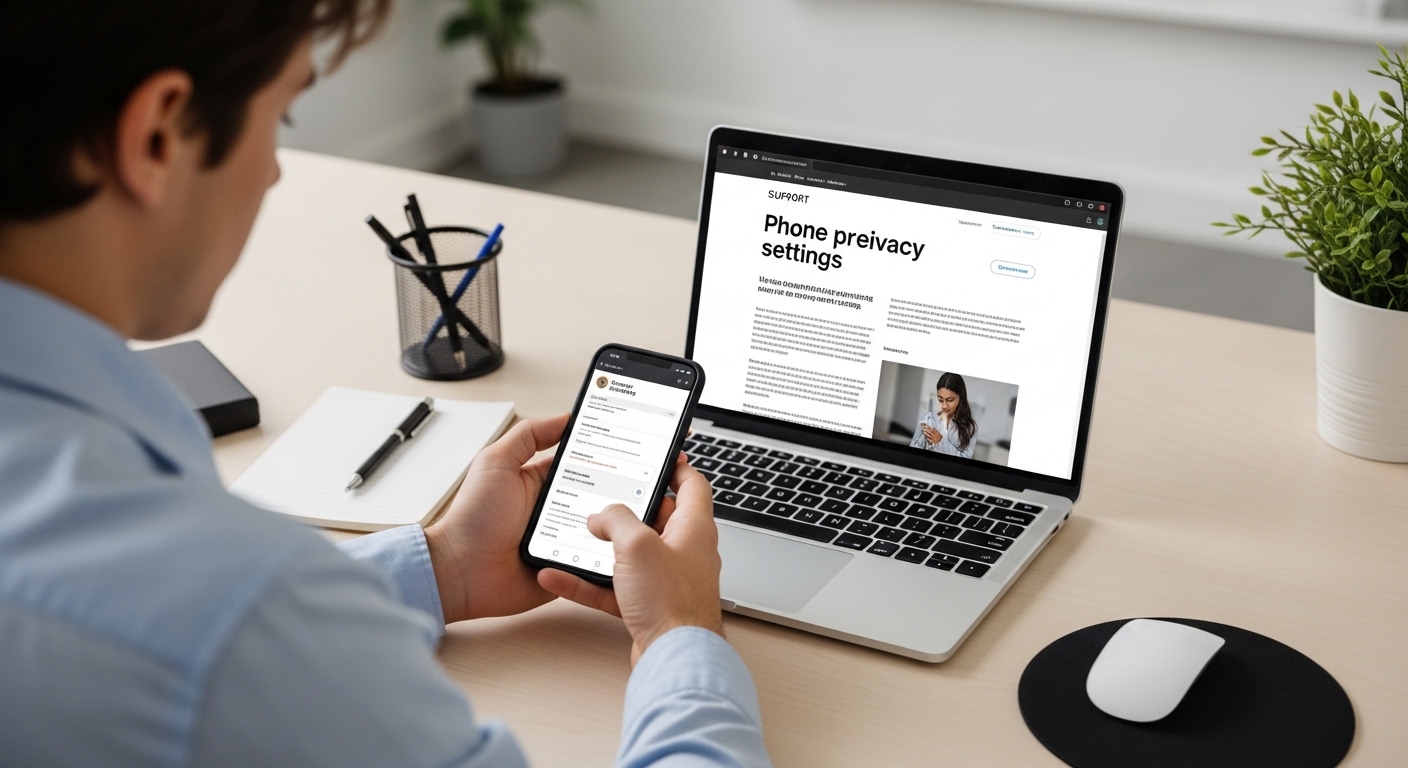
Speed matters during recovery. Every minute the attacker controls your account, they can access more private conversations and impersonate you to contacts.
First, regain control of your phone number if a SIM swap occurred. Contact your carrier immediately to reverse the port and issue a replacement SIM card.
Reinstall WhatsApp and enter your phone number to request a new verification code. This action automatically disconnects every other device using your account.
Enable two-step verification immediately after recovery. Choose a PIN you have not used elsewhere and add a backup email address for future recovery.
Once inside the app, navigate to Settings > Linked Devices and remove anything unfamiliar. If the hacker already enabled two-step verification, you will need to contact WhatsApp support directly with proof of account ownership.
After recovery, notify close contacts about the incident right away. Ask them to ignore any messages sent during the compromise and to avoid clicking links they received from your account.
Monitor your account closely for the next several days. Repeat attackers sometimes try again once they notice you have regained control of the whatsapp account hacked situation.
Choose the approach that best fits your specific situation and needs.
What About Why “Free WhatsApp Hack” Tools Are Scams?

Dozens of websites promise to get any whatsapp account hacked for free. Every single one of them is a scam designed to steal your own data instead.
These sites ask for your phone number or login credentials under the guise of a free trial. The moment you enter personal information, it gets harvested and sold on underground markets.
Never enter your phone number or WhatsApp credentials on third-party “hack” websites. You will not hack anyone — you will become the victim instead.
Many of these tools require completing surveys or downloading software first. That software installs malware on your device — and suddenly it is your own whatsapp account hacked by the very tool you downloaded.
Legitimate security researchers never distribute such tools publicly. WhatsApp’s end-to-end encryption makes remote access impossible without compromising the target device physically or through social engineering.
If you see advertisements claiming otherwise, report the website immediately. Protecting others from these scams reduces the overall threat landscape.
Even experienced users sometimes fall for convincing fake interfaces that mimic legitimate security tools. Skepticism is your best defense here.
Choose the approach that best fits your specific situation and needs.
What About Legitimate WhatsApp Monitoring for Parents?

Parents concerned about their children’s online safety have legitimate options. If you worry about a whatsapp account hacked by strangers targeting your child, professional monitoring tools provide oversight without requiring any hacking techniques.
Hoverwatch
Hoverwatch serves as a trusted parental control solution for families.
It installs on a child’s Android device and operates in complete stealth mode after a quick one-time setup.The app captures WhatsApp messages, attached photos, videos, and timestamps automatically. All data uploads to a secure online dashboard accessible from any browser.
Read our detailed Hoverwatch review for the full breakdown of features and setup instructions.
Hoverwatch requires physical access to the target device only once during installation. After setup, all monitoring happens remotely through the web dashboard.
mSpy
mSpy offers comprehensive WhatsApp monitoring without rooting Android or jailbreaking iOS. It tracks every conversation including deleted messages in certain configurations.
Parents see shared media files, call logs, and video chat history directly in the control panel. The tool continues working remotely after the initial installation process.
| Feature | Hoverwatch | mSpy |
|---|---|---|
| WhatsApp message capture | Full text, media, timestamps | Chats, media, calls, deleted messages |
| Stealth mode | Yes, hidden icon | Yes, invisible operation |
| GPS tracking | Real-time location | Geofencing alerts |
| Platforms supported | Android primary | Android and iOS |
| Remote dashboard | Web-based access | Online control panel |
Both tools require device ownership or legal guardianship of the child. Using monitoring software on an adult’s device without consent is illegal.
Crossing that line turns parental protection into having someone’s whatsapp account hacked — a serious criminal offense.
How Do You Secure Your WhatsApp Account?
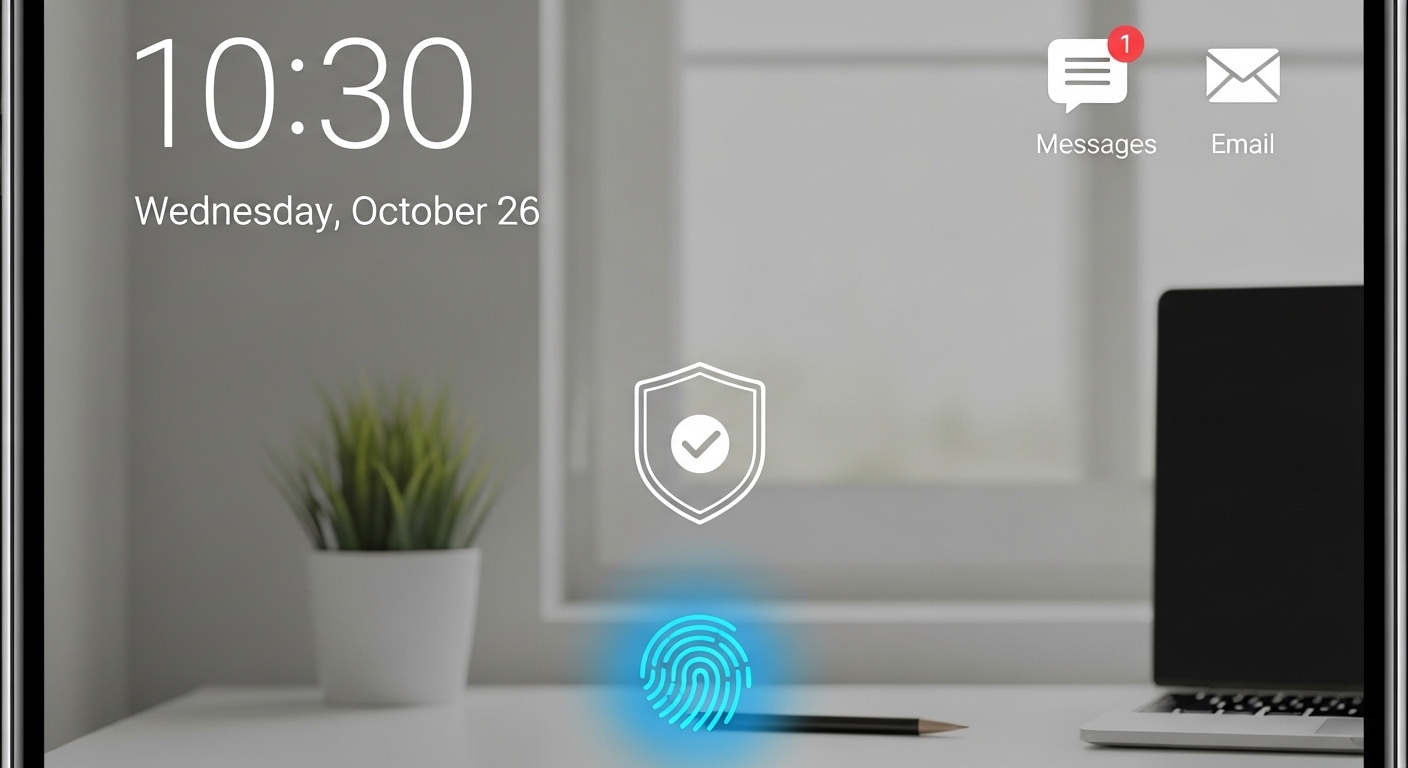
Prevention is always easier than recovery. These security measures protect your account against every major attack vector described above and prevent a whatsapp account hacked scenario.
Enable two-step verification immediately in Settings > Account. Create a strong six-digit PIN that you have not used for any other service and link an email for backup.
 App Settings
Check linked devices weekly. Use built-in app lock with fingerprint or face ID. Keep WhatsApp updated to the latest version always.
 Daily Habits
Never share verification codes with anyone. Avoid scanning QR codes from unknown sources. Be cautious on public Wi-Fi networks.
Contact your mobile carrier and request a SIM lock PIN. This single step prevents the most damaging whatsapp account hacked attack — SIM swapping — from succeeding.
Keep your phone’s operating system updated alongside WhatsApp itself. Security patches fix known vulnerabilities that attackers actively exploit in the wild.
Enabling two-step verification blocks over 90% of automated account takeover attempts according to WhatsApp’s own security team.
If you are also concerned about other messaging platforms, learn how hack Facebook Messenger attacks work so you can defend against those too.
“Digital security is a shared responsibility. Parents monitoring their children, employers securing company devices, and individuals protecting their own accounts all contribute to a safer ecosystem.”
Dr. Sarah Chen, Digital Forensics Expert, SANS Institute
Final Thoughts
Understanding real attack methods is the best defense against having your whatsapp account hacked. Quick action during a compromise limits damage and restores control before the attacker can do lasting harm.
Parents who need visibility into their children’s WhatsApp activity should use trusted tools like Hoverwatch responsibly. Pair monitoring with open conversations about online safety to build both protection and trust.
Frequently Asked Questions
Go to Settings > Linked Devices right now and log out every session you don't recognize. Then reinstall WhatsApp and re-verify your number — this kills all other active sessions automatically. After that, turn on two-step verification and message your close contacts so they know to ignore anything suspicious that came from your account.
Technically yes, but not by "hacking the encryption" like movies show. They would need either a linked companion device from scanning your QR code, or spyware already running on your phone that captures messages after decryption. Check your linked devices regularly and don't install random APKs — that closes the two realistic attack paths.
Almost certainly yes — someone is actively trying to register your number on their device. Do not share that code with anyone, no matter what story they tell you. Enable two-step verification immediately so even if they somehow get a code, they still can't get in without your PIN. If it keeps happening, call your carrier and add a SIM lock.
Encryption protects messages while they travel between phones — think of it like an armored truck. But once the message arrives and gets decrypted on your device, spyware or a linked session can read it freely. It's like having the best front door lock but leaving the back window open. Device security matters just as much as encryption.
Yes, apps like Hoverwatch run in stealth mode after a one-time physical installation on their Android device. You'll see messages, media, and activity through a web dashboard they can't detect. Just make sure you check your local laws first — in most places parents can legally monitor minor children's devices. Combine it with honest conversations about online safety so it's not just surveillance.