How to Monitor Your Child Phone Without Them Knowing
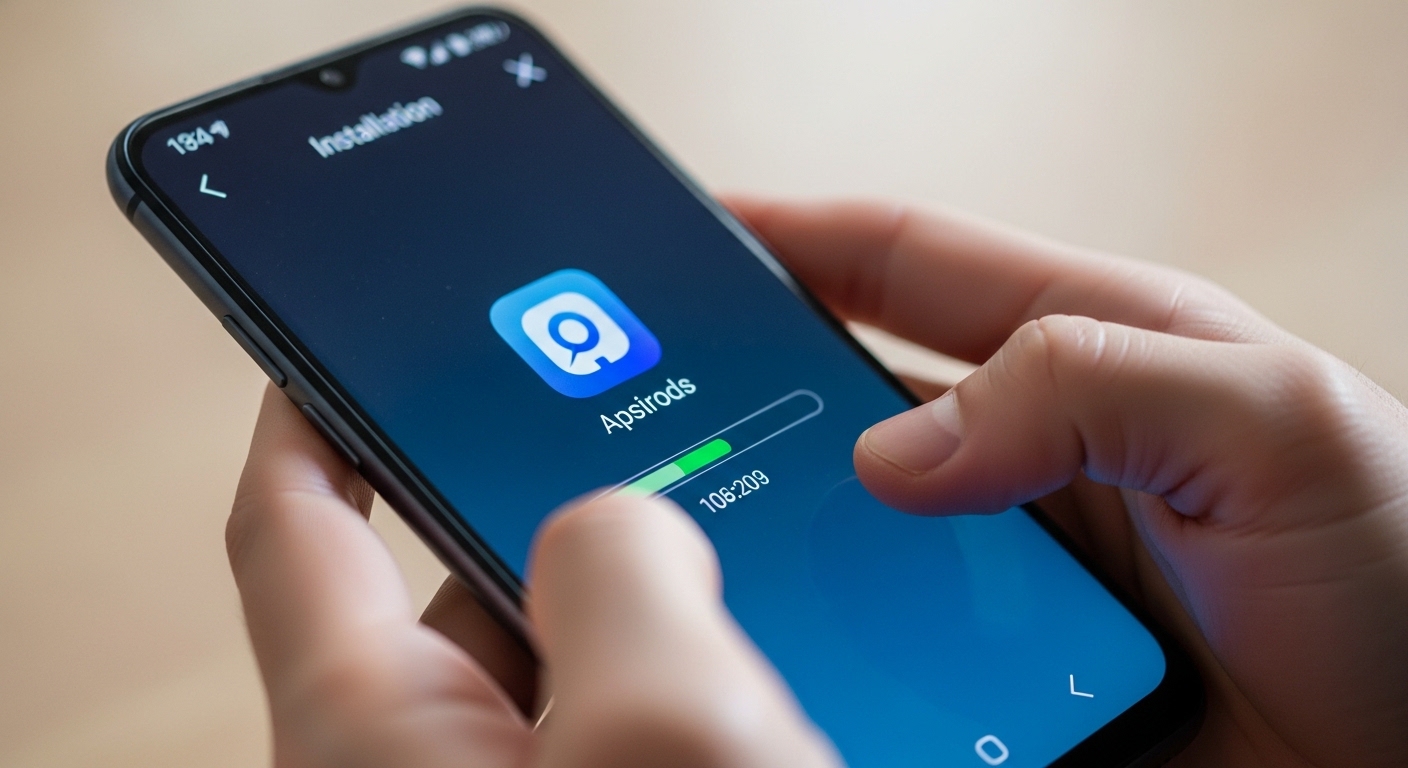
Install Hoverwatch on your child’s Android phone — it runs completely hidden and reports SMS, calls, GPS, and social media to your private dashboard. The whole setup takes under 10 minutes.
For iPhone, use mSpy with iCloud credentials — no physical access needed after the first login.
Monitoring your minor child’s device is legal in all 50 US states under the parental exception to wiretapping laws. Always verify local rules before installing.
How Do You Install a Monitoring App on Android Step by Step?
Create a Hoverwatch account at hoverwatch.com, download the APK on your child’s phone, grant permissions, and enable stealth mode. The app disappears from the launcher in under 10 minutes.
You need 10 minutes of physical access to the unlocked phone. Pick a time when your child is sleeping or showering.
| Step | Action | Time |
|---|---|---|
| 1 | Create account at hoverwatch.com | 1 min |
| 2 | Open browser on child’s phone, go to your download link | 1 min |
| 3 | Install APK (allow “Unknown sources” in Settings) | 2 min |
| 4 | Grant permissions: location, contacts, storage, accessibility | 2 min |
| 5 | Enable stealth mode — app icon disappears | 1 min |
| 6 | Re-enable Google Play Protect, clear browser history | 2 min |
| 7 | Log into dashboard from your device — verify data flows | 1 min |
After setup, the app runs as a system service. No icon in the app drawer, no notifications, minimal battery impact.
Always re-enable Google Play Protect after installation. A disabled security scanner is the first thing a tech-savvy teen will notice.
Read our detailed Hoverwatch review for the complete feature list and pricing breakdown.
How Do You Monitor an iPhone Without Installing Anything?

Enter the child’s Apple ID and password into mSpy’s iCloud setup page. The app pulls data from iCloud backups — messages, photos, location, and app activity — without touching the phone.
Apple’s iCloud syncs device data every few hours when connected to WiFi and charging. You see recent data, not live real-time updates.
The main limitation: no call recording, no live GPS tracking, no social media message capture beyond what iMessage covers.
If your child uses WhatsApp or Snapchat heavily, iCloud monitoring misses those conversations entirely.
“Parents always ask me about iPhone monitoring first. The honest answer is that Android gives you ten times more visibility. If your child has an iPhone and you need full coverage, the iCloud route is your only legal option without jailbreak.”
Marcus Webb, Mobile Security Consultant
For full iPhone monitoring including social apps, you need a jailbroken device — which most parents should avoid because it voids warranties and breaks with every iOS update.
What Will You Actually See on the Dashboard?

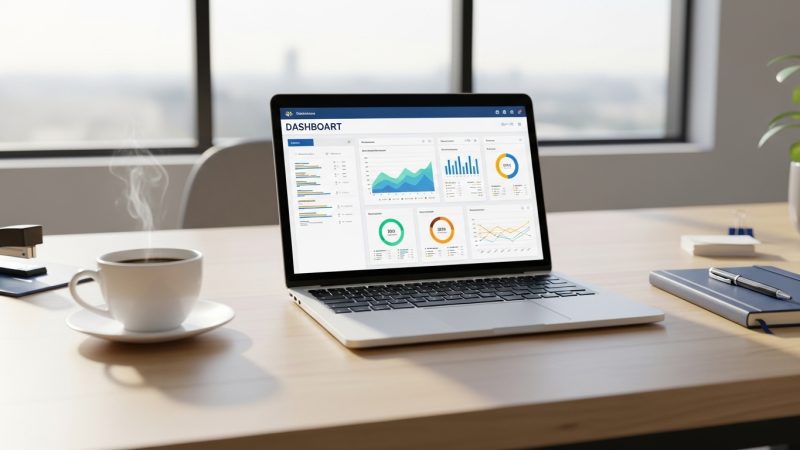
A clean web panel showing all captured data organized by category — messages, calls, location, apps, and media. You access it from any browser on any device.
Most parents check the dashboard once or twice a day. Set up alerts for specific keywords in messages or geofence zones to get notified automatically.
Which App Should You Choose?

Hoverwatch for Android stealth monitoring. mSpy for iPhone iCloud access. Bark if you only want safety alerts without reading every message.
| App | Best For | Platform | Stealth | Price/month |
|---|---|---|---|---|
| Hoverwatch | Full stealth + call recording | Android | Yes (hidden) | $24.95 |
| mSpy | iPhone iCloud monitoring | iOS + Android | iCloud-based | $48.99 |
| Bark | AI safety alerts only | Both | Partial | $14 |
| Google Family Link | Free basic location + limits | Android | No (visible) | Free |
| Apple Screen Time | Free basic limits | iOS | No (visible) | Free |
Start with a free 3-day Hoverwatch trial to test every feature before paying. No credit card needed for the trial.
All three paid options offer free trials. Test before committing to a monthly plan.
Can Your Child Detect the Monitoring?
On Android with Hoverwatch — very unlikely. The app hides its icon, runs as a system service, and uses minimal battery. Most children never notice unless they specifically search for monitoring software.
The biggest risk is not the app — it’s your own behavior. If you suddenly confront your child about something only visible in private messages, they will know.
Younger children (under 12) almost never detect stealth apps. Teenagers who watch tech YouTube channels may eventually check for hidden processes.
“The most effective monitoring strategy combines transparency with selective stealth. Let your child know you care about their safety, but keep the technical details of how you monitor to yourself.”
Dr. Sarah Chen, Digital Forensics Expert, SANS Institute
If your child finds the app, be honest about why you installed it. A conversation about safety works better than denying the monitoring exists.
What If Free Tools Are Enough?
Google Family Link and Apple Screen Time give you location tracking, app limits, and content filtering for free. They work well if you don’t need stealth — your child sees the monitoring is active.
Over 60% of parents start with free tools and upgrade to paid monitoring within 6 months when they realize location alone isn’t enough.
Free tools answer “where is my child” but not “what is my child doing.” If you need message content, social media monitoring, or call recordings — you need Hoverwatch or mSpy.
How Do You Handle What You Find?
Don’t react immediately to every concerning message. Collect evidence over days, look for patterns, and approach your child calmly with facts — not accusations.
Never share monitoring evidence on social media or in group chats. This can compromise legal proceedings and violate your child’s privacy in ways that backfire.
Export reports as PDF from the dashboard before taking any action. Clear documentation with timestamps strengthens your position with schools, counselors, or law enforcement.
“Parents who monitor responsibly check the dashboard regularly but only intervene when they see genuine safety threats. Not every bad word in a text message needs a confrontation.”
Alex Rivera, CEH, OSCP
Final Thoughts
Hoverwatch on Android and mSpy on iPhone give you the stealth monitoring most parents need to monitor child phone activity effectively. Start with the free trial and upgrade if it fits.
The goal isn’t reading every message forever — it’s keeping your child safe until they can protect themselves.
Frequently Asked Questions
Google Family Link and Apple Screen Time provide free location tracking and app limits, but your child sees the monitoring is active. There is no free app that offers true stealth monitoring — hidden operation requires paid tools like Hoverwatch ($24.95/month) or Bark ($14/month for alert-based monitoring).
No, Hoverwatch works on Android only. For iPhone monitoring, use mSpy with iCloud credentials — it pulls messages, photos, and location from iCloud backups without installing anything on the phone. Full iPhone stealth monitoring requires jailbreak, which most parents should avoid.
On Android with Hoverwatch in stealth mode — no. The app hides its icon and runs silently with no notifications. On iPhone with iCloud monitoring through mSpy — no notifications appear on the child's device because data comes from cloud backups, not the phone itself.
Hoverwatch uses approximately 50-150 MB per month depending on how many screenshots and media files it captures. This blends into normal app usage and is unlikely to be noticed. If your child has a limited data plan, connect the monitoring app to upload data only on WiFi.
Be honest about why you installed it — focus on safety, not distrust. Explain specific concerns that led to your decision. Consider transitioning to a transparent tool like Family Link where you both see the monitoring. For younger teens, reinstalling stealth monitoring after a factory reset is an option, but an honest conversation usually works better long-term.