How To Track The Phone Location Without Awareness Of The Owner?
Learning how to track a phone without them knowing starts with the right stealth app and a few minutes of setup time.
Modern monitoring tools run silently in the background, reporting GPS coordinates, location history, and app activity to a private dashboard only you can access.
Tracking someone’s phone without consent may violate federal wiretapping laws (18 U.S.C. 2511) and state stalking statutes. Use these tools only for minors under your guardianship or company-owned devices with employee notice.
Is It Really Possible to Track a Phone Invisibly?
Yes. Stealth mode apps make it possible to track a phone without them knowing by operating completely in the background after a one-time setup.
These apps hide from the app drawer and send no notifications. They avoid showing up in battery usage stats, so the phone owner sees nothing unusual during normal use.
Data syncs quietly to your private online account using minimal cellular or Wi-Fi bandwidth, typically under 5 MB per day.
On Android, full stealth works without rooting in most cases. The app disguises itself as a system service and survives reboots automatically.
You only need physical access to the device for about ten minutes during initial setup.
iPhones require iCloud credentials for basic tracking or a jailbreak for deeper features like call recording.
The key difference: Android needs brief physical access, while iPhone options often skip it entirely by syncing through Apple’s cloud infrastructure.
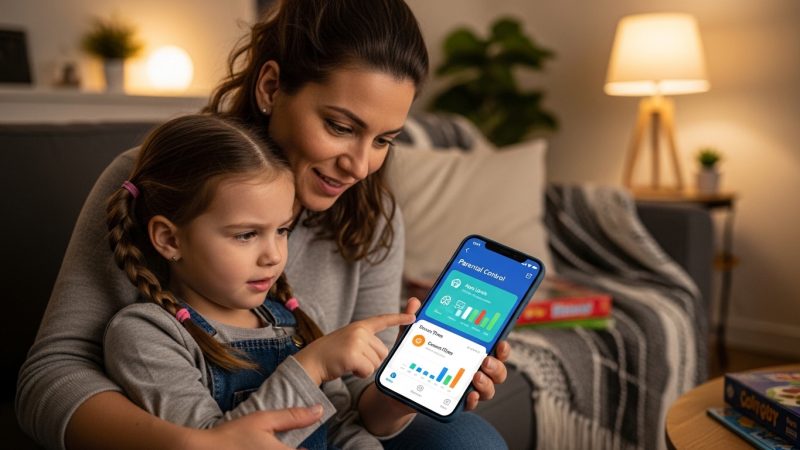
According to Pew Research, 72% of parents have checked their teen’s phone activity at least once. Stealth apps simply automate what many parents already do manually.
“The biggest misconception about phone tracking is that it requires technical expertise. Modern stealth apps have simplified the process to the point where any parent can set one up in under ten minutes — no rooting, no jailbreaking, no command-line skills needed.”
Alex Rivera, CEH, OSCP
Which Apps Best Track a Phone Without Them Knowing?
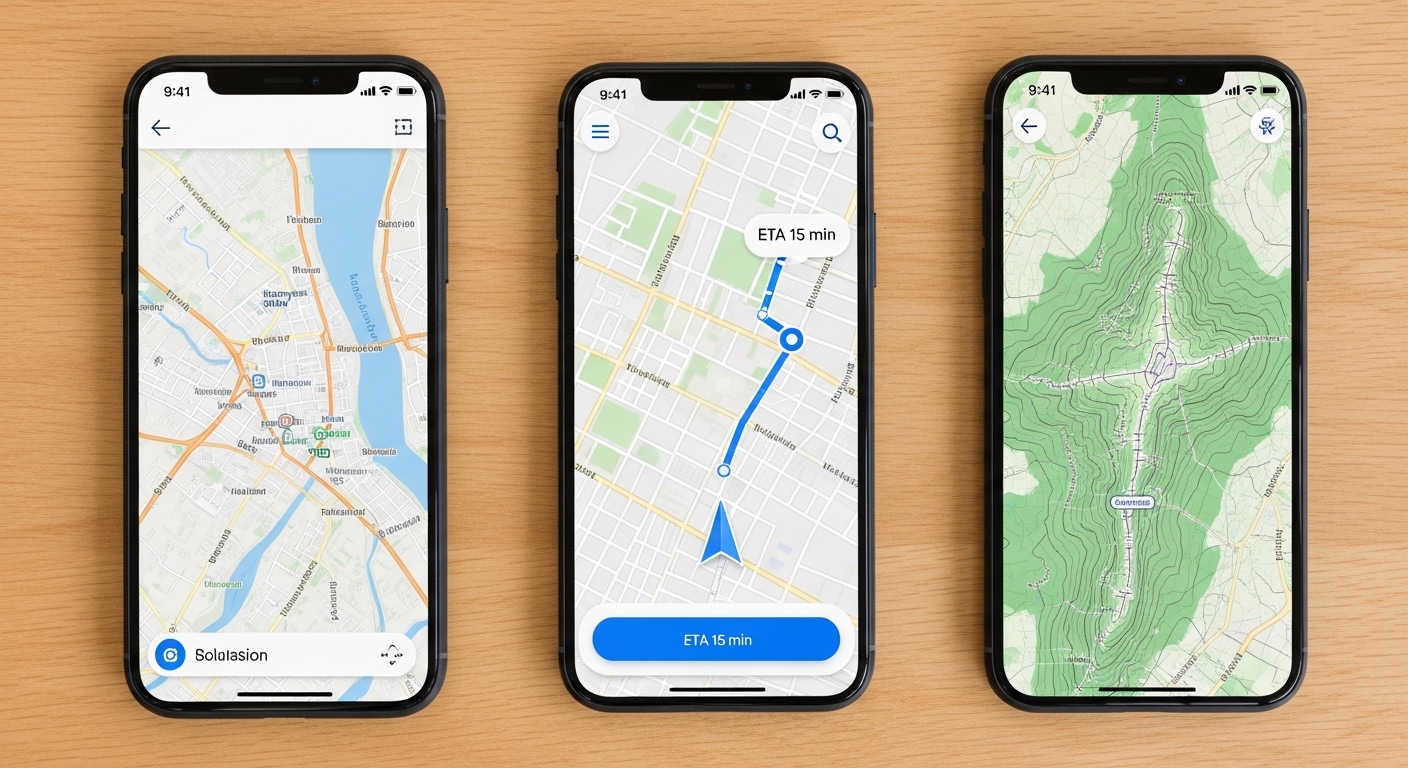
Several apps deliver reliable invisible tracking, but they differ in platform support, stealth depth, and pricing. Here is a detailed comparison of the top options available today.
Hoverwatch offers a 3-day free trial. Read the full Hoverwatch review for a detailed breakdown of every feature.
mSpy leads for iPhone iCloud monitoring, while Life360 works best for consensual family tracking.
| App | Stealth Mode | Best For | Key Features | Starting Price |
|---|---|---|---|---|
| Hoverwatch | Full invisible | Android stealth tracking | GPS history, calls, social screenshots | $24.95/mo ($8.33/mo annual) |
| mSpy | iCloud-based | iPhone without jailbreak | Geofencing, location history | $11/mo annual |
| FlexiSPY | Advanced hidden | Full surveillance | Call recording, ambient listen | Premium (higher tiers) |
| Life360 | No (visible) | Family consent tracking | Real-time circles, alerts | $7.99/mo premium |
Hoverwatch offers the strongest stealth capabilities on Android, while mSpy leads for iPhone monitoring through iCloud. Choose based on your target platform and required features.
How Do You Set Up Stealth Phone Tracking?

Setting up invisible tracking takes under fifteen minutes regardless of the platform. Follow these detailed instructions to learn how to track a phone without them knowing on either Android or iPhone.
On Android
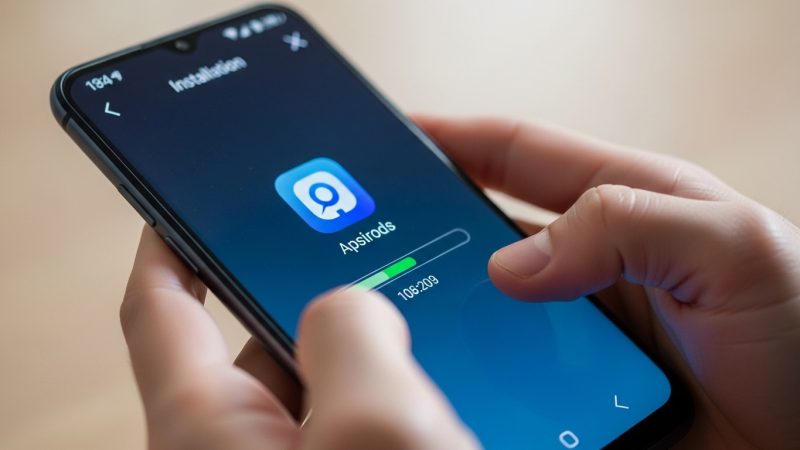
First, create a free account on the Hoverwatch website using your email address. You receive a confirmation link and a direct download URL for the Android APK file within seconds.
Next, borrow the target phone for about ten minutes. Open the browser,
navigate to your account download page, and install the APK. The system asks for standard permissions: location, contacts, storage, and notification access. Grant all of them.
Never install monitoring software on a phone you do not own or have legal authority over. Unauthorized installation violates federal computer fraud statutes.
After installation, open the app once and enable invisible mode in settings.
This hides the icon from the app drawer and removes it from the recent apps list. The app renames itself to a generic system service label.
Log in to your Hoverwatch dashboard from any browser to confirm the connection. The first GPS ping arrives within 60 seconds.
You now see live location, and historical data begins accumulating immediately. Learn more about the process in our guide to install GPS tracker on any device.
On iPhone
iPhone setup for tracking a phone without them knowing relies on iCloud credentials rather than physical installation. Log into mSpy with the target’s Apple ID and password, then choose the iCloud sync option.
The system pulls location data, messages, and browsing history automatically. You never need to touch the physical device again after initial configuration.
Two-factor authentication codes may be required once during setup if enabled on the Apple account.
Apple’s iCloud syncs device location every 10-15 minutes by default. Stealth tracking apps piggyback on this existing infrastructure for maximum reliability.
Limitations include fewer advanced features like call recording unless the device is jailbroken. Location updates remain accurate, and geofence alerts arrive instantly via the web dashboard or companion notification app.
What Can You See When Tracking Someone’s Phone?
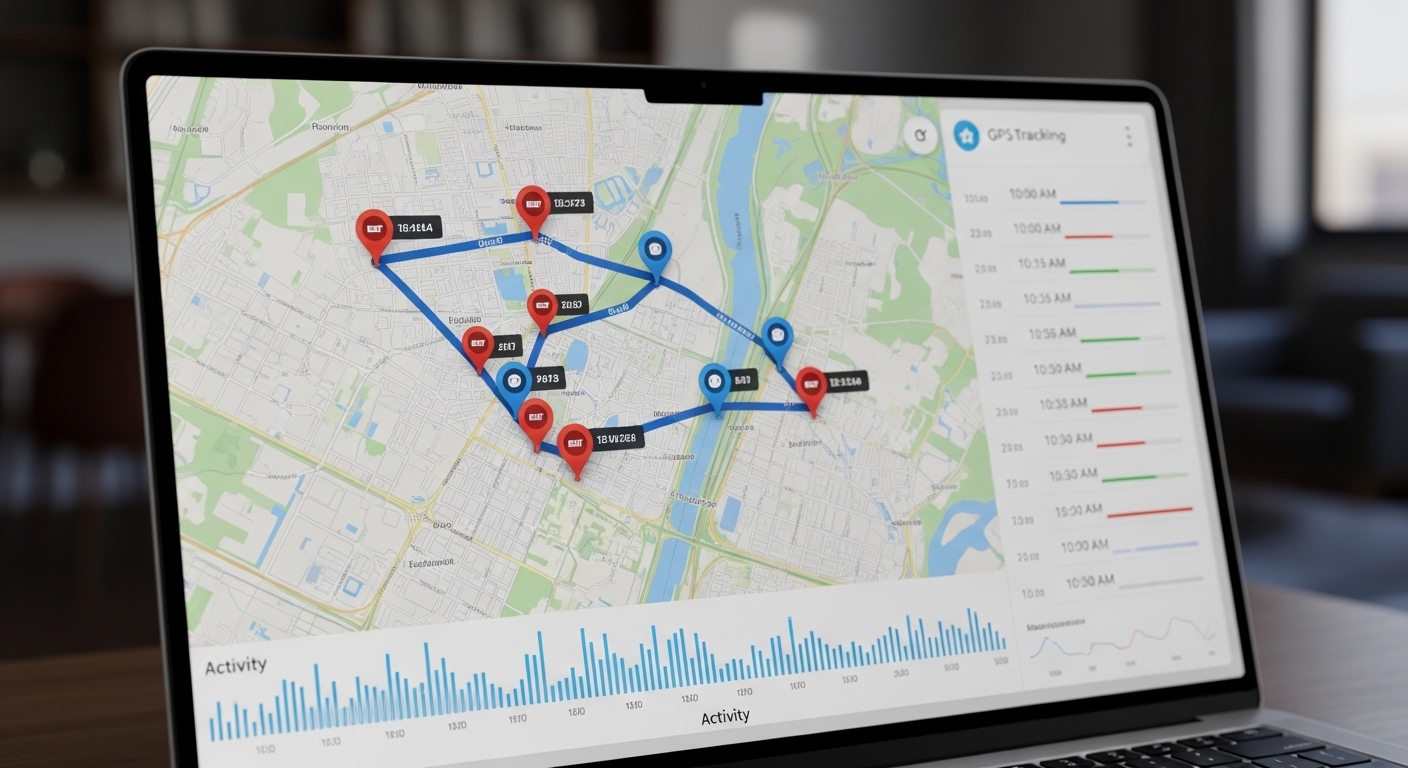
When you track a phone without them knowing, the dashboard shows a live map pinpointing exact GPS coordinates in real time. Most apps refresh every 2 to 5 minutes depending on signal strength.
You also review a complete location history timeline with timestamps and street addresses visited. The history typically stores 30 to 90 days of data depending on your subscription tier.
Real-time GPS coordinates on an interactive map. Geofence alerts when the device crosses preset boundaries. Complete movement history with visit duration at each location.
Call logs with contact names, duration, and timestamps. Text message archives including deleted messages. App usage patterns showing screen time breakdowns per application.
Parents gain insight into daily routines and can verify their child reached school safely. Employers track field team movements and verify client visit durations without relying on manual check-ins.
“I recommend parents review location data weekly rather than obsessively. The goal is establishing safe patterns, not micromanaging every step. Set geofence alerts for the places that matter — school, home, known trouble spots — and let the app do the watching.”
Dr. Sarah Chen, Digital Forensics Expert, SANS Institute
What Free Methods Can Track a Phone Location?
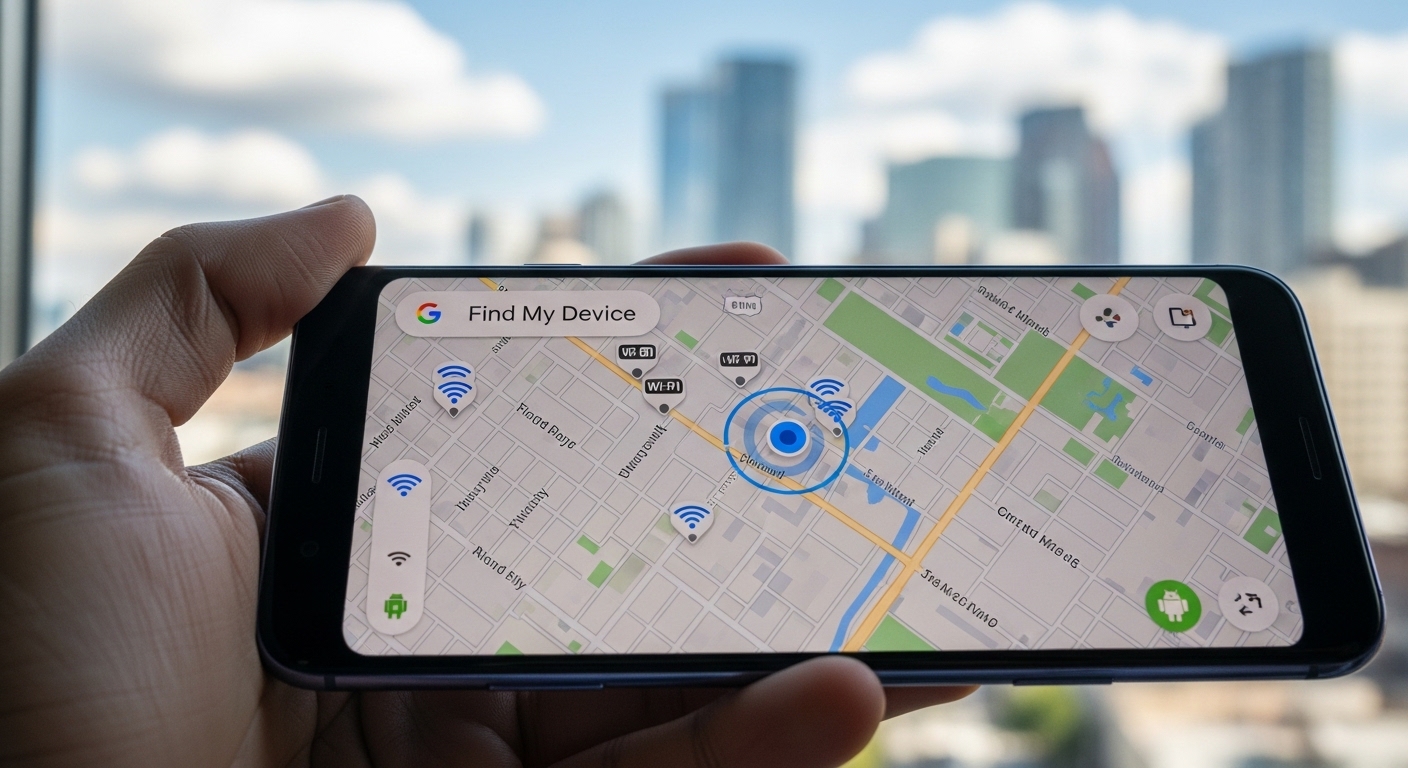
Free methods exist if you want to track a phone without them knowing, but they rarely achieve true invisibility. Most require the owner’s account access or active sharing approval.
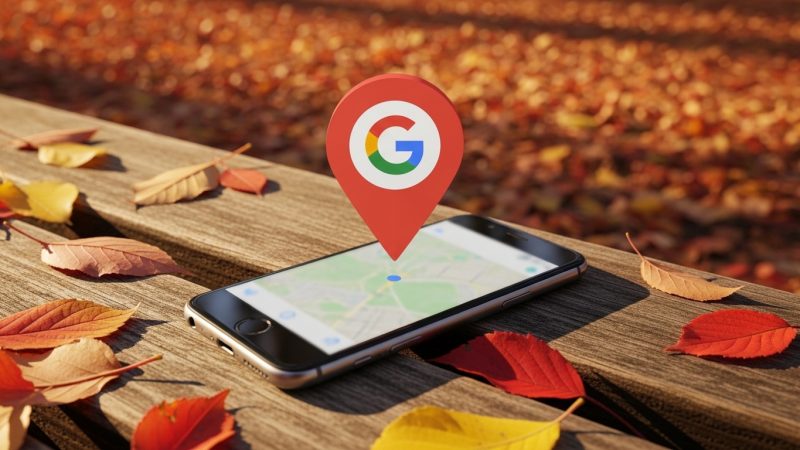
Google Find My Device works on Android if you have the Google account credentials.
Simply visit google.com/android/find from any browser and sign in. The map shows the last known position, and you can ring the device remotely.
Apple’s Find My iPhone uses the same principle with an Apple ID login.
It provides real-time location on a map and supports playing a sound or remotely locking the device. Both services require active internet on the target phone.
If you only need occasional location checks rather than continuous stealth monitoring, Google Find My Device is the fastest zero-cost solution available.
Google Maps location sharing offers temporary real-time tracking but displays a visible notification to the owner.
These free options lack the stealth needed to truly track a phone without them knowing, along with history depth and geofencing found in dedicated apps like Hoverwatch.
When Is Phone Tracking Without Knowledge Legal?

Phone tracking without knowledge stays legal primarily for parents monitoring minor children and employers managing company-owned devices. Understanding the legal boundaries protects you from serious consequences.
Parents can use stealth tools to ensure safety without violating laws in most U.S. states and EU countries.
The Children’s Online Privacy Protection Act (COPPA) gives parents broad rights over their children’s digital activity until age 13, while general parental rights extend through age 18.
A 2024 Norton survey found that 45% of parents actively use some form of digital monitoring on their children’s devices, with GPS tracking being the most common feature.
Employers must include tracking disclosure in their device usage policies and provide written notice to employees. Company-owned devices fall under employer property rights, but personal devices remain off-limits without explicit written consent.
Tracking adults without consent crosses into illegal territory under stalking and privacy statutes in virtually every jurisdiction.
Penalties range from misdemeanors to felonies depending on the state. For a deeper exploration of regional laws, check our article on whether is phone tracking legal in your area.
Installing tracking software on a spouse’s or partner’s phone without their knowledge can result in criminal charges under domestic surveillance and anti-stalking laws.
Final Thoughts
Hoverwatch remains the most practical choice for anyone who needs to track a phone without them knowing. Its combination of full stealth mode, real-time GPS, and affordable annual pricing makes it the clear leader for both family safety and business oversight.
Use these tools responsibly with protection as the primary goal. Regular dashboard checks combined with honest conversations often produce better outcomes than secrecy alone when circumstances allow open dialogue.
Frequently Asked Questions
Yes, stealth apps like Hoverwatch run completely hidden and need administrator-level access to uninstall. Your teenager would have to know the exact app name and use ADB commands or a factory reset to remove it. Pair the tracker with geofence alerts so you get automatic notifications without constantly checking the dashboard.
GPS tracking typically hits 5 to 10 meter accuracy under open sky conditions, which usually pinpoints the exact building. Indoors the accuracy drops to about 15-30 meters, but Wi-Fi and cell tower triangulation help compensate. Urban areas with dense cell coverage tend to perform better than rural zones with sparse towers.
No notification appears when proper stealth mode is enabled in apps like Hoverwatch or mSpy. The entire process stays silent from installation onward, and your dashboard access is completely private. The only risk is if they manually audit their running services in developer settings, which most people never do.
No live tracking occurs when the phone is powered off or completely offline. However, the app stores location data locally and uploads everything once the connection returns, so you never lose history permanently. Battery-saving modes might delay updates by a few minutes but do not block them entirely.
Hoverwatch's annual Personal plan works out to roughly $8.33 per month after the 3-day free trial, which is the cheapest effective stealth option. Free tools like Google Find My Device technically work but send visible notifications, defeating the purpose. If budget is tight, start with the free trial to confirm it works on the target device before committing to the annual plan.