Learn How To Track Phones
Learning how to track phones starts with the free tools already built into every smartphone — Google Find My Device for Android and Apple Find My for iPhone.
If your phone is stolen deliberately rather than simply misplaced, the consequences become even more serious, as malicious actors can exploit or sell your personal information on the dark web.
When your device goes missing, acting quickly and methodically becomes absolutely critical to protecting yourself.
“The first hour after losing your phone is everything.
I’ve seen cases where people lost their entire savings because they waited until the next morning to freeze their bank cards. Treat a missing phone like a stolen wallet — act immediately.”
Alex Rivera, CEH, OSCP
Important: Act within the first hour. The longer you wait, the lower your chances of recovery and the higher the risk of data theft. Follow these steps in order.
During this time window, you have the best chance of locating the device, securing your data, and preventing unauthorized access to your accounts.
Understanding the proper steps to take can mean the difference between recovering your device and losing everything stored on it.
What Should You Do First When Your Phone Goes Missing?
Before you begin the process of physically locating your device, your absolute first priority must be securing your digital assets and personal information.
This is critical because a determined thief can potentially access your accounts, drain your bank accounts, steal cryptocurrency, access your email, and compromise your identity within minutes if your phone isn’t properly secured.
Immediately borrow a device from a friend, family member, or colleague and contact your bank to request a temporary block on all cards and accounts associated with your lost phone.
Most banks in 2026 offer instant card freezing through their apps or 24/7 phone support.
Don’t wait even a few minutes for this step because payment apps like Apple Pay, Google Pay, Samsung Pay, PayPal, Venmo, and others can be used for fraudulent transactions if someone accesses your unlocked device.
Urgent: Freeze your bank cards first. A thief with an unlocked phone can drain accounts through Apple Pay, Google Pay, or banking apps within minutes.
Start with your primary email account, as this often serves as the recovery method for all other accounts.
Then systematically update passwords for banking apps, social media platforms including Facebook, Instagram, TikTok, Twitter, and LinkedIn, messaging services like WhatsApp, Telegram, Signal, and Discord, cloud storage services, and any other applications containing sensitive personal or financial information.
If you use a password manager like LastPass, 1Password, or Bitwarden, change that master password immediately as well.
Enable two-factor authentication on all accounts that support it if you haven’t already. This adds an extra layer of security that prevents unauthorized access even if someone has your password.
Should You Block Your Phone Number Immediately?
After securing your digital assets, you face an important decision about whether to block your phone number. This decision depends heavily on the circumstances of how you lost your phone and the likelihood of recovery.
If you believe the phone was simply misplaced rather than stolen perhaps you left it at a restaurant, in a taxi, at a friend’s house, or somewhere else you can identify you might want to delay blocking the number.
In these scenarios, there’s a reasonable chance that an honest person found it and would answer if you call. Many good samaritans have returned lost phones after being contacted by the owner.
Try calling your number from another phone. If someone answers and seems willing to return it, you might recover your device quickly and without complications.
Offer to meet in a public place or arrange for them to drop it at a nearby police station. Some people might even expect a small reward for their honesty and effort.
However, if you have strong reasons to believe the phone was deliberately stolen from your bag, pocket, car, or home, blocking the number becomes the safer option.
A thief is unlikely to return the device and leaving the number active only gives them more time to attempt to crack your security measures.
Contact your mobile carrier immediately to suspend service and prevent unauthorized use of your cellular connection.
What Are the Best Methods to Find a Lost Phone?
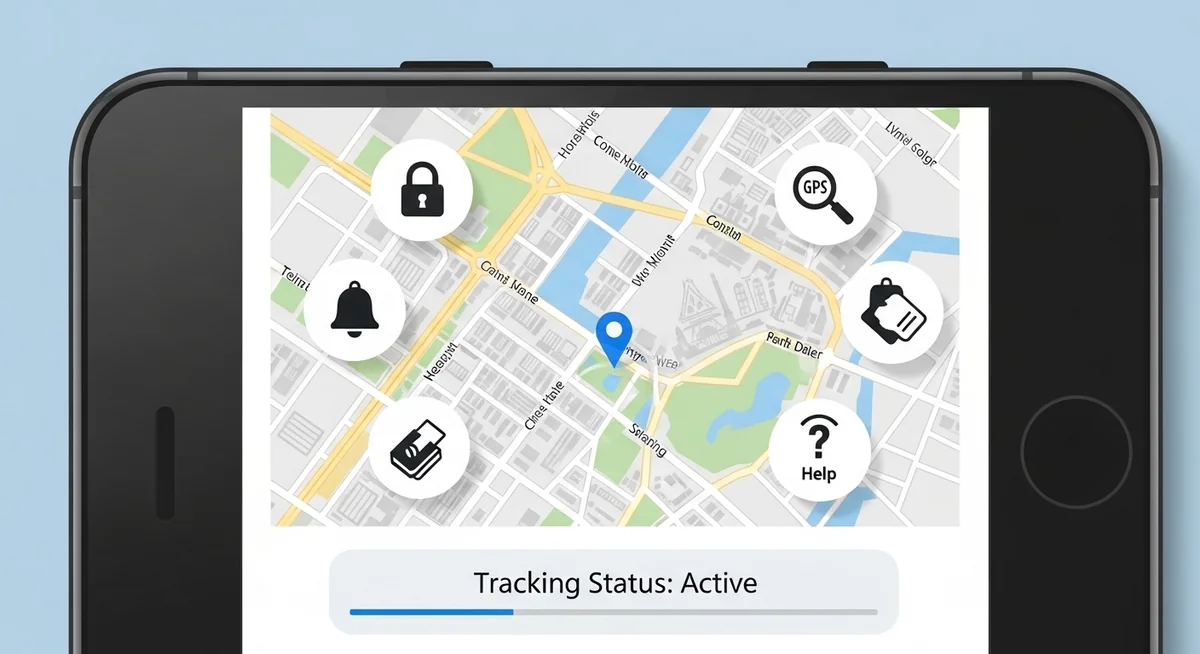
Once you’ve secured your accounts and made the appropriate decision about your phone number, you can focus on actually locating the missing device. There are four primary methods available in 2026, each with different requirements and success rates.
How Does Find My iPhone Help You Recover Your Device?
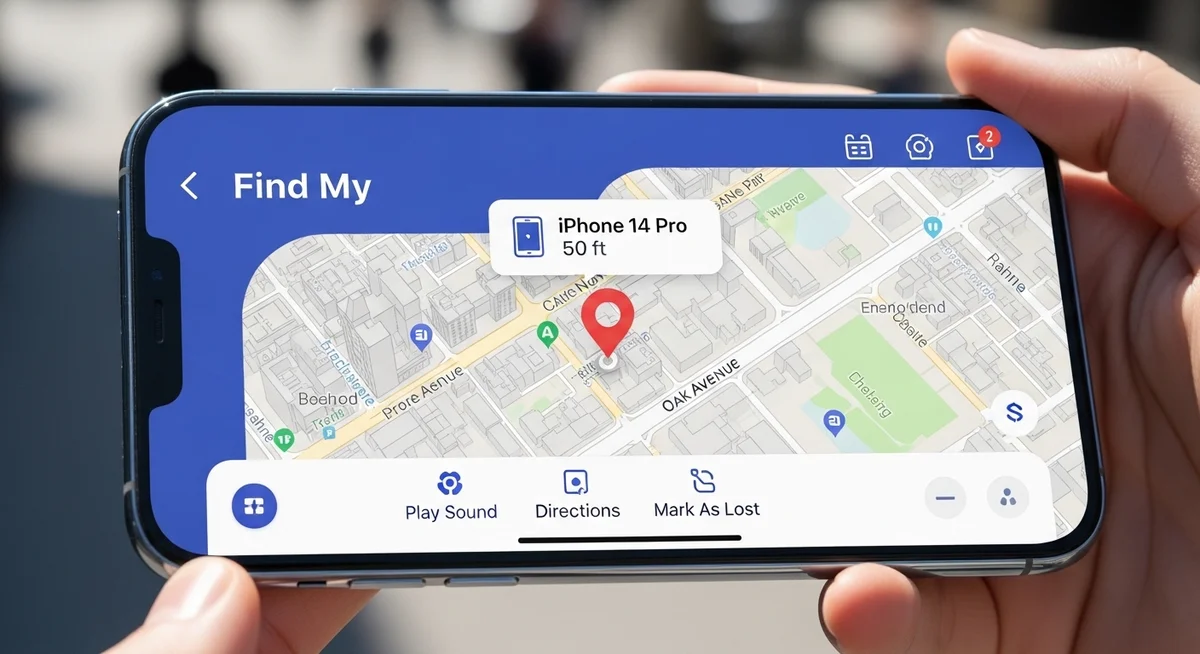
If you own an iPhone running iOS 10 or later, Apple’s “Find My” ecosystem provides one of the most robust phone recovery systems available.
This method works seamlessly across all Apple devices including iPhone, iPad, Apple Watch, Mac computers, and even AirPods and AirTags.
The critical requirement is that you must have enabled Find My iPhone in your device settings before it was lost.
This feature is found under Settings, your Apple ID name, Find My, Find My iPhone. If you had the foresight to activate this before losing your device, you’re in luck.
To locate your iPhone, use any other Apple device signed in with the same Apple ID and open the Find My app.
Alternatively, visit iCloud.com from any web browser and sign in with your Apple ID credentials. The service will display your device’s current or last known location on a map with remarkable accuracy, often within a few meters.
Beyond simple location viewing, Find My offers several powerful actions. You can play a sound on your iPhone at maximum volume even if it’s set to silent mode, which is incredibly helpful if it’s nearby but hidden.
You can enable Lost Mode, which locks the device, displays a custom message with contact information on the lock screen, and tracks its location continuously.
As a last resort, you can remotely erase all data on the device to prevent anyone from accessing your personal information.
The system also shows your device’s battery level, giving you a sense of how long it will remain trackable.
In 2026, Apple’s Find My network has become incredibly sophisticated, using Bluetooth signals from millions of Apple devices worldwide to locate lost items even when they’re offline.
Tip: Enable “Send Last Location” in Find My settings. It transmits your phone’s GPS when the battery hits critical level — giving you one final location fix before it dies.
Taking these steps quickly maximizes your chances of recovery.
How Can Google Find My Device Locate Your Android?
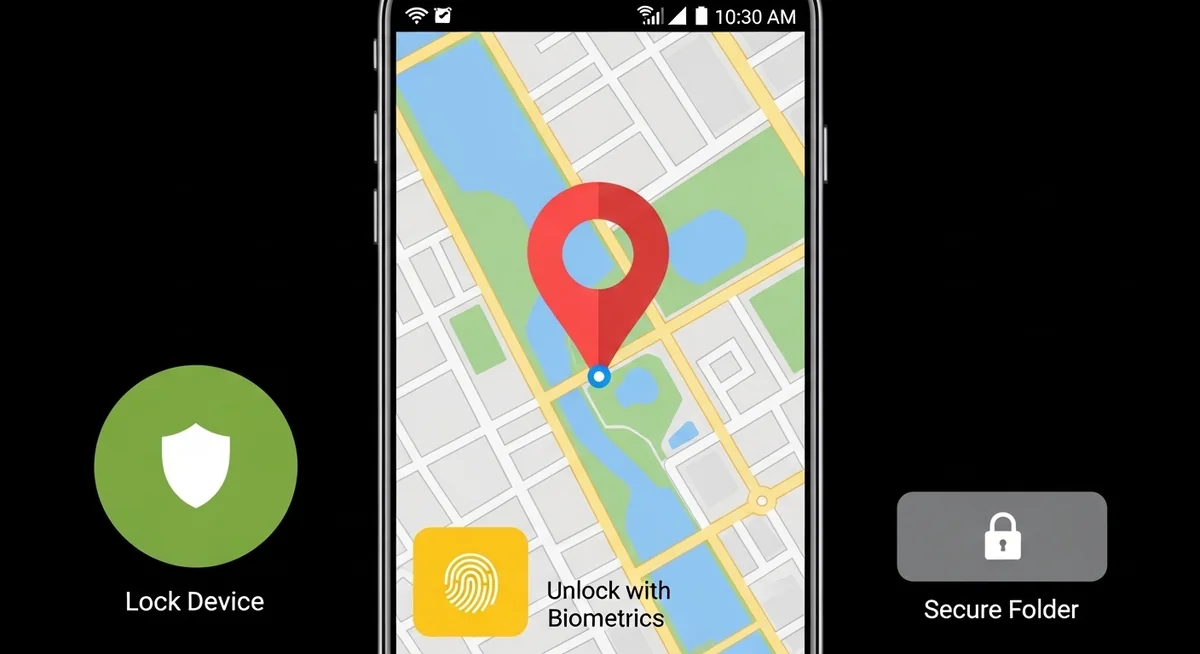
Android users have access to Google’s Find My Device service, which offers similar functionality to Apple’s solution.
This system works with any Android phone or tablet running Android 4.4 KitKat or later, which encompasses virtually all devices still in use today.
Like the iOS solution, Find My Device must be enabled before the phone is lost.
You can verify this in Settings, Security, Find My Device. Most Android phones have this activated by default during initial setup, but it’s worth checking proactively on your current devices.
To locate an Android device, visit android.com/find from any web browser or download the Find My Device app on another Android phone.
Sign in with the Google account associated with the lost device. The service will attempt to locate your phone using GPS, Wi-Fi networks, and cellular towers, displaying its position on Google Maps.
Google’s service allows you to ring your device at full volume for five minutes even if it’s silenced, lock it with a new password and display a recovery message on the lock screen, or erase all data remotely.
The system also shows when the device was last seen and its battery level.
In 2026, Google has enhanced this service with better offline finding capabilities and integration with the broader Android ecosystem, making it easier to locate devices even when they’re not connected to the internet.
These steps give you the best chance of recovering your device.
Can IMEI Tracking Help When Built-in Tools Fail?
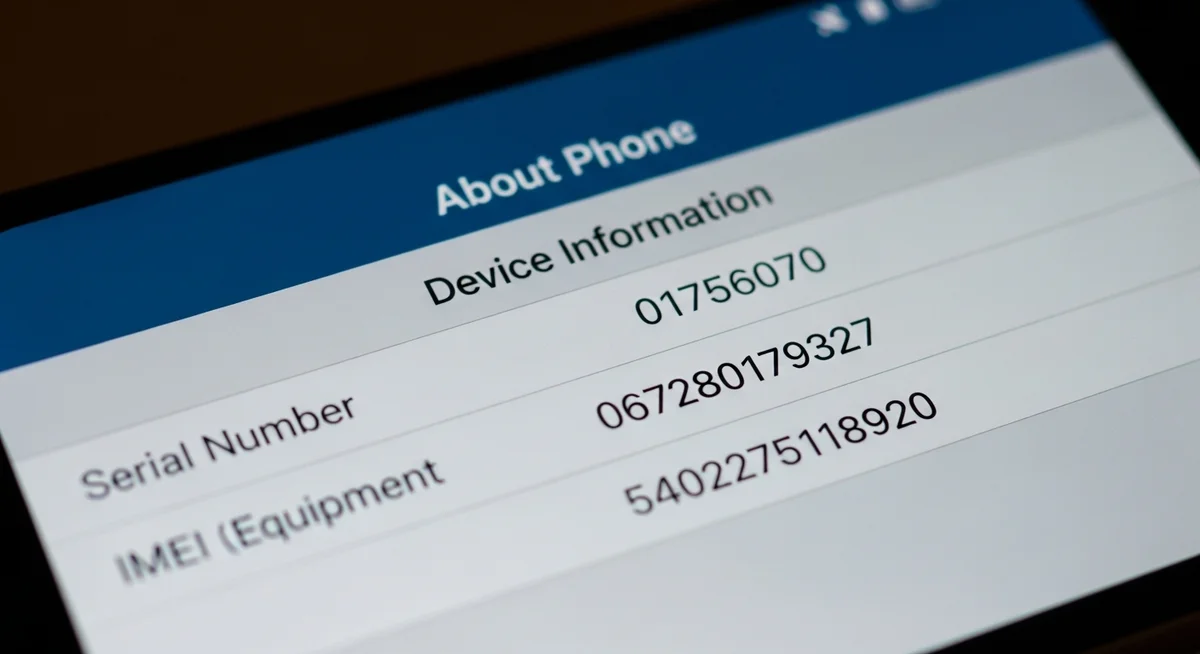
If neither of the previous methods are available because you didn’t enable the built-in tracking features beforehand, you still have the option of IMEI-based tracking.
The IMEI (International Mobile Equipment Identity) number is a unique 15-digit identifier assigned to every mobile device in the world, functioning essentially as a fingerprint for your phone.
Did you know: Your IMEI is printed on the original phone box and purchase receipt. Dial *#06# on any phone to display it.
It’s typically printed on the original box, found on the purchase receipt, or can be retrieved by dialing *#06# on the phone before it’s lost.
If you have your IMEI number, you can report it to your mobile carrier and law enforcement authorities.
When you report a stolen phone with its IMEI, carriers can blacklist the device, making it unable to connect to cellular networks in your country and often internationally.
This doesn’t help you recover the phone directly, but it renders the device useless to thieves, reducing their incentive to keep it.
“Most people only think about phone security after they’ve already lost a device. Set up Find My and a backup tracker today — it takes 5 minutes and could save you thousands in data theft and identity fraud.”
Dr. Sarah Chen, Digital Forensics Expert, SANS Institute
Some third-party services and law enforcement agencies can track phones by IMEI number through cooperation with carriers.
However, this method typically requires police involvement and is generally less effective for quick personal recovery compared to the previous methods. It’s most useful for permanently disabling stolen devices and potentially identifying theft patterns.
Taking these steps quickly maximizes your chances of recovery.
Which Tracking Apps Offer the Best Protection?
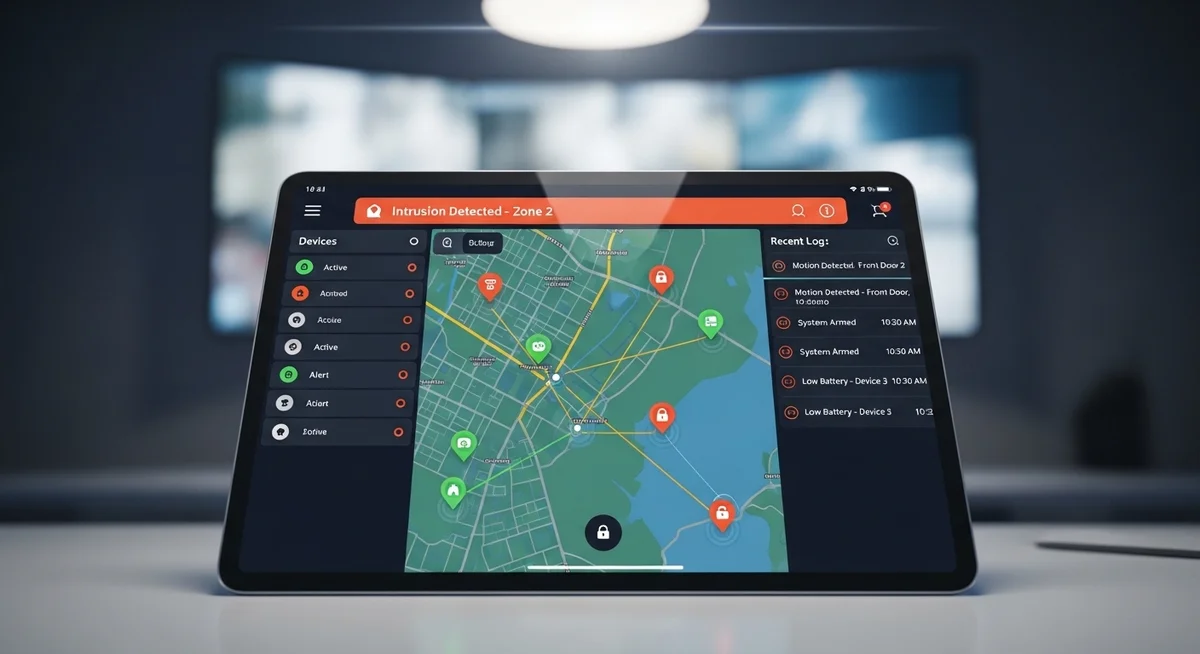
Dedicated tracking apps provide the strongest protection when installed before any loss occurs.
Hoverwatch goes beyond basic location. Read our full review for complete feature details.
These apps typically offer more features than built-in solutions, including photo capture of the thief using the front camera, screenshot capture of their activities, SIM card change alerts, and more aggressive location tracking that works even when standard location services are disabled.
Many of these applications run in stealth mode, making them difficult for thieves to detect and remove.
They can survive factory resets in some cases and continue reporting the phone’s location even after significant tampering. Some advanced versions can even record ambient audio, track WhatsApp and other messaging apps, and provide detailed activity logs.
Family tracking apps like Life360, Family Locator, and carrier-provided services also fall into this category. While primarily designed for keeping tabs on family members’ locations for safety, they become invaluable for device recovery when needed.
Recommendation: Install at least one backup tracker (Prey Anti Theft is free) alongside your built-in Find My service. Two tracking methods means double your chances of recovery.
Now you know how to track a phone effectively using the methods described above.
Final Thoughts
The most effective approach to phone security involves using multiple tracking methods simultaneously. Install both the built-in tracking service for your operating system and at least one third-party tracking app.
Keep your IMEI number documented in a safe place separate from your phone. This layered approach ensures that if one method fails or is circumvented, you have backup options for locating and securing your device.
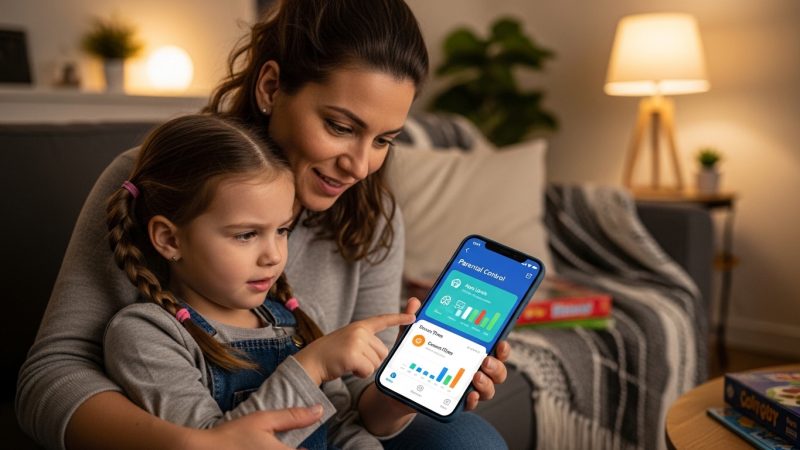
For parents who want ongoing phone tracking for their children’s safety, Hoverwatch provides real-time GPS location, call logs, and message monitoring in stealth mode — so you always know where your child’s phone is.
Frequently Asked Questions
If Find My iPhone or Google Find My Device was enabled, you'll see the last known location before it powered off. Apple's Find My network can locate offline devices through Bluetooth signals from nearby Apple products. Enable "Send Last Location" (iPhone) to get a final GPS fix when battery is critical. Otherwise, report the IMEI to police and your carrier.
Wait at least 24–48 hours before erasing. Once erased, you lose tracking ability. Use Lost Mode instead — it locks the device and displays your contact info while continuing to track location. Only erase if you're certain recovery is impossible and your data is at serious risk.
Yes, but it depends on the department. File a report with your IMEI number and any tracking data. Some departments have dedicated phone recovery units. In many cities, police can coordinate with carriers to locate active devices. Having tracking screenshots and IMEI documentation significantly increases their ability to help.
Check if Google Timeline has your phone's location history (timeline.google.com). Contact your carrier — they can sometimes ping the device. Try calling your number in case someone found it. File a police report with IMEI for carrier blacklisting. For next time: enable tracking and install a backup app today on all your devices.
For basic recovery: your built-in Find My (iPhone) or Find My Device (Android) — both free and reliable. For extra protection: Prey Anti Theft (free tier available) or Cerberus (Android). For family tracking: Life360 or Google Maps sharing. For full monitoring including messages: Hoverwatch. Install at least two methods for redundancy.