How To Track The Phone Without Additional Apps?
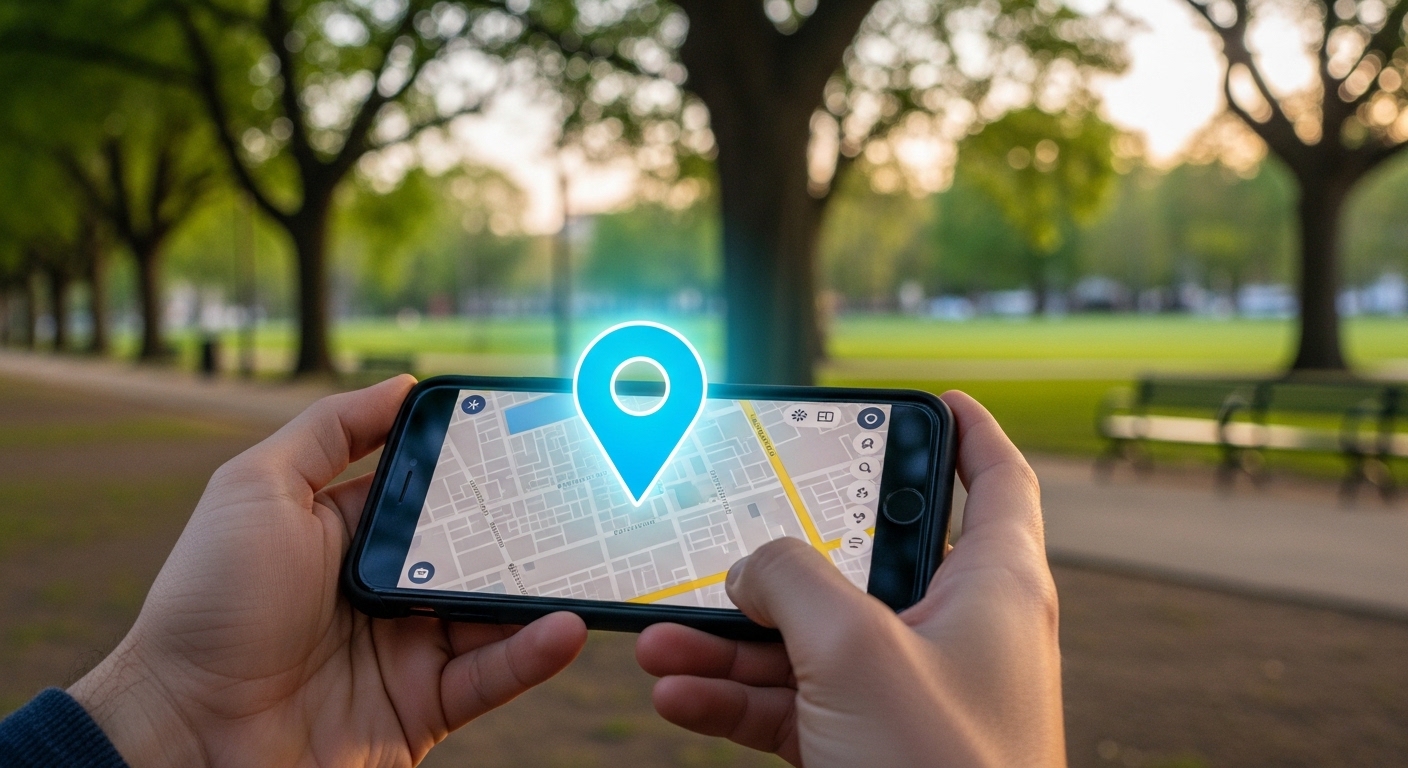
Your phone already knows how to find itself. Every Android and iPhone ships with a built-in find my phone system that can locate, ring, lock, or erase your device remotely.
The trick is setting it up before disaster strikes. Google Find My Device and Apple Find My work silently in the background once enabled.
Phone tracking laws vary by jurisdiction. In the US, the Electronic Communications Privacy Act (ECPA) restricts unauthorized tracking. Only use these tools on devices you own.
How Does the Find My Phone Feature Actually Work?
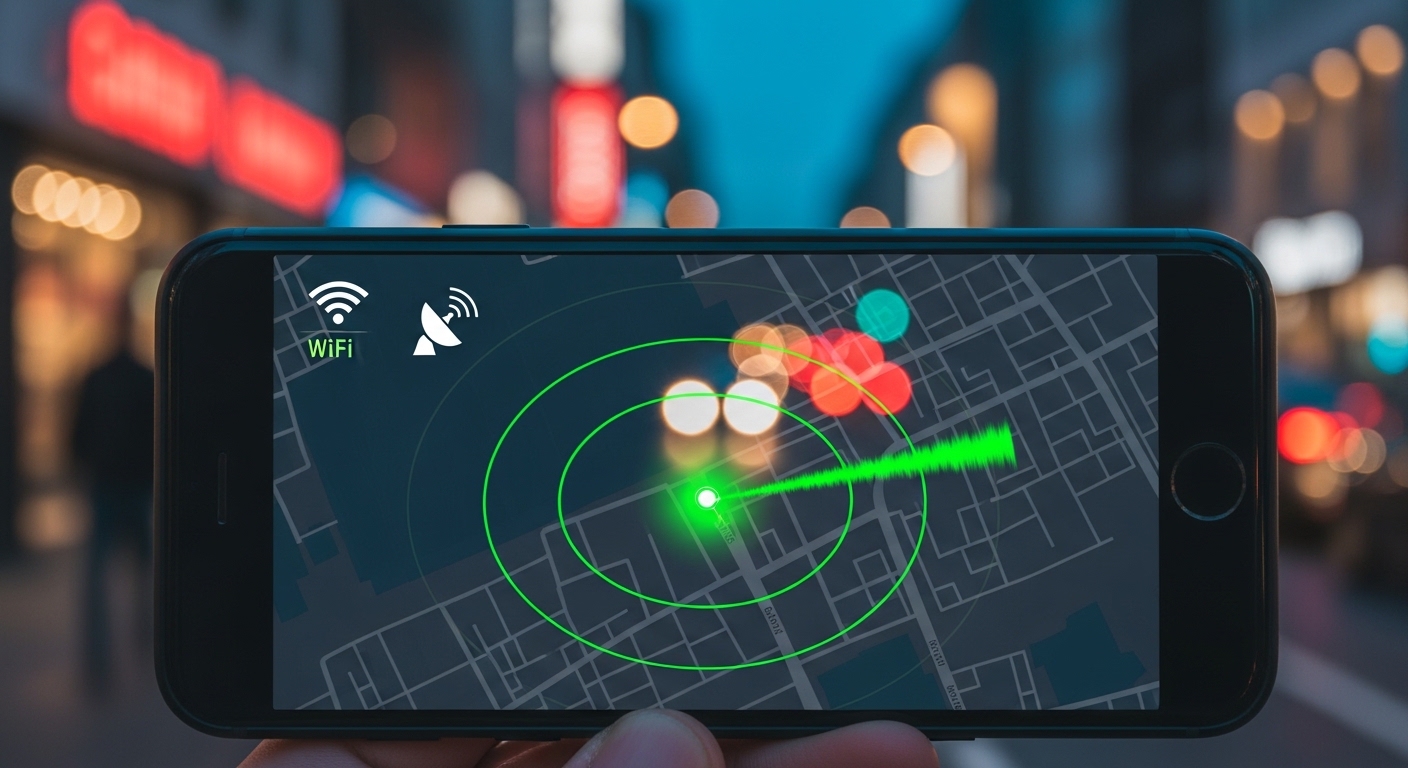
Built-in phone tracking combines three technologies working together. GPS satellites provide precise outdoor positioning down to a few meters.
Wi-Fi networks improve indoor accuracy when satellites cannot reach your device. Cell tower triangulation fills gaps when both GPS and Wi-Fi signals are weak.
Google and Apple crowdsourced networks now include billions of devices that relay Bluetooth signals from lost phones, making offline tracking possible for the first time.
Your phone reports its location to Google or Apple servers through your account. No extra apps needed because the operating system handles everything natively.
Privacy controls let you choose who sees location data. The phone must stay powered on for real-time updates, but both platforms save the last known position before battery death.
“The most effective security measures are often the simplest: strong unique passwords, two-factor authentication, and keeping your software updated. Most breaches exploit basic oversights, not sophisticated vulnerabilities.”
Alex Rivera, CEH, OSCP
How Do You Set Up Google Find My Device on Android?
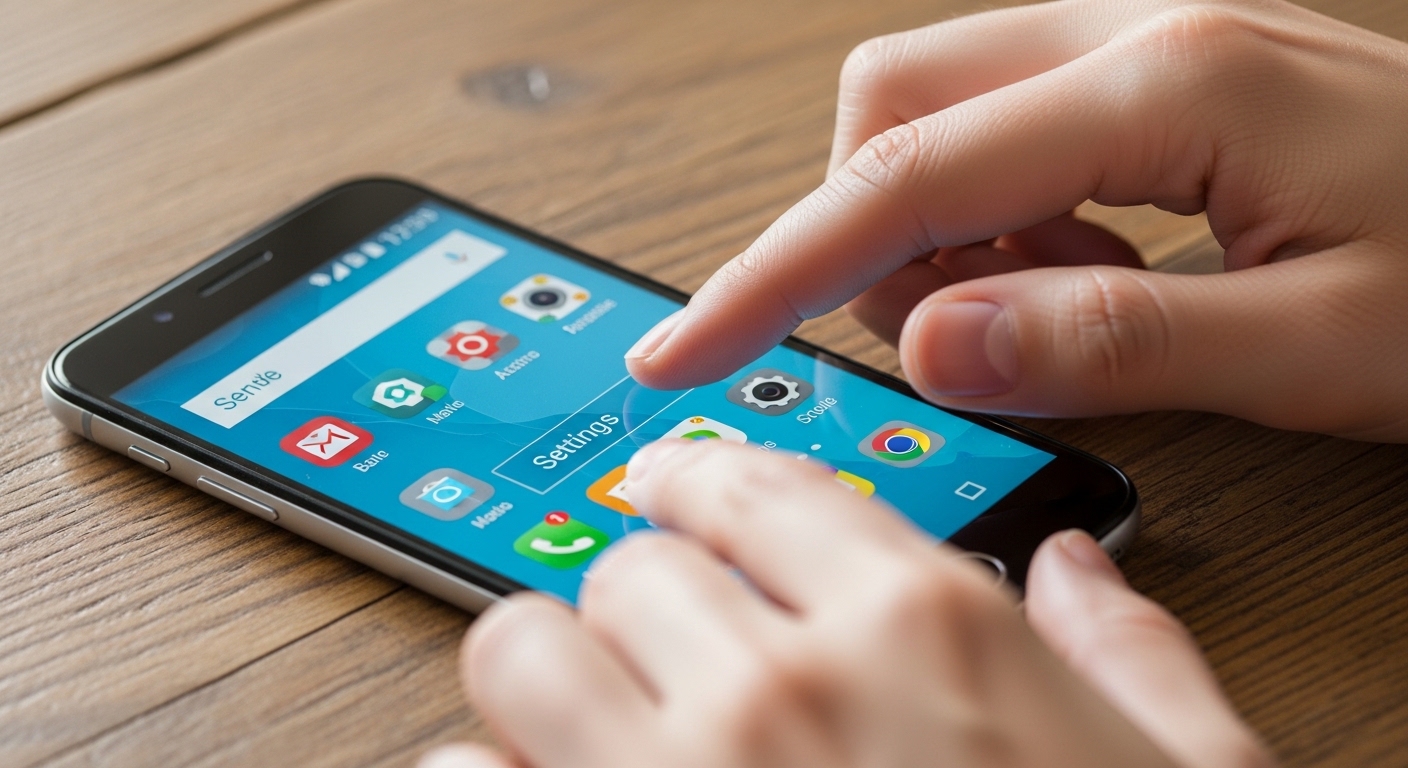
Open Settings on your Android phone and tap Google, then Find My Device. Toggle the main switch on and confirm location services are active.
Enable “Send last known location” in Find My Device settings. This records your phone’s position right before the battery dies — often the difference between recovery and permanent loss.
Sign into your Google account if you have not already. The entire setup takes under two minutes and requires zero technical knowledge.
Make sure location services are set to “High accuracy” mode. This uses GPS, Wi-Fi, and cell towers together for the best results when you need to find my phone later.
What About Finding a Lost Android Phone Step by Step?
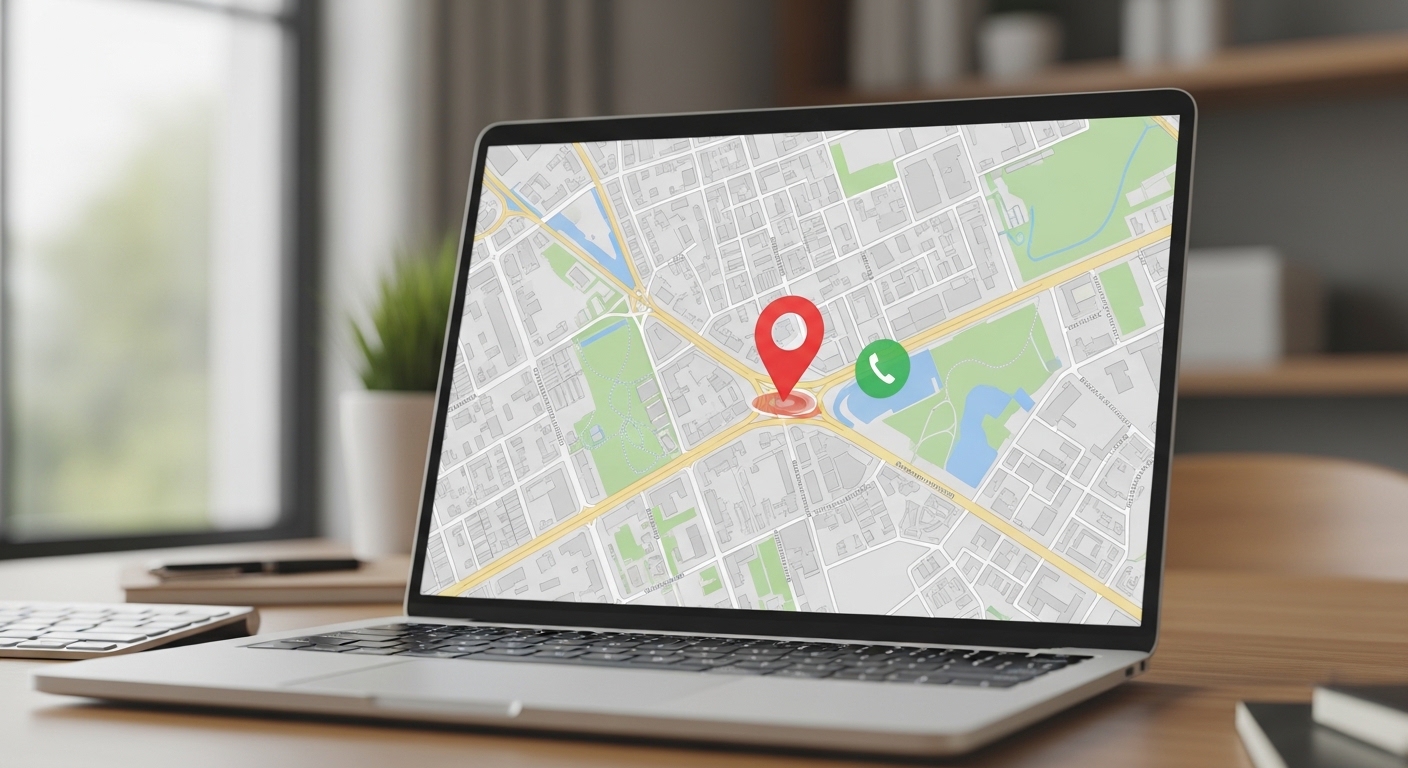
Open any web browser and navigate to google.com/android/find. Sign in with the same Google account linked to your missing phone.
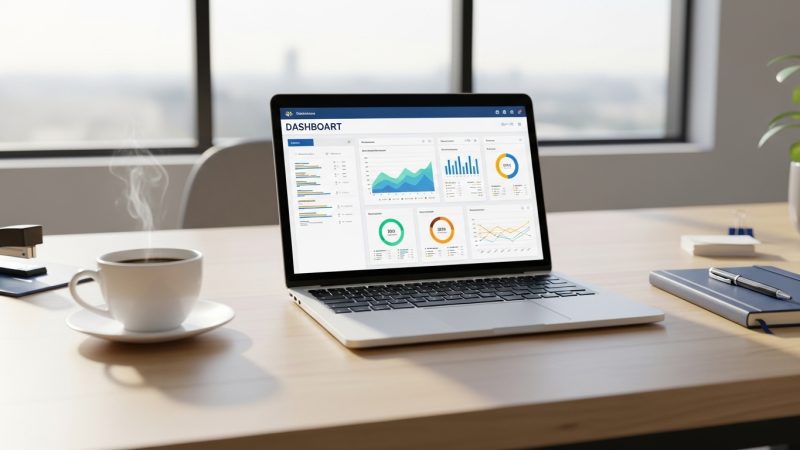
The map displays the current or last known position with a pin and street address. You also see battery level and connected Wi-Fi network details.
The “Erase device” option wipes all data remotely as a last resort. Use this only when you are certain the phone cannot be recovered.
Erasing your device removes all tracking ability permanently. You will not be able to locate the phone after a remote wipe, so exhaust all other options first.
Friends or family can access the same dashboard temporarily if you share your Google credentials. Most people find my phone within minutes using this straightforward process.
What About What Happens When Your Android Phone Goes Offline?
Google Find My Device uses a crowdsourced network of millions of Android phones to track devices without internet. Your lost phone broadcasts a Bluetooth signal picked up by nearby devices.
These nearby phones relay the location back to Google anonymously. You see the last known position on the map until the device reconnects.
Once your phone gets back online, the map updates instantly. All remote actions like ring, lock, and erase become available again.
Check the status regularly because movement may still be captured by the network.
Choose the approach that best fits your specific situation and needs.
How Do You Use Find My iPhone from Apple?
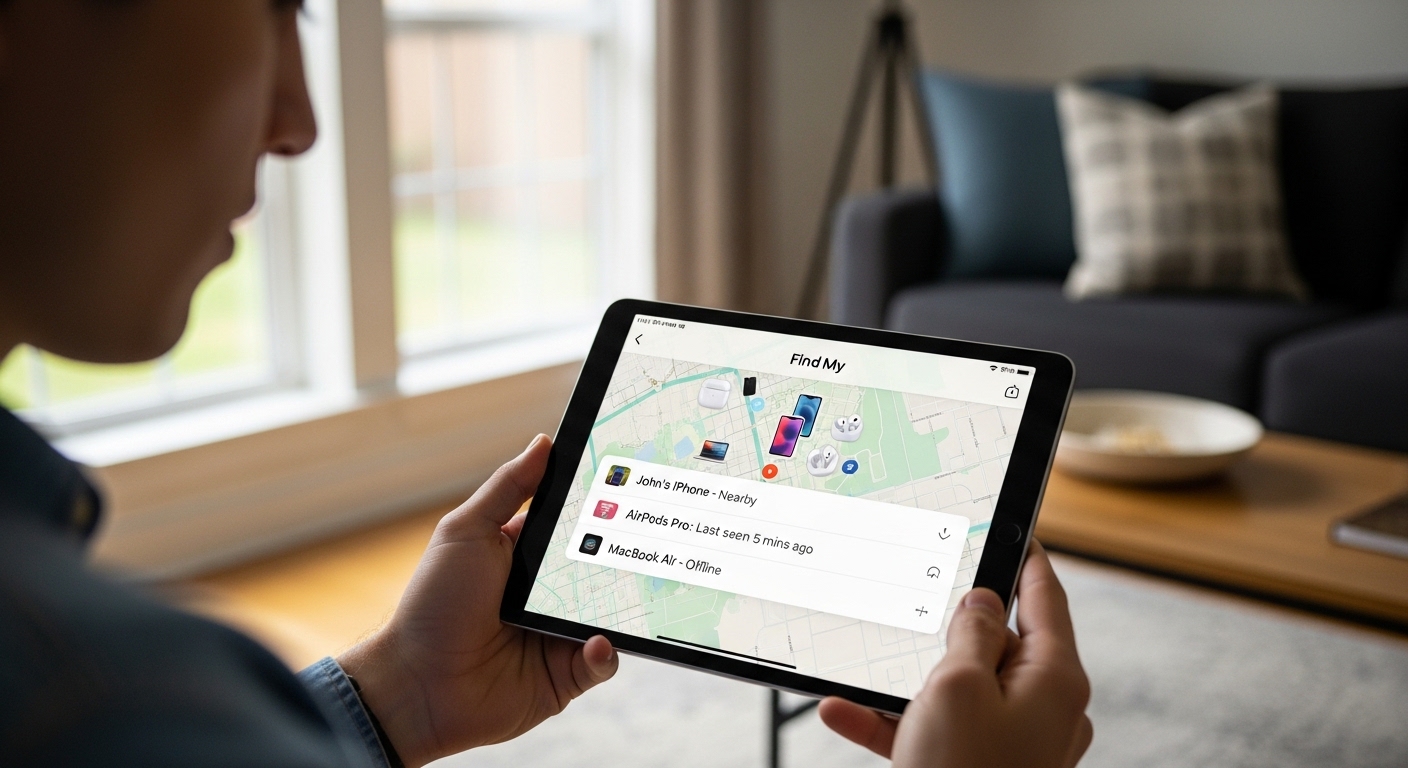
Open Settings, tap your name, then Find My, and select Find My iPhone. Toggle everything on including “Send Last Location” and “Find My network” for offline tracking.
Apple’s system uses your Apple ID and iCloud. Make sure you are signed in and iCloud is active before you need to find my phone in an emergency.
Turn on “Find My network” in Apple settings. This connects your phone to a Bluetooth mesh of over a billion Apple devices worldwide, keeping it.
To locate your iPhone, visit icloud.com/find from any browser or open the Find My app on another Apple device. The map shows your phone’s exact position with battery percentage.
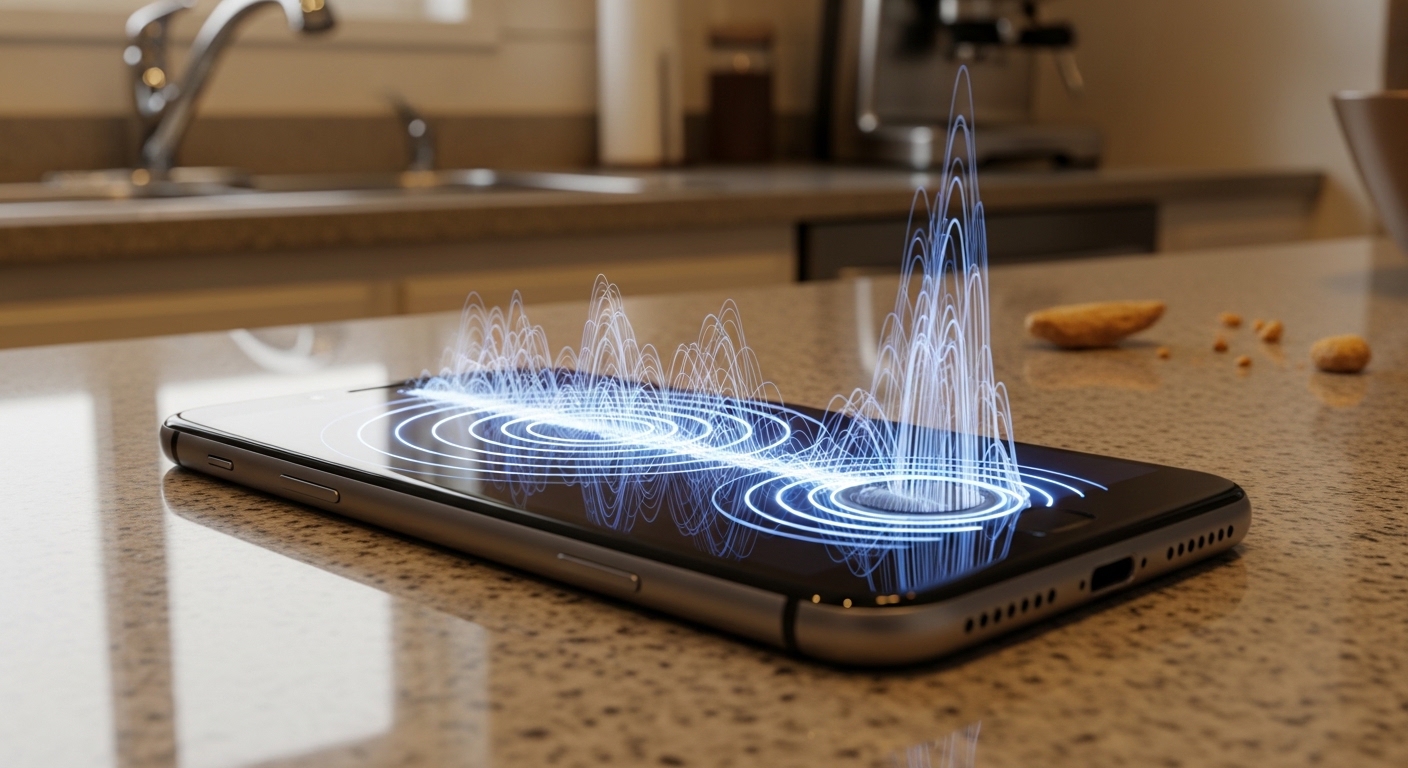
Play Sound emits a loud chime that overrides silent and Do Not Disturb modes. The tone plays for several minutes to help you pinpoint the exact location.
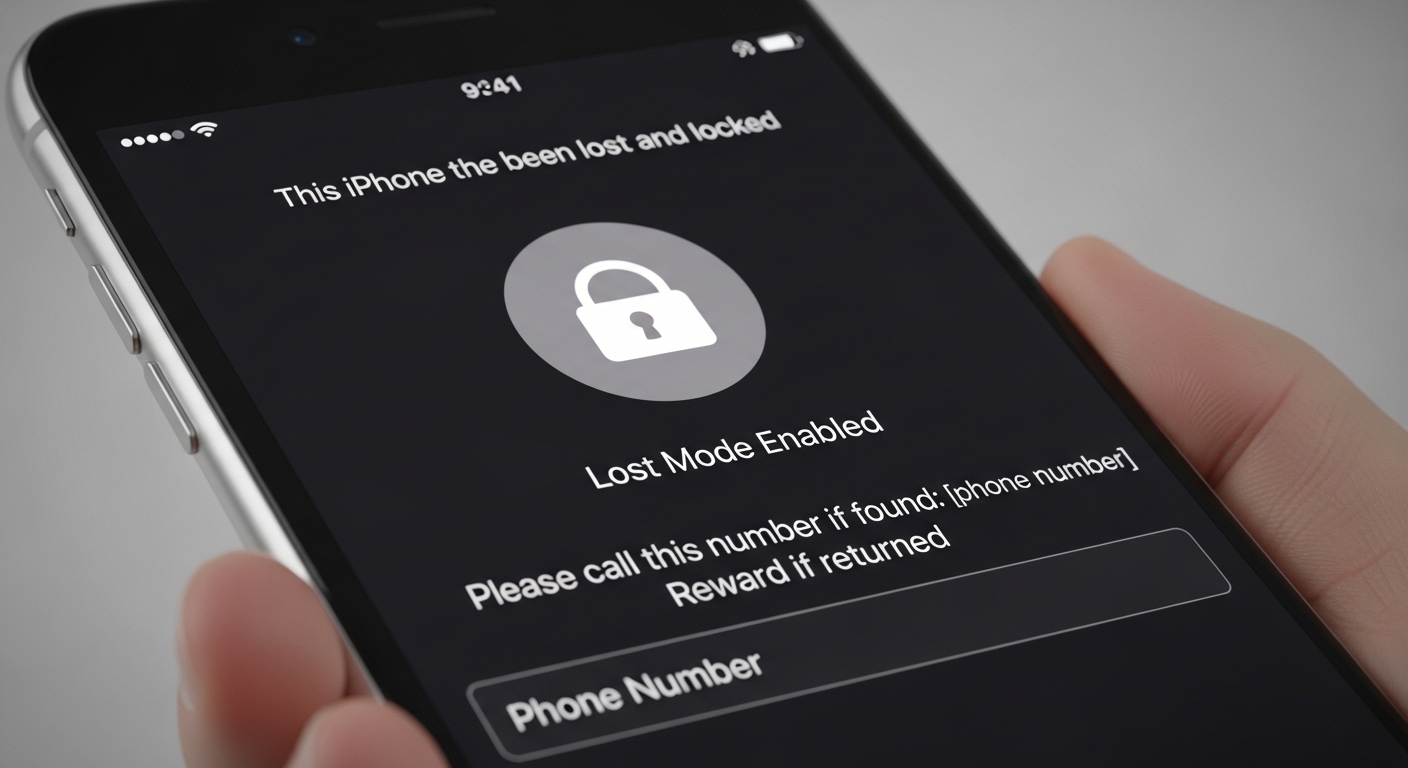
Lost Mode locks the device and displays a custom message with your phone number. It also tracks every location change until you recover the device.
Apple’s Find My network relies on a Bluetooth mesh of nearby iPhones, iPads, and Macs. Your lost phone sends a secure beacon that passing devices forward to iCloud privately.
What About Samsung Find My Mobile — Bonus Features for Galaxy Owners?
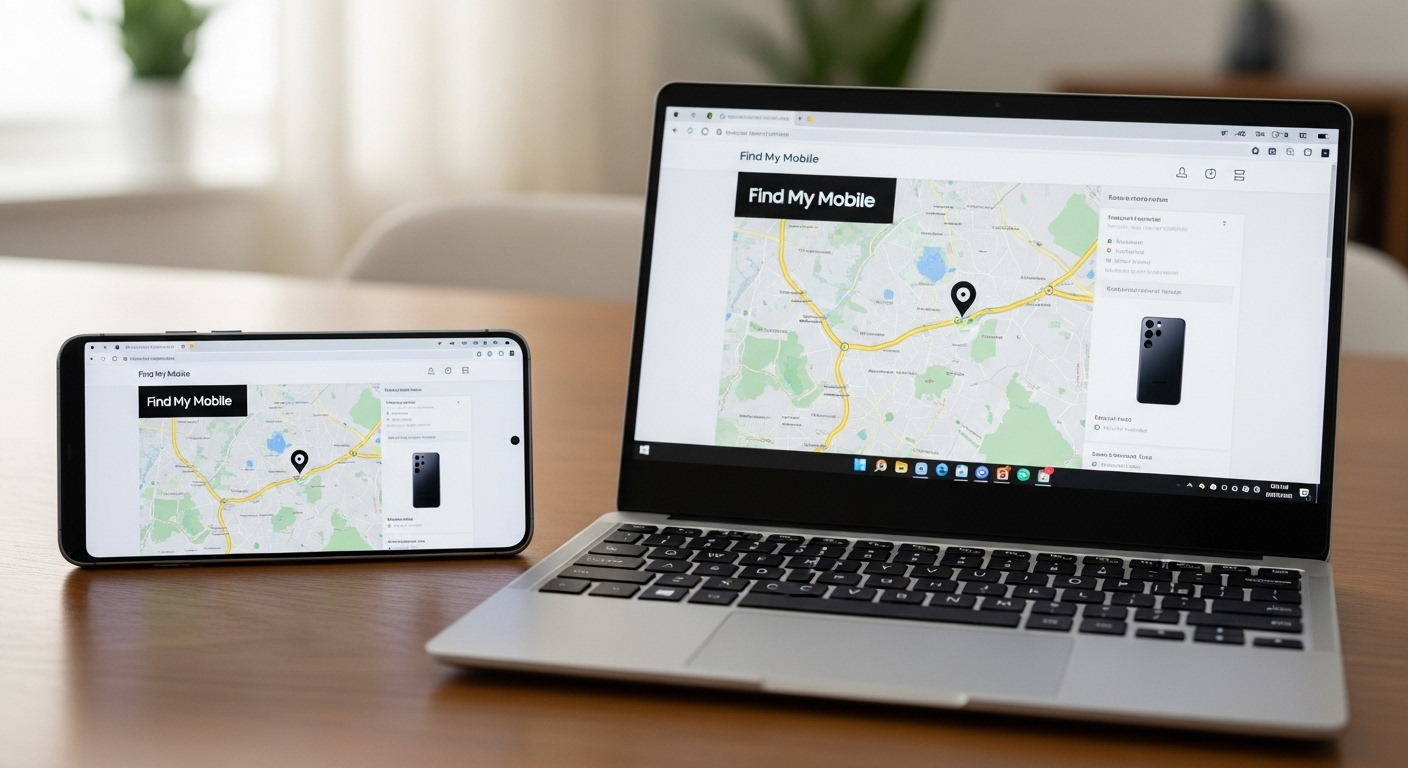
Samsung phones offer both Google Find My Device and Samsung’s own Find My Mobile service. Log into findmymobile.samsung.com with your Samsung account for extra capabilities.
Samsung lets you remotely unlock the screen even when the lock is active. You can also retrieve recent call logs and messages that Google’s tool cannot access.
Samsung Find My Mobile supports remote data backup, custom ringtone alerts, and even camera access on select Galaxy models — features unavailable through standard Android tracking.
Enable both Google and Samsung tracking services on your Galaxy device. Having two independent systems doubles your chances of recovery when you need to find my phone quickly.
What About Google Maps Location Sharing for Everyday Safety?
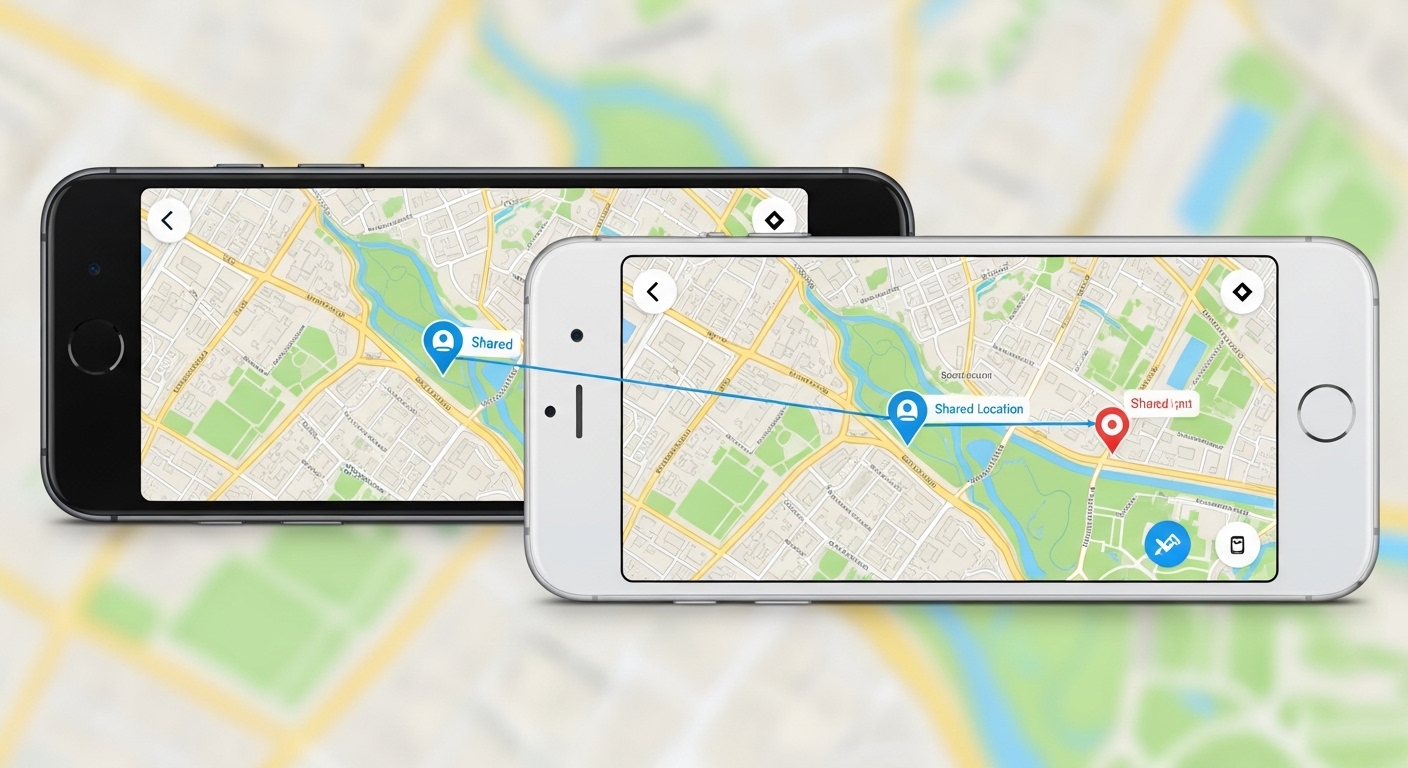
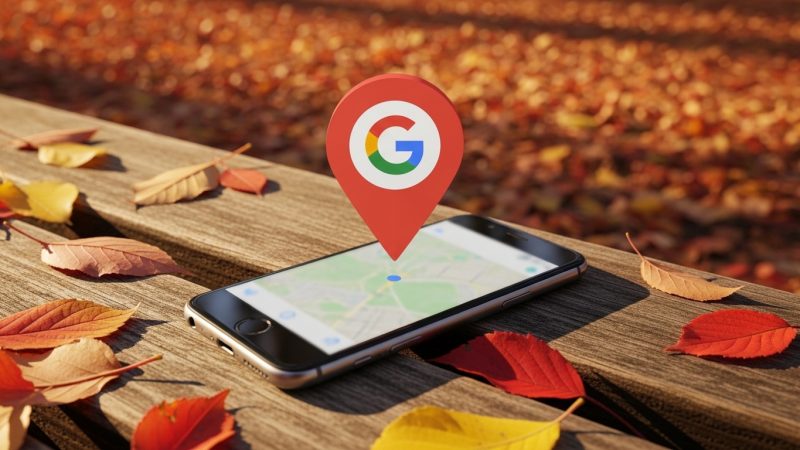
Google Maps offers real-time location sharing with trusted contacts. Open Maps, tap your profile, then Location sharing, and select who receives the link.
You set a time limit from 15 minutes to indefinite. The shared location shows your photo and battery status on their Maps app.
Parents use this daily for tracking children walking home from school. Combined with Find My Device, it gives you both everyday monitoring and emergency find my phone recovery in one ecosystem.
Privacy controls let either person stop sharing instantly. No app installation required beyond Google Maps, which most Android users already have.
Choose the approach that best fits your specific situation and needs.
What About When Built-In Tools Fall Short?
Built-in find my phone features handle device recovery well. But they cannot read messages, view call history, monitor app usage, or capture screenshots remotely.
These tools also lack stealth mode. The phone owner always knows when someone checks the location, making them unsuitable for parental monitoring or employee oversight.
When you need full visibility into texts, social media, browsing history, or geofencing alerts, a dedicated solution becomes necessary. Hoverwatch delivers comprehensive tracking while remaining invisible on the target device.
Here is how built-in tools compare with a dedicated monitoring solution:
| Feature | Built-in Tools | Hoverwatch |
|---|---|---|
| Real-time location | Yes | Yes with geofencing alerts |
| Remote ring and lock | Yes | Yes |
| Call and message logs | No | Yes, full history |
| App usage monitoring | No | Yes |
| Social media tracking | No | Yes |
| Stealth mode | No | Yes, completely hidden |
| Screenshots and keystrokes | No | Yes |
| Remote camera access | Limited | Yes |
For a deeper look at what Hoverwatch offers, read our full Hoverwatch review. Built-in tools handle the basics for your own phone. Hoverwatch handles everything else for ongoing oversight.
How Do You Protect Your Phone From Being Lost?

Prevention beats recovery every time. Enable your find my phone feature today and turn on every related option before trouble strikes.
Add an emergency contact in your lock screen settings. A good Samaritan who finds your device can reach someone without unlocking it.
Use a strong PIN or biometric lock and enable automatic backups to Google Drive or iCloud. Even if you lose the hardware, your data stays.
Keep the phone in a secure pocket and consider a Bluetooth tracking accessory for extra insurance. Review your tracking settings monthly to make sure everything stays active.
You can also install GPS tracker apps for additional location redundancy. If you need help recovering a device you have already lost, check our guide on how to track lost phone without apps.
“Digital security is a shared responsibility. Parents monitoring their children, employers securing company devices, and individuals protecting their own accounts all contribute to a safer ecosystem.”
Dr. Sarah Chen, Digital Forensics Expert, SANS Institute
Final Thoughts
Built-in find my phone features give you powerful, free tools that work the moment you set them up. Google Find My Device and Apple Find My cover most situations without extra software or cost.
When the standard find my phone tools fall short, Hoverwatch provides the next level of monitoring in a simple package. Stay prepared, act quickly, and your phone will almost always find its way back.
Frequently Asked Questions
Your options are limited but not zero. Check timeline.google.com for any Location History that might show the last recorded spot. Call your carrier and ask if they can ping the phone using cell tower data. Some Android phones allow remote activation through the Google account dashboard, though this is not guaranteed.
Real-time tracking stops when the battery dies, but Google and Apple save the last known location if you enabled "Send Last Location." The offline Bluetooth network may also provide updates if nearby devices detected your phone after shutdown. Charge the phone as soon as you recover it and tracking resumes instantly.
Unfortunately no. A factory reset removes the linked Google or Apple account and kills all tracking. Your best move is to mark the device as lost through your account and contact your carrier or insurance provider. This is exactly why remote erase exists — it protects your data even when the hardware is gone for good.
Yes, Find My iPhone works without a SIM as long as the phone connects to Wi-Fi or joins the Find My Bluetooth network. The find my phone system does not depend on cellular data alone. Many stolen iPhones have been recovered when the thief connected to Wi-Fi at home or in a cafe.
Both Google Find My Device and Apple Find My have a "Play Sound" command that blasts a loud tone at full volume no matter what mode the phone is in. The alarm lasts several minutes and is specifically designed for this situation. It has saved countless phones stuck between couch cushions or left in quiet offices.