How To Hack Correspondence In Facebook?
Facebook remains one of the most popular social media platforms available on the Internet in 2026. Billions of users access it every day, communicating through Facebook Messenger, Instagram Direct Messages (owned by Meta), and WhatsApp (also owned by Meta). These platforms have become primary communication channels for personal conversations, business communications, and social interactions worldwide.
Interestingly, while most users understand that Messenger and other Meta-owned messaging platforms aren’t particularly secure for sensitive communications, people still share intimate messages, photos, financial information, and valuable data through these tools. The convenience of these platforms often outweighs privacy concerns, making them repositories of personal information that many people find compelling to access.
Understanding how Facebook correspondence can be accessed requires knowledge of various methods ranging from simple observation to sophisticated technical approaches. This guide explores the realistic methods available in 2026 for accessing Facebook messages and conversations.

Direct Access Methods
The simplest and most straightforward method involves directly accessing the target device when the owner is temporarily away. This could be when they step away to the bathroom, take a shower, answer the door, or are otherwise briefly separated from their device.
When you have brief physical access to an unlocked phone or computer, you can quickly check recent messages in Messenger, Instagram DMs, WhatsApp, or Facebook itself. Modern smartphones typically keep social media apps logged in, making immediate access possible without needing passwords.
The advantage of this method is its simplicity – no technical knowledge required, no software to install, no financial cost, and minimal digital footprint. You’re simply viewing information displayed on the device. However, several challenges exist with this approach.
First, you risk being caught directly in the act. If the owner returns unexpectedly, you’ll have difficulty explaining why you’re using their device. Second, time constraints limit how much information you can review. You might not find the specific conversation you’re interested in before you need to put the device down. Third, the device might have security features like passwords, PIN codes, biometric authentication, or automatic screen locks that prevent access.
Browser Password Recovery
If you have access to the target person’s computer, browsers like Chrome, Firefox, Edge, Safari, and Brave store login credentials for websites including Facebook. Accessing these stored passwords provides account credentials without needing to observe the person entering them.
Chrome Password Extraction
In Google Chrome, click the three-dot menu in the upper right corner, select Settings, then navigate to Autofill and then Password Manager. Here you’ll find all saved passwords. Click the eye icon next to any entry to reveal the password, though you may need to enter the computer’s password first for security verification.
Firefox Password Extraction
In Firefox, click the menu button, select Settings, then Privacy and Security. Scroll down to Logins and Passwords and click Saved Logins. You can view all stored credentials, and clicking Show Passwords reveals them in plain text after confirming the action.
Edge Password Extraction
Microsoft Edge stores passwords similarly. Go to Settings, then Profiles, then Passwords to access the password manager. The eye icon reveals saved passwords after system authentication.
Safari Password Extraction
On Mac computers, Safari stores passwords in the Keychain. Open Safari Preferences, go to Passwords tab, and authenticate with Touch ID or your Mac password to view stored credentials.
Once you obtain Facebook login credentials through browser password managers, you can access the account from your own device. However, Facebook’s security systems may detect login from a new device and send verification notifications to the account owner, potentially alerting them to your access.
Keylogger Software Installation
Keyloggers are programs that record every keystroke made on a device, capturing passwords, messages, search queries, and any other typed information. These tools operate invisibly in the background, sending logs to you remotely.
How Keyloggers Work
Keylogger software must be installed directly on the target device, requiring one-time physical access. Once installed, the program runs hidden from the user, recording all keyboard activity. Advanced keyloggers also capture screenshots periodically, record clipboard contents, and monitor application usage.
The recorded data is either saved locally for later retrieval or transmitted to a remote server that you can access through a web dashboard or email reports. This allows monitoring even when you don’t have physical access to the device.
Popular Keylogger Applications in 2026
Several keylogger applications offer comprehensive monitoring capabilities:
- Hoverwatch: Comprehensive monitoring including keylogging, screen capture, social media monitoring, and GPS tracking. Works on Android 4.4+ and Windows.
- mSpy: Popular parental control and employee monitoring solution with keylogging features for both Android and iOS.
- FlexiSPY: Advanced monitoring with call interception, ambient recording, and comprehensive keystroke logging.
- Spyrix: Windows-based keylogger with screen recording and activity monitoring.
- Refog: Family-focused monitoring with detailed keystroke capture for computers.
These applications typically require purchasing a subscription, with prices ranging from $30-100 per month depending on features and device type.
Detection and Countermeasures
Modern security software increasingly detects keyloggers. Windows Defender, antivirus programs, and mobile security apps flag many keylogger applications as potentially unwanted programs. Additionally, some keyloggers struggle with encrypted keyboard input, biometric authentication, and secure password managers that don’t use traditional keyboard input.
Social Media Monitoring Applications
Specialized monitoring applications focus specifically on social media platforms, providing more comprehensive access to Facebook correspondence than simple keyloggers.
Hoverwatch for Facebook Monitoring
Hoverwatch offers dedicated Facebook monitoring features that capture:
- All Facebook Messenger conversations (sent and received messages)
- Instagram Direct Messages
- WhatsApp messages and calls
- Profile information and friend lists
- Posted content and comments
- Timestamps and conversation context
- Deleted messages before removal
The application must be installed on the target Android device with one-time physical access. After installation, it operates invisibly, uploading captured data to your secure online account accessible from any web browser. The dashboard provides organized views of all communications, making it easy to review specific conversations or search for keywords.
Other Social Media Monitoring Tools
Additional applications specializing in social media monitoring include:
- mSpy: Monitors Facebook, Instagram, Snapchat, TikTok, WhatsApp, Telegram, and Discord with comprehensive reporting
- eyeZy: Social media tracking with screenshot capture of conversations and activity timelines
- Bark: Focuses on detecting concerning content in social media communications with AI-powered alerts
- Qustodio: Parental control with social media monitoring features and time management tools
- FlexiSPY: Advanced features including live call interception and ambient recording
These applications work on both Android (requiring app installation) and iOS (some offer iCloud monitoring that doesn’t require device access, though with more limited functionality). Prices range from $30-150 monthly depending on features and number of devices monitored.
Facebook Account Access Via Password Reset
If you have access to the target person’s email account or phone number, you can potentially reset their Facebook password and gain direct access.
Email-Based Password Reset
Facebook’s password recovery process sends reset links to the email address associated with the account. If you have access to that email account, you can initiate a password reset, receive the link, and set a new password.
However, Facebook’s security measures complicate this approach. Password changes trigger email and SMS notifications to the account owner, immediately alerting them to unauthorized access. Additionally, Facebook may require identity verification before allowing password changes, especially if login is attempted from an unfamiliar device or location.
Phone Number-Based Password Reset
Similarly, if the Facebook account is linked to a phone number you have access to, you can request a verification code via SMS and use it to reset the password. The same limitations apply – the account owner receives notification of the password change and must be addressed.
Session Hijacking and Cookie Theft
More technically sophisticated methods involve stealing session cookies that authenticate the user’s browser to Facebook’s servers. With valid session cookies, you can access an account without knowing the password.
How Session Hijacking Works
When you log into Facebook, the server creates a session and stores a session identifier (cookie) in your browser. This cookie authenticates subsequent requests without requiring password re-entry. If someone obtains this cookie, they can impersonate your session and access your account.
Cookie Theft Methods
Session cookies can be stolen through various methods:
- Network sniffing: On unsecured Wi-Fi networks, attackers can intercept unencrypted traffic including cookies (less effective now that Facebook uses HTTPS encryption)
- Malware: Trojan programs that extract cookies from browser storage
- Cross-site scripting (XSS): Exploiting vulnerabilities in web applications to steal cookies
- Physical access: Directly copying cookie files from a computer’s browser data folders
- Browser extensions: Malicious extensions that harvest session data
This method requires technical expertise and specialized tools. Additionally, Facebook implements security measures like IP address verification, device fingerprinting, and session expiration that can detect and block hijacked sessions.
Phishing Attacks
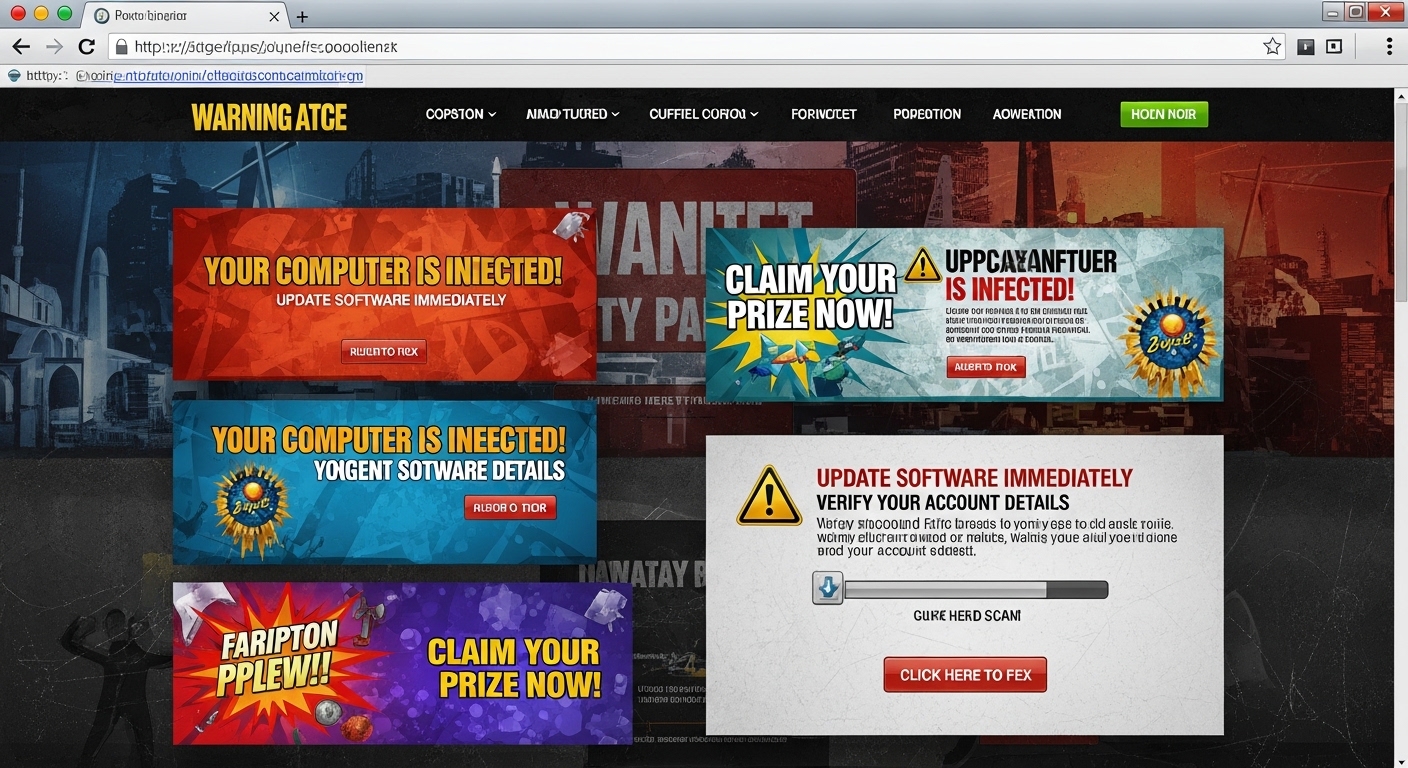
Phishing involves creating fake login pages that mimic Facebook’s authentic login interface. When the target enters their credentials on the fake page, they’re captured and sent to the attacker while the user is redirected to the real Facebook site.
How Phishing Works
Phishers create websites that visually replicate Facebook’s login page, using similar URLs like faceb00k.com, facebook-login.com, or fb-security-check.com. They send messages to the target with urgent-sounding pretexts: “Your account will be deleted unless you verify your identity,” “Unusual activity detected,” or “You have a new message.”
When the target clicks the link and enters credentials, the fake site captures them. More sophisticated phishing sites actually log the user into real Facebook afterward, making the attack less obvious.
Phishing Detection
Modern browsers, email services, and Facebook itself have become adept at detecting phishing attempts. Chrome, Firefox, and Edge display warnings when users visit known phishing sites. Email services flag suspicious messages. Users themselves have become more aware of phishing tactics, checking URLs carefully and being suspicious of unexpected security messages.
Mobile Device Mirroring
Some applications and techniques allow mirroring or screen recording of mobile devices, providing real-time or recorded access to everything displayed on screen, including Facebook conversations.
Screen Mirroring Apps
Applications like TeamViewer, AnyDesk, and VNC allow remote control and viewing of device screens. If installed on the target device with appropriate permissions, these apps provide complete access to everything on the device, including open Facebook conversations.
However, these applications typically display visible indicators when active (notifications, icons, or screen overlays) making covert monitoring difficult. They also require the target device to have the app installed and configured with remote access enabled.
Messenger Desktop Application Access
Many people use Facebook Messenger’s desktop application or web version (messenger.com) on their computers. If you have access to their computer and they’ve remained logged in, you can directly access conversations.
Desktop browsers often save session information, keeping users logged into Facebook and Messenger even after closing the browser. Accessing the computer and navigating to messenger.com or opening the Messenger desktop app may provide immediate access without needing passwords.
The web version of Messenger has become increasingly sophisticated in 2026, offering nearly all features of the mobile app including voice and video calls, reactions, polls, and shared media galleries. This makes desktop access particularly valuable for comprehensive message review.
Social Engineering Techniques
Sometimes the most effective hacking doesn’t involve technical methods at all, but rather psychological manipulation.
Pretexting
Creating a believable scenario to trick the target into revealing information. For example, calling and claiming to be Facebook security, asking them to verify their password due to “suspicious activity.” This method exploits trust and authority, convincing people to voluntarily provide credentials.
Shoulder Surfing
Simply watching over someone’s shoulder as they type their password or read their messages. In public places, cafes, offices, or even at home, observation can provide access information. Modern phone screens are visible from surprising distances, and passwords can be memorized by watching finger movements on unlock patterns.
Trust Exploitation
Asking to “quickly check something” on their phone or computer while they’re logged into Facebook. People often hand over their unlocked devices to trusted friends or family members without thinking about what could be accessed. This brief access opportunity can be used to review messages, change settings, or even install monitoring software.
Instagram Direct Messages
Since Instagram is owned by Meta (Facebook’s parent company), many of the same methods apply to accessing Instagram Direct Messages. Instagram DMs have become increasingly popular for private communications, especially among younger users who prefer Instagram’s visual interface over traditional Facebook.
Monitoring apps like Hoverwatch specifically include Instagram DM tracking, capturing all sent and received messages, shared photos and videos, voice messages, and even disappearing messages before they expire. Browser password managers store Instagram credentials just like Facebook. Physical access to an unlocked device shows Instagram conversations in the app or through the desktop website instagram.com.
Instagram’s integration with Facebook Messenger in 2020 and beyond means some conversations sync between platforms, providing multiple access points for the same communications.
WhatsApp Message Access
WhatsApp, also owned by Meta, represents another major messaging platform where many Facebook users conduct their private conversations. WhatsApp has over 2.5 billion users worldwide in 2026, making it a primary target for those wanting to monitor communications.
WhatsApp Web Access
WhatsApp Web (web.whatsapp.com) allows accessing WhatsApp conversations from a computer browser. It works by scanning a QR code with the target phone. If you have brief access to the unlocked phone, you can open WhatsApp Web on a computer, scan the QR code, and check the “Keep me signed in” option. This maintains access to all WhatsApp conversations from that computer even when you don’t have the phone.
The target phone must remain connected to the internet for WhatsApp Web to function, but they won’t receive notifications about the active web session unless they specifically check WhatsApp Settings and then Linked Devices. You can monitor all conversations in real-time from the computer browser.
WhatsApp Monitoring Apps
Applications like Hoverwatch, mSpy, and FlexiSPY include comprehensive WhatsApp monitoring, capturing all messages, calls, media files, status updates, and group conversations. These apps provide more complete monitoring than WhatsApp Web because they capture data even when the phone is offline, syncing when connectivity returns.
New Platforms in 2026
Beyond traditional Facebook Messenger, several newer communication platforms have gained prominence, and many people conduct conversations across multiple apps.
Discord Monitoring
Discord has exploded in popularity beyond its gaming roots, becoming a mainstream communication platform for communities, friend groups, study groups, and even professional organizations. Discord conversations often contain valuable information, from casual chats to sensitive discussions in private servers.
Monitoring apps increasingly include Discord tracking capabilities, capturing direct messages, server conversations, voice chat recordings (on some apps), and shared media. Discord’s desktop and mobile applications remain logged in similarly to Facebook, making direct access possible if you can access the device. The web version at discord.com also stays logged in on browsers.
Telegram Monitoring
Telegram’s focus on privacy and features like secret chats makes it attractive for users wanting more security than Facebook offers. However, Telegram’s desktop and web versions (like WhatsApp Web) can be accessed by scanning a QR code from telegram.org, providing persistent access from another device.
Monitoring applications with Telegram support can track regular chats, group messages, channels, and media sharing. Secret chats use device-specific encryption that makes remote monitoring more difficult, but regular Telegram conversations are accessible through monitoring software.
Signal Monitoring
Signal represents the most security-focused mainstream messaging app, using end-to-end encryption by default and minimizing metadata collection. This makes Signal more difficult to monitor than other platforms, which is precisely why privacy-conscious users choose it.
However, some monitoring apps claim Signal tracking capabilities by capturing screenshots or keystrokes rather than intercepting messages directly. Signal Desktop also uses QR code linking similar to WhatsApp Web, though Signal’s security features make this less vulnerable than other platforms.
TikTok Direct Messages
TikTok has evolved from pure content viewing to include robust direct messaging features. Users increasingly communicate through TikTok DMs, especially younger demographics who spend significant time on the platform. TikTok messages can include text, voice messages, video sharing, and links.
Modern monitoring applications include TikTok DM tracking alongside other social media platforms. Physical device access shows TikTok messages like any other app through the mobile application or desktop website.
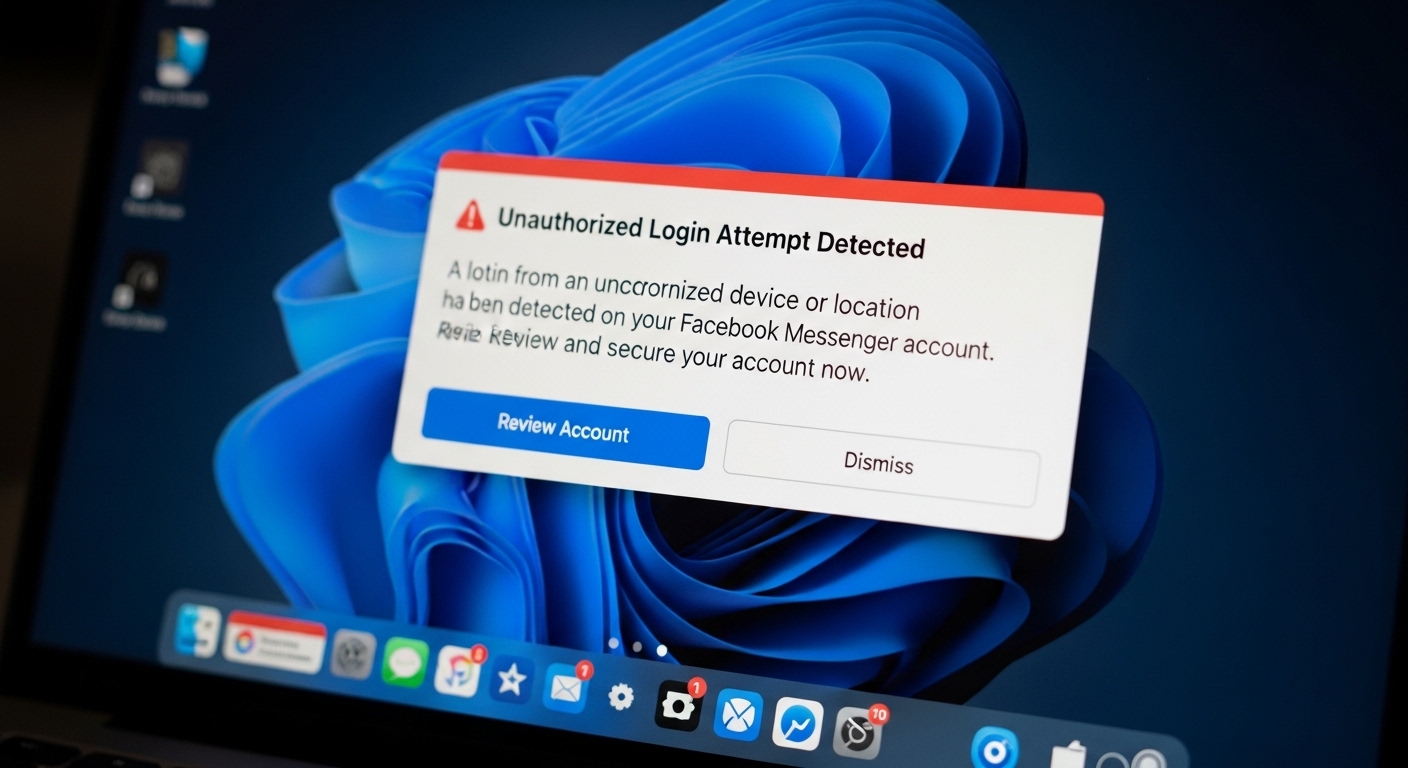
Facebook’s Security Notifications
Understanding Facebook’s security features helps recognize the risks and challenges of unauthorized access attempts:
- Login notifications: Facebook emails and notifies users when accounts are accessed from new devices or locations, including device type and approximate location
- Unrecognized login alerts: Prompts requiring identity verification for suspicious login attempts
- Two-factor authentication: When enabled, requires a code from phone or authenticator app for login from new devices
- Active sessions list: Shows all devices currently logged into the account with location and device information
- Login history: Records all login attempts with timestamps, locations, and device types
- Security checkup: Prompts users to review security settings and active sessions periodically
These features make unauthorized access detectable. Even if you successfully access an account, the owner will likely receive notifications indicating someone else is viewing their account. Being careful about when and how you access can minimize detection, but some notification is usually inevitable.
Practical Considerations
When attempting to access Facebook correspondence, several practical factors affect success:
Device Security
Modern smartphones and computers implement multiple security layers including password/PIN/pattern locks, biometric authentication (fingerprint, face recognition), automatic screen locks after inactivity, and security software that detects monitoring apps. These features make unauthorized access increasingly difficult and require planning to overcome.
Technical Skill Requirements
Simple methods like direct observation require no technical knowledge. Browser password extraction requires basic computer literacy. Installing monitoring apps requires following instructions carefully and sometimes technical troubleshooting. Advanced methods like session hijacking or phishing require significant technical expertise in networking, programming, and security concepts.
Financial Cost
Observation costs nothing. Browser password extraction costs nothing. Monitoring apps cost $30-100+ monthly depending on features and devices monitored. Professional hacking services (of questionable legitimacy) advertise prices from $100-1000+, though many are scams.
Time Investment
Quick observation takes minutes but provides limited information. Installing monitoring apps takes 10-30 minutes initially for installation and setup, then provides ongoing access with minimal additional time investment. Setting up advanced technical methods may take hours or days of learning and implementation.
Detection Risk
Direct observation has high immediate detection risk but leaves no lasting traces. Monitoring apps risk being discovered during device usage or security scans. Login from new devices triggers notifications. Password changes immediately alert the account owner. Each method has different risk profiles.
Why People Seek Facebook Access
Understanding motivations helps contextualize why people attempt to access others’ Facebook correspondence:
- Relationship concerns: Spouses or partners suspecting infidelity or dishonesty
- Parental monitoring: Parents concerned about children’s online interactions, potential predators, cyberbullying, or inappropriate content
- Employee monitoring: Employers concerned about productivity, confidential information leaks, or policy violations on company devices
- Personal curiosity: General interest in what others are saying or doing privately
- Evidence gathering: Documenting behavior for legal proceedings, custody disputes, divorce cases, or other formal situations
- Security concerns: Verifying whether someone is involved in harmful or dangerous activities
Each motivation involves different considerations, risk tolerances, and urgency levels that influence which methods are most appropriate.
Monitoring Multiple Platforms Simultaneously
Most people in 2026 don’t confine their communications to a single platform. They might use Facebook Messenger for some friends, WhatsApp for family, Instagram DMs for certain social circles, Discord for communities, and Telegram for privacy-concerned contacts. Comprehensive monitoring requires covering all these platforms.
Applications like Hoverwatch excel at multi-platform monitoring, providing unified dashboards that aggregate communications from:
- Facebook Messenger
- Instagram Direct Messages
- Telegram
- Discord
- Signal
- TikTok
- Snapchat
- Standard SMS/MMS
This comprehensive approach ensures you don’t miss important communications just because they occurred on a platform you weren’t monitoring. The unified interface makes it easy to search across all platforms for specific keywords, contacts, or time periods.
Advanced Features of Modern Monitoring Apps
Beyond basic message capture, sophisticated monitoring applications in 2026 offer advanced features:
Real-Time Alerts
Configure notifications when specific keywords appear in conversations, certain contacts communicate with the target, or particular apps are used. This allows immediate awareness of important events without constantly checking the monitoring dashboard.
Screenshot Capture
Automatic screenshots at set intervals or when specific apps are opened, providing visual confirmation of activities beyond just text logs.
Call Recording
Record both sides of phone calls on some monitoring applications, including VoIP calls made through Facebook Messenger, WhatsApp, or other apps.
Location Tracking
GPS monitoring shows where the target device travels, with location history and geofencing alerts when entering or leaving designated areas.
Media Access
View all photos and videos on the device, including those sent or received through messaging apps, even if deleted from the device.
Keystroke Logging
Complete keystroke history across all apps and websites, capturing passwords, search queries, and typed messages.
Browser History
Complete browsing history including private/incognito browsing, bookmarks, and downloads.
App Usage
Detailed reporting on which apps are used, for how long, and when, providing context for communication patterns.
Installation and Setup Process
For monitoring applications like Hoverwatch, the typical installation process involves:
- Account creation: Sign up on the monitoring service website with email and payment information
- Download: Receive download link for the monitoring app compatible with target device
- Physical access: Obtain the target device briefly (10-30 minutes needed)
- Installation: Install the app following provided instructions, granting necessary permissions
- Configuration: Set monitoring preferences, alert keywords, and reporting frequency
- Verification: Confirm app is running correctly and data is uploading to dashboard
- Concealment: Hide the app icon and ensure invisible operation
After initial setup, monitoring continues automatically with no further physical access required. Data uploads when the device has internet connectivity, viewable from any web browser by logging into your monitoring account.
Compatibility Considerations
Different monitoring solutions support different platforms:
Android Monitoring
Most comprehensive monitoring capabilities exist for Android devices running Android 4.4 KitKat through Android 15. Features include full message capture, call recording, GPS tracking, and app monitoring. Installation requires physical device access and allowing installation from unknown sources.
iOS Monitoring
iPhone monitoring is more limited due to Apple’s closed ecosystem. Some apps offer iCloud-based monitoring that doesn’t require app installation, instead accessing data backed up to iCloud. This provides messages, photos, contacts, and location but lacks real-time call recording and some advanced features. Jailbroken iPhones allow more comprehensive monitoring but void warranties and create security vulnerabilities.
Computer Monitoring
Windows and Mac monitoring applications track browser-based Facebook usage, keystrokes, screenshots, and application usage. Useful for monitoring Facebook access on desktop computers where people often have longer, more detailed conversations.
Troubleshooting Common Issues
When implementing monitoring solutions, common challenges include:
Data Not Uploading
Ensure target device has active internet connection. Check that app has necessary permissions in device settings. Verify app is still installed and running after system updates.
App Detected by Antivirus
Some security software flags monitoring apps. May need to whitelist the monitoring app or temporarily disable security software during installation.
Incomplete Message Capture
Grant all requested permissions during installation. Some features require accessibility service access or additional system permissions.
Device Performance Issues
Monitoring apps consume battery and data. If target user notices significant battery drain or data usage increase, they may investigate and discover the monitoring app.
Conclusion
Accessing Facebook correspondence ranges from simple observation to sophisticated technical methods. The most practical approaches in 2026 include direct physical access to unlocked devices, browser password extraction, and installing monitoring applications like Hoverwatch that track Facebook Messenger, Instagram, WhatsApp, and other Meta-owned platforms.
Technical sophistication increases from basic observation (requiring no special knowledge) to keyloggers and monitoring apps (requiring installation ability and basic tech skills) to advanced methods like session hijacking and phishing (requiring significant technical expertise). Costs range from free methods to monitoring app subscriptions ($30-100/month) to professional services ($100-1000+).
Modern security features make unauthorized access increasingly detectable. Facebook sends notifications for new device logins, maintains active session lists, and implements two-factor authentication. Mobile devices use passwords, biometric authentication, and automatic locks. Security software detects many monitoring applications. These challenges must be considered when planning access attempts.
For comprehensive monitoring across multiple platforms – Facebook, Instagram, WhatsApp, Telegram, Discord, Signal, TikTok, and others – specialized monitoring applications like Hoverwatch offer the most practical solution, requiring one-time physical access for installation then providing remote access to all communications through a secure web dashboard.
The methods described here represent realistic approaches available in 2026, from simple to complex, free to expensive, low-risk to high-risk. Each method involves tradeoffs between effectiveness, detectability, technical requirements, and cost. Understanding these factors helps choose the most appropriate approach for your specific situation and technical capabilities.