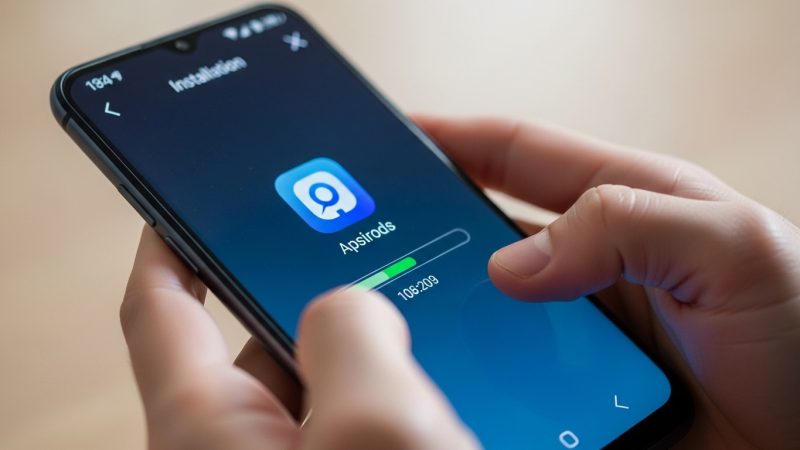
How to Install GPS Tracker on Android and iPhone
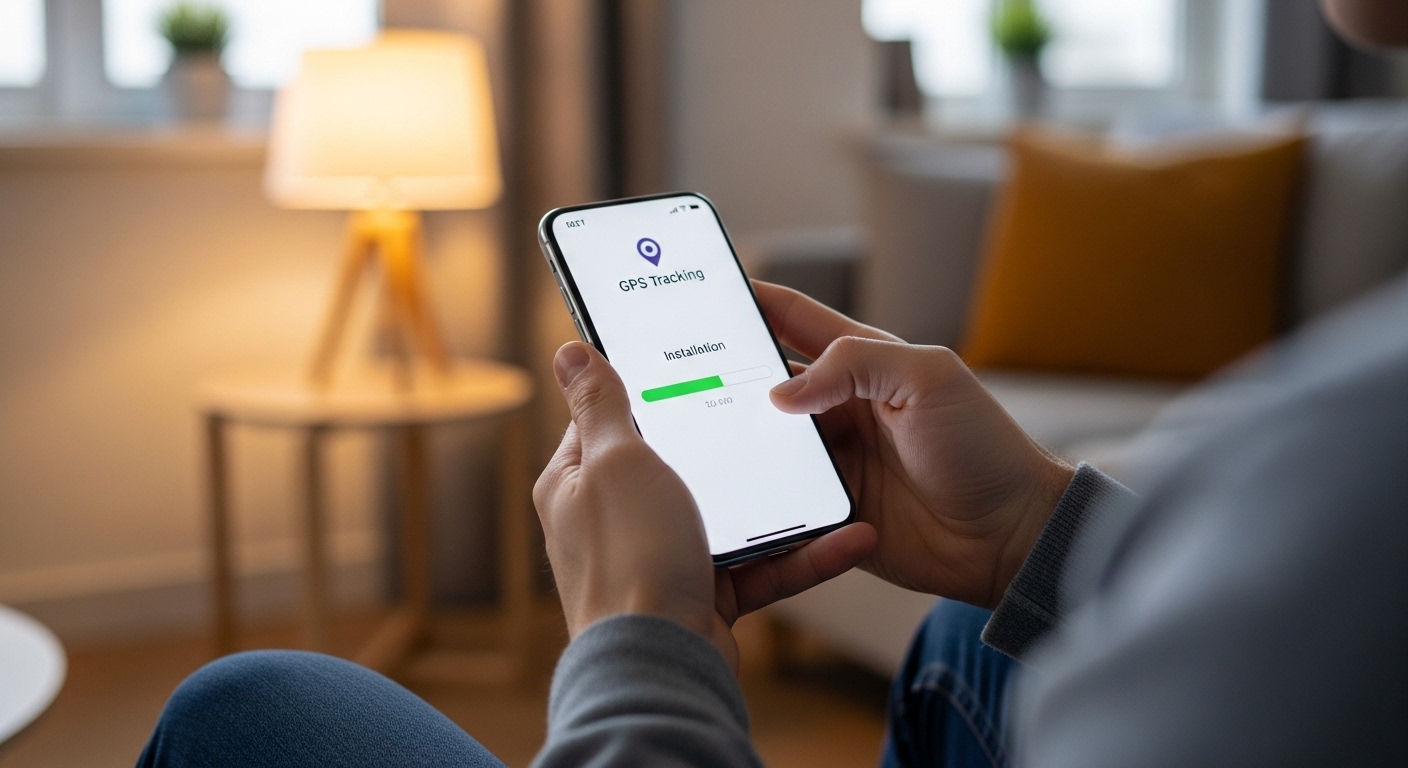
Installing a GPS tracker on Android takes about ten minutes with physical access, while iPhone offers both app-based and iCloud monitoring options.
A solid gps tracker app delivers real-time location updates, movement history, and instant boundary alerts across both platforms.
Monitoring someone’s device without consent may violate federal and state wiretapping laws, including the Electronic Communications Privacy Act (ECPA). Always verify your local regulations before installing any tracking software.
What About What Does a GPS Tracker App Actually Do?
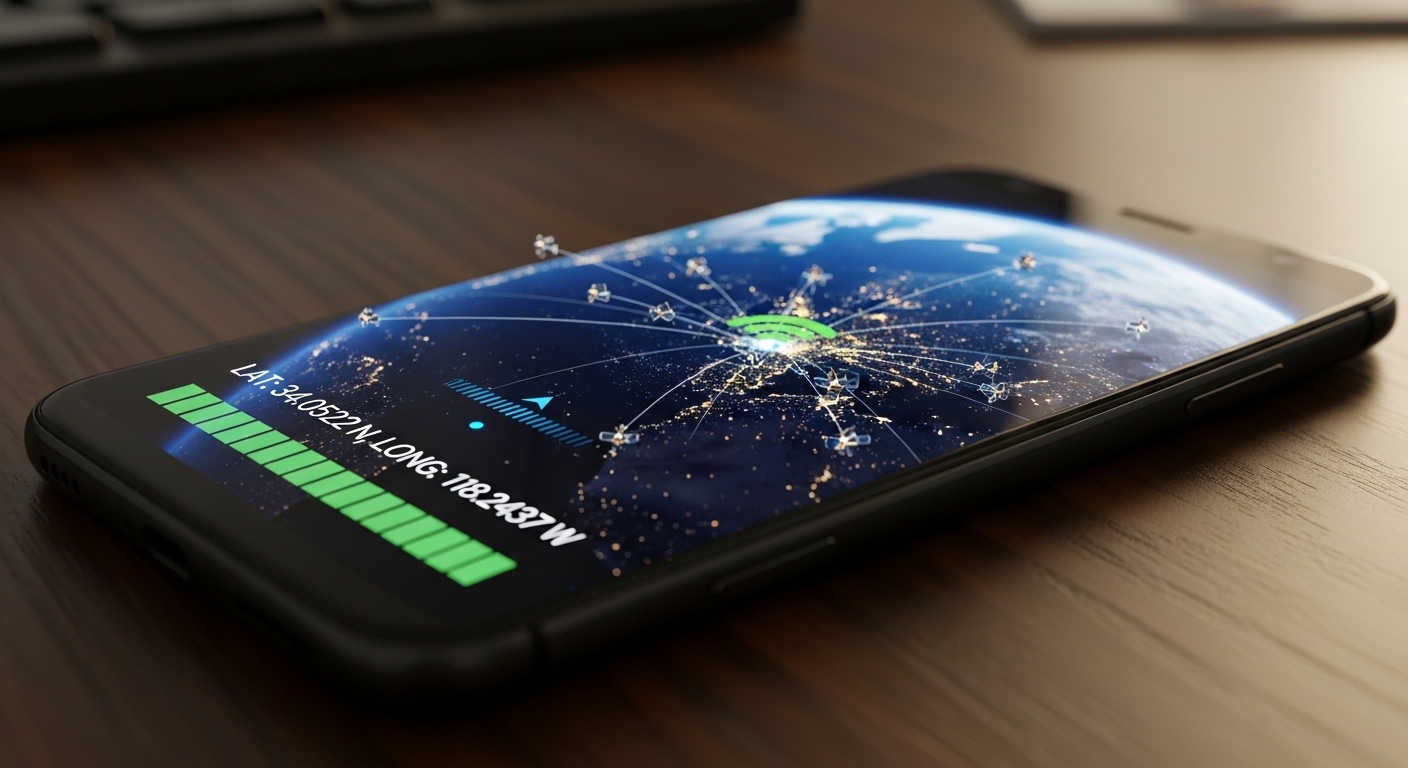
A tracking application uses the phone’s built-in GPS receiver, Wi-Fi positioning, and cell tower triangulation to pinpoint the device’s location.
It logs every movement so you can review a full timeline of where the phone has been throughout the day.
Modern GPS chips in smartphones achieve accuracy within 3-5 meters outdoors, making tracker apps reliable enough for precise route monitoring.
“The most effective security measures are often the simplest: strong unique passwords, two-factor authentication, and keeping your software updated. Most breaches exploit basic oversights, not sophisticated vulnerabilities.”
Alex Rivera, CEH, OSCP
What Are the Best GPS Tracker Apps to Install?
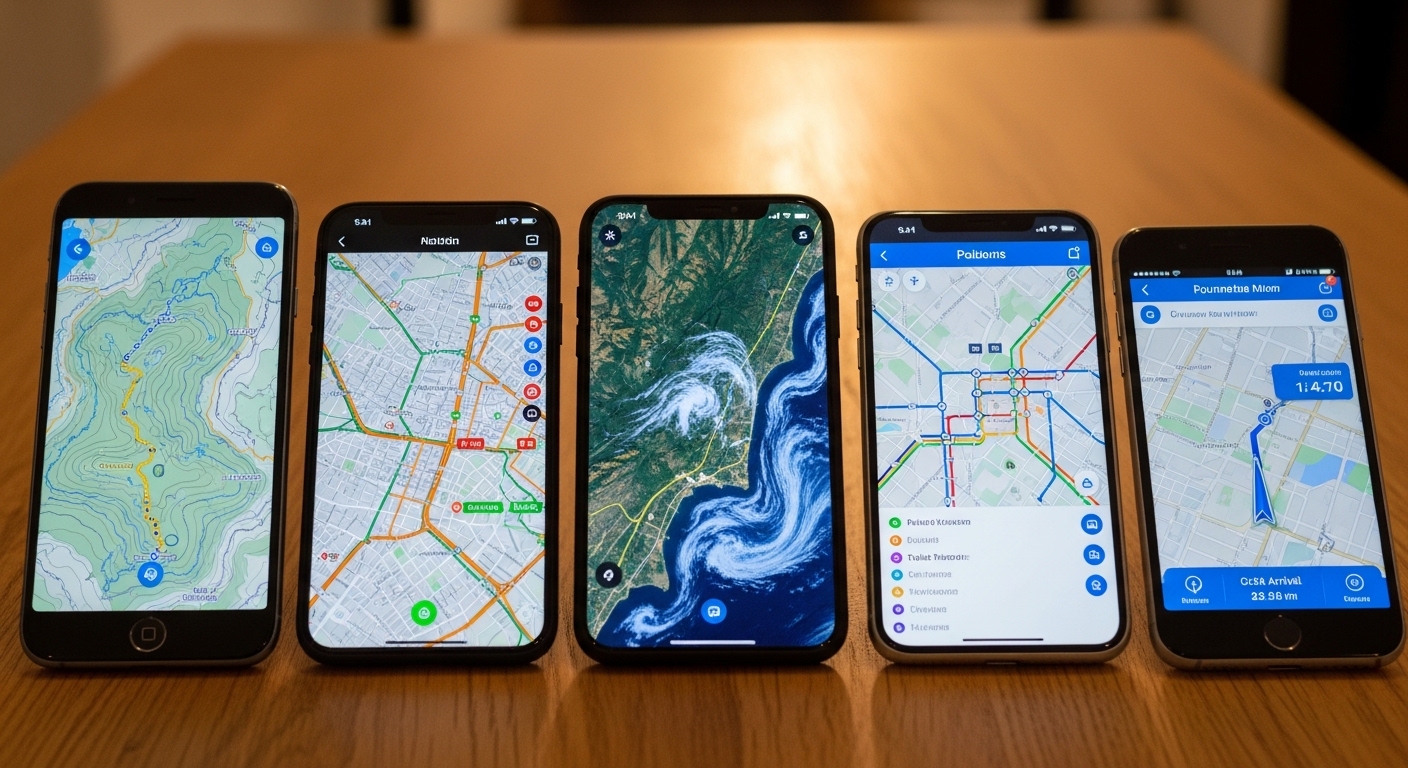
Choosing the right gps tracker app depends on your specific needs, budget, and whether you want full stealth or simple family sharing.
Here is a breakdown of the top performers available today.
Hoverwatch — Best for Stealth GPS Tracking
Hoverwatch runs in complete stealth mode with no visible icon or notifications on Android.
You get real-time GPS updates, location history, and tracking even when the user disables GPS or Wi-Fi. See our top tracking apps comparison.
Hoverwatch offers a 3-day free trial so you can test every feature before committing to a plan starting around $25 per month.
Beyond location, it records calls, SMS, WhatsApp, and Facebook messages while taking periodic screenshots. Parents and employers recommend it when discretion matters most.
mSpy — Best for Cross-Platform
Life360 — Best Free Family Locator
Life360 focuses on family safety with free location sharing inside private circles.
It shows everyone’s real-time position on a shared map and includes built-in crash detection that alerts emergency contacts automatically.
Upgrades add extended history and roadside assistance for a few dollars monthly. The simple interface makes it perfect for everyday family use.
Find My Friends / Google Maps Sharing
Apple’s Find My and Google Maps location sharing are completely free built-in options that work without extra apps.
You send an invitation and the other person accepts to share their position in real time.
These solutions lack advanced geofencing or hidden modes but deliver reliable basic tracking for families or friends who want transparent sharing.
| App | Best For | Platforms | Key Features | Starting Price | Stealth |
|---|---|---|---|---|---|
| Hoverwatch | Stealth GPS Tracking | Android (primary) | GPS, social media, screenshots, invisible | $25/mo (3-day trial) | Yes |
| mSpy | Cross-Platform | Android & iPhone | GPS, geofencing, calls, messages | $12/mo (longer plans) | Yes |
| Life360 | Free Family Locator | Android & iPhone | Real-time sharing, crash detection | Free (upgrades $8/mo) | No |
| Find My / Google Maps | Built-in Sharing | iPhone / Android | Basic live location | Free | No |
Use this comparison to identify the option that matches your requirements.
How Do You Install a GPS Tracker on Android Step by Step?
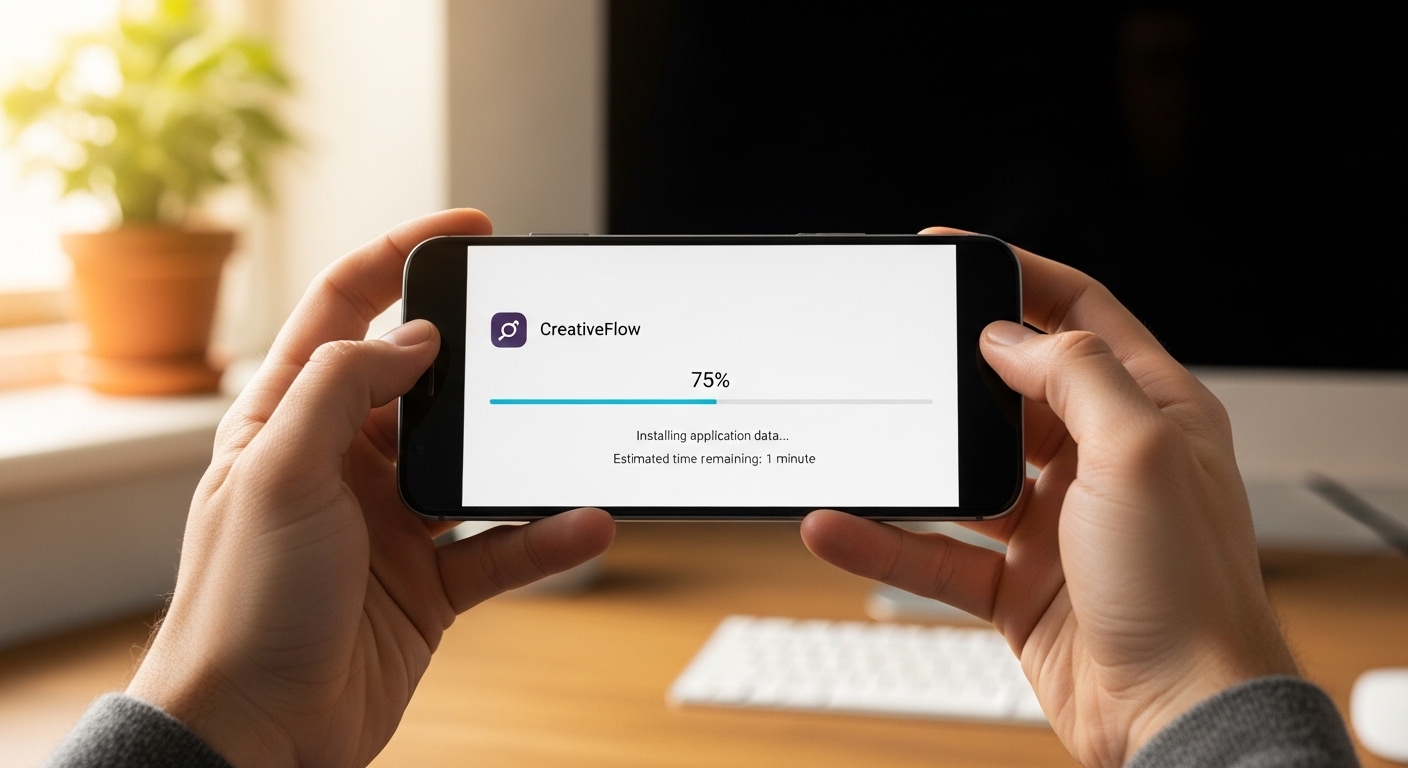
Installing a gps tracker app on Android requires physical access for about ten minutes. Hoverwatch offers the simplest and most reliable process with clear on-screen instructions.
Always create your account and copy the download link before touching the target phone — this minimizes the time you need physical access.
On the target Android phone, open the browser and visit the unique download link.
Before installing, disable Google Play Protect in Play Store settings and allow installation from unknown sources in security settings.
Tap to download and install the APK, then open the app and grant all requested permissions. Enter your Hoverwatch login details to activate the account.
Re-enable Google Play Protect after installation to keep the target device secure against actual malware threats.
Finally, enable stealth mode in the app settings so the icon disappears.
The tracking tool now runs silently in the background, and you can confirm tracking from your dashboard within minutes.
How Do You Install a GPS Tracker on iPhone?
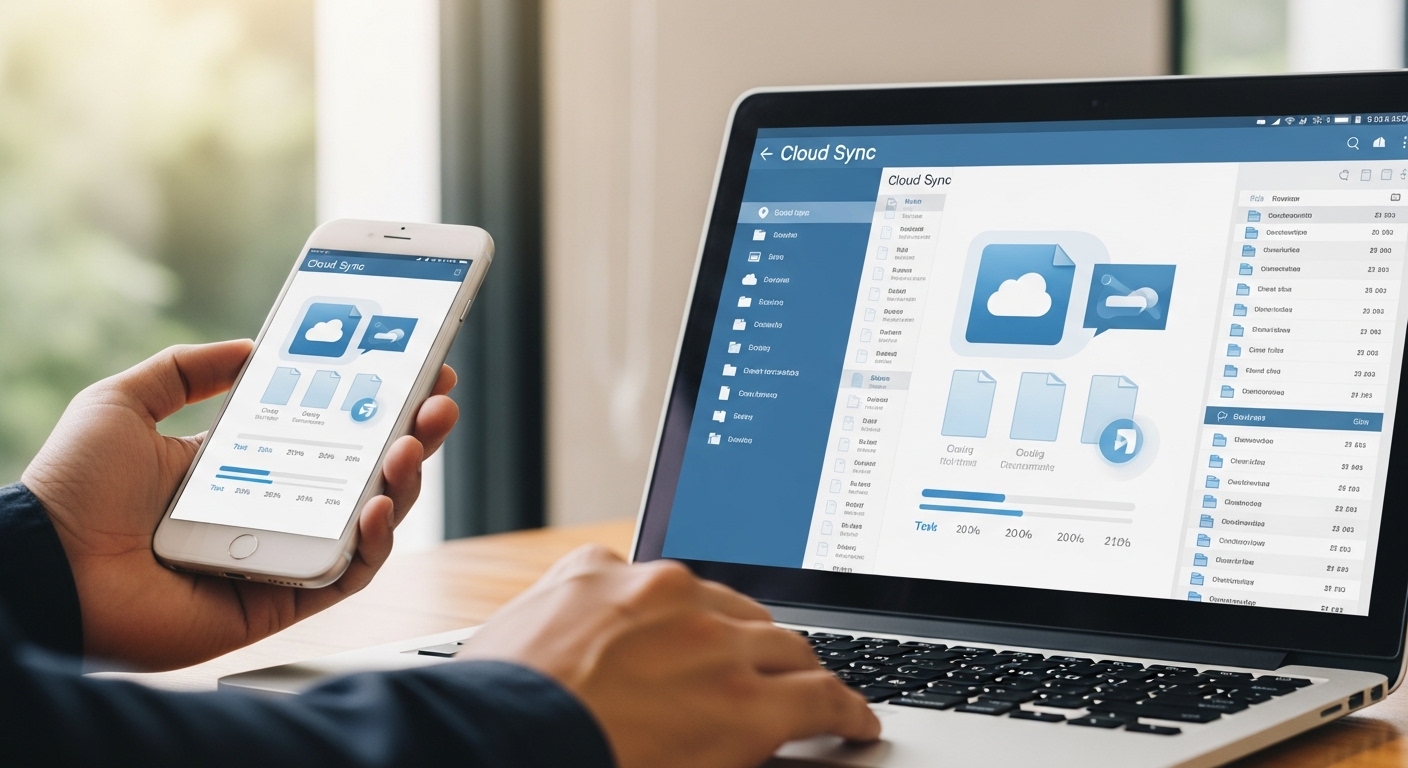
iCloud Method (No Physical Access Needed)
The iCloud method lets you monitor an iPhone without ever touching the device. You only need the Apple ID and password linked to the target phone.
Log into the monitoring dashboard and select iCloud sync, then enter the credentials and verify the account.
You can view location data pulled from iCloud backups along with messages and browsing history.
The iCloud monitoring method works on any iPhone without jailbreak, though real-time GPS updates may be limited compared to full physical installation.
Physical Installation Method
Physical installation delivers the most complete tracking on iPhone. You need brief access to the device to install a configuration profile from the app’s dashboard.
Download the profile file and open it on the target iPhone, then follow the on-screen prompts to install and trust the profile in settings.
Grant location permissions when asked, and the app begins sending live data to your account immediately.
How Do You Track a Phone Without the Person Knowing?
Stealth mode is the key feature that keeps a location tracker completely hidden from the device user.
Hoverwatch and mSpy both operate invisibly with no app icon or battery drain alerts visible on the phone.
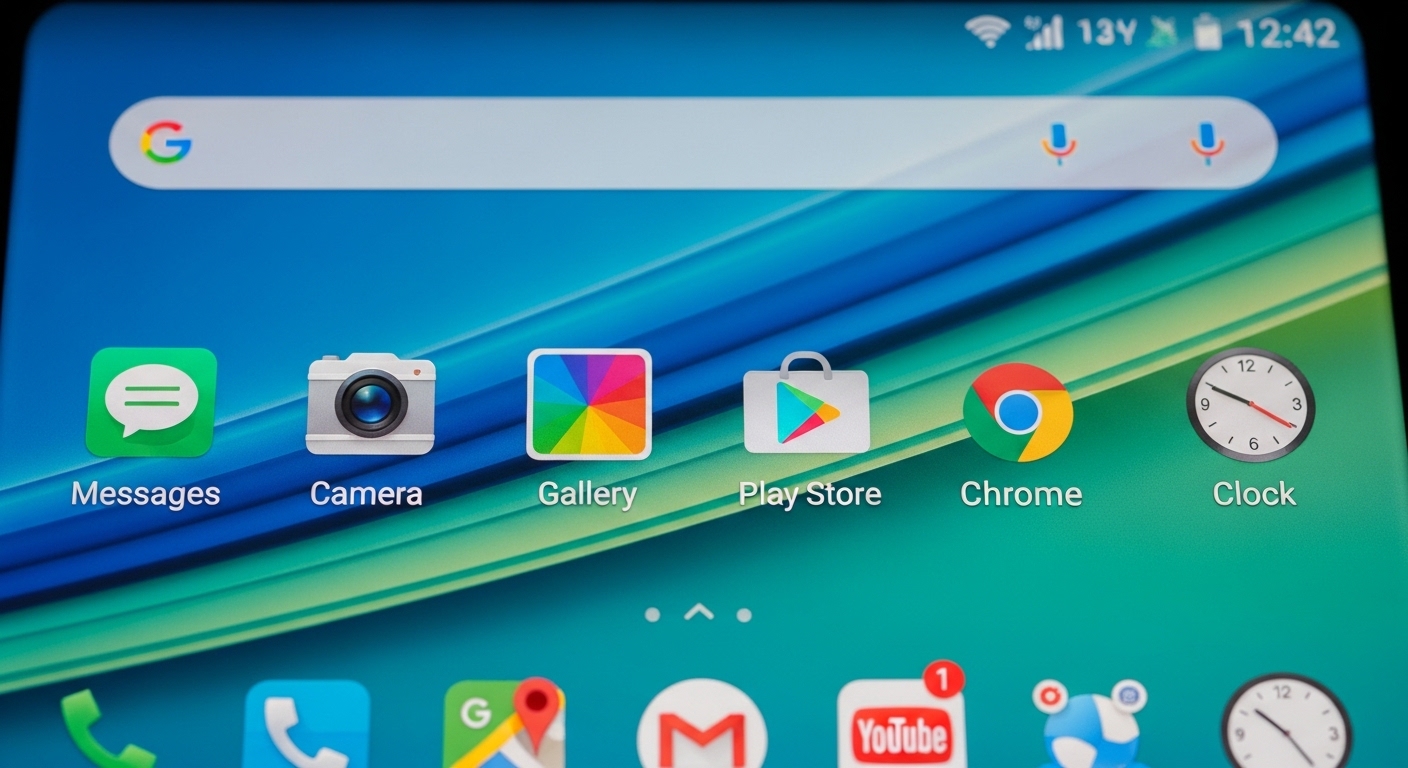
On Android, you enable stealth during the initial setup process. The app removes its own icon and suppresses all notifications automatically.
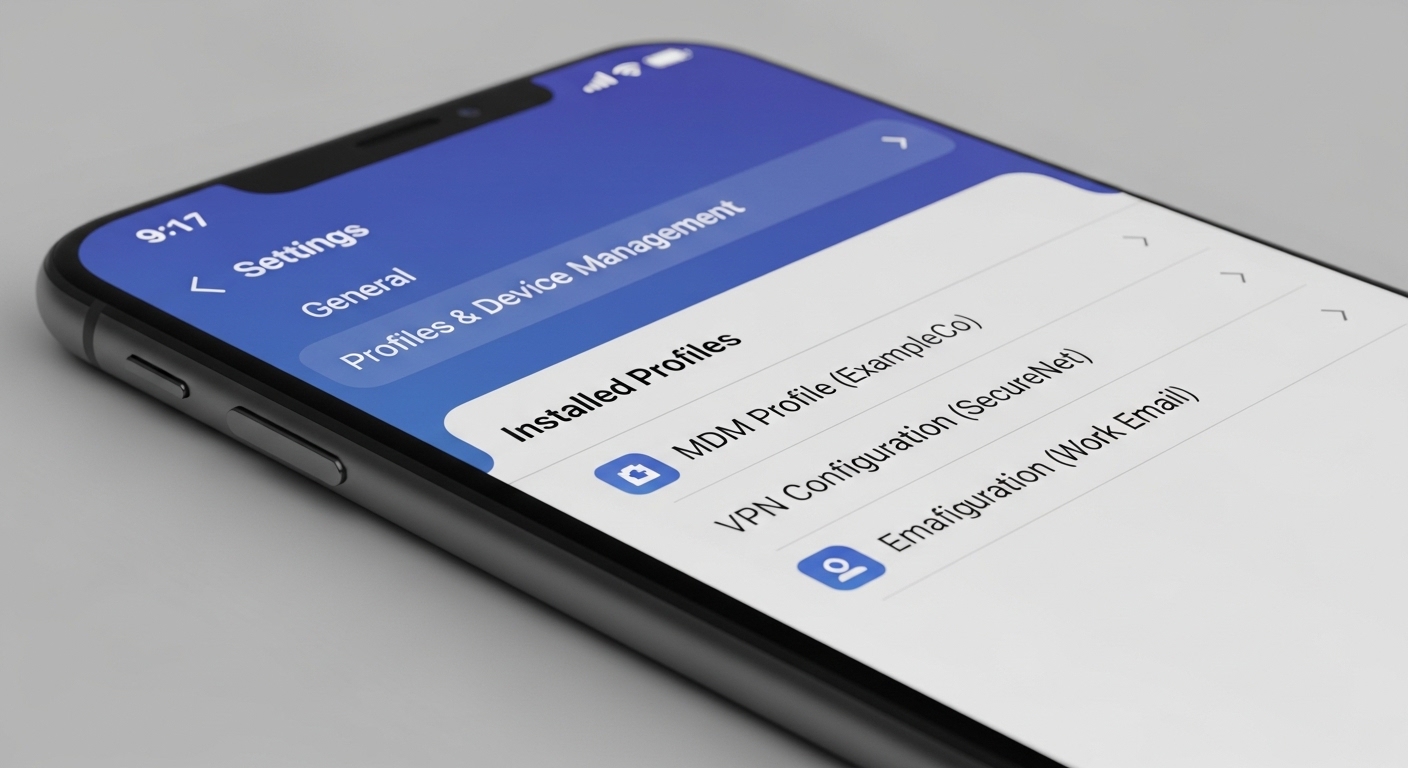
On iPhone, stealth works through the configuration profile which runs in the background. The person using the phone sees nothing unusual in daily use.
The software sends location data silently to your dashboard while the phone operates normally. This approach works best when you need monitoring without raising suspicion.
Always check local consent laws before setting up hidden tracking — even on family devices, some jurisdictions require notification.
What About Common Installation Problems and Fixes?

Google Play Protect often blocks the APK during Android installation. Temporarily disable it in Play Store settings before downloading, then re-enable it afterward to keep the phone secure.
If location updates stop arriving, check battery optimization settings on the target phone and remove any restrictions on the tracker app.
Permissions not granted will stop location updates entirely. Go into the phone’s app settings and manually allow location access, background activity, and notifications for the monitoring app.
Poor internet connection can also delay data syncing to your dashboard. Ensure the target phone has stable Wi-Fi or mobile data, and restart the device after making any permission changes.
“Digital security is a shared responsibility. Parents monitoring their children, employers securing company devices, and individuals protecting their own accounts all contribute to a safer ecosystem.”
Dr. Sarah Chen, Digital Forensics Expert, SANS Institute
Final Thoughts
A well-chosen gps tracker app gives you accurate location data and genuine peace of mind with minimal setup effort.
Whether you pick Hoverwatch for stealth monitoring or Life360 for open family sharing, the installation process stays straightforward on both platforms.
Start with a free trial to confirm everything works on your specific devices before committing to a paid plan.
Regular dashboard checks keep you informed without constant worry about where someone is.
Frequently Asked Questions
Not really on Android — every legit tracking application needs physical access for at least 5-10 minutes to install the APK and grant permissions. On iPhone you can use the iCloud method if you have their Apple ID and password, but you only get backup-based data, not full real-time GPS. If someone promises fully remote Android installation, that's a scam.
No, once you enable stealth mode the icon vanishes completely and it won't appear in the regular app drawer. It does show up deep in Settings > Apps if someone specifically looks, but most people never check there. Battery impact is minimal so it won't trigger any unusual drain warnings either.
Nine times out of ten it's a permissions issue. Go into the phone's settings, find the tracker app, and make sure location is set to "Allow all the time" not just "While using." Also disable battery optimization for that specific app. If it's still off, restart the phone — Android sometimes caches old location data until a reboot.
Generally yes — parents have broad legal rights to monitor devices they own or pay for when the child is a minor. The rules get murkier once they turn 18 even if you're still paying the phone bill. It varies by state and country though, so a quick check of your local privacy laws takes two minutes and saves you potential headaches.
Most decent apps cache location data locally on the phone and upload everything once a connection comes back. Hoverwatch can even estimate position using nearby cell towers when GPS and Wi-Fi are both off. You won't get real-time updates during the blackout, but you'll see the full movement history once the phone reconnects.