How to Insensibly Hack Someone’s Snapchat

Anyone searching how to hack Snapchat will find that monitoring apps like Hoverwatch are the only real option — every free hack tool online is a scam.
For parents concerned about what their kids share on Snapchat’s disappearing messages, this guide covers everything from free built-in tools to full stealth monitoring.
Accessing someone’s Snapchat without consent is illegal. Legal use cases: monitoring your minor child’s device, or devices you own with proper disclosure.
As parents, we want our kids to stay connected with friends while staying safe online. Snapchat can feel like a black box—messages vanish, locations shift in real time, and new contacts appear with a tap.
This guide walks you through practical ways to monitor Snapchat activity without turning into a full-time detective. Whether you prefer built-in tools or a dedicated app, the goal is the same: protect your child while building trust.
Why Is Snapchat Risky for Kids?

Snapchat’s disappearing messages are its biggest draw for teens, but they create real blind spots for parents.
A photo or text can vanish seconds after it’s viewed, leaving no easy trace of what your child sent or received.
This feature can encourage risky sharing because kids assume nothing lasts—yet screenshots, screen recordings, or saved chats mean content can still spread.
Snap Map adds another layer of concern. When location sharing is on, friends and strangers can see exactly where your child is in real time.
Teens also encounter inappropriate content more easily than parents expect. Stories, Spotlight videos, and public profiles can expose kids to bullying, explicit images, or harmful challenges.
Snapchat remains one of the most popular apps among teens, with many spending substantial time each day chatting, snapping, and scrolling. That popularity means more opportunities for trouble if no one is watching.
Snapchat has over 800 million monthly active users, with the majority under 25 — making it one of the largest messaging platforms parents need to understand.
“Social media account security is a game of layers. The password alone isn’t enough — you need 2FA, login alerts, and regular session audits. Most Snapchat compromises I investigate start with a reused password from a different breach.”
Alex Rivera, CEH, OSCP
The combination of disappearing messages, live location data, easy stranger connections, and unfiltered content creates a perfect storm. Parents who want to monitor Snapchat activity need clear strategies to see what’s happening without invading every private moment.
What Can You Do Without Installing Any App?
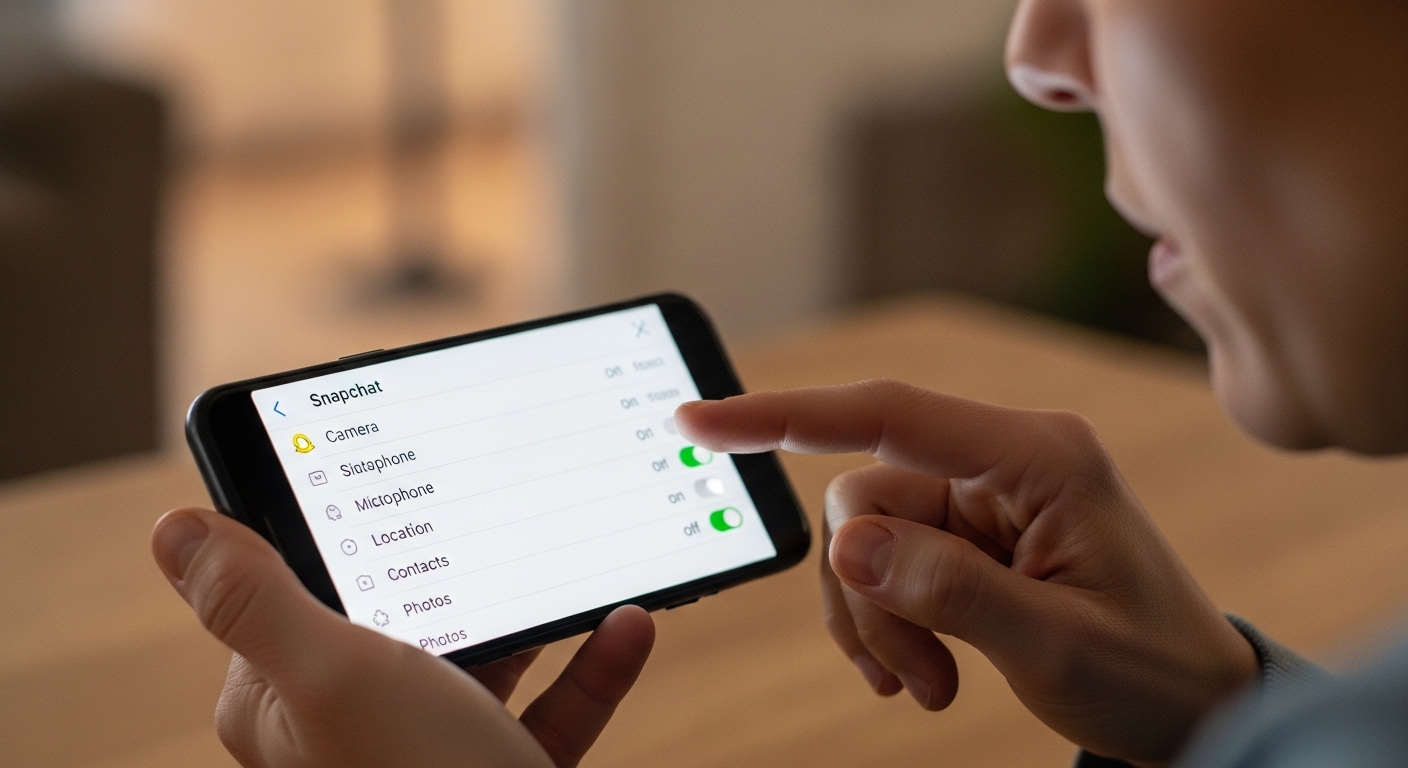
You don’t need third-party software to start monitoring Snapchat activity right away. Snapchat itself offers free tools designed for families.
Checking the phone directly or reviewing cloud backups can also reveal important details. These steps give you a solid foundation before considering anything more advanced.
Update Snapchat on both devices before linking Family Center. You can manage multiple children from a single parent account.
“I always recommend checking your active sessions weekly. Every major platform lets you see which devices are logged in. If you spot anything unfamiliar, revoke access immediately and change your password.”
Dr. Sarah Chen, Digital Forensics Expert, SANS Institute
Combine these approaches with regular device check-ins. Read our guide on finding hidden apps for more detection tips.
Which Monitoring Apps Work With Snapchat?
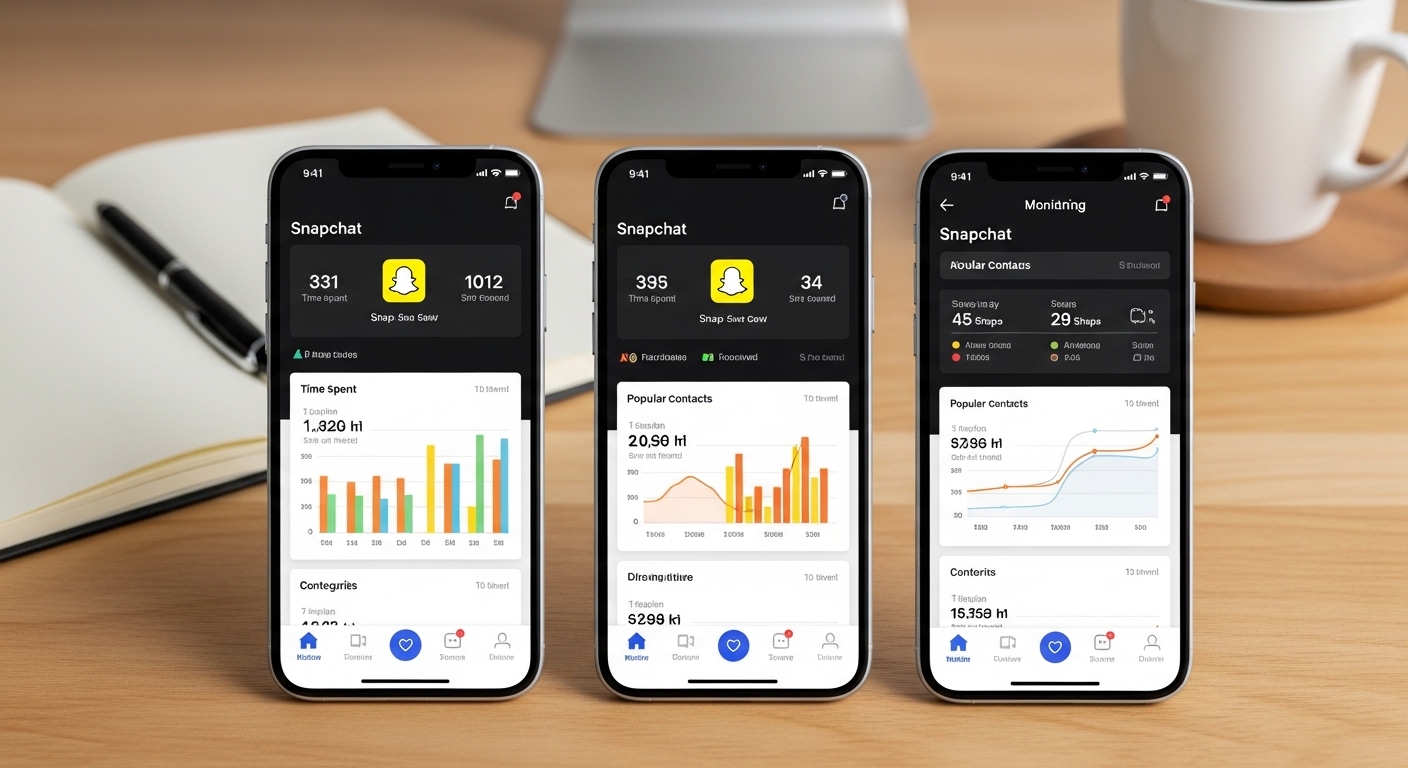
When built-in options aren’t enough, monitoring apps can give you deeper insight into Snapchat activity.
These tools capture messages before they disappear, take screenshots, and track location in real time. The right app makes monitoring Snapchat feel manageable instead of overwhelming.
Choose carefully. Look for apps that work on your child’s device type, offer stealth mode so your teen doesn’t feel spied on, and include clear dashboards. The best solutions balance safety with respect for growing independence.
Hoverwatch — Recommended Monitoring Solution
Hoverwatch stands out as a reliable way to monitor Snapchat activity on Android devices.
It captures both sent and received messages, including text, photos, videos, and drawings—even after they’re designed to disappear. You also get automatic screenshots of Snapchat screens, so nothing slips through the cracks.
Beyond Snapchat, Hoverwatch includes GPS tracking that shows your child’s location on a map with history.
It works in complete stealth mode, hiding the app icon and running silently in the background. The dashboard is simple to use and updates in near real time.
Pricing starts at just $24.95 per month, with options for multiple devices.
Setup takes only a few minutes once you have brief access to the target phone. Many parents choose Hoverwatch because it delivers exactly what they need without complicated features they’ll never use.
Key features include:
- Full Snapchat message capture (text, media, timestamps)
- Automatic screenshots of chats and stories
- Real-time GPS location tracking with history
- View story views and Snap Map activity
- Stealth mode that hides completely from the user
- Web-based dashboard accessible from any device
- Alerts for suspicious activity or new contacts
mSpy — Another Strong Option
mSpy also handles Snapchat monitoring well, especially on both Android and iOS. It captures messages and uses screenshots to preserve disappearing content. The app tracks social media broadly, so you get Snapchat data alongside other platforms your child might use.
Pricing is competitive, often starting lower than Hoverwatch for basic plans but rising with premium features. It offers similar GPS tracking and reporting tools. Some parents prefer mSpy for its polished interface and additional remote controls.
Both apps make monitoring Snapchat activity far more effective than manual checks alone. Hoverwatch edges out as the top recommendation for its straightforward Snapchat focus and affordable pricing.
Comparison of Monitoring Apps
| App | Snapchat Messages | Screenshots | GPS Tracking | Stealth Mode | Price (starting) |
|---|---|---|---|---|---|
| Hoverwatch | Yes (full capture) | Yes | Yes (real-time + history) | Yes (complete hide) | $24.95/mo |
| mSpy | Yes (via screenshots) | Yes | Yes | Yes | $19+/mo (varies by plan) |
This side-by-side view helps you pick the tool that fits your family’s needs and budget. Either option will let you monitor Snapchat activity more confidently than relying on Snapchat’s own features alone.
How Do You Set Up Snapchat Monitoring Step by Step?
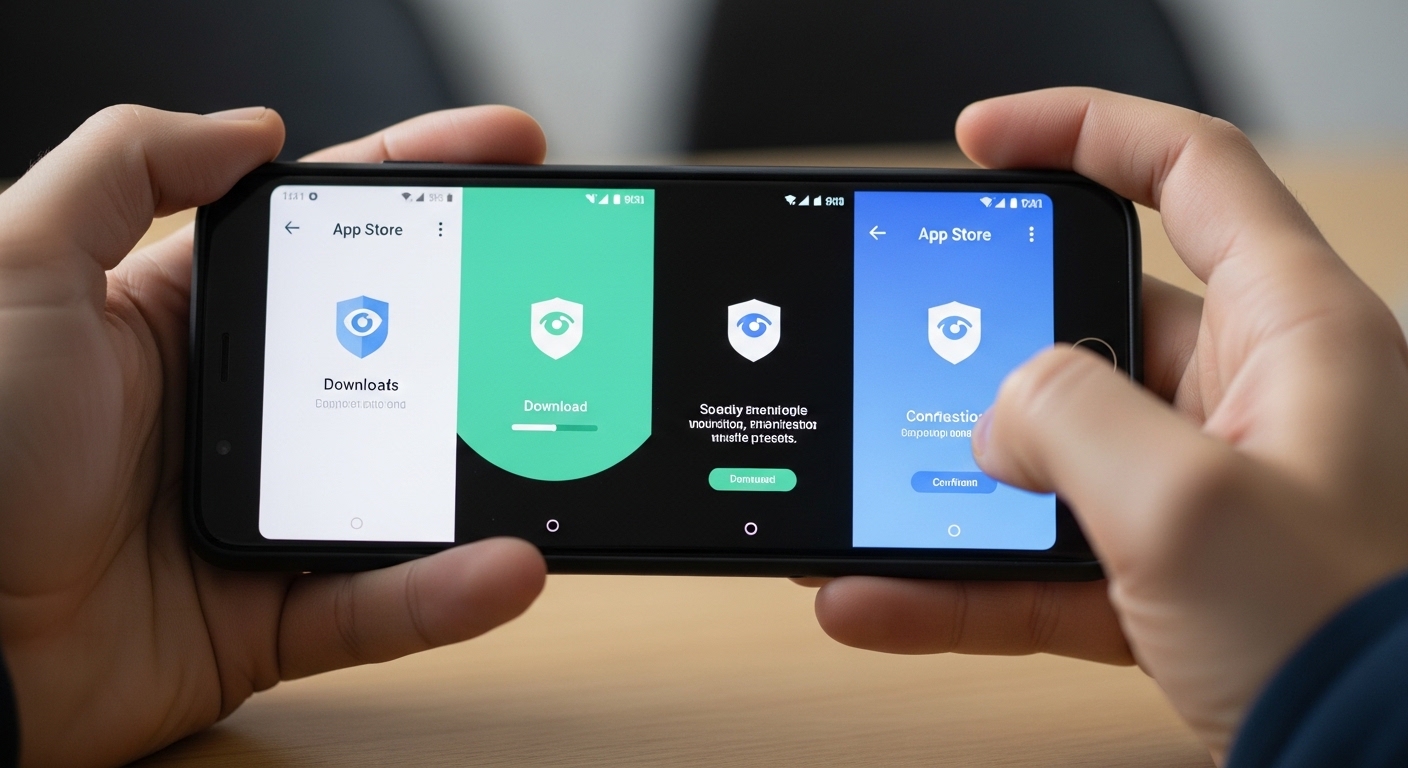
Getting started with a monitoring app like Hoverwatch is simpler than most parents expect.
The process works on Android phones and takes about ten minutes once you have physical access. Follow these steps carefully to monitor Snapchat activity safely and effectively.
First, create a free account on the Hoverwatch website using your email. Choose a subscription plan—most families start with the monthly option at $24.95. You’ll receive login details for the online dashboard immediately.
Next, briefly borrow your child’s Android phone. Open a browser and visit the Hoverwatch download page from your account.
Download the APK file directly (no Google Play Store needed). Temporarily disable Play Protect in the phone’s security settings to allow the install—this is a standard step and only takes a second.
Install the app and grant all requested permissions: accessibility, notifications, storage, and location. These let Hoverwatch capture Snapchat data accurately. The app hides itself automatically after setup, so your child won’t see any icon or notification.
Re-enable Google Play Protect after installation: Play Store → Settings → Safety → Play Protect → Turn on.
Return the phone and log into your dashboard from your own device. Within minutes, Snapchat activity begins appearing.
You’ll see full message content, snaps sent and received, story views, and even Snap Map location updates. Screenshots show exactly what your child viewed or shared.
Check the dashboard daily at first. Set up alerts for keywords or new contacts if you want proactive notifications. The whole system runs quietly in the background while you monitor Snapchat activity from anywhere.
Remember: this tool is for protection, not punishment. Use the data to guide conversations rather than confrontations. Most families find the insights strengthen their relationship instead of straining it.
How Should You Talk to Your Kids About Snapchat Safety?

Monitoring Snapchat activity works best when paired with open conversations.
Sit down with your child and explain why you’re keeping an eye on things. Frame it as care, not control: “I want you to enjoy the app safely, and I’m here to help if anything feels off.”
Set clear expectations together. Agree on when monitoring feels fair versus invasive. Many families shift from full access to spot checks as trust builds.
Mutual trust grows when kids know you’re on their team. Reassure them that mistakes won’t lead to instant punishment. Instead, use what you learn from monitoring Snapchat activity to teach better choices. Independence comes with guidance, not total secrecy.
How Can You Secure Your Own Snapchat Account?
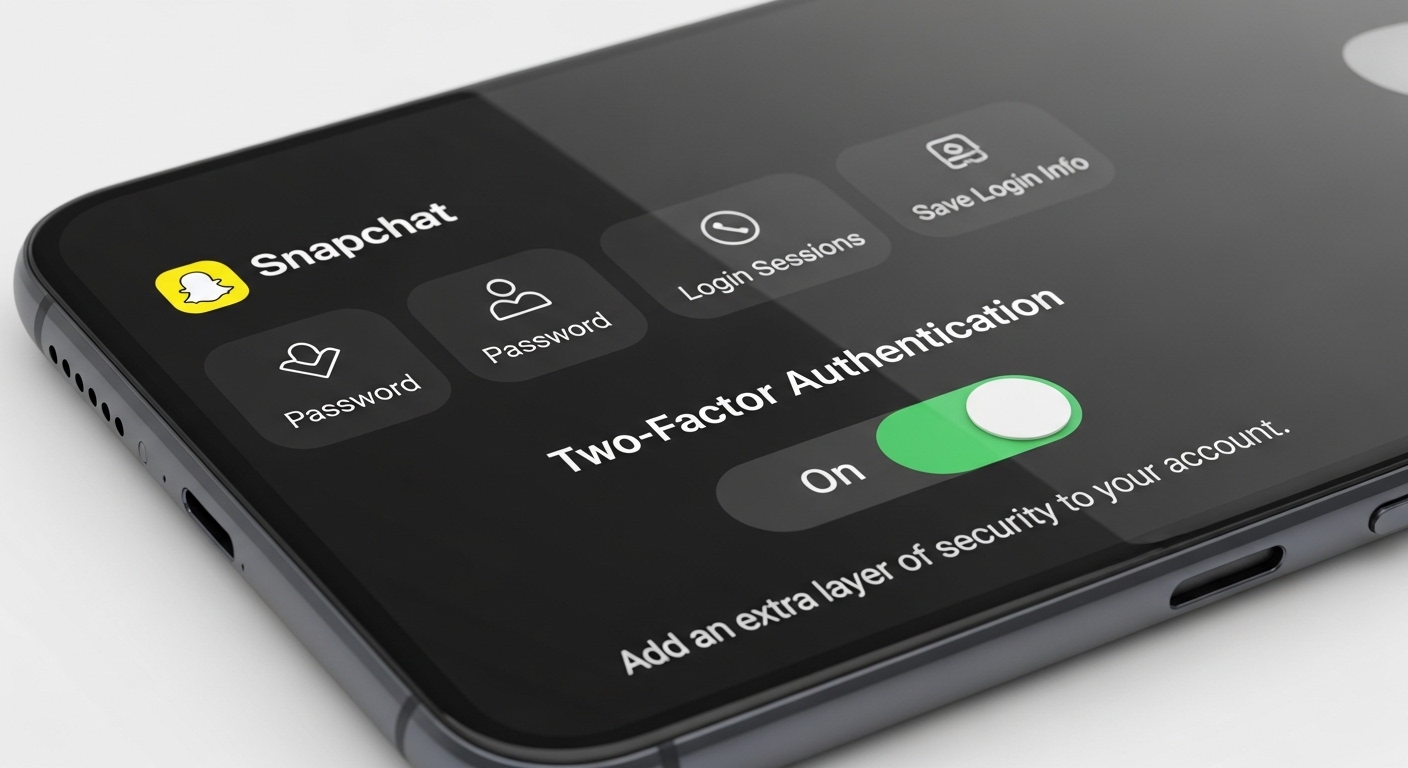
While you focus on your child’s safety, don’t forget your own account. A secure parent profile makes Family Center and any monitoring tools more reliable. Start by creating a strong, unique password that you don’t reuse elsewhere.
Enable two-factor authentication right away. Go to Settings in your Snapchat profile, tap “My Account,” then “Two-Factor Authentication.” Choose SMS or an authenticator app for the extra code. This stops unauthorized logins even if someone guesses your password.
Turn on login verification for extra peace of mind. These small steps protect your family’s linked accounts and show your child that security matters to everyone. A secure parent account lets you monitor Snapchat activity with confidence instead of worry.
Monitoring Snapchat doesn’t have to feel like a constant battle.
With the right mix of built-in tools, honest talks, and—if needed—a focused app like Hoverwatch, you can keep your child safer while giving them room to grow. Stay consistent, stay kind, and remember: the goal is connection, not control.
Final Thoughts
Snapchat’s disappearing messages make it uniquely challenging for parents. Free tools like Family Center show who your child talks to, but not what they say. For full visibility into messages and activity, Hoverwatch captures everything in stealth mode.
Start with Snapchat’s built-in Family Center — it’s free and takes 2 minutes. If you need more, Hoverwatch’s trial lets you test the full dashboard before committing. The goal is safety, not surveillance.
Frequently Asked Questions
Not in any practical way. Snapchat uses end-to-end encryption and two-factor authentication. Every website claiming to "hack any Snapchat for free" is a scam that will steal your own data. What you CAN do is install a monitoring app like Hoverwatch on the target device — it captures Snapchat activity at the device level before messages disappear.
Start with Snapchat's Family Center (free) — it shows friend lists and lets you restrict content, but doesn't show message content. For full visibility, install Hoverwatch on their phone — it captures screenshots of Snapchat conversations, logs messages, and tracks location. Takes 5 minutes to set up on Android.
Depends on the app. Snapchat's Family Center sends them a notification. Hoverwatch runs in complete stealth mode — no icon, no notifications, nothing visible. The child won't know unless you tell them. On iPhone, stealth options are more limited due to Apple's restrictions.
No. Every single one is a scam. They either steal your credentials, install malware on your device, or make you complete endless surveys that generate ad revenue for the scammer. There is no website that can retrieve a Snapchat password. If it sounds too easy, it's fake.
Enable two-factor authentication using an authenticator app (not SMS). Use a unique password you don't use anywhere else. Check Login Activity in settings regularly and kick out devices you don't recognize. Don't click links in snaps from people you don't know. Revoke access to third-party apps you don't use anymore.