Methods and Tools for Hacking the Phone

Learning how to hack a phone reveals that passwords, fingerprints, and even facial recognition can be bypassed faster than most people expect.
Understanding exactly how to hack a phone helps you shut these attacks down. Each method has a specific countermeasure that takes minutes to set up.
The techniques described here are for educational and defensive purposes only. Unauthorized access to someone’s phone violates the Computer Fraud and Abuse Act (CFAA) and equivalent laws worldwide.
How Do Hackers Steal Your Phone Password?

Hackers who know how to hack a phone exploit simple human habits and low-tech tricks that most people overlook.
The good news is that once you see how they do it, you can shut down these attacks fast.
“Password theft is still the number one entry point for phone hackers. A 4-digit PIN can be cracked in minutes, and most people use patterns so simple they can be guessed by watching someone unlock their phone once.”
Alex Rivera, CEH, OSCP
One lab test found attackers could guess the correct PIN after a single clear observation in about 64 percent of cases.
Pattern locks are the weakest option — most people start at the top-left dot and use only four nodes.
Cup your hand over the screen when entering credentials, and wipe your phone regularly with a microfiber cloth to erase smudge trails.
Switch to a strong alphanumeric password or passphrase. If you must use a pattern, make it long, start from the bottom, and repeat nodes.
Can Someone Bypass Your Fingerprint or Face Unlock?

Yes, hackers can bypass fingerprint and face unlock with inexpensive materials and a little patience. Biometrics add convenience but never replace a strong password as your primary defense.
Fingerprint Scanner Bypass
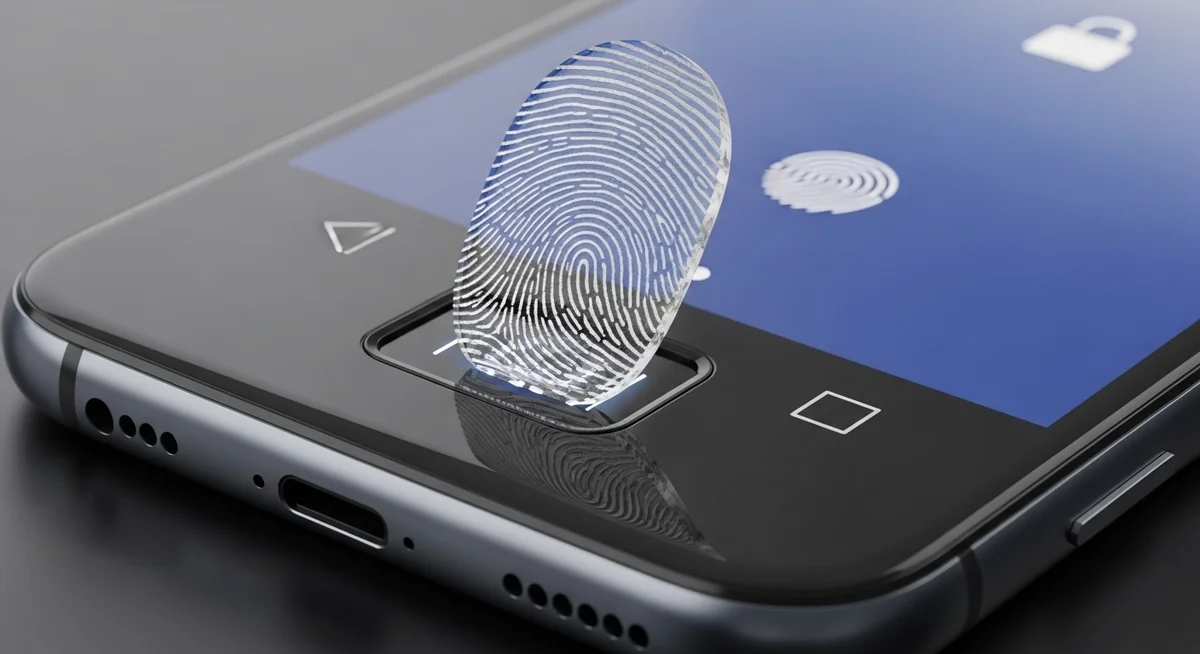
The Chaos Computer Club demonstrated how to lift a print from a glass surface, photograph it at high resolution, and create a silicone mold.
They used laser printers, transparent sheets, and wood glue to produce a fake finger that fooled capacitive sensors.
Modern sensors vary in technology. Capacitive ones read electrical differences in skin ridges. Optical scanners capture light reflections. Ultrasonic models send sound waves for a 3D map. None are perfect.
Real-world tests prove fingerprint bypasses work in under ten minutes with under fifty dollars in supplies. Your fingerprints are public data you leave on every surface you touch.
Defense starts with basic hygiene: clean your screen often, register only one or two fingers, and keep a strong PIN as backup that activates after restarts or every few hours.
Facial Recognition Exploits
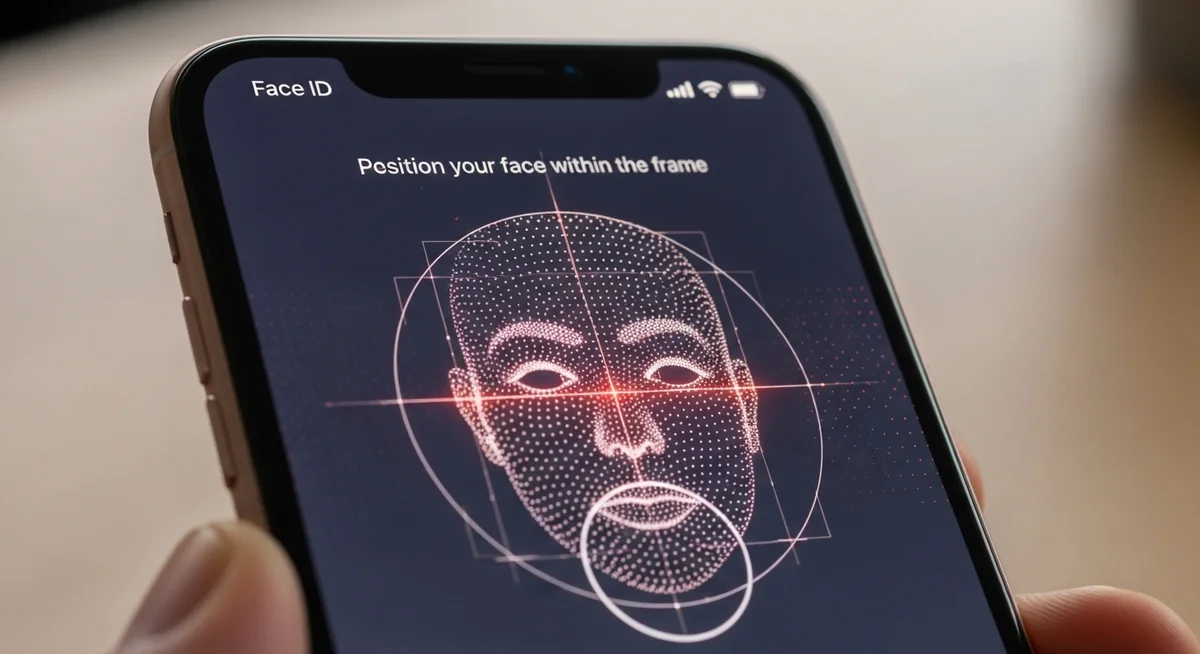
On many Android phones, a printed photo unlocks the device if the system only checks 2D images.
Anyone learning how to hack a phone targets older or budget models that rely on front-camera photos alone.
Apple’s Face ID projects 30,000 infrared dots for 3D mapping with a false match rate of approximately one in one million. Yet even this has.
Enable the highest security setting available, require a PIN after failed attempts, and turn on attention awareness if offered. Treat biometrics as a convenience layer, not a fortress.
How Do Attackers Hack a Phone Remotely?

Remote phone hacks succeed by targeting the weakest link between you and your data: trust. Hackers rarely break encryption directly. They trick you or your carrier into handing over access.
SIM Swapping — The Biggest Threat
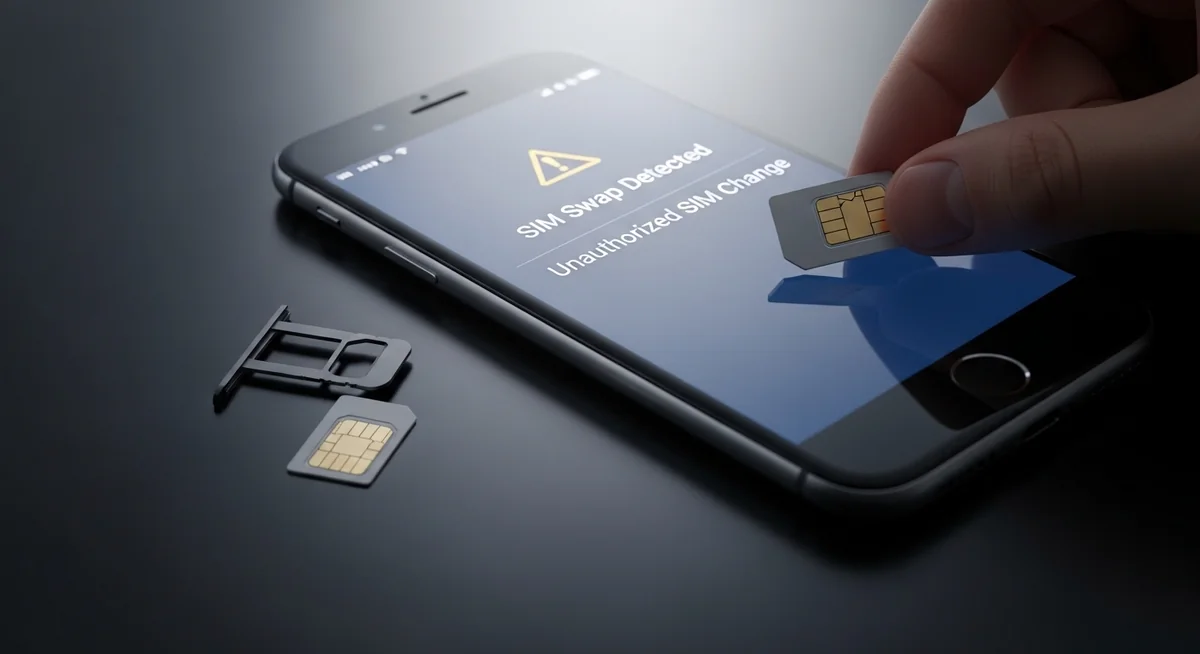
The attacker gathers your personal details from data breaches or social media, then calls your carrier pretending to be you.
They request a new SIM card tied to your number. Once activated, all your calls, texts, and two-factor codes route to them.
SIM swapping lets attackers reset banking passwords, email accounts, and crypto wallets using your hijacked phone number. Security researchers showed an 80 percent success rate.
With your phone number, they bypass SMS-based two-factor authentication on every account linked to that number.
Contact your carrier today and add a unique PIN plus a port-out lock. Switch to app-based authenticators instead of SMS codes — this single change blocks most account takeovers.
Malware and Spyware
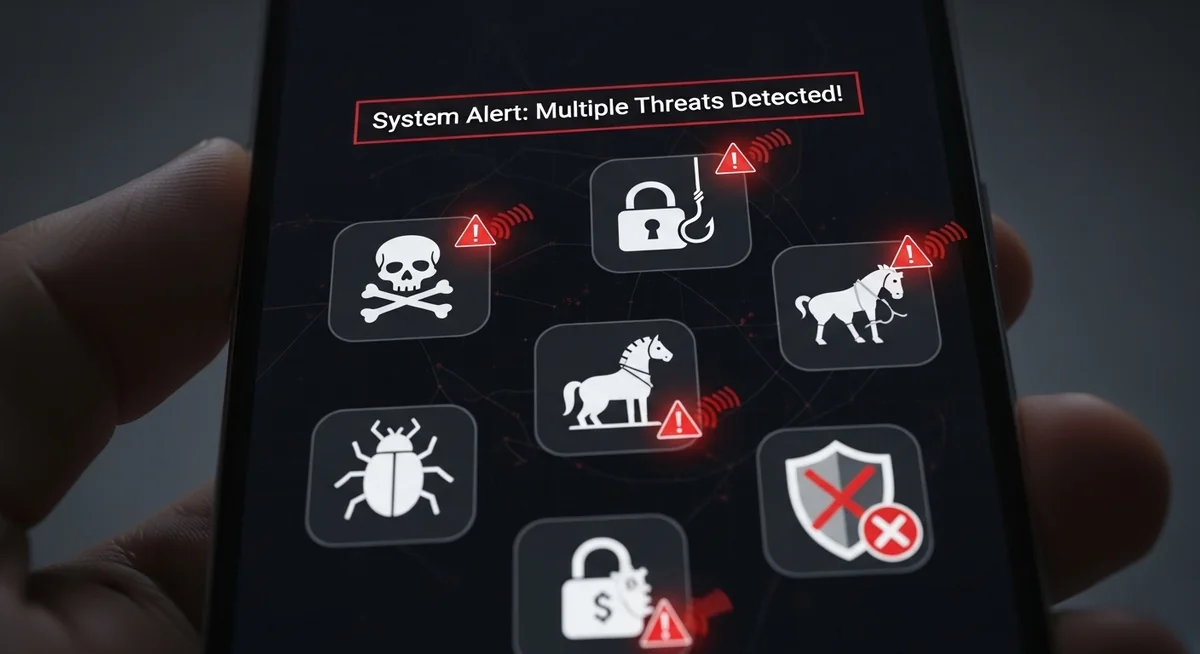
Malware slips onto phones through phishing links, fake apps, or compromised public Wi-Fi. Once installed, spyware quietly records messages, activates the camera and microphone, tracks location, and steals keystrokes.
Sideloaded APKs from third-party stores bypass official app review. Fake banking or social apps look identical to the real ones but harvest every credential you enter.
Prevention is straightforward. Stick to official app stores, keep your OS updated, avoid clicking links in unsolicited messages, and use mobile security software that scans downloads in real time.
Social Engineering
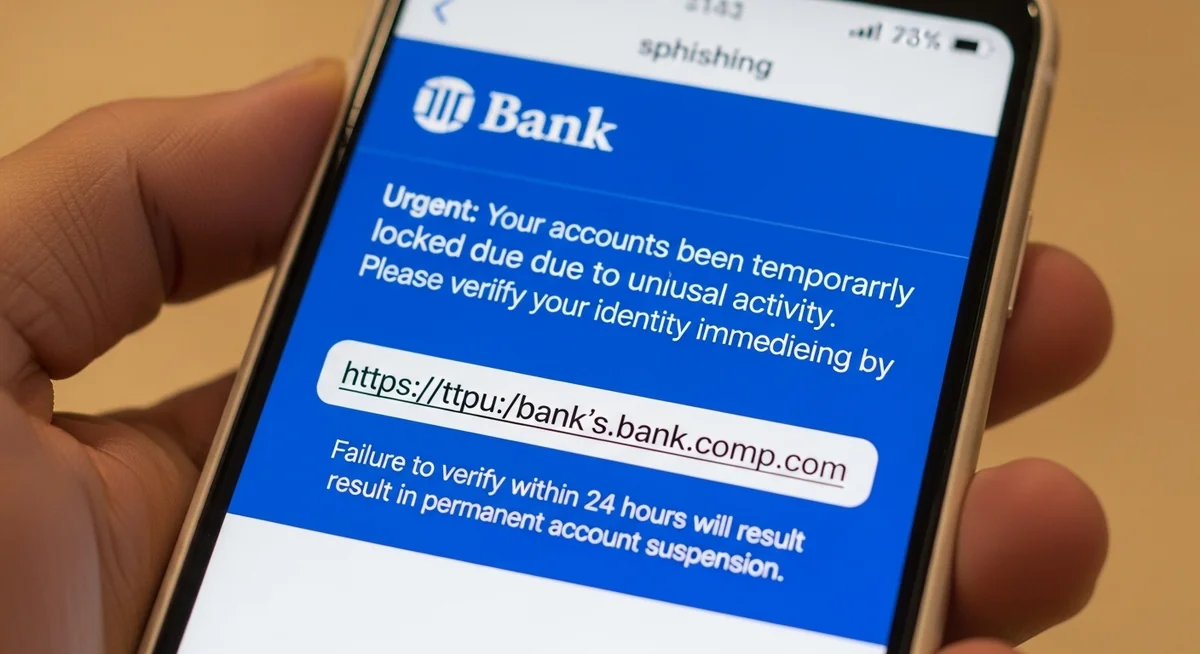
Social engineering remains the most reliable method because no firewall blocks a helpful human. Attackers pose as tech support, bank representatives, or even your boss.
Verizon’s Data Breach Investigations Report shows social engineering plays a role in approximately 74 percent of successful breaches where human factors are involved.
People voluntarily hand over credentials because the request sounds legitimate.
The defense against anyone trying to hack a phone through social engineering: never share codes over phone or email, and verify through a second channel.
Is There a Legal Way to Access Someone’s Phone?

Yes, parents can legally monitor a child’s phone with proper authority and consent. The key difference is transparency and legality versus unauthorized hacking.
“The line between monitoring and hacking is consent. A parent installing Hoverwatch on their child’s phone is responsible parenting. The same app on an adult’s phone without permission is a federal crime.”
Dr. Sarah Chen, Digital Forensics Expert, SANS Institute
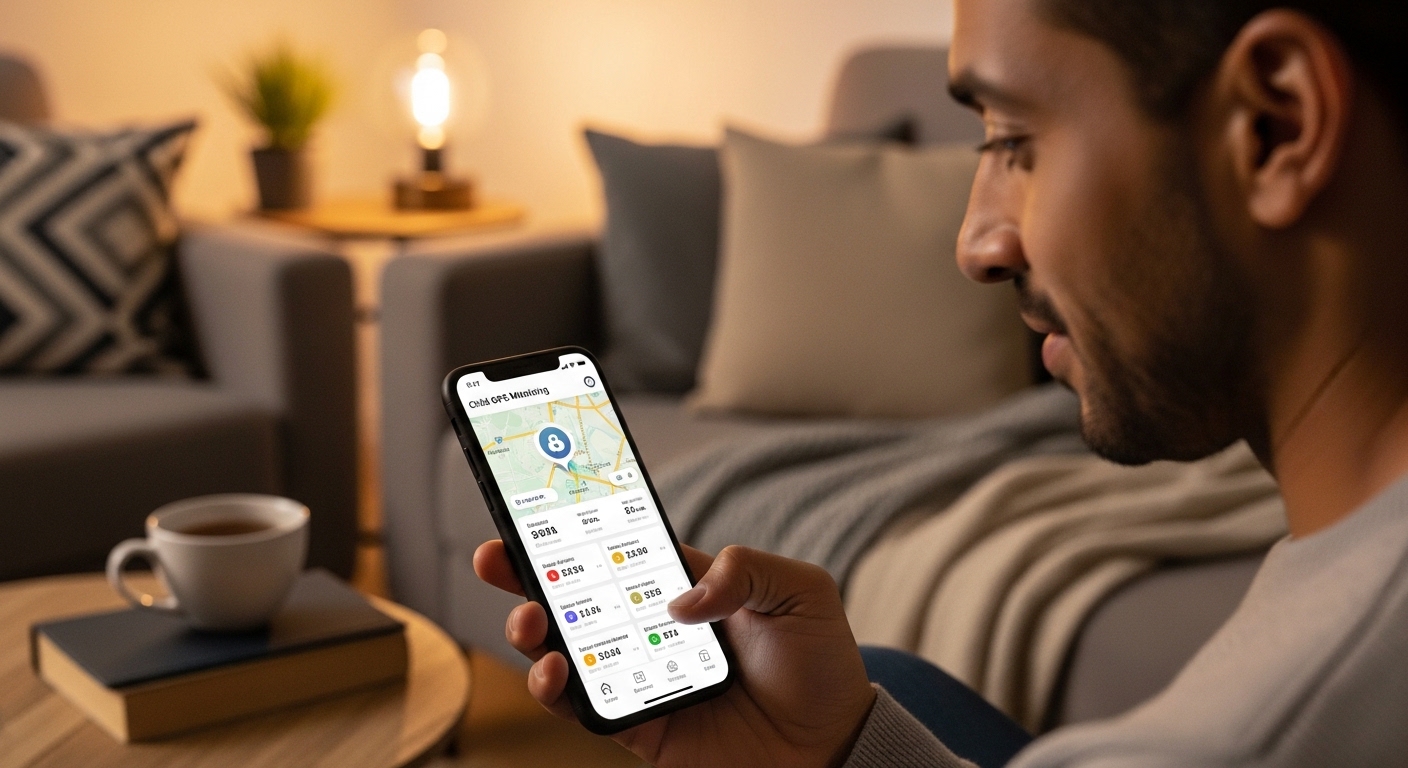
Hoverwatch delivers GPS tracking, message and call logs, screenshots, and full app activity in stealth mode. Setup takes minutes on any Android device. Plans start at $24.95 per month.
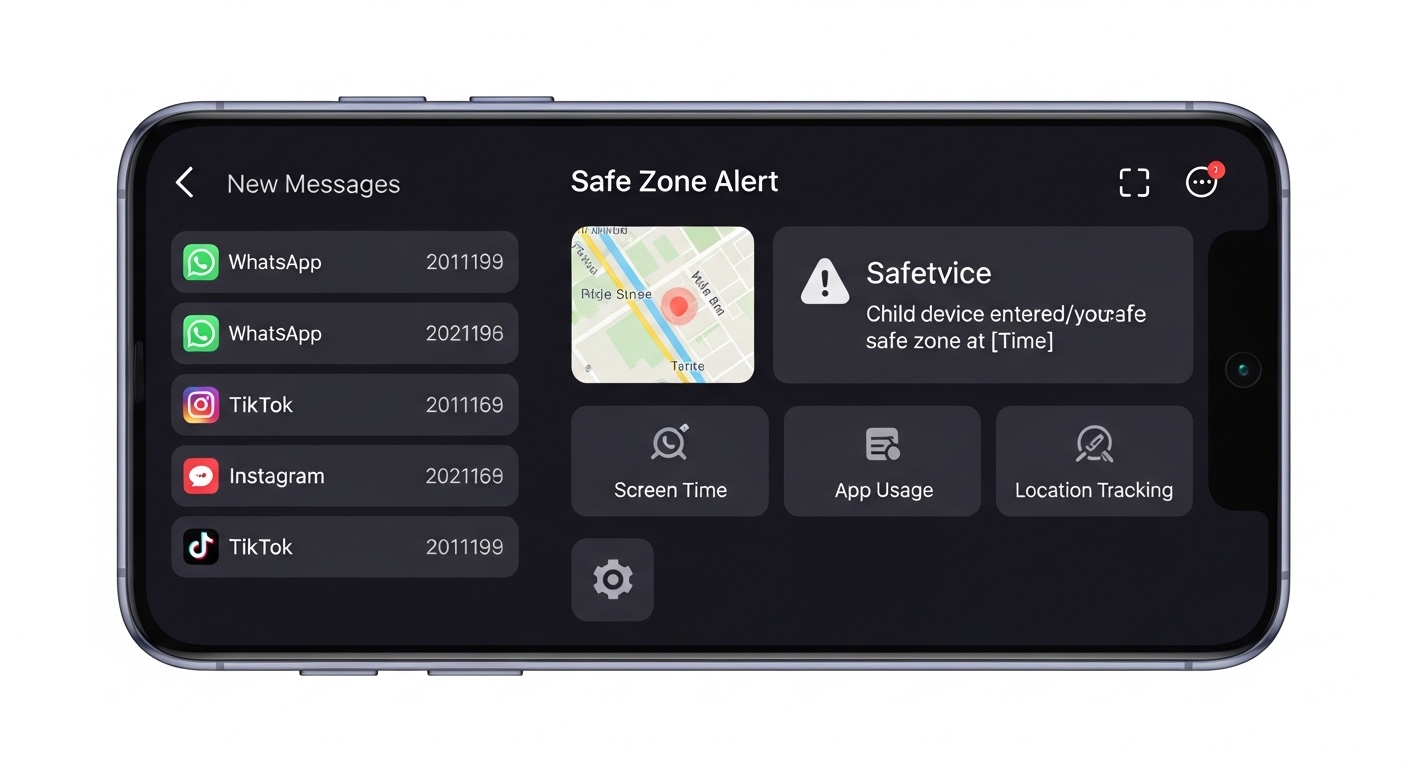
Alternatives include mSpy for comprehensive tracking and Google’s Family Link for lighter built-in controls focused on screen time and app limits. Always review local laws before installing.
Unlike knowing how to hack a phone illegally, Hoverwatch respects legal boundaries. Read our full Hoverwatch review for feature details.
This approach gives peace of mind without crossing into criminal territory. It is monitoring with permission, not hacking.
How Do You Protect Your Phone From Being Hacked?

Protecting your phone requires layered defenses that cover every possible entry point. One strong measure helps, but combining several makes you a hard target.
| Defense Layer | Action | Blocks |
|---|---|---|
| Authentication | Long alphanumeric password or passphrase | Shoulder surfing, pattern guessing |
| Biometrics | Fingerprint/face as convenience layer only | Casual physical access |
| Two-Factor Auth | App-based codes instead of SMS | SIM swapping, account takeover |
| Software Updates | Install OS and app updates immediately | Known exploits, zero-days |
| App Hygiene | Official stores only, disable sideloading | Malware, fake apps |
| Network Security | VPN on public Wi-Fi, no auto-connect | Man-in-the-middle attacks |
| Carrier PIN | Unique PIN + port-out lock | SIM swap attacks |
Run through this checklist once a month. App-based 2FA on your email combined with a carrier lock stops the majority of remote attacks before they start.
Physical security matters too. Never leave your phone unattended, use a privacy screen protector in public, and wipe down the device to erase smudges.
Final Thoughts
Every phone hack covered here has a specific, practical countermeasure. A strong password, app-based 2FA, and a carrier PIN together block the vast majority of attacks — and all three take less than ten minutes to set up.
Stay curious about new threats but consistent with the basics. The techniques behind hacking a phone evolve constantly, yet the fundamentals of vigilance remain your strongest defense.
Frequently Asked Questions
Extremely hard — practically impossible for regular people. Knowing a phone number lets you try SIM swapping (calling the carrier to transfer the number) or send phishing texts, but neither is "hacking the phone." Real remote exploits targeting a phone number cost millions and are used by intelligence agencies, not regular hackers. Anyone online claiming they can hack a phone from just a number is running a scam.
Technically yes, through phishing links, malicious apps, or zero-day exploits. But zero-days are rare and expensive (Pegasus-level). The realistic remote threats are: phishing texts/emails that trick you into entering credentials on fake sites, malicious apps you install yourself, and SIM swapping. Keep your OS updated, don't click suspicious links, and use app-based 2FA — that blocks 95% of remote attacks.
With commercial spyware installed on the device, yes — apps like mSpy or FlexiSPY can access messages, camera, mic, location, and more. But they require physical access to install (5-10 minutes with the unlocked phone). For parents monitoring minor children, legitimate apps like Hoverwatch provide this visibility legally. For anyone else, installing such software without consent is a federal crime.
Zero trustworthy. Every single "hire a hacker" service online is a scam. They'll take your money and either deliver nothing, send you fake screenshots, or steal your own information in the process. Real cybersecurity professionals work for companies, not on Telegram channels. If you need access to your own locked account, use the platform's official recovery tools. If you need evidence of infidelity, hire a licensed private investigator.
It's possible with spyware, but it requires either physical access to install malware or you clicking a malicious link that installs it remotely. The LED indicator on modern phones lights up when the camera is active — if you see it without taking a photo, that's a red flag. Regularly check app permissions (especially camera/mic), keep your OS updated, and cover your front camera with a slider if you're concerned. Government-grade tools can bypass indicators, but they target journalists and politicians, not regular people.