How to Track the Phone Location for Free
You can track any phone’s location for free using Find My (iPhone) or Find My Device (Android) — both show real-time GPS, let you ring or lock the device, and work even offline.
For family tracking, Google Maps sharing and Life360 cost nothing and work cross-platform.
Free tools handle 90% of tracking needs. When you need messages, call logs, or stealth mode, apps like Hoverwatch fill the gap starting at $24.95/month.
Tracking someone’s phone without consent is illegal in most jurisdictions. Legal uses: your own devices, your minor children’s phones, and company devices with employee disclosure.
How Can You Track an iPhone Location for Free?
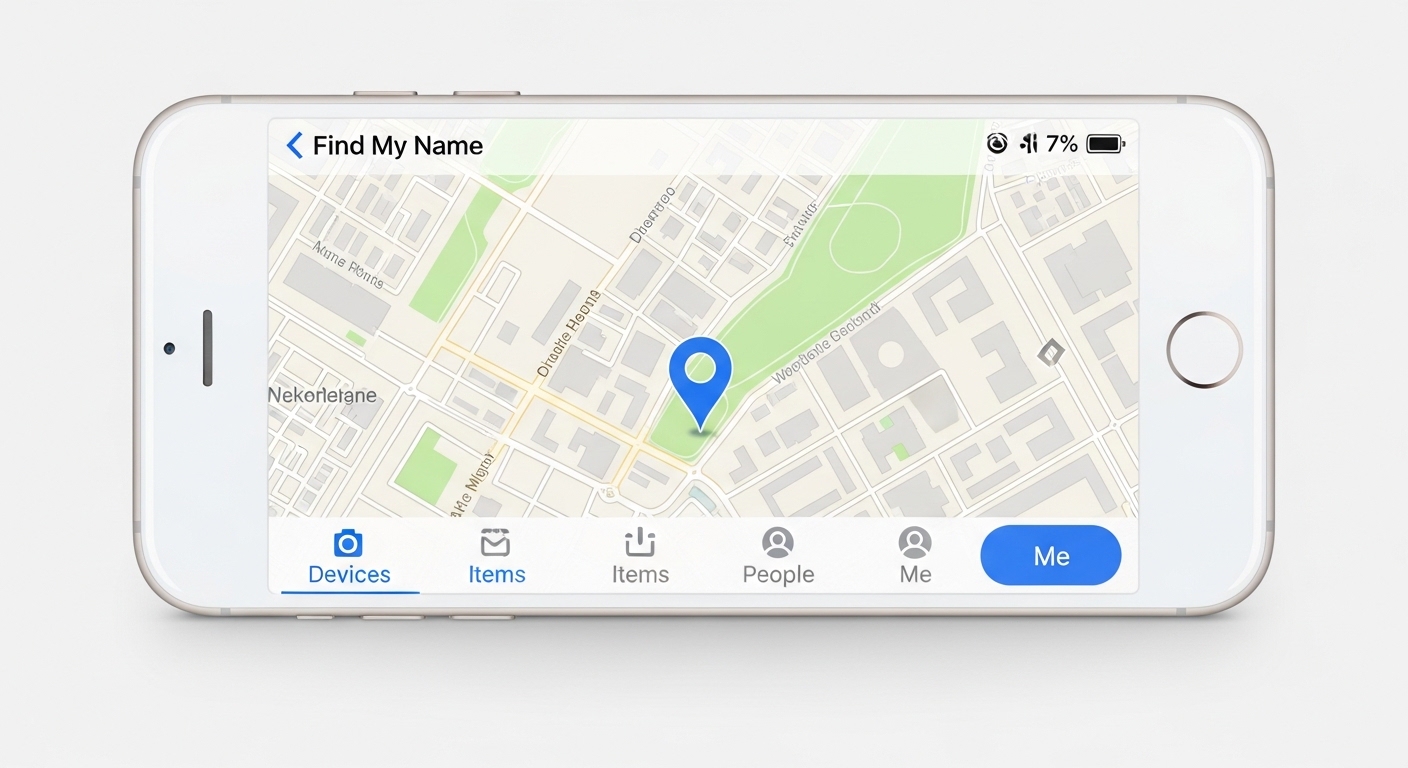
You can track phone location free on any iPhone using Apple’s own tools. No third-party apps or subscriptions — just your Apple ID and a few settings tweaks.
Find My iPhone
To locate: open the Find My app on another Apple device, or go to iCloud.com/find in any browser. You’ll see a live map pin, battery level, and three buttons: Play Sound, Lost Mode, and Erase iPhone.
Enable “Send Last Location” — it transmits GPS when battery hits critical level, giving you one last fix before the phone dies.
Apple Family Sharing
Family Sharing lets up to six members see each other’s location in Find My, completely free. Go to Settings → your name → Family Sharing → Location Sharing, and invite members by Apple ID.
Set arrival or departure alerts for specific addresses — school, home, sports practice. You get a ping when someone reaches or leaves that spot. Each member can stop sharing at any time.
iMessage and AirTag Tricks
In any iMessage conversation, tap the contact’s name, then Share My Location. Choose one hour, until end of day, or indefinitely — the recipient sees a live map inside the chat.
For physical tracking, pair an AirTag with your iPhone through Find My. Attach it to keys, a bag, or a backpack. Precision Finding on iPhone 11+ guides you with arrows and exact distance like a built-in compass.
“The single best thing parents can do is enable Find My or Find My Device before anything goes wrong.
It takes 30 seconds and costs nothing. I see families every week who only realize they need tracking after their kid’s phone is lost or stolen.”
Alex Rivera, CEH, OSCP
How Can You Track an Android Phone for Free?
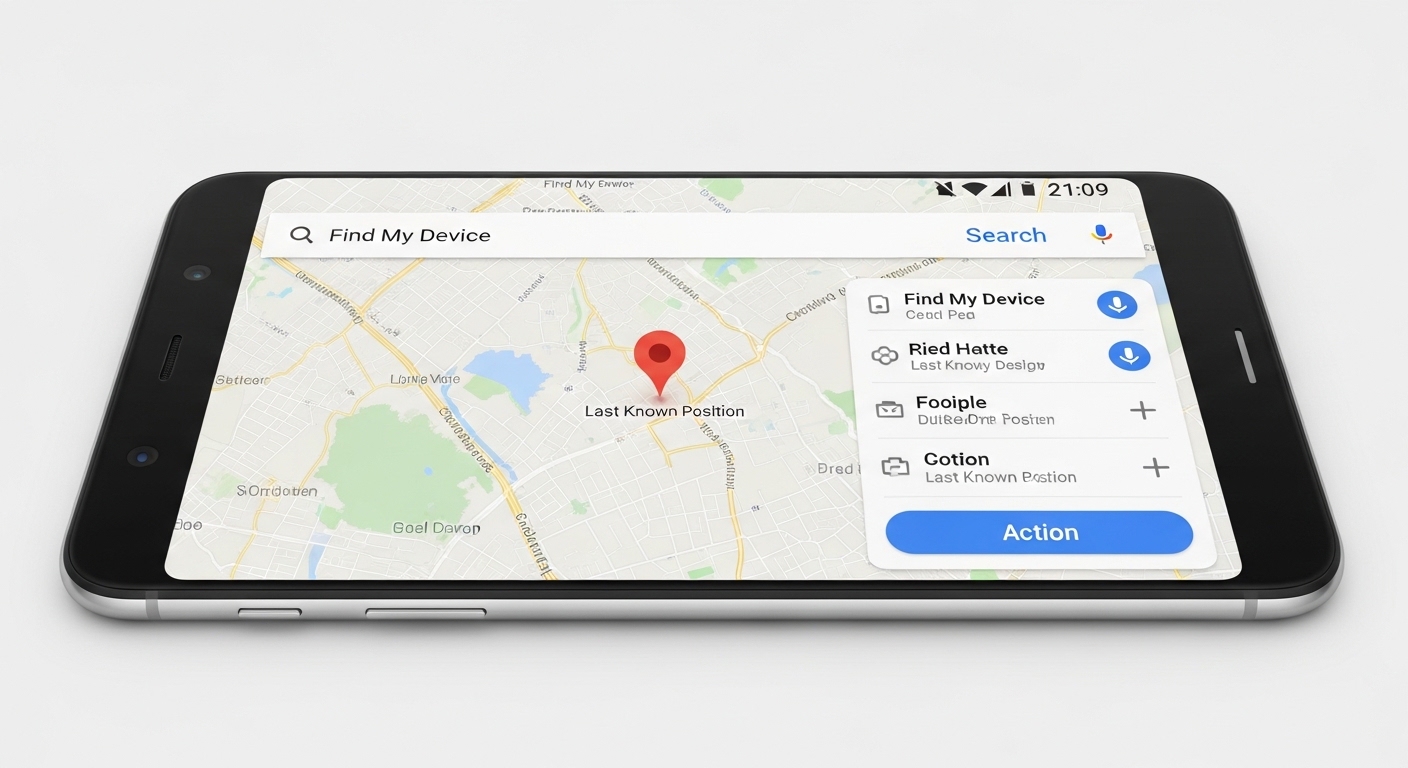
You can track phone location free on any Android using Google’s built-in services. A Google account is all you need, and the tools work even offline in many cases.
Google Find My Device
Open Settings → Google → Find My Device → toggle on. To locate: visit android.com/find on any browser or say “Hey Google, find my phone” to any Assistant device.
Sign in with the same Google account to track phone location free on the map.
Choose Play Sound, Secure Device, or Erase Device. Offline finding uses nearby Android phones through Bluetooth.
Google Family Link
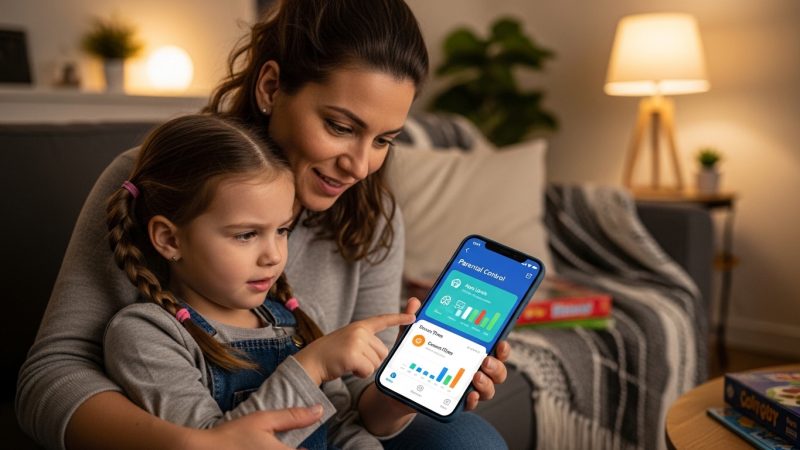
Family Link does more than track phone location free — it gives parents full controls.
Download the app, create a child account, and follow the pairing steps. You get live GPS, app usage reports, screen-time limits, content filters, and the ability to approve or block downloads.
Family Link works on cellular data without WiFi. GPS updates every few minutes, and you see the last known location even if the phone goes offline.
Google Maps Location Sharing
Open Google Maps → profile → Location sharing → choose a contact or copy a link.
Set it to “Until turned off” for permanent sharing. The recipient sees live location, battery level, and ETA — works cross-platform between Android and iPhone.
Samsung Find My Mobile
Samsung owners get extras through Samsung account: remote unlock (even with PIN locked), Galaxy Buds and Watch tracking, and extended battery mode. Go to Settings → Biometrics and security → Find My Mobile. Track at findmymobile.samsung.com.
Which Free Tracking Apps Actually Work?
Several free apps go beyond built-in tools. They add family circles, driving alerts, and temporary sharing that works cross-platform.
Each app helps you track phone location free with unique extras. Learn how to install GPS tracker apps on any device.
| App | Key Free Features | Limitations | Best For |
|---|---|---|---|
| Life360 | Family circles, driving alerts, crash detection, 30-day history | Advanced reports need premium | Families wanting safety extras |
| GeoZilla | Geofencing, SOS button, battery saver | History limited to 30 days | Parents needing zone alerts |
| Glympse | Temporary links, no app for recipients | No permanent sharing | Quick one-time shares |
| WhatsApp / Telegram | Encrypted live location, auto-expiration | Only inside the chat app | Everyday friends and couples |
Each method offers different trade-offs between accuracy and ease of setup. Choose the one that best fits your situation and the level of cooperation from the phone owner.
Can You Track a Phone Without Installing Any App?
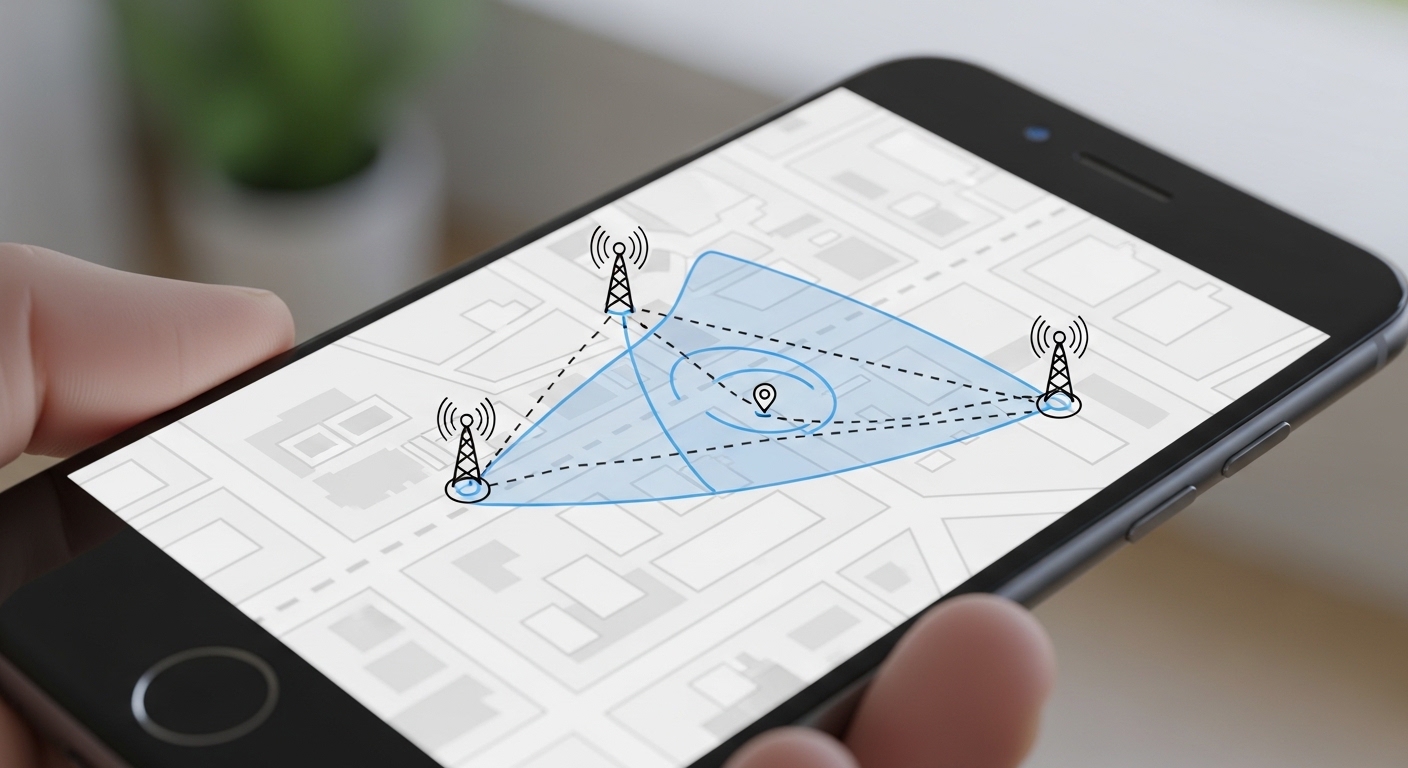
Yes — carrier services, Google Timeline, and social media check-ins all work without extra installs.
Verizon, AT&T, and T-Mobile offer family locator plans through their websites. Log in with your account, add family lines, and see locations on a shared map — usually included with family plans at no extra cost.
IMEI tracking through carriers works only when you report the phone lost — they can ping it internally. You can’t do this yourself online, but it’s free once the carrier is involved.
Google Timeline shows every place the phone has been if Location History was ever enabled. Visit timeline.google.com, sign in, and scroll through the day’s route — no app needed.
Any website promising to track a phone by IMEI or phone number for free is a scam. Real tracking requires the owner’s account credentials or carrier cooperation.
When Should You Upgrade to a Paid Tracker?

Upgrade when free tools only show location and you need messages, call logs, or stealth mode. Free options stop at basic tracking — paid tools fill in the rest.
Hoverwatch is the natural next step to track phone location free and beyond. Read our full Hoverwatch review for the complete feature breakdown.
Free tools show where the phone is. Hoverwatch shows what’s happening on it. Setup is simple: create an account, choose your plan, install on the target phone. Works on Android and iPhone with no rooting required.
Most families start with free tracking and upgrade when their child becomes more active on social media. Hoverwatch’s 3-day trial lets you test the full dashboard before committing.
What If Free Tracking Isn’t Working?

Most fixes take under a minute. Here are the three common problems.
“Free trackers are perfect for knowing where a phone is.
But if you need to know what’s happening on it — messages, apps, browsing — that’s a different category entirely. The upgrade path is clear: start free, add paid only when you need more.”
Dr. Maria Santos, Cybersecurity Researcher, MIT CSAIL
Location not updating: Check that GPS is on and the phone isn’t in battery saver mode. Restart the device and make sure it has Wi-Fi or cellular data. Battery saver often disables background location updates.
Inaccurate position: Indoor spots and tall buildings confuse GPS. Move near a window or wait for the phone to grab a stronger signal. Urban canyons between skyscrapers need a minute or two to correct.
Can’t see family member: Check if location sharing expired or you’re signed into the wrong account. Ask them to open the app and confirm sharing is still active. One quick toggle usually fixes it.
Final Thoughts
Every smartphone has free GPS tracking built in — enable Find My (iPhone) or Find My Device (Android) before you need it. For family circles, Life360 and Google Maps sharing cost nothing and work cross-platform.
Start with what’s already on your phone. When you need more than a dot on a map — message monitoring, stealth mode, app tracking — Hoverwatch is the upgrade most families choose.
Frequently Asked Questions
Yes — but only for your own devices or ones where you have access. Go to icloud.com/find (iPhone) or google.com/android/find (Android), sign in with the device's account, and you'll see its location on a map instantly. These are completely free, run by Apple and Google, and don't require installing anything. Any other site claiming to track "any phone by number for free" is a scam — ignore them.
You can't track a random phone number for free — that requires carrier-level access. What you CAN do for free: use Find My Device (Android) or Find My (iPhone) if you have the account credentials. For family, set up Google Maps location sharing or Apple Family Sharing — both parties need to agree. Life360 is a solid free app for family circles. Anything promising to track a number you don't own is either a scam or illegal.
Only with very limited methods. If they share location via Google Maps or iMessage, you can see them without installing anything on their end. You can also check Find My Device if you know their Google account. But for real-time GPS tracking without their cooperation — no, consumer tools can't do that. Carrier triangulation exists but requires law enforcement authorization. Don't believe apps that promise otherwise.
If Find My or Find My Device was already set up, you can track from any browser without touching the phone. For iPhone: icloud.com/find with the Apple ID. For Android: google.com/android/find with the Google account. If these weren't set up beforehand, your options are limited — contact the carrier with proof of ownership (they can help with stolen phones), or check Google Maps Timeline if location history was enabled.
No. Despite what dozens of websites claim, you cannot track any phone using just a phone number without carrier cooperation. Apple's Find My requires your Apple ID, not a phone number. The only way a phone number helps is if you contact your carrier directly — and they'll need to verify you're the account holder. Any site offering "phone number tracking" is harvesting your data or running a payment scam. Stick to Find My.



A lot of people need hacking services you just need to be sure of who you work. Write for ordinary people how to put the program on another phone.