Phone Cloning: What It Is, How It Works, and How to Prevent It

Your phone holds your entire life — bank accounts, private conversations, photos, and passwords. Phone cloning is a real threat that can hand all of that to a stranger without you ever realizing it happened.
This guide explains exactly what phone cloning is, how attackers pull it off, the warning signs to watch for, and the concrete steps you can take to protect yourself and your family.
Phone cloning techniques are described here for educational purposes only. Using these methods to access someone else’s device without consent is illegal in most jurisdictions.
What Is Phone Cloning and How Does It Threaten Your Privacy?
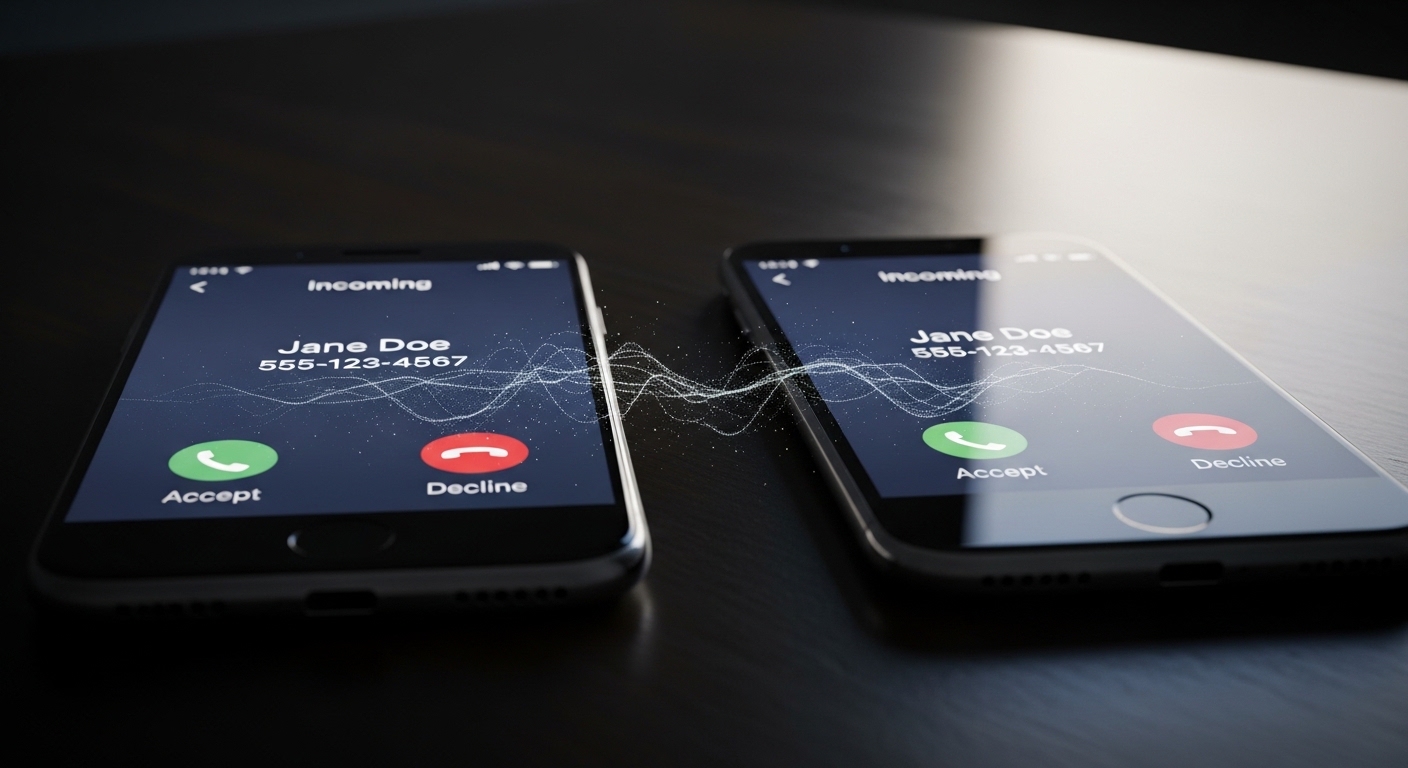
Phone cloning is the process of copying the identity of one mobile device onto another. Once cloned, the second device can receive calls, intercept text messages, and access accounts tied to your phone number.
The attacker essentially becomes you — at least as far as your carrier and online services are concerned.
The real danger goes beyond unauthorized calls. A cloned phone can intercept two-factor authentication codes sent via SMS, giving attackers access to your email, banking apps, and social media.
According to the FBI’s Internet Crime Complaint Center, SIM swap attacks — a form of phone cloning — caused over $68 million in losses in a single year.
SIM swap attacks surged 86% in 2025, with executives, crypto holders, and social media influencers being the primary targets.
How Does Phone Cloning Actually Work?
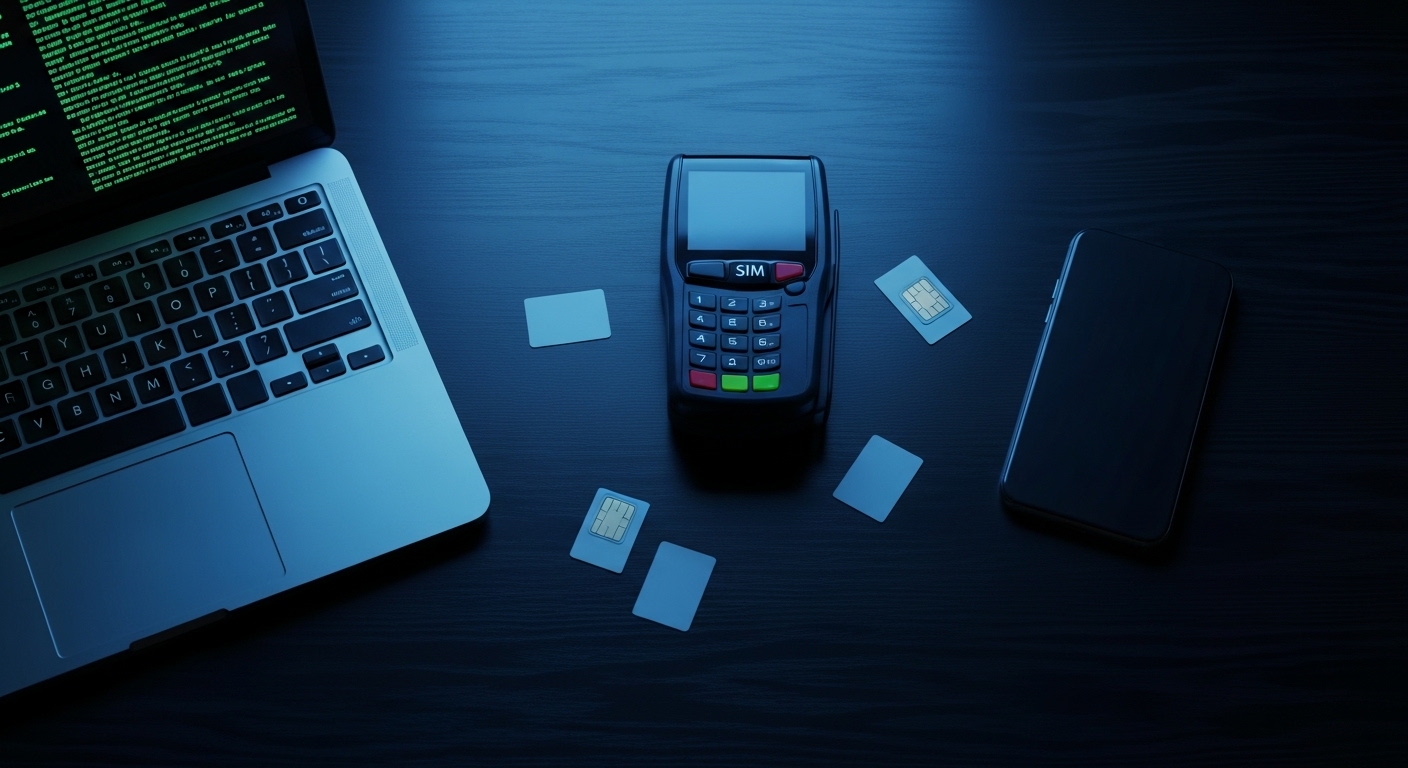
Phone cloning can happen through several distinct methods, each exploiting a different vulnerability. The approach an attacker chooses depends on what they are trying to achieve and how much access they have to the target.
If someone accesses your iCloud or Google account, they can see your messages, photos, location history, and passwords — without touching your device.
“Most people think phone cloning requires sophisticated hardware. In reality, the majority of attacks we investigate start with a simple phishing email or a social engineering call to the carrier.”
Alex Rivera, CEH, OSCP
Each method has different requirements and different levels of risk. Understanding them helps you recognize which defenses matter most for your situation.
What Are the Warning Signs Your Phone Has Been Cloned?
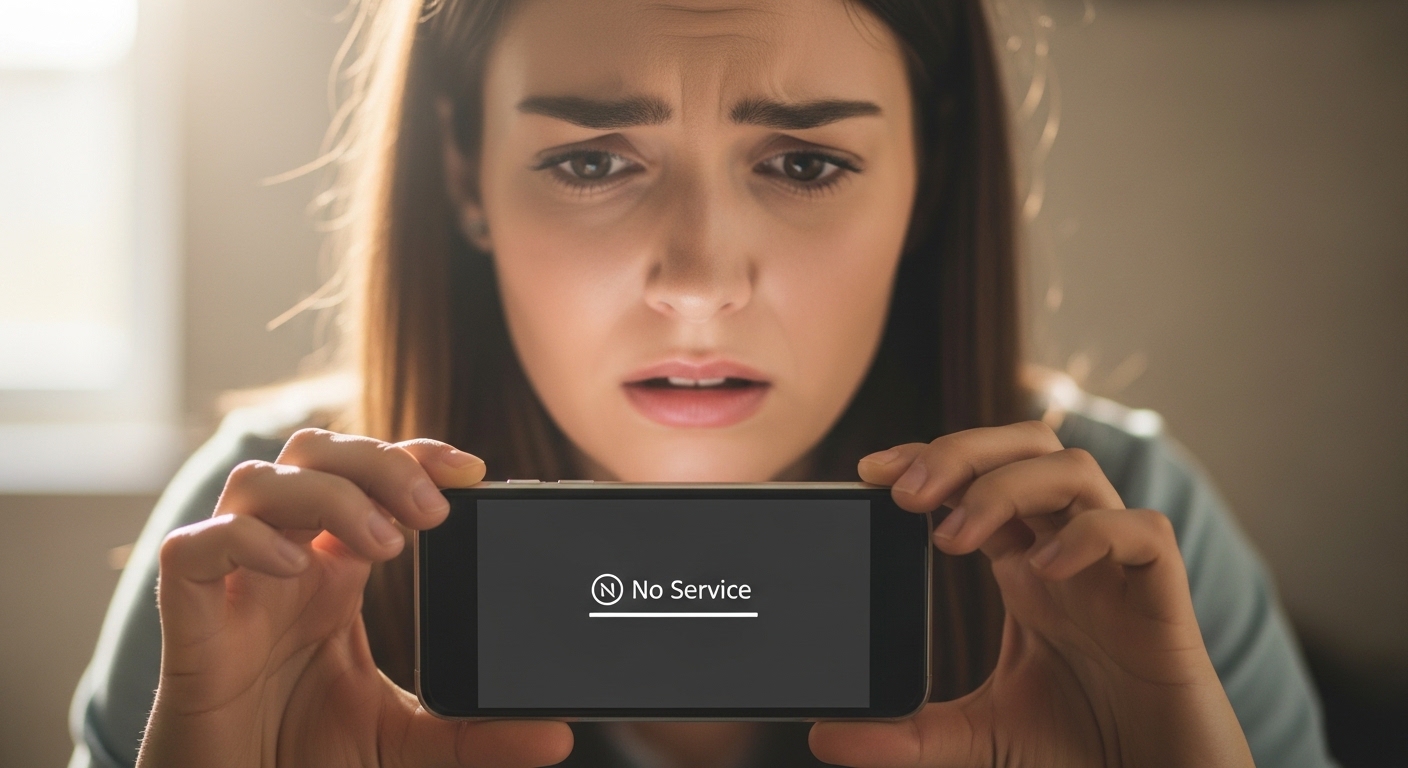
Phone cloning often goes undetected for days or even weeks. However, there are specific red flags that should raise your suspicion immediately.
| Warning Sign | What It Means | Urgency |
|---|---|---|
| Sudden loss of cellular service | Your SIM may have been deactivated when a clone was activated | High — act immediately |
| Unexpected charges on your bill | Someone is making calls or sending texts using your number | High |
| Password reset emails you didn’t request | Attacker intercepting SMS 2FA codes to access your accounts | Critical |
| Unusual battery drain | Spyware or cloning software running in the background | Medium |
| Strange texts or calls in your log | Cloned device activity appearing in your records | High |
| Carrier notifications about new SIM | Someone requested a SIM replacement using your identity | Critical — call carrier now |
The most alarming sign is a sudden and complete loss of cellular service. When an attacker activates a cloned SIM, your original gets deactivated by the carrier.
If your phone unexpectedly shows “No Service” in an area where you normally have signal, contact your carrier immediately. Learn more about signs that your phone has been tapped.
Set up your carrier’s account alerts. Most providers can send email or push notifications whenever a SIM change is requested, giving you an early warning before damage occurs.
How Can You Check If Your SIM Card Has Been Compromised?
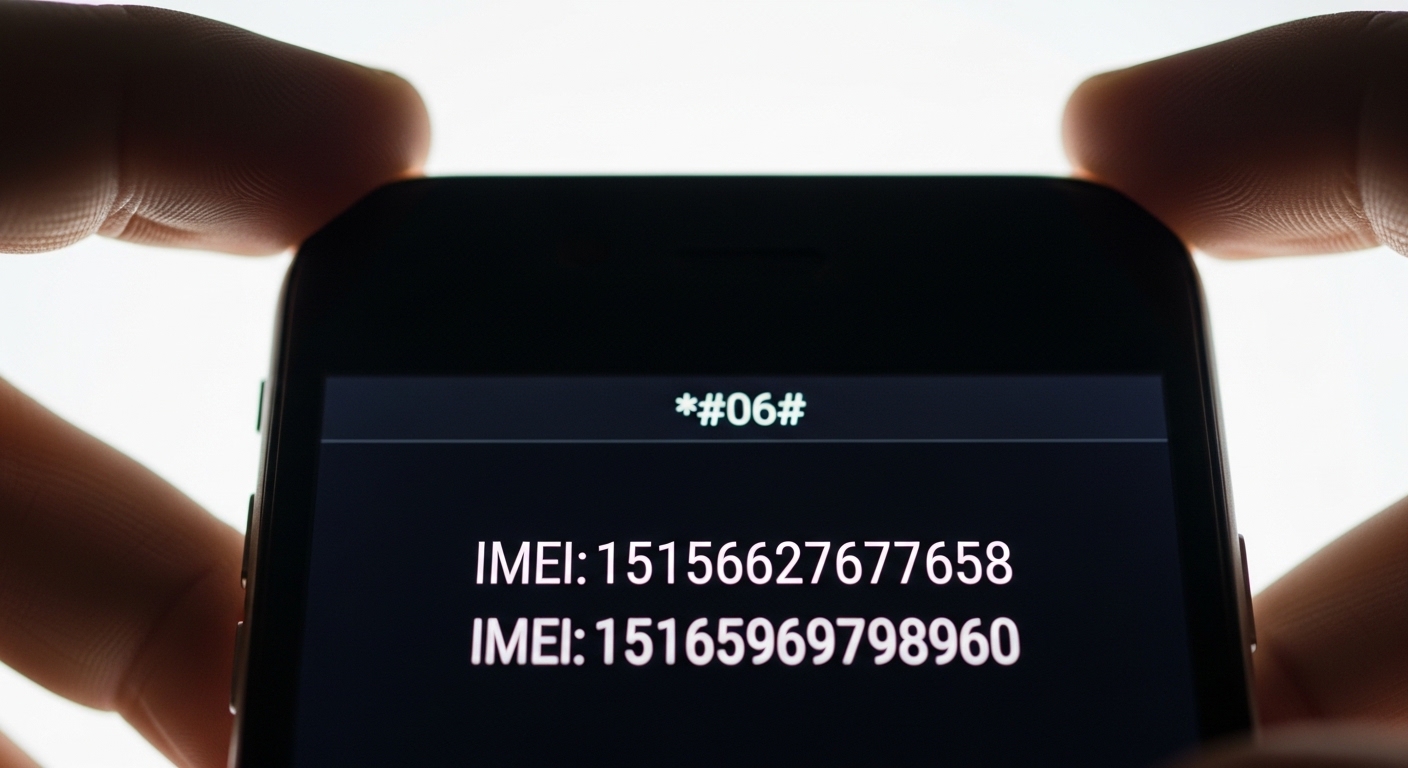
If you suspect your phone has been cloned, there are specific steps you can take to confirm or rule out the threat. These checks work on both Android and iPhone devices.
Check Your IMEI Number
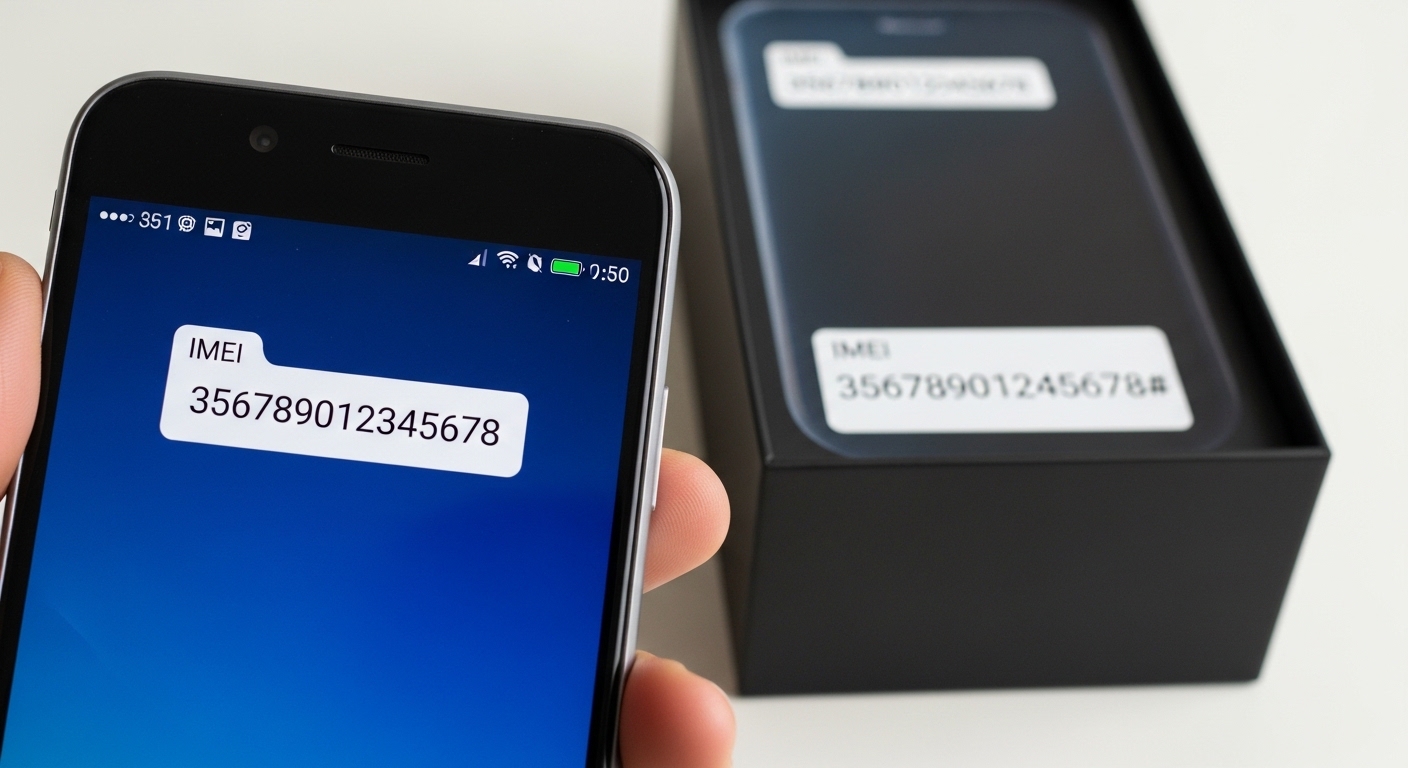
Dial *#06# on your phone to display your IMEI number. Compare it against the IMEI printed on your phone’s original box or listed in your carrier account.
If they don’t match, your IMEI may have been tampered with. Keep a record of your IMEI in a secure location outside your phone.
Review Your Carrier Account
Log into your carrier’s website or app and check for any recent SIM changes, device additions, or port-out requests you didn’t authorize.
Look at your call and text history for unfamiliar numbers. Many carriers also show the number of active SIM cards on your account.
Test Your Connectivity
If a cloned SIM is active, your phone may experience intermittent connectivity issues. Try making a call to a known number and ask if your caller ID shows correctly.
Send yourself a text from another phone and verify it arrives. These simple tests can reveal if another device is intercepting your communications.
If any of these checks reveal something suspicious, don’t wait. Contact your carrier’s fraud department immediately and change all your important passwords from a different device.
What Should You Do If Your Phone Has Been Cloned?
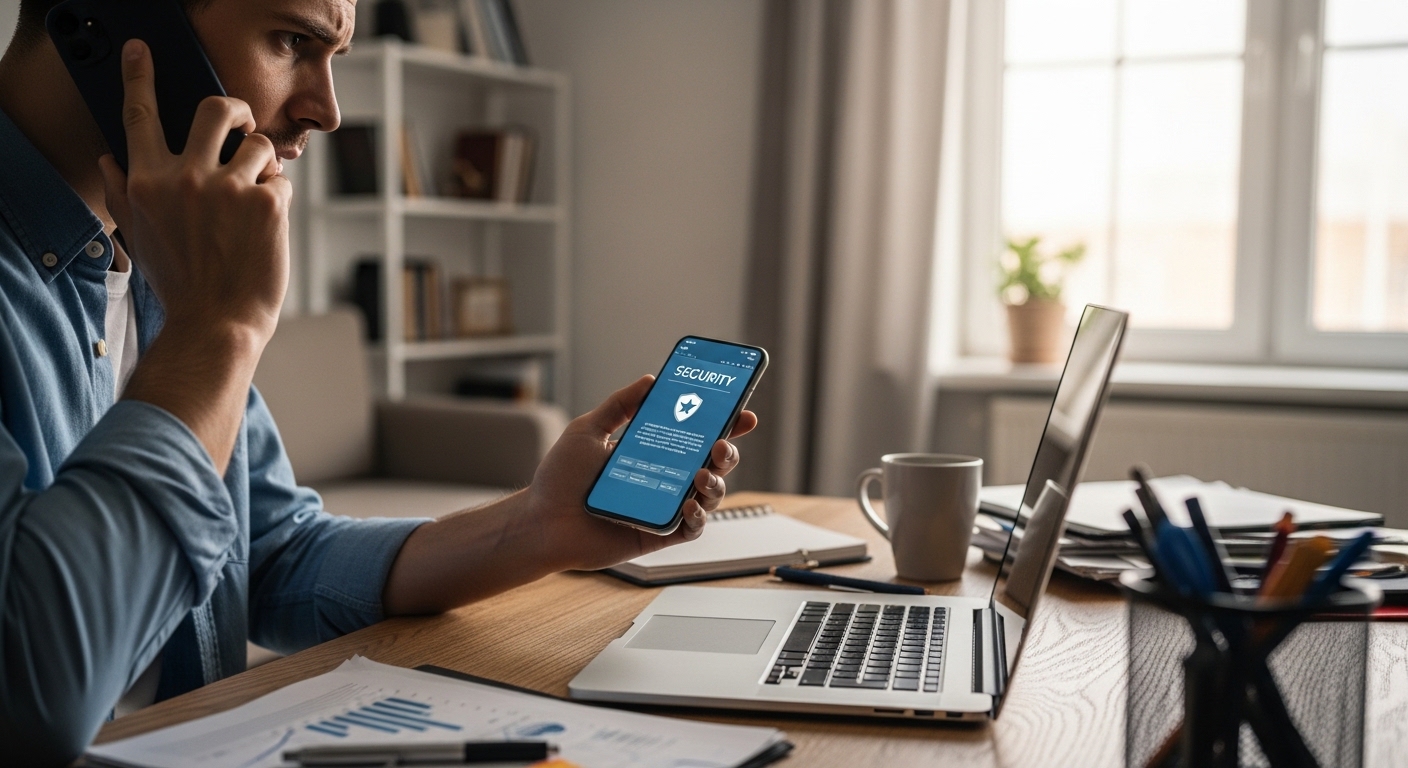
Discovering that your phone has been cloned requires fast action. Every minute the cloned device remains active, the attacker can intercept more data and access more accounts. Follow these steps in order.
After securing your carrier account and passwords, take these additional steps to fully contain the breach and prevent it from happening again.
The average SIM swap victim loses account access for 24–48 hours. During that window, attackers can drain bank accounts and steal cryptocurrency.
“The first 30 minutes after discovering a phone clone are critical. Contact your carrier before changing passwords — if the cloned SIM is still active, the attacker can intercept your password reset codes in real time.”
Dr. Sarah Chen, Mobile Security Researcher, Stanford Internet Observatory
Document everything — screenshots of unauthorized charges, call logs, carrier communications, and police report numbers. This documentation is essential for disputing fraudulent charges and may be needed if legal action becomes necessary.
How Can You Protect Your Phone from Being Cloned?
Prevention is significantly easier than recovery. The following measures create multiple layers of defense that make phone cloning far more difficult for attackers.
| Protection Method | What It Blocks | How to Set Up |
|---|---|---|
| SIM PIN Lock | Physical SIM cloning | Settings → Security → SIM Lock |
| Carrier Account PIN | Social engineering attacks | Call carrier or use their app |
| App-Based 2FA | SMS interception | Google Authenticator or Authy |
| Number Lock / Port Freeze | Unauthorized number porting | Request through carrier |
| Biometric Device Lock | Physical device access | Settings → Face ID / Fingerprint |
| Regular Bill Monitoring | Delayed detection | Set up carrier billing alerts |
Physical security matters too. Never leave your phone unattended in public spaces. Be cautious about lending your phone — even briefly.
Attackers who know how to bypass a phone password can install cloning tools in minutes.
Avoid connecting to public Wi-Fi networks without a VPN. Attackers on the same network can capture device identifiers used in cloning.
Check Have I Been Pwned to see if your credentials have been exposed in data breaches.
Call your carrier and request a number lock (port freeze). This single step prevents the most common form of phone cloning — SIM swap attacks.
Can Monitoring Software Help Detect Phone Cloning?
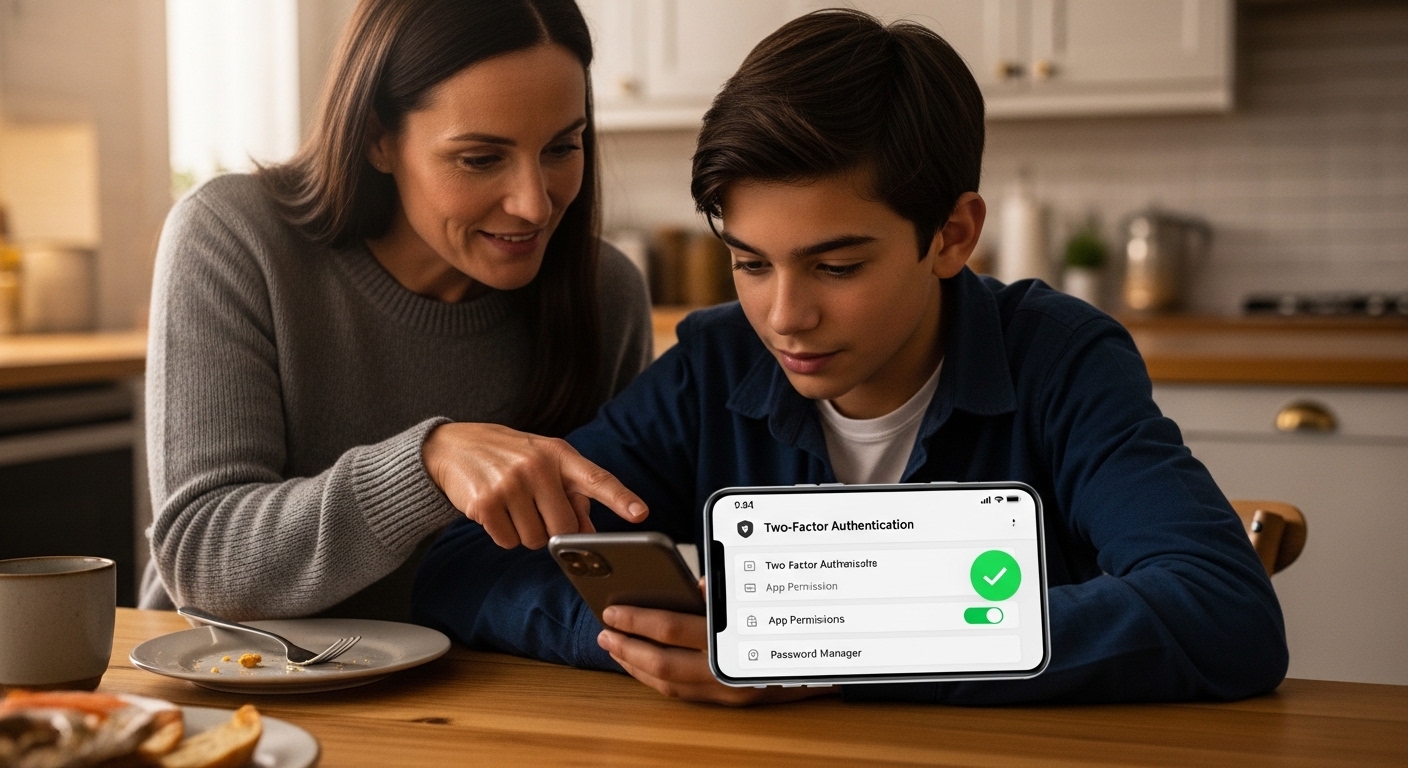
While prevention is the best strategy, monitoring tools add another layer of security — especially for parents who want to protect their children’s devices from cloning and other threats.
Monitoring software like Hoverwatch runs quietly in the background and tracks all activity on a device.
If a phone has been cloned, monitoring software can reveal the evidence — unusual calls, unauthorized app installations, or suspicious texts the user didn’t initiate.
If you suspect someone is spying on your phone, checking for unauthorized monitoring software is important. Attackers sometimes install spyware as part of a broader cloning operation.
Regular security scans can help you detect if your phone is being tracked or wiretapped.
Never install monitoring software on a device you don’t own without consent (except for minor children). Unauthorized monitoring is a federal crime.
Final Thoughts
Phone cloning is a serious threat, but it’s one you can defend against. Setting up a SIM PIN, enabling carrier account locks, and switching to app-based two-factor authentication will block the vast majority of attacks before they start.
If you suspect your phone has been cloned, act fast — contact your carrier, secure your accounts, and document everything. The faster you respond, the less damage an attacker can do.
Frequently Asked Questions
Yes, these are two of the strongest indicators of phone cloning. When an attacker activates a cloned SIM card, your original SIM gets deactivated, causing a sudden loss of service. The unauthorized charges appear because the cloned device is making calls using your phone number and account. Contact your carrier's fraud department immediately from a different phone to report the issue and request a new SIM card.
Start by calling your carrier to deactivate the cloned SIM and issue a replacement. Then change all your passwords — beginning with your primary email — from a trusted device, not the compromised phone. Switch every account from SMS-based two-factor authentication to an authenticator app. File a report with local police and the FCC. Place a fraud alert on your credit reports to prevent identity theft.
They don't necessarily need physical access. SIM swap attacks work by tricking your carrier into transferring your number to a new SIM card — all the attacker needs is your phone number and enough personal information to pass the carrier's security questions. Cloud-based cloning requires only your account credentials, which can be stolen through phishing. Physical SIM cloning does require brief access to your actual SIM card.
A SIM PIN protects against physical SIM cloning but not against social engineering attacks on your carrier. Add a carrier account PIN, request a number lock or port freeze, and enable login alerts on your carrier account. Switch all important accounts to app-based two-factor authentication. Use a VPN on public Wi-Fi, keep your operating system updated, and monitor your phone bill monthly for suspicious activity.
Check the IMEI by dialing *#06# and comparing it to the original. Review the carrier account for unauthorized SIM changes. Look for unexpected apps or unusual data usage. Install a parental monitoring tool like Hoverwatch to track activity and detect anomalies early. Set up a SIM PIN on their device, add carrier account protections, and teach them never to share their phone with strangers or click suspicious links.



